

Design & Creative
AI Image Combiner
Merge two or more photos into one with AI — blend images naturally in seconds
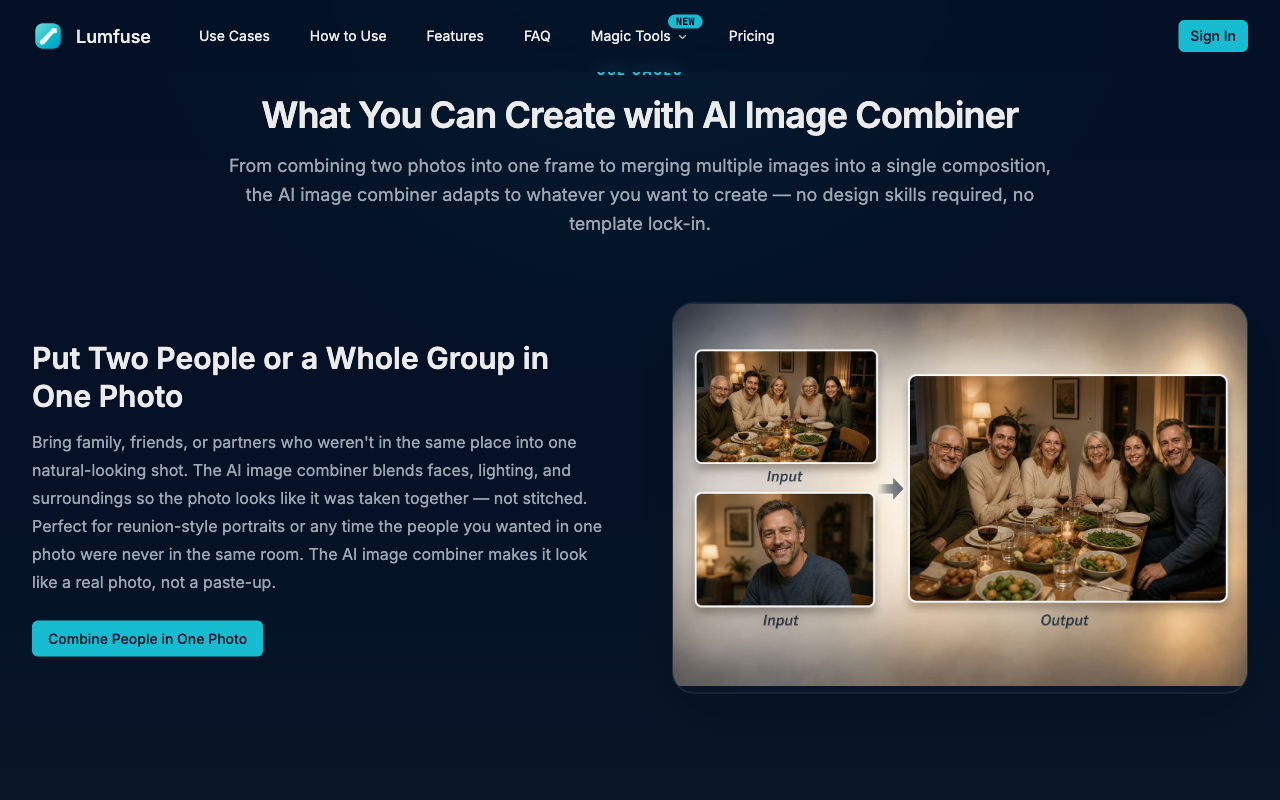
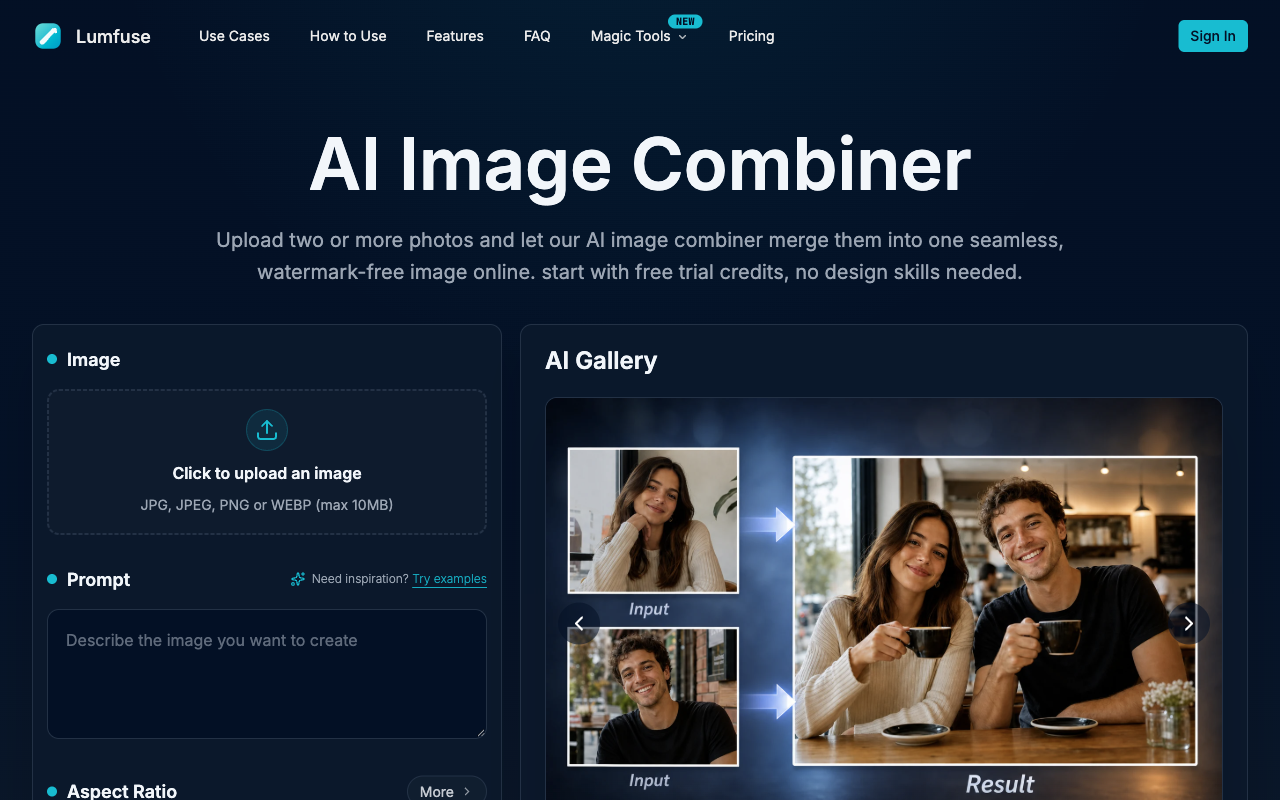
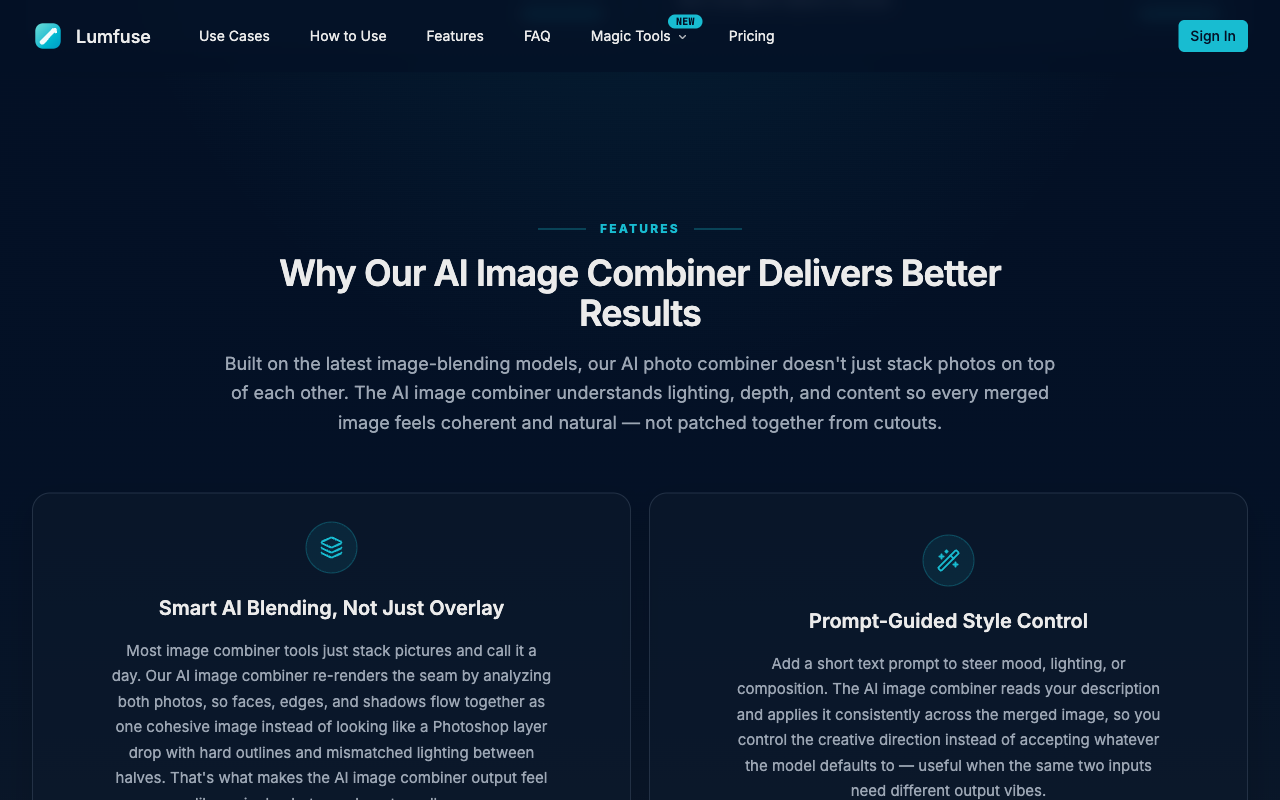
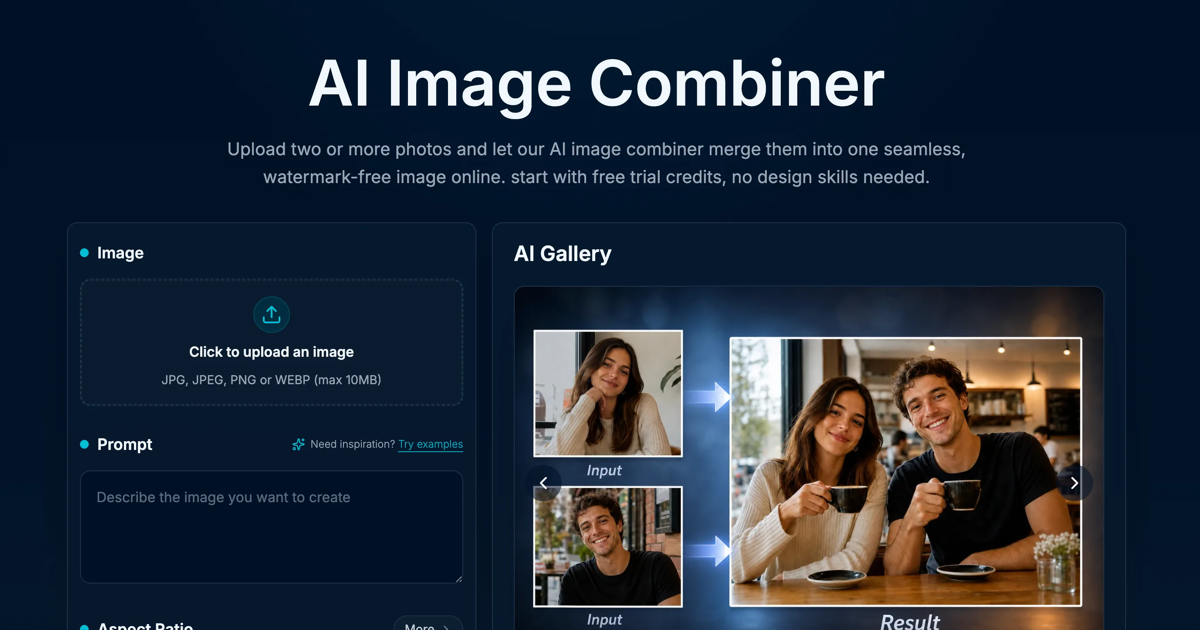
See AI Image Combiner in action
Reviews
No reviews yet. Be the first to share a useful, honest impression.
Sign in to review this app.
About
AI Image Combiner is a free online tool that merges two or more photos into a single, natural-looking image using AI. Instead of cutting and pasting subjects together, it blends faces, lighting, shadows and backgrounds so the result looks like one photograph that was actually taken in one place.
Read full description
AI Image Combiner is a free online tool that merges two or more photos into a single, natural-looking image using AI. Instead of cutting and pasting subjects together, it blends faces, lighting, shadows and backgrounds so the result looks like one photograph that was actually taken in one place. Upload your images, describe the scene you want in a short prompt, choose an aspect ratio and generate. The AI image combiner handles the rest, matching colour temperature, perspective and depth of field between the source photos. There is no software to install and no design skill required, because everything runs in the browser. Common ways people use it: - Put two people, or a whole group, into one photo when they were never in the same room - Combine a product shot with a lifestyle background for e-commerce listings - Merge a pet, a person and a location into one shareable image - Create before-and-after and seasonal variations of the same portrait Key features: - Merge two or more images into one seamless composition - Prompt-guided control over style, scene and mood - Multiple aspect ratios for social, print and web - Watermark-free output, with no file-format conversion needed - High-resolution support for JPG, JPEG, PNG and WEBP up to 10MB - Free trial credits on signup, no credit card required The tool is built for anyone who needs a realistic composite quickly: social media creators, small online sellers, event organisers and anyone assembling a group photo from separate shots. Results are ready to download in seconds and can be regenerated with a different prompt until the composition looks right.
- Category
- Design & Creative, Marketing & Sales, Social & Community
- Available on
- web
- Launched
- October 2, 2026