

CADEditor
Open, edit and share 2D CAD drawings in your browser
Design & CreativeWeb
Visit website cadeditor.io
About
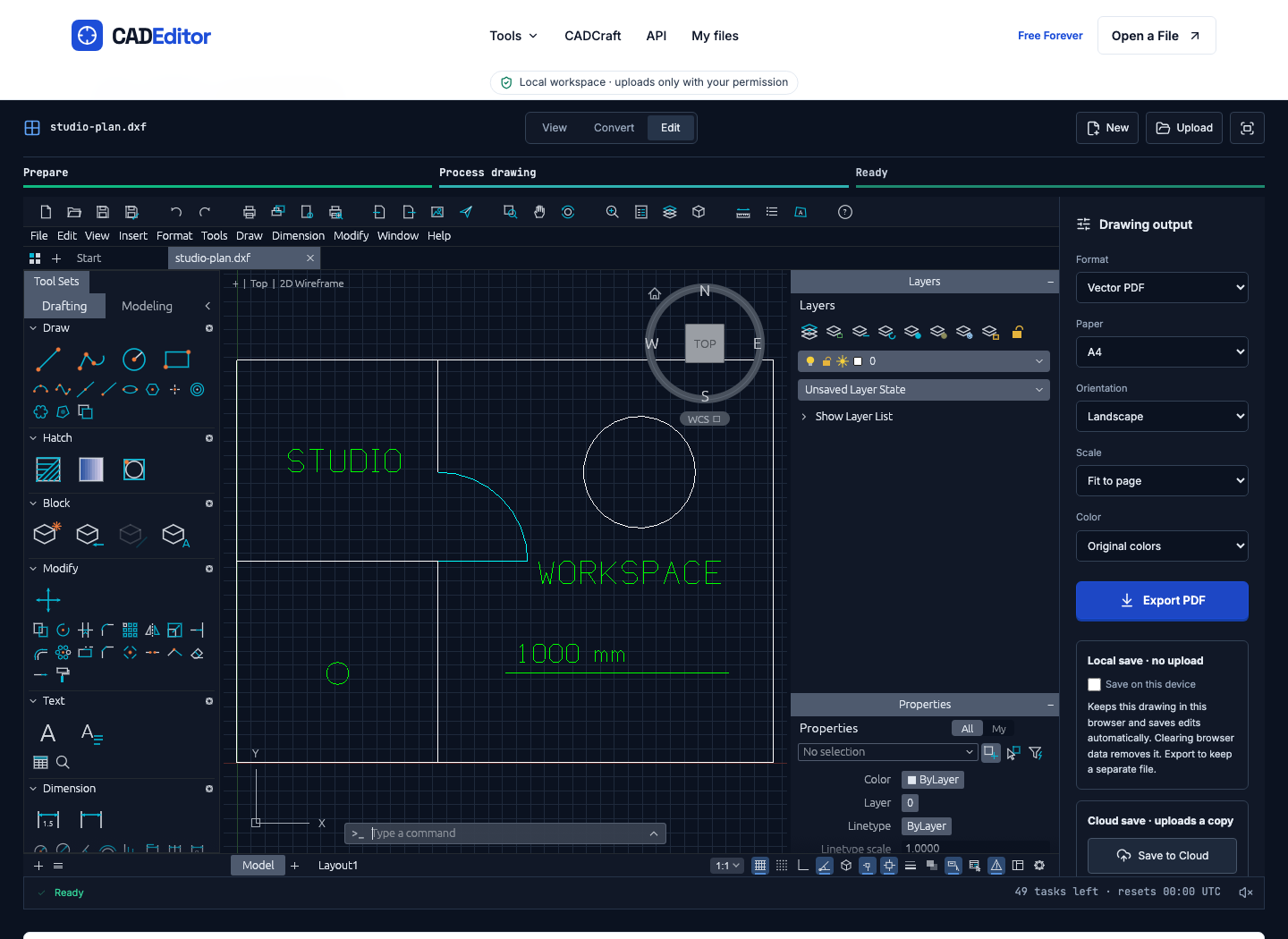
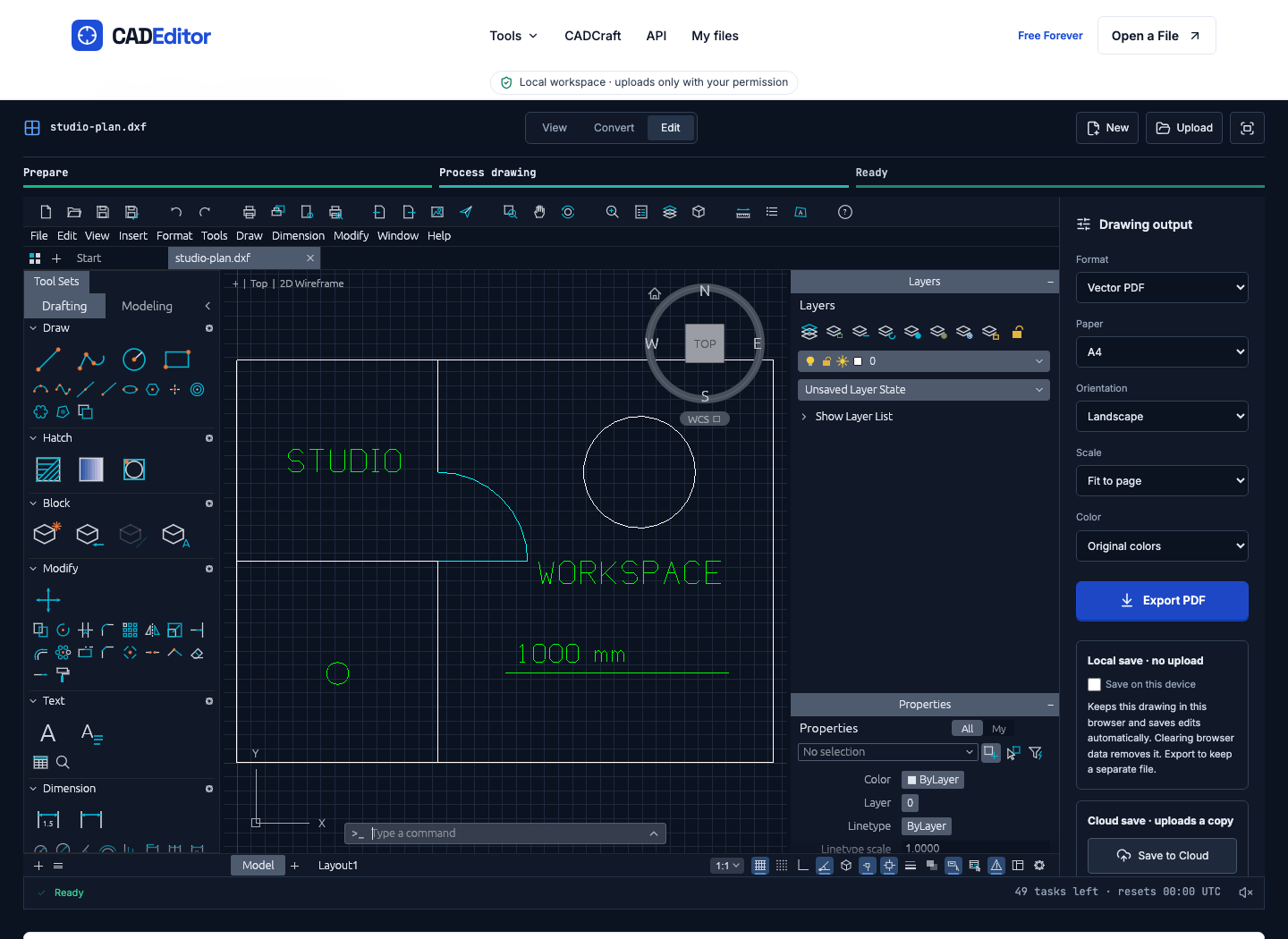
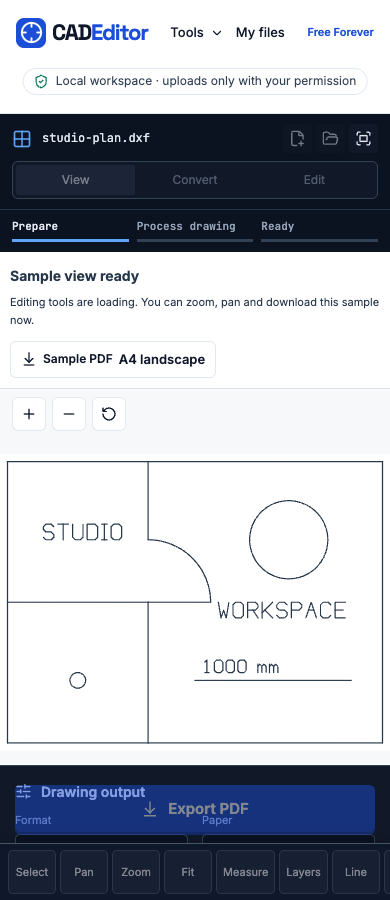
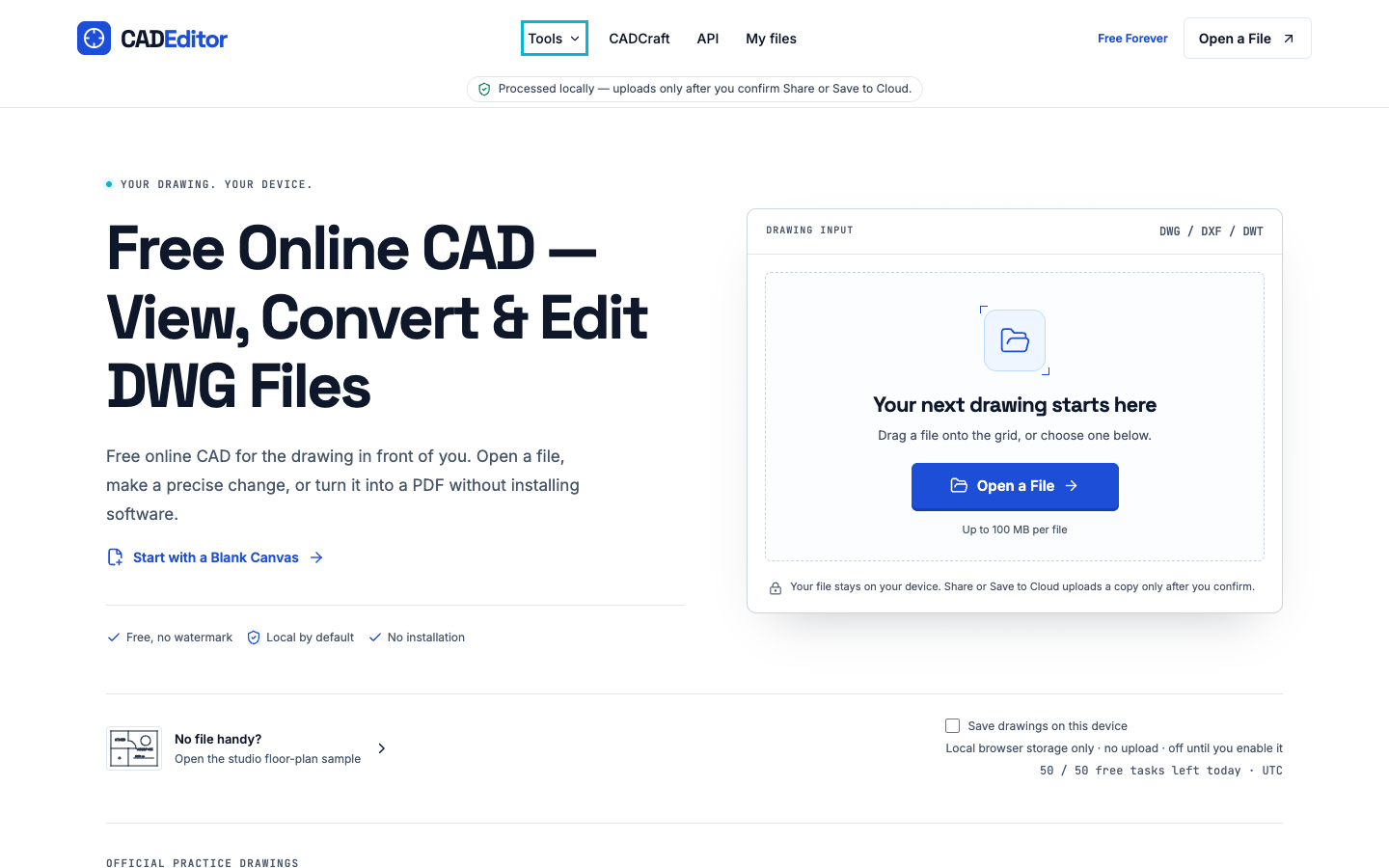
CADEditor is a free browser-based 2D CAD workspace for the drawing tasks you need to finish without a desktop installation.
Read full description
CADEditor is a free browser-based 2D CAD workspace for the drawing tasks you need to finish without a desktop installation. Open DWG, DXF or DWT files, inspect layers and measurements, and make focused geometry, text or dimension edits with snapping and undo. Export editable DWG or DXF, SVG, or a watermark-free vector PDF for a review handoff. Local work needs no account. Saving in the browser is optional, and cloud saving, share links and API processing are separate upload choices. The service supports files up to 100 MB and publishes its daily task limits. A free account adds cloud storage and API access under their published quotas. It is designed for practical 2D review, revision and file conversion: check a drawing, make a small change, then send the right format onward. Submitted by Ethan Lee, the product contact for CADEditor.
- Category
- Design & Creative, Engineering & Development, Productivity
- Available on
- web
- Launched
- October 27, 2026
#CreativeTools
Is this your app? Claim itReviews
No reviews yet. Be the first to share a useful, honest impression.
Sign in to review this app.
Sign in to follow app
Opt in to release updates in your Rocket inbox. Unfollow here or in Notifications to stop future updates.