Sponsored apps

    Get the newsletter

    Subscribe for free. Weekly updates on launches, no filler.

    Unsubscribe anytime.

    Resources
    • Start here
    • Docs
    • FAQ
    • About
    • Rocket 100
    • Pricing
    • Blog
    • Brand Kit
    • AI Info
    Free tools
    • Tagline Generator
    • Value Prop Generator
    • Brand Name Generator
    • Positioning Statement Generator
    • Elevator Pitch Generator
    • Product Hunt Tagline
    • Twitter / X Bio Generator
    • LinkedIn Headline Generator
    • Mission Statement Generator
    • Slogan Generator
    • All tools →
    Compare
    • Rocket vs App Store
    • Rocket vs Google Play
    • Rocket vs Product Hunt
    • Rocket vs Whop
    • Rocket vs Gumroad
    • Rocket vs G2
    • All compared →
    Support
    • Contact
    • Privacy Policy
    • Terms of Service
    Connect
    Copyright © 2026 Works App, Inc. Built with 🫶🏻 by Alex.
    Rocket

    Discover

    DiscoverRisingNewRankingsCategoriesCollections

    Apps

    Submit my app

    Monetize

    Advertise

    Grow

    Launch

    Community

    Discord
    Rocket
    🔎↵
    DiscoverCollectionsSubmitMy AppsAccount
    ←Back to Discover

    Docs to MD

    Convert Word, PDF and Excel to Markdown in your browser

    Engineering & DevelopmentWeb
    Visit website →docstomd.com

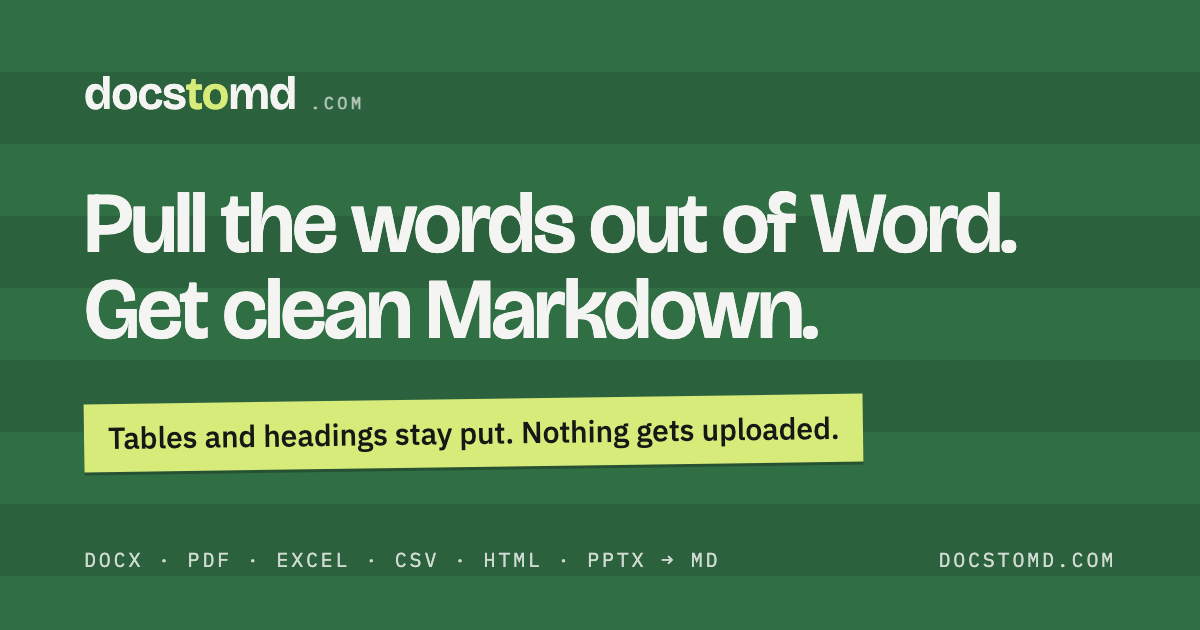
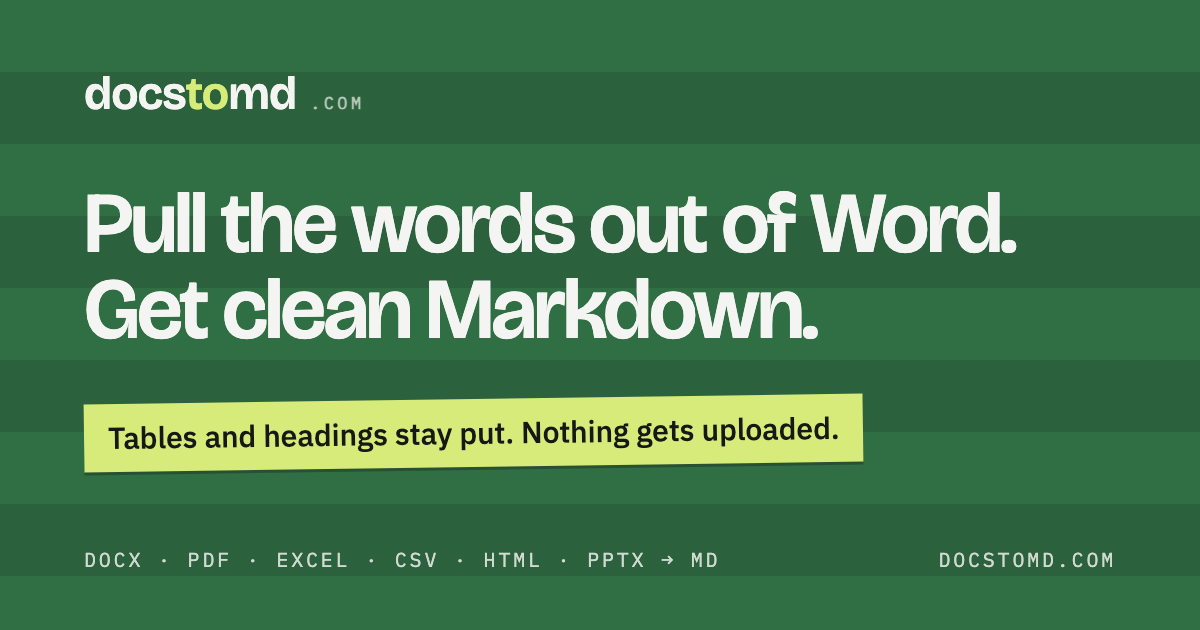
    See Docs to MD in action

    Docs to MD product image 1→Docs to MD product image 2→

    About

    Docs to MD turns documents into clean Markdown. Drop in a .docx or an old .doc and you get the headings, tables, lists, links and code blocks back as Markdown in well under a second. Separate pages handle PDF (text-layer only), Excel, CSV, HTML, PowerPoint and Google Docs, and there's a Markdown preview. You can convert dozens of files at once and grab them…

    Read full description

    Docs to MD turns documents into clean Markdown. Drop in a .docx or an old .doc and you get the headings, tables, lists, links and code blocks back as Markdown in well under a second. Separate pages handle PDF (text-layer only), Excel, CSV, HTML, PowerPoint and Google Docs, and there's a Markdown preview. You can convert dozens of files at once and grab them as one zip. It's free with no signup, and it all runs in your browser, so your files never get uploaded.

    Category
    Engineering & Development, Productivity
    Available on
    web
    Launched
    October 20, 2026
    Is this your app? Claim it

    Reviews

    No reviews yet. Be the first to share a useful, honest impression.

    Sign in to review this app.

    Sign in to follow app

    Opt in to release updates in your Rocket inbox. Unfollow here or in Notifications to stop future updates.

    Sign in to report this app