

JPG to SVG
Crop, resize and turn images into SVG paths in your browser
See JPG to SVG in action
About
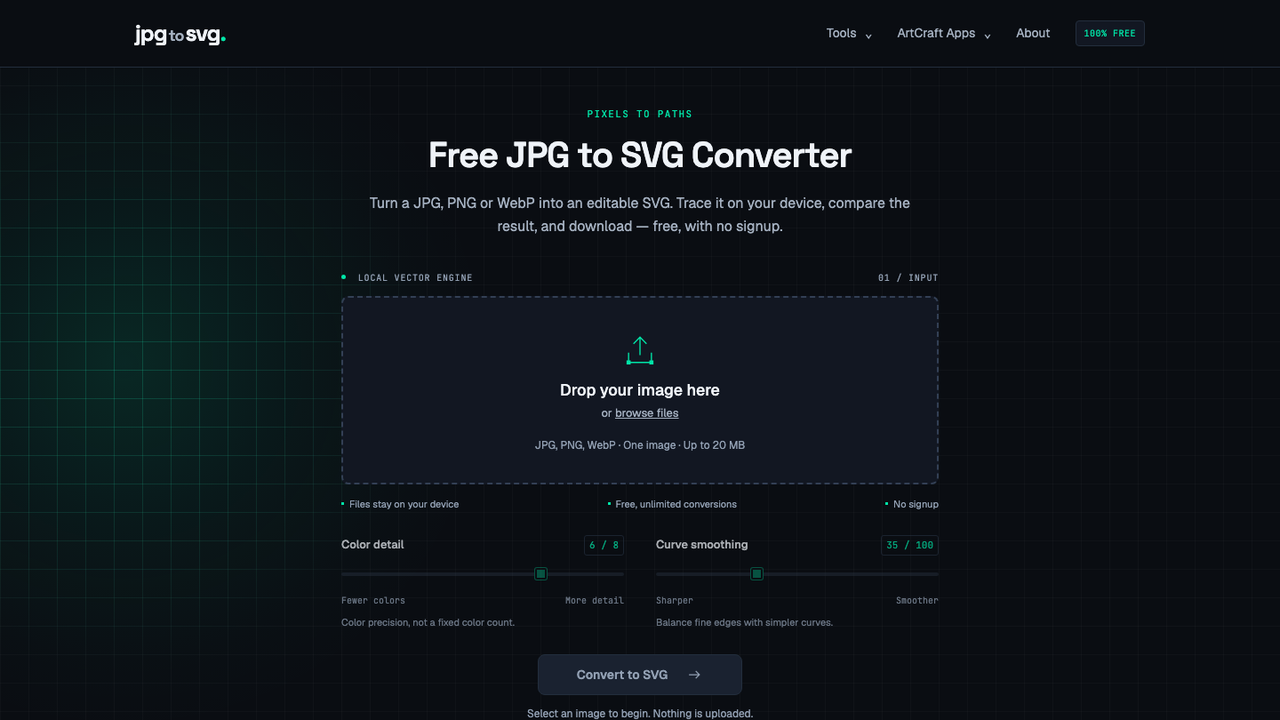
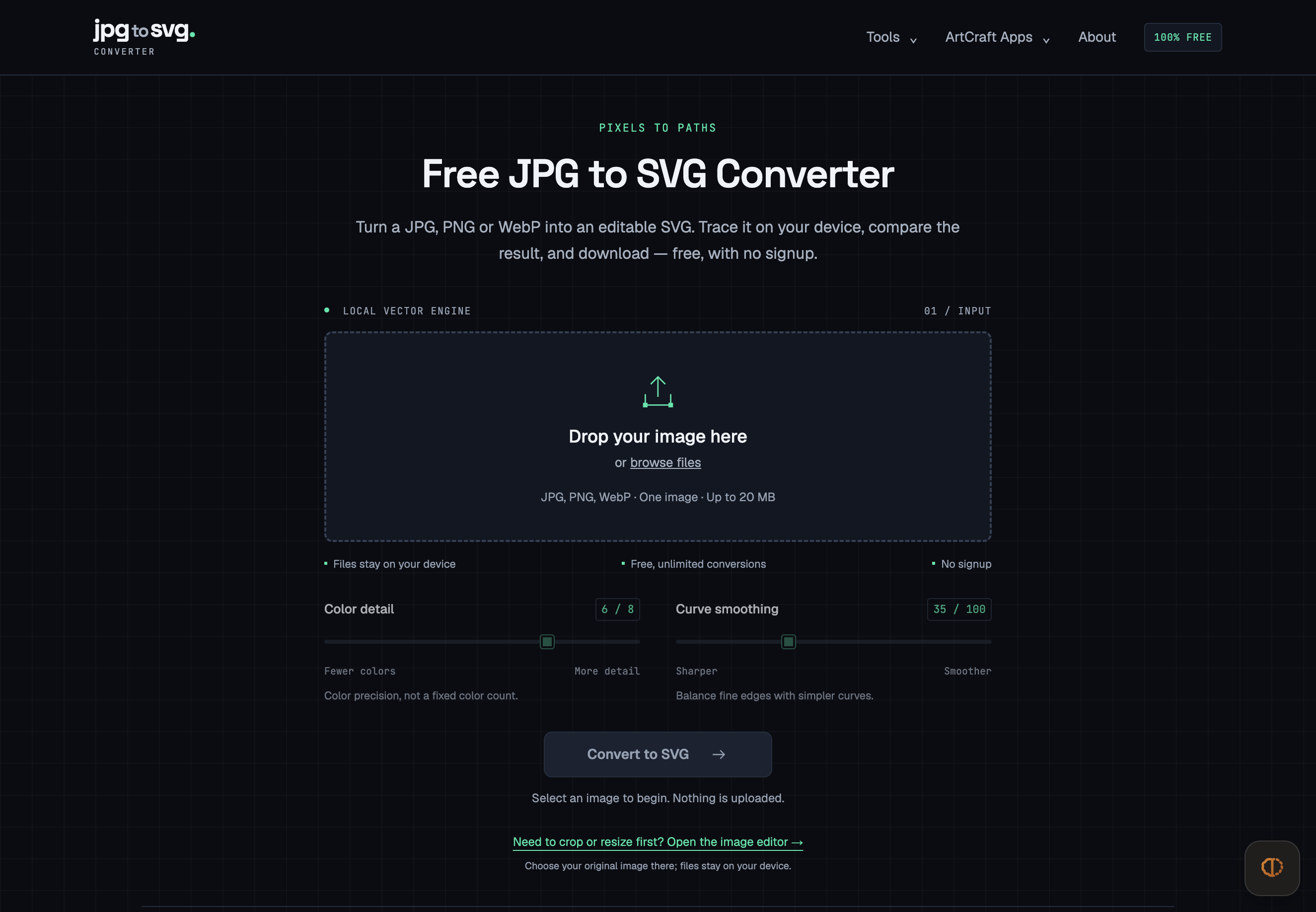
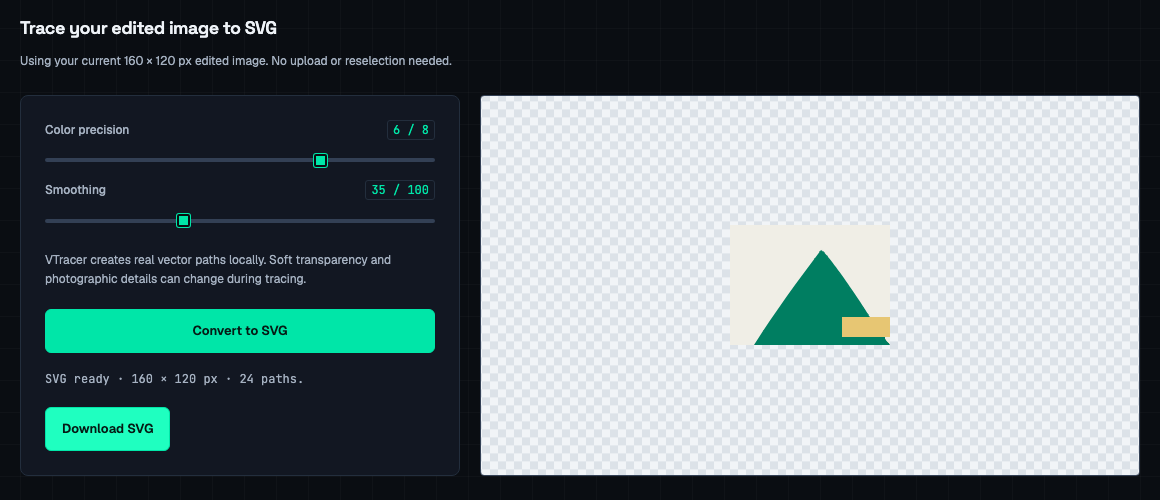
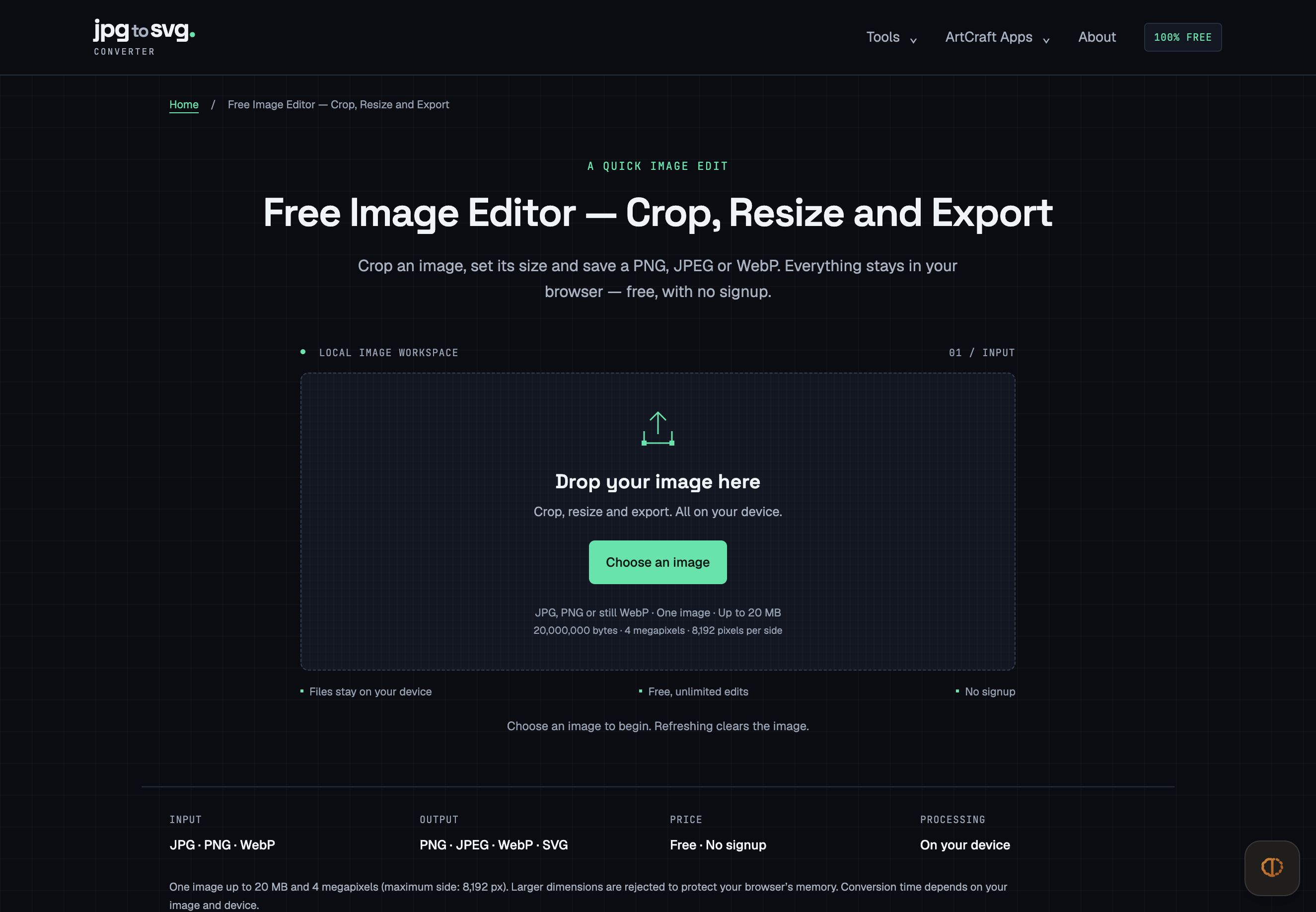
JPG to SVG brings everyday image preparation and vector tracing into one browser workspace. Start with a JPG, PNG or still WebP, crop to the area you need, and resize it to exact dimensions. Export PNG, JPEG or WebP, or continue directly to SVG tracing without selecting the image again.
Read full description
JPG to SVG brings everyday image preparation and vector tracing into one browser workspace. Start with a JPG, PNG or still WebP, crop to the area you need, and resize it to exact dimensions. Export PNG, JPEG or WebP, or continue directly to SVG tracing without selecting the image again. The SVG output contains vector paths. Color-detail and smoothing controls let you tune the result, while the original-image comparison and 100%, 200% and 400% zoom make it easier to inspect edges before downloading. It is a practical workflow for preparing simple graphics, logos and illustrations for websites and design projects. Image editing and tracing run locally in your browser. The tool is free, requires no account, adds no watermark and has no conversion-count limit. Open the image editor at https://jpgtosvg.io/image-editor/ or start with the converter on the homepage.
- Category
- Design & Creative, Productivity
- Available on
- web
- Launched
- October 19, 2026
Reviews
No reviews yet. Be the first to share a useful, honest impression.
Sign in to review this app.
Opt in to release updates in your Rocket inbox. Unfollow here or in Notifications to stop future updates.