

MailsDaddy MBOX to PST Converter
Convert MBOX file to Outlook PST format
See MailsDaddy MBOX to PST Converter in action
About
MailsDaddy MBOX to PST Converter is a third-party email migration software designed to convert MBOX mailbox files into PST format, which is compatible with Microsoft Outlook. It is useful for individuals, businesses, and IT professionals who want to migrate email data from applications such as Mozilla Thunderbird, Apple Mail, and Google Takeout backups to…
Read full description
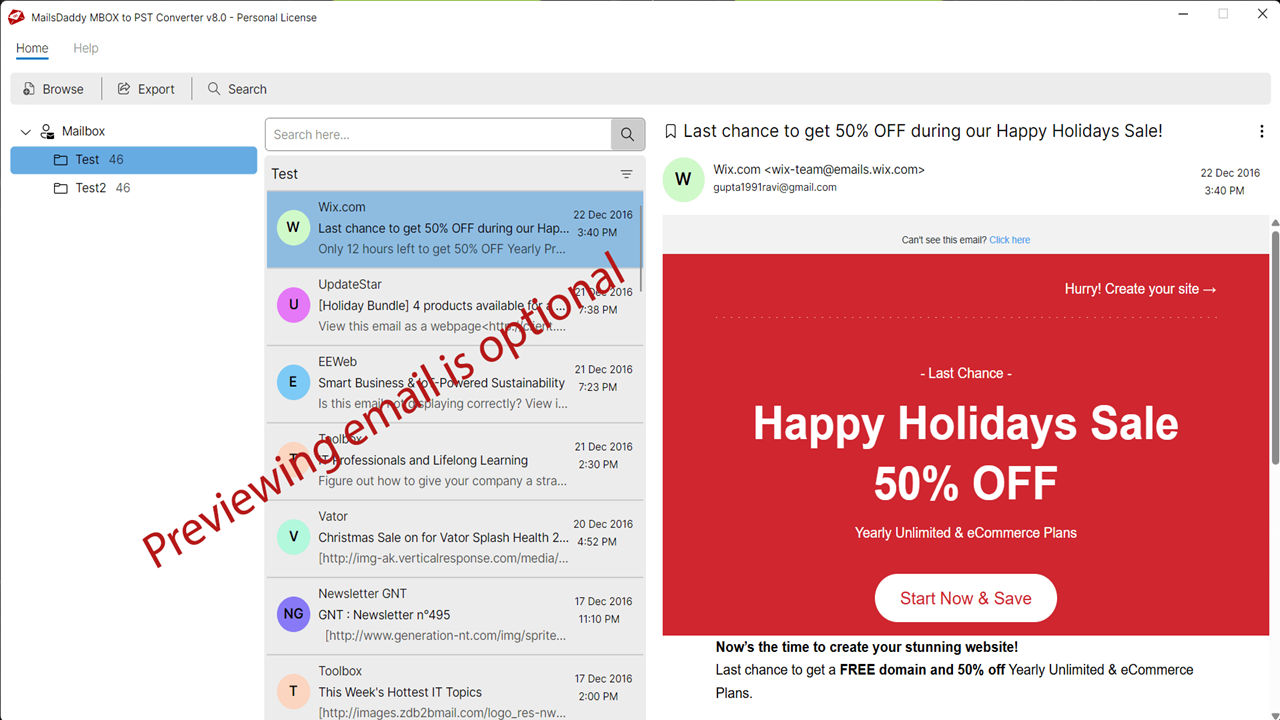
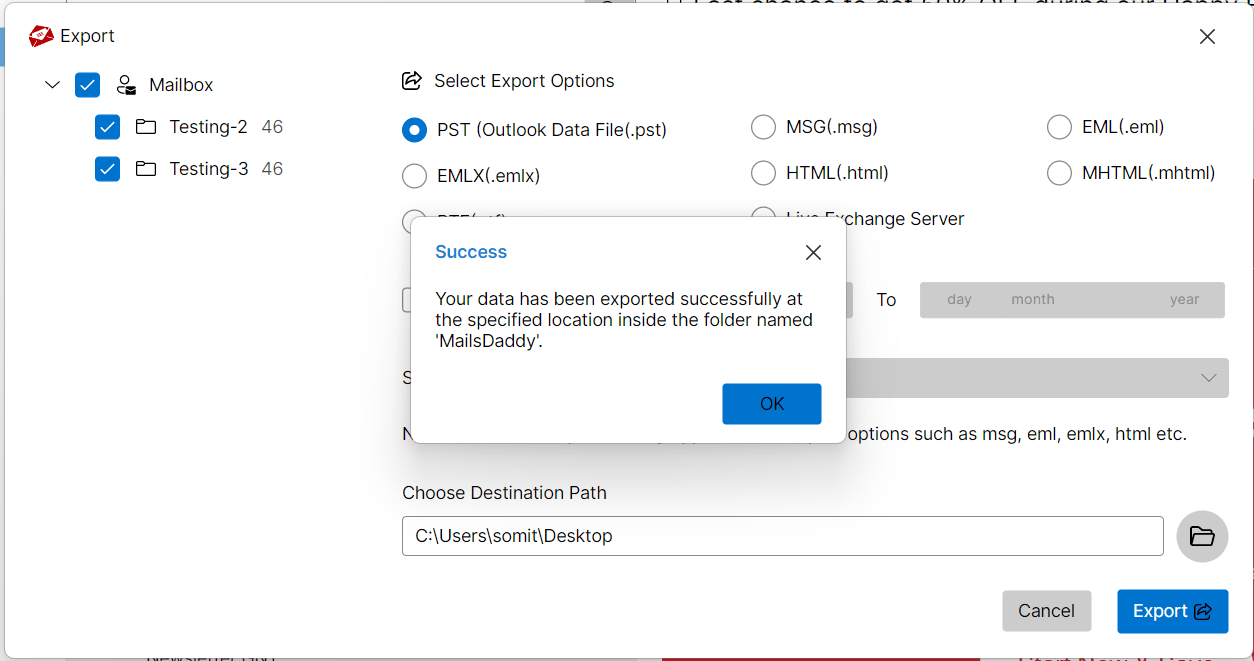
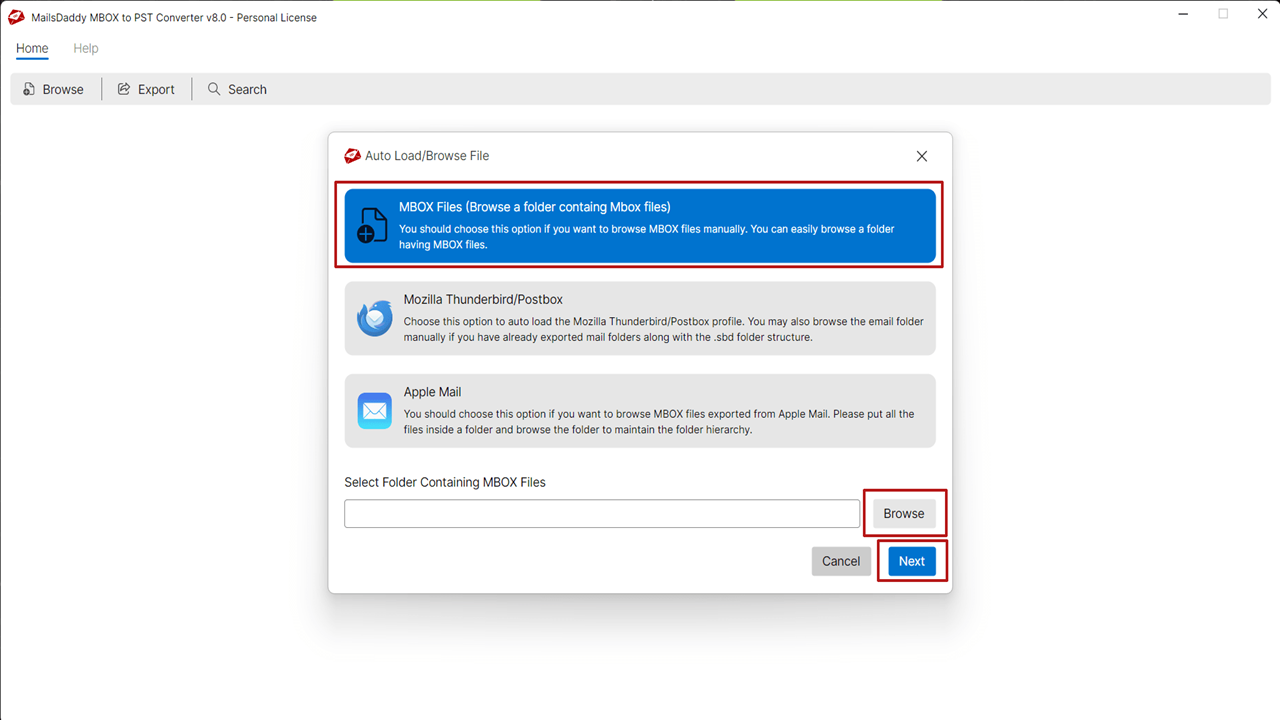
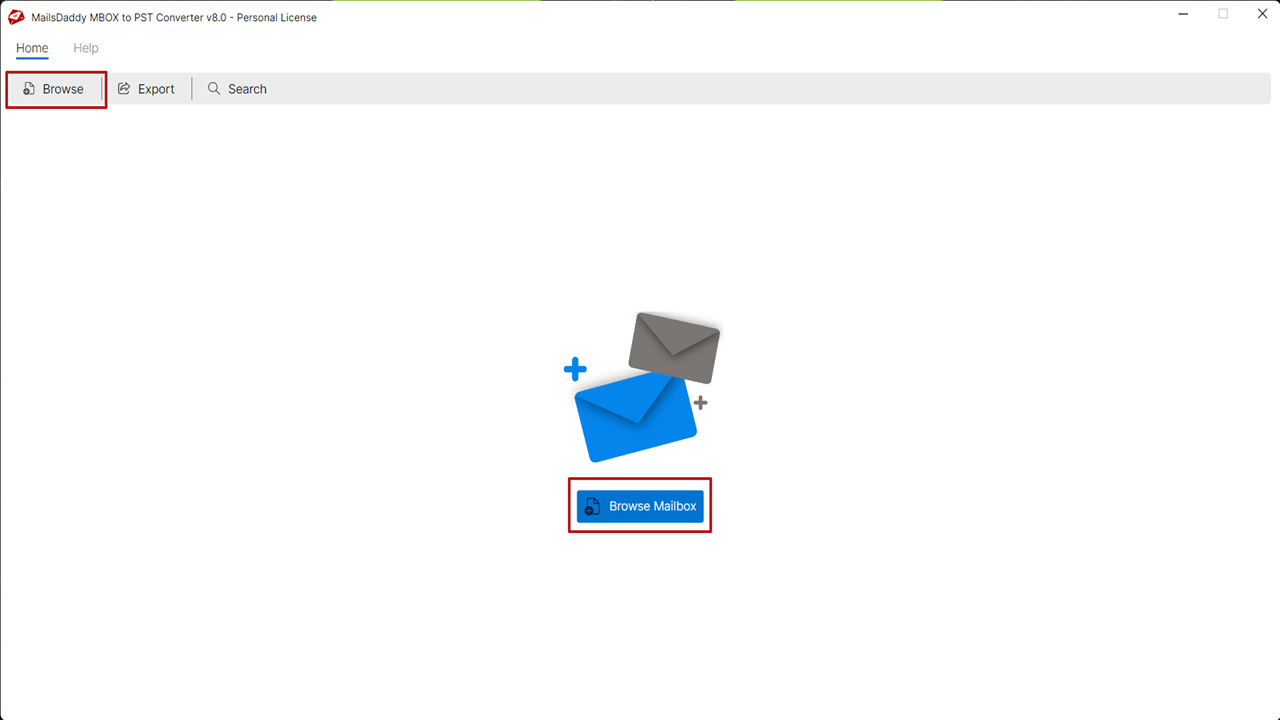
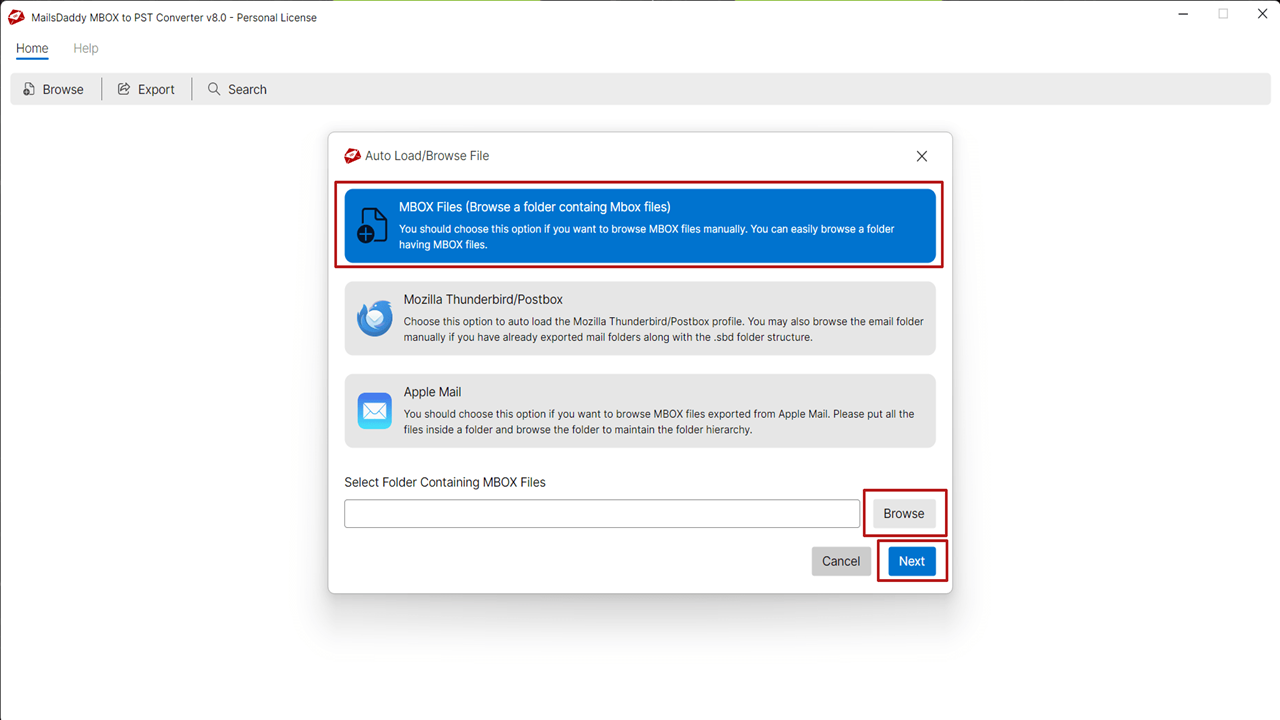
MailsDaddy MBOX to PST Converter is a third-party email migration software designed to convert MBOX mailbox files into PST format, which is compatible with Microsoft Outlook. It is useful for individuals, businesses, and IT professionals who want to migrate email data from applications such as Mozilla Thunderbird, Apple Mail, and Google Takeout backups to Outlook. Key Features Bulk Conversion: Converts multiple MBOX files simultaneously, saving time when migrating large email archives. Preserves Email Data: Aims to retain email formatting, attachments, inline images, message properties, and folder hierarchy during conversion. Email Preview: Allows users to preview messages and attachments before exporting them. Selective Conversion: Provides filtering and search options to locate specific emails based on criteria such as sender, recipient, subject, or date. Multiple Export Formats: Besides PST, the software supports formats such as EML, MSG, HTML, MHTML, RTF, and PDF, according to the vendor. Outlook Compatibility: Supports migration to PST files for use with various Outlook versions. The vendor also describes options for migrating data to Microsoft 365 and Exchange environments. How Does It Work? The conversion process is relatively straightforward: 1. Download and install the software on a compatible Windows computer. 2. Launch the application and browse for the required MBOX files. 3. Preview emails and select the mailboxes or messages you want to migrate. 4. Choose PST as the output format and select a destination folder. 5. Start the conversion and verify the resulting PST file in Outlook. The tool offers a graphical interface, batch processing, and selective email export, making it convenient for nontechnical users. The free demo has export limitations, and a paid license is required for complete conversion.
- Category
- Productivity
- Available on
- web
- Launched
- October 18, 2026
Reviews
No reviews yet. Be the first to share a useful, honest impression.
Sign in to review this app.
Opt in to release updates in your Rocket inbox. Unfollow here or in Notifications to stop future updates.