

MailsDaddy PST to Office 365 Migration Tool
Migrate PST file to Office 365 Primary, Archive, Shared and Group mailbox
See MailsDaddy PST to Office 365 Migration Tool in action
About
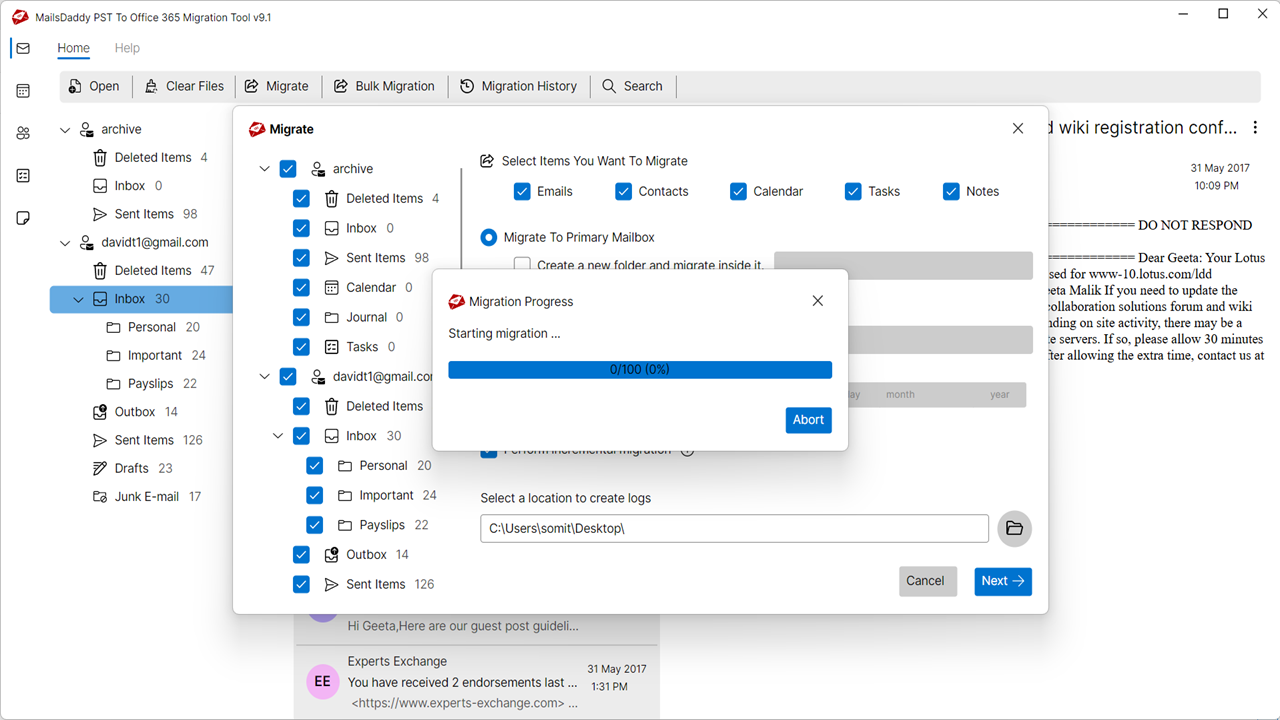
MailsDaddy PST to Office 365 Migration Tool is a smart solution designed to transfer Outlook PST files directly into Microsoft 365 (formerly Office 365) mailboxes. It is intended for individuals, IT administrators, and organizations that want to move archived Outlook data to the cloud without manually importing each email.
Read full description
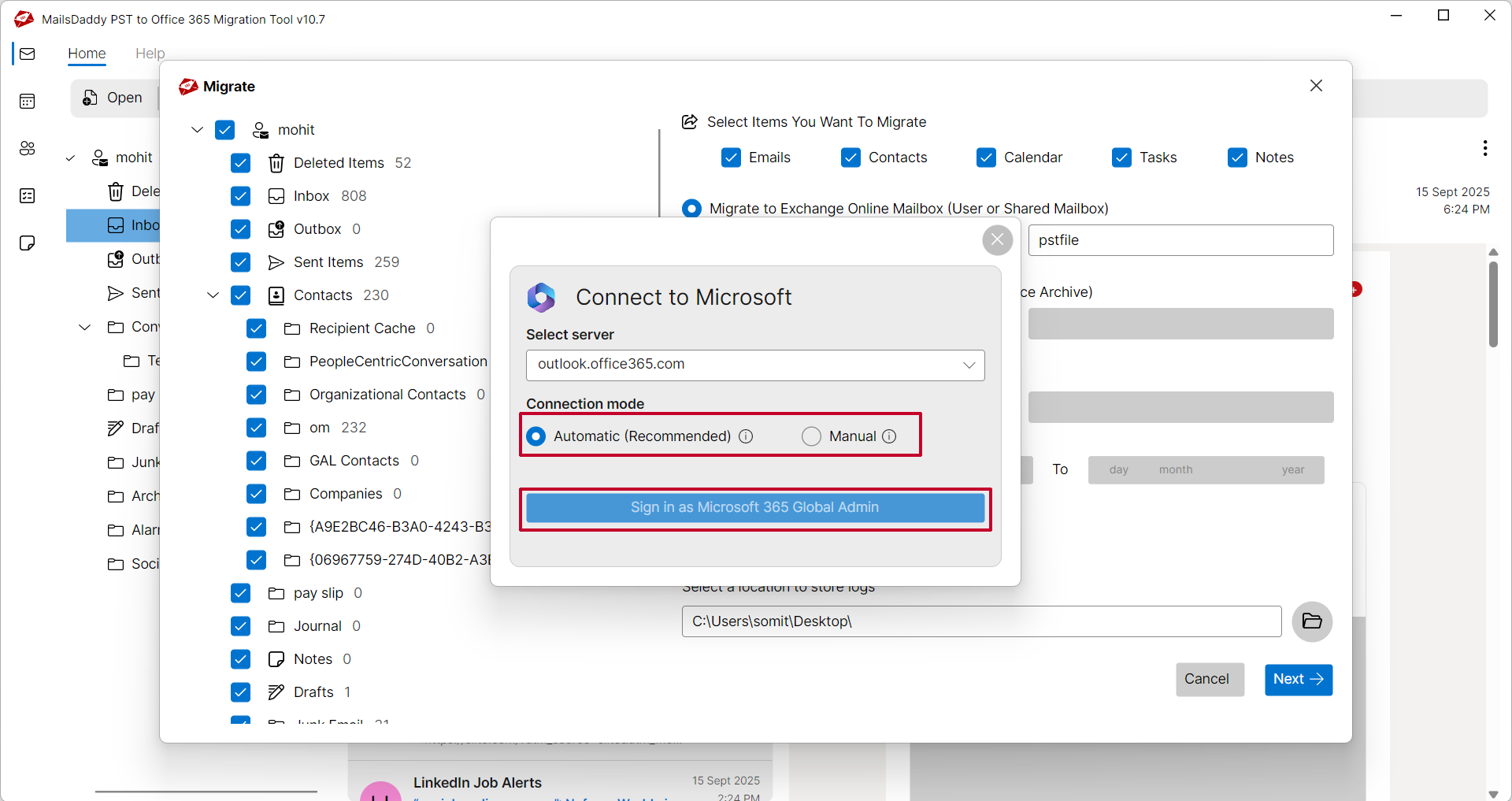
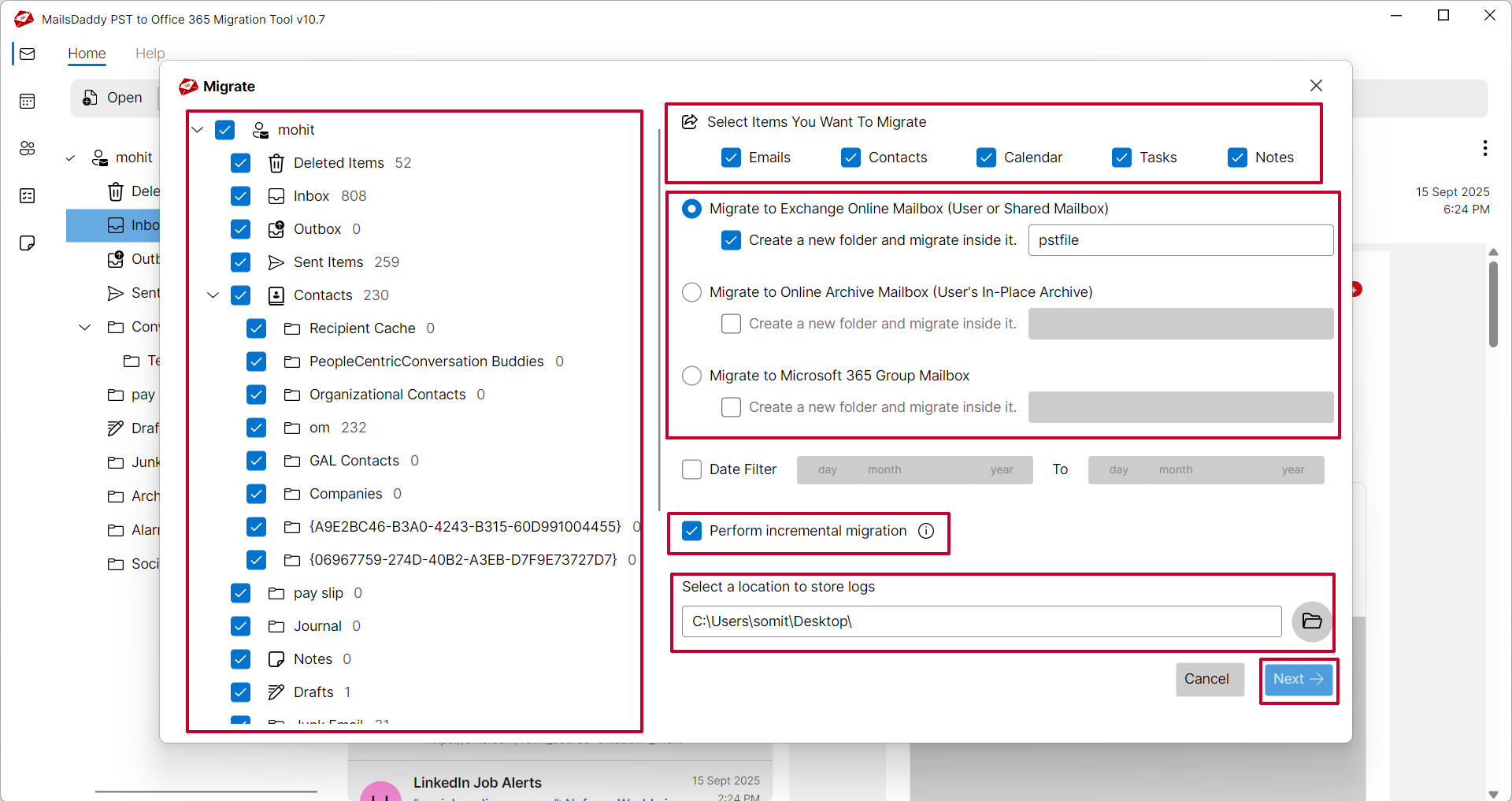
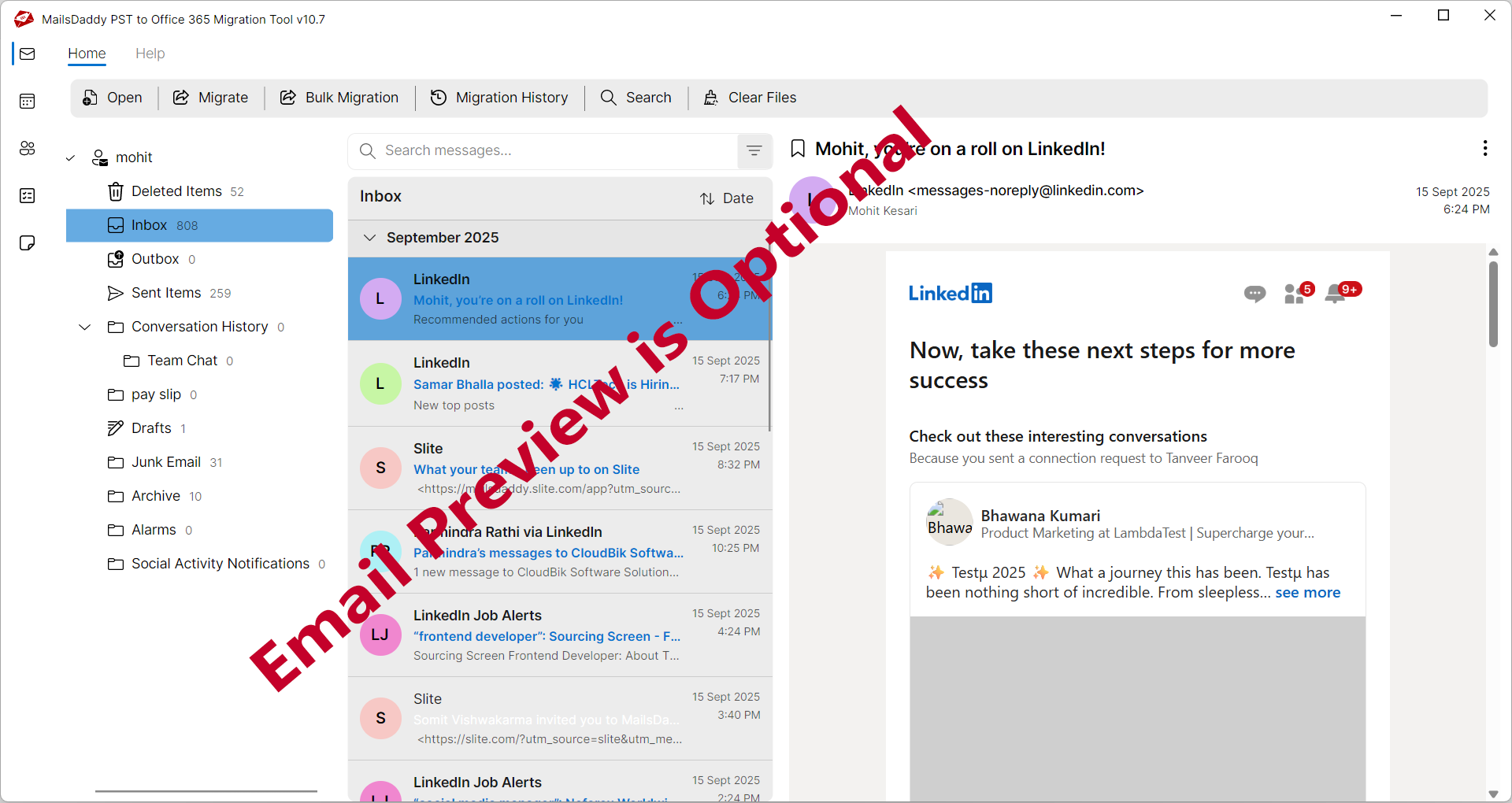
MailsDaddy PST to Office 365 Migration Tool is a smart solution designed to transfer Outlook PST files directly into Microsoft 365 (formerly Office 365) mailboxes. It is intended for individuals, IT administrators, and organizations that want to move archived Outlook data to the cloud without manually importing each email. Key Features Direct Migration: Transfers PST data to Microsoft 365 mailboxes without requiring an intermediate conversion to another file format. Bulk Migration: Supports migrating multiple PST files to different Microsoft 365 accounts using a CSV file. Selective Migration: Lets users preview mailbox contents and choose specific folders or email items for migration. Multiple Mailbox Types: Supports primary mailboxes, in-place archive mailboxes, and certain group or shared mailbox migration scenarios. Incremental Migration: Provides an option to migrate newly added data during subsequent migration runs. Data Preservation: Aims to retain email content, attachments, folder structure, contacts, calendars, and other supported mailbox items. Filtering Options: Helps users locate and migrate selected emails rather than transferring the entire PST file. How Does It Work? The migration process generally involves these steps: 1. Download and install the software on a compatible Windows computer. 2. Add one or more Outlook PST files. 3. Preview the mailbox contents and select the required folders. 4. Choose the destination mailbox type in Microsoft 365. 5. Authenticate the Microsoft 365 account using the supported verification method. 6. Start the migration and review the completion report or migration logs. The tool offers a graphical interface, selective migration, and bulk processing, making it useful for small and large email migration projects. However, successful migration depends on appropriate Microsoft 365 permissions, authentication configuration, and available mailbox capacity. The free trial is limited; the Microsoft Marketplace listing states that it migrates the first 20 items from each folder
- Category
- Productivity
- Available on
- web
- Launched
- October 18, 2026
Reviews
No reviews yet. Be the first to share a useful, honest impression.
Sign in to review this app.
Opt in to release updates in your Rocket inbox. Unfollow here or in Notifications to stop future updates.