

Makeroll
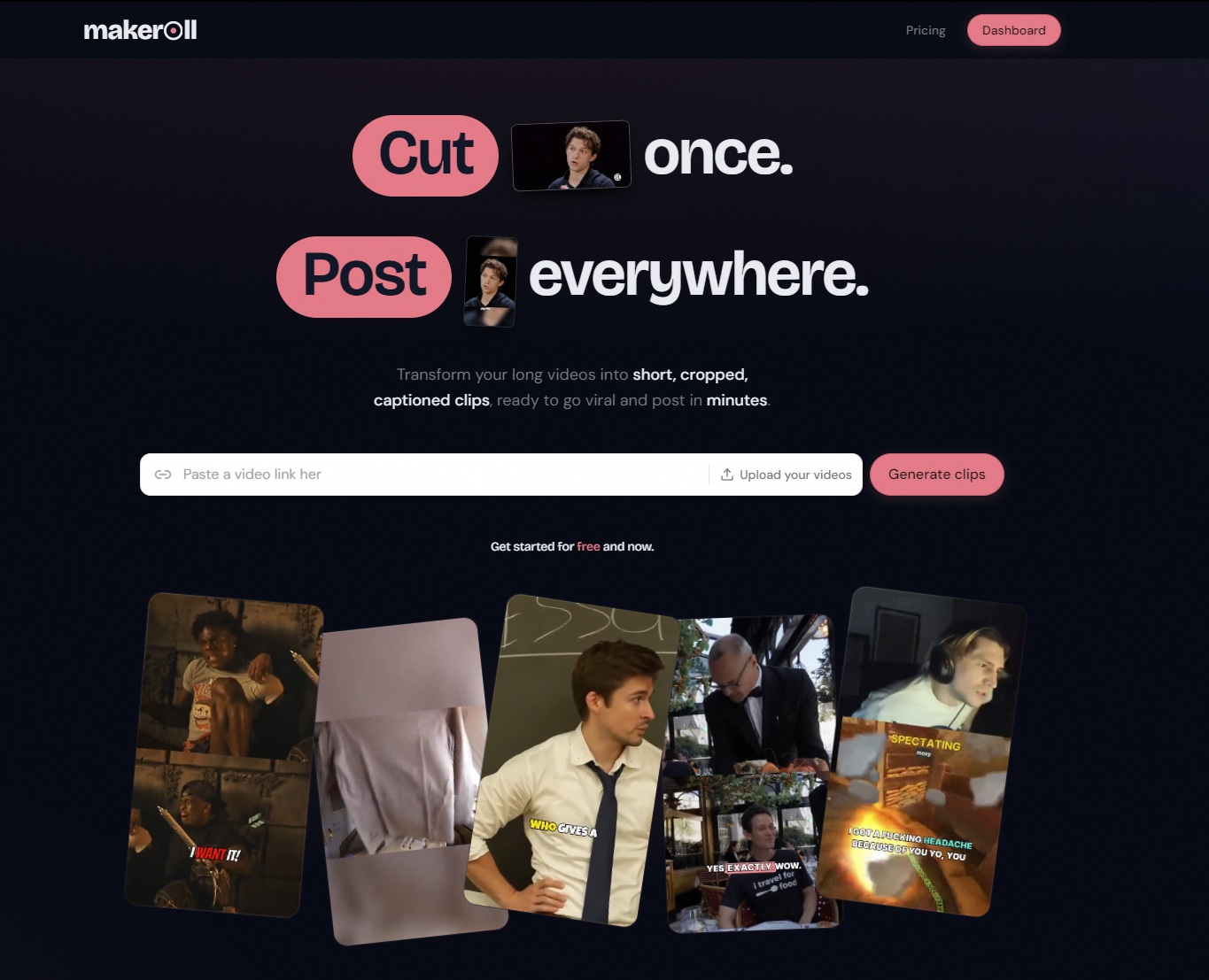
MakeRoll turns your long videos into short
See Makeroll in action

Opt in to release updates in your Rocket inbox. Unfollow here or in Notifications to stop future updates.
Reviews
No reviews yet. Be the first to share a useful, honest impression.
Sign in to review this app.
About
MakeRoll: turn long videos into ready-to-post clips
Read full description
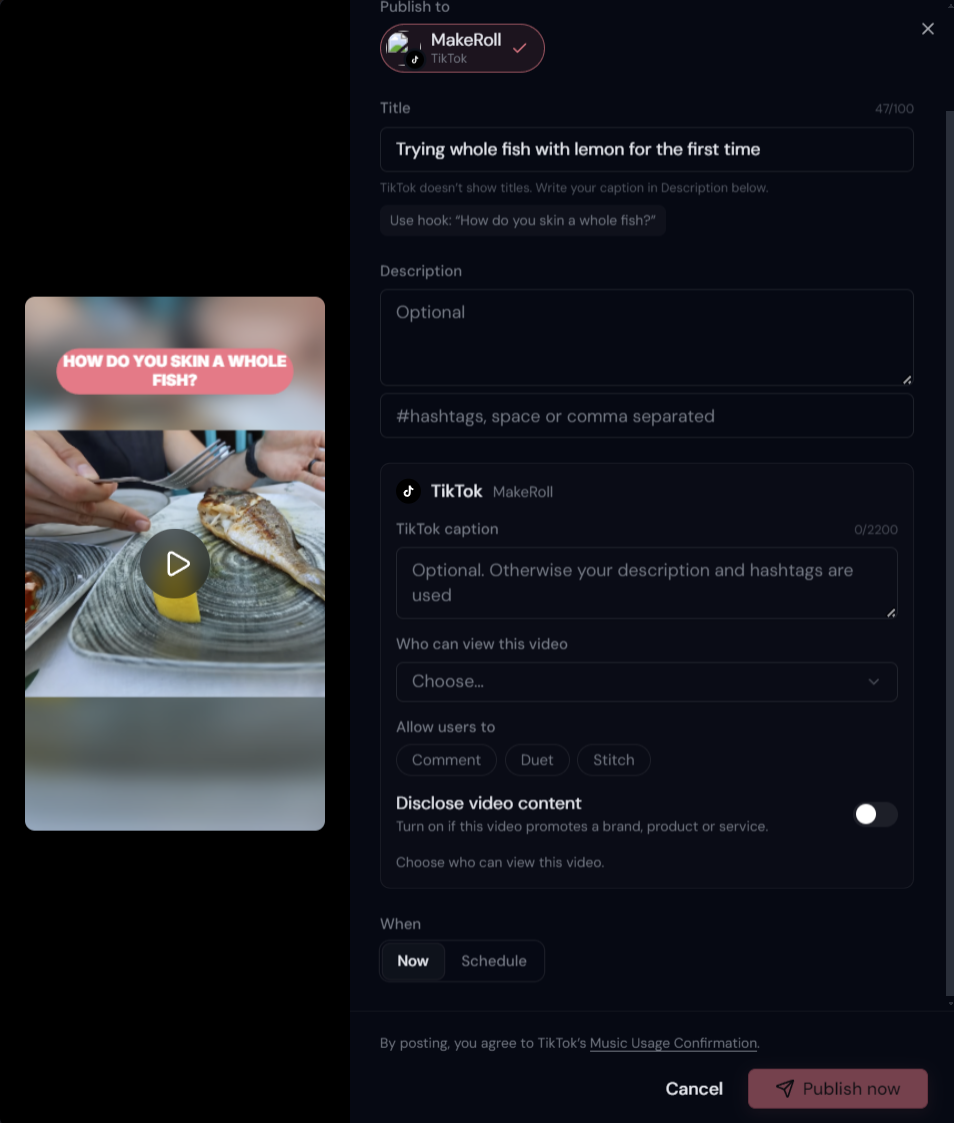
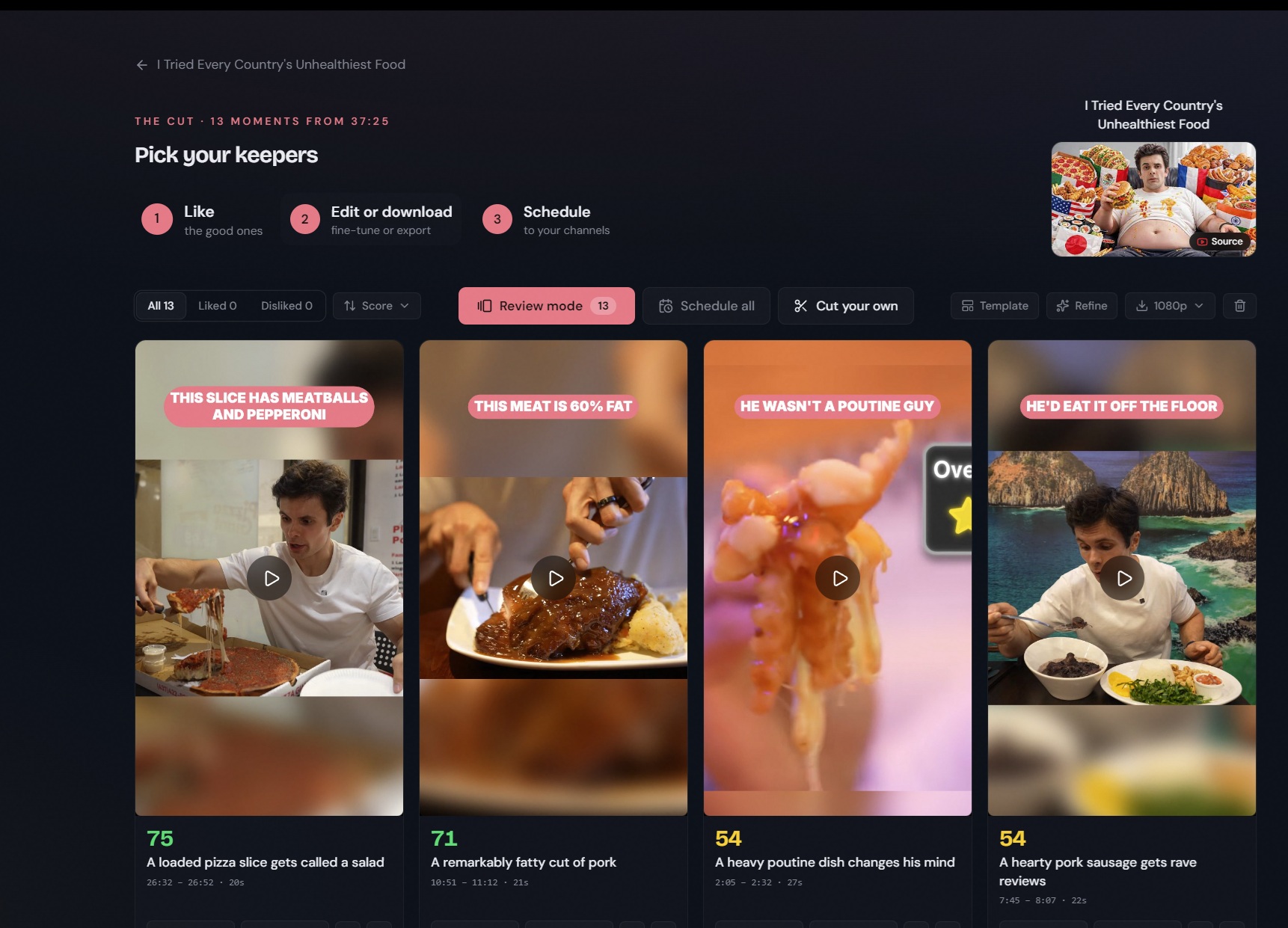
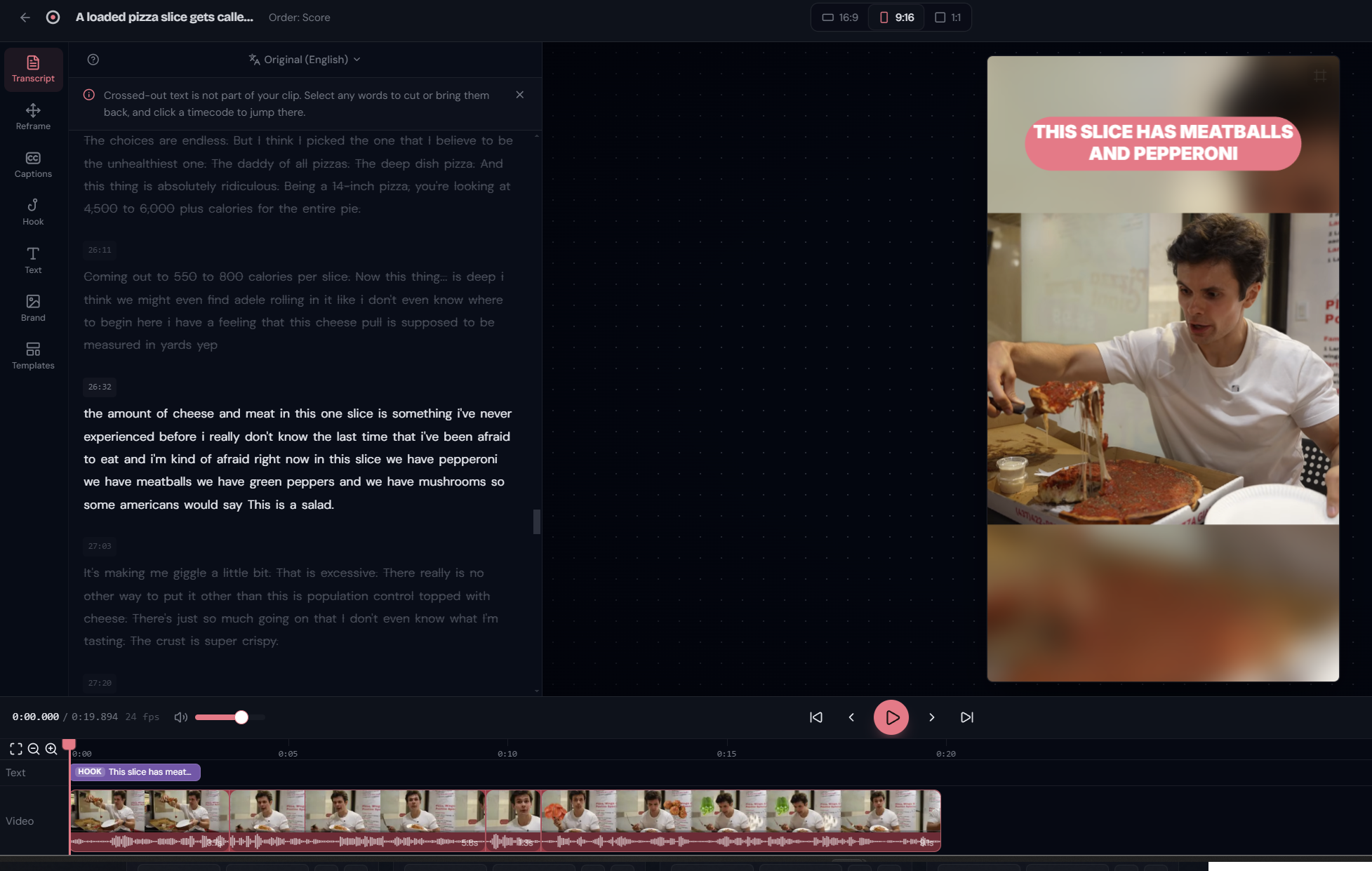
MakeRoll: turn long videos into ready-to-post clips MakeRoll is a browser-based video editor that turns long videos into short, captioned, vertical clips for TikTok, Instagram Reels and YouTube Shorts. Paste a link (YouTube, Loom, Google Drive, Dropbox or a direct video file) or upload a file. MakeRoll transcribes it, finds the moments worth cutting, reframes them to vertical and adds captions. You pick your favorites, fine-tune them and post. Cut once, post everywhere. AI finds your highlights MakeRoll watches the raw footage so you don't have to. It pulls the best few minutes out of hours of podcasts, streams, interviews or vlogs, and gives each clip a title and a virality score so you know where to start. Edit by editing text There's no editing software to learn. Every clip comes with a word-level transcript: strike out a sentence and the video re-cuts itself around it. If you can write, you can edit. A frame-accurate timeline is there when you need finer control. Auto-reframe, done right Wide footage in, vertical clip out. Auto-reframe tracks your subject and keeps it in shot the whole way, with layouts for talking heads, interviews, and streams with the face cam over the gameplay. You can also move the crop box yourself and place the frame exactly where you want it, in 9:16, 1:1 or 16:9. Captions that pop, in more than one language Animated caption styles with word-by-word highlighting are generated automatically from the transcrnglish, French, Spanish, German and dozens of other languages. You can translate subtitles toEnglish, French or Spanish in one click, and they keep their timing. Templates: your best clip becomes a recipe Save your captions, layout, brand and hook as a template and apply it to any clip in one click. New clips pick it up automatically. Publish and schedule from one queue Post to TikTok and YouTube from a single queue, on the schedule you set. Instagram is coming next. Every clip also exports as a normal video file, so you can upload it anywhere. Or just ask your assistant MakeRoll works inside ChatGPT, Claude, Claude Code and Cursor. Paste a link in the chat and get on with your day. You get an email when your clips are ready, can preview them in the conversation, and get a share link or post to your accounts. MakeRoll always asks before posting. Nothing to install Everything runs in the browser. Transcription, highlight detection and rendering run on cloud GPUs in the background, so you can close the tab and come back to finished clips. Simple, fair pricing One credit equals one minute of source video, charged once at processing. Editing, re-editing and exporting never cost credits. The free plan includes 60 credits a month (720p exports with a short MakeRoll intro). Paid plans export clean, in Full HD on Creator and 4K on Pro, and include publishing and caption translation.
- Category
- Design & Creative, No-code Platforms, Productivity
- Available on
- Not specified
- Launched
- October 15, 2026