

Design & Creative
NOS Workspace
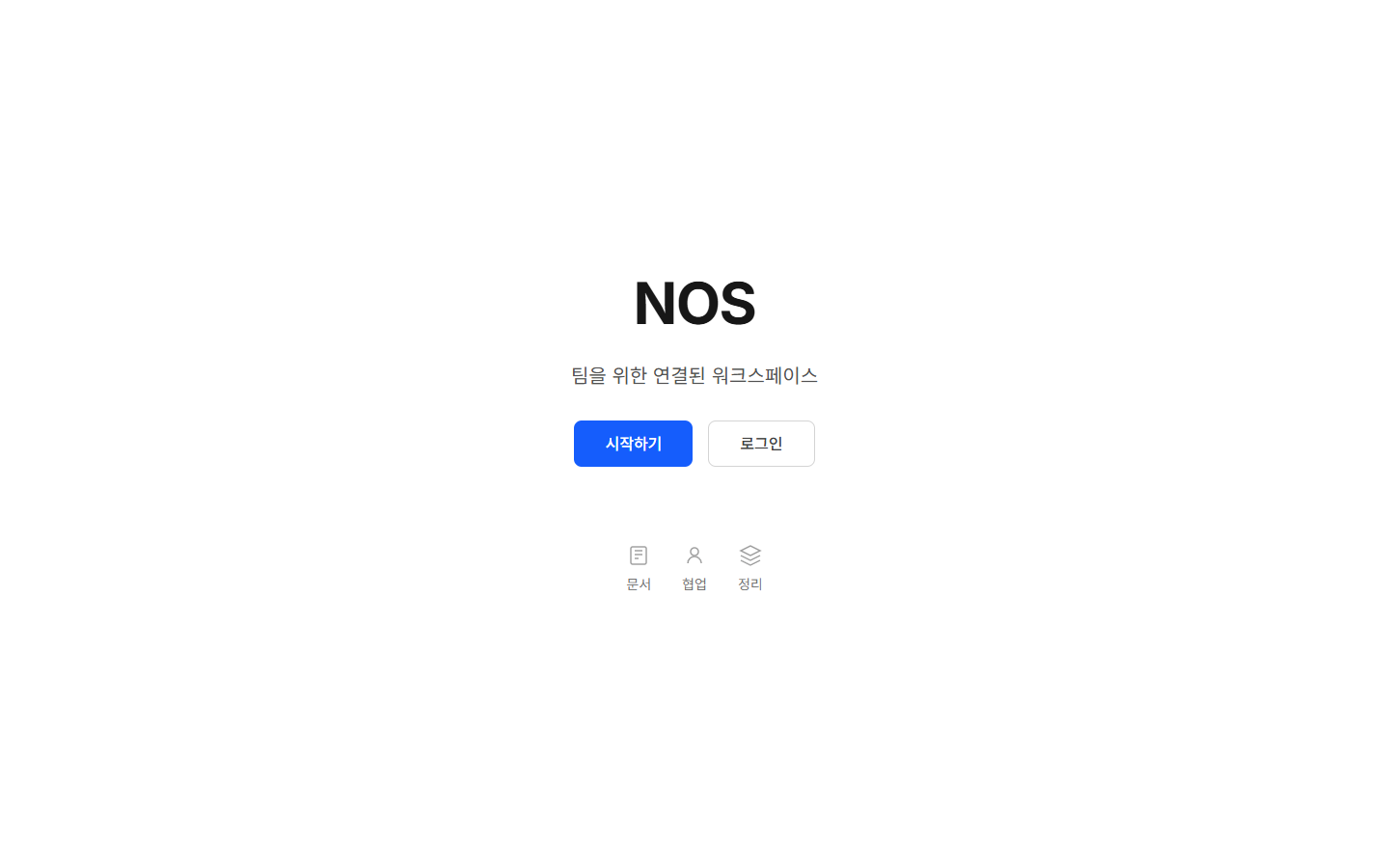
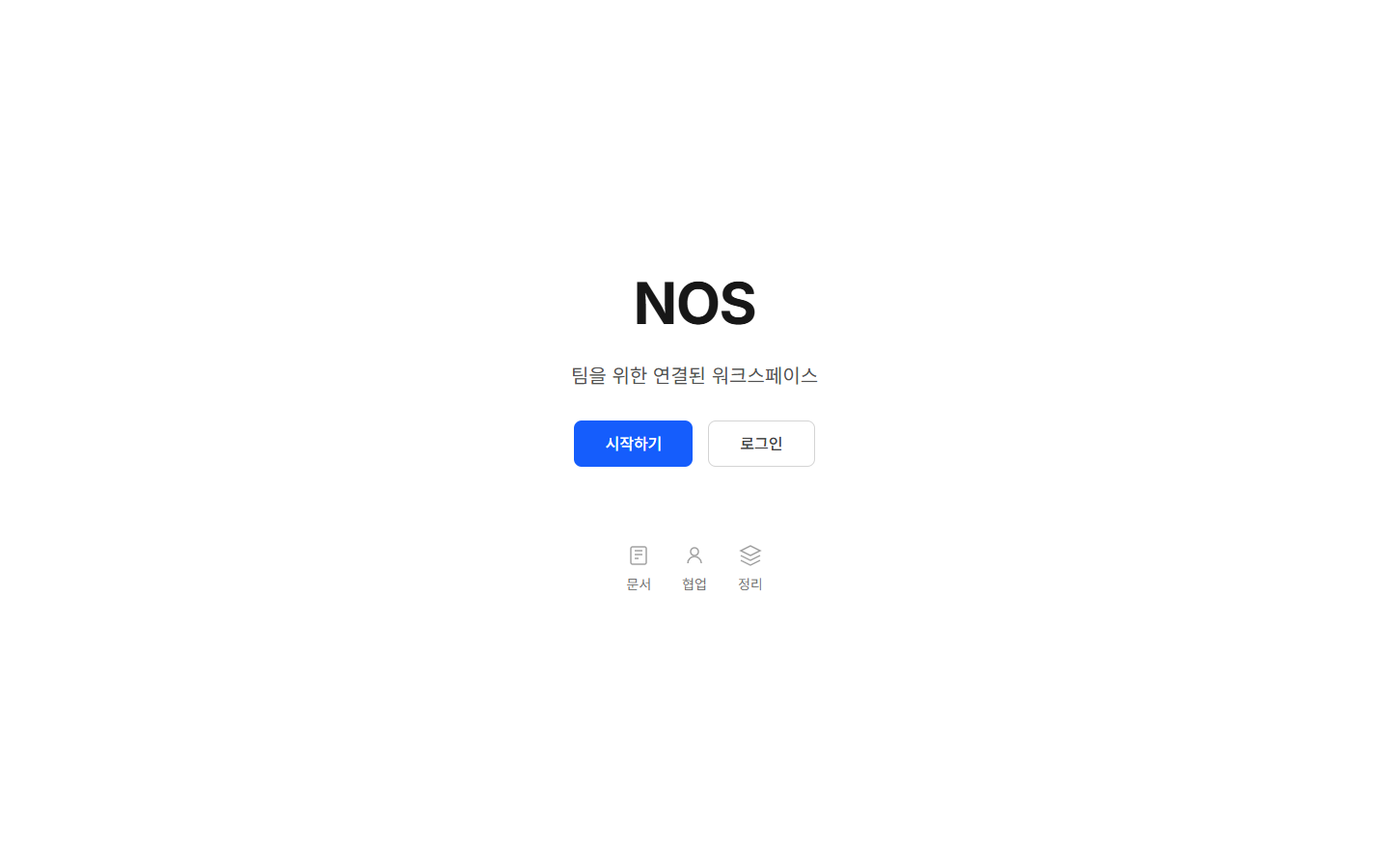
Paste AI-made HTML, get one link anyone can open.
Visit website nos-workspace.com
See NOS Workspace in action
Reviews
No reviews yet. Be the first to share a useful, honest impression.
Sign in to review this app.
About
AI tools are good at making HTML pages (reports, slide decks, portfolios, lesson pages, quotes) but sharing them is awkward: sending the file shows code, and turning it into a PDF breaks the layout. Fixing one word means asking the AI again, which takes time and tokens and can change other parts. NOS Workspace keeps the HTML as a page. You click any text to…
Read full description
AI tools are good at making HTML pages (reports, slide decks, portfolios, lesson pages, quotes) but sharing them is awkward: sending the file shows code, and turning it into a PDF breaks the layout. Fixing one word means asking the AI again, which takes time and tokens and can change other parts. NOS Workspace keeps the HTML as a page. You click any text to edit it directly, share one link that viewers open without an account, and the link stays the same after edits. Version history keeps every change, and you can turn a link off. Free plan: 3 live share links with a small NOS badge; paid plans remove the badge.
- Category
- Design & Creative, No-code Platforms, Productivity
- Available on
- web
- Launched
- October 5, 2026
AI tools
Is this your app? Claim it