

OpenDub
Dub your video into another language, in your own voice
About
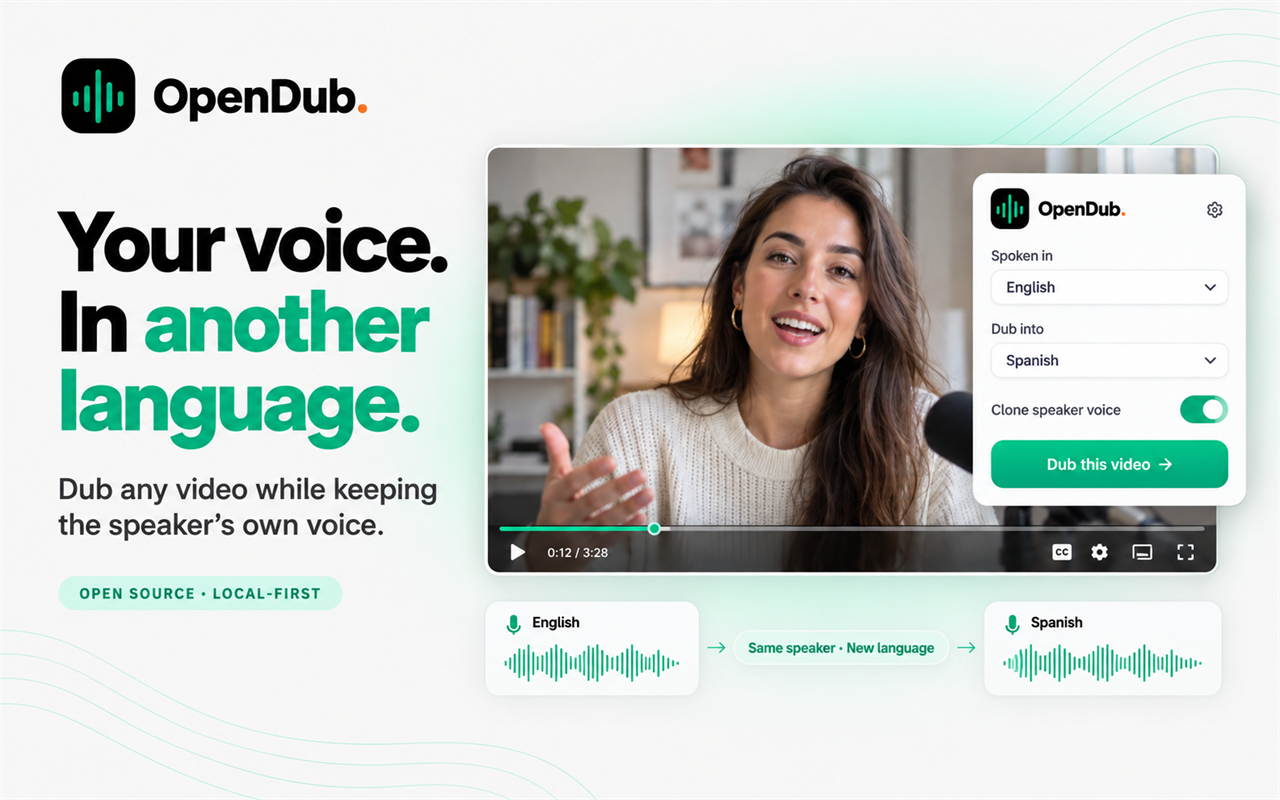
OpenDub dubs a video into another language while keeping the speaker's own voice. Upload a video, choose the language it is spoken in and the one you want, and OpenDub does the rest in your browser tab.
Read full description
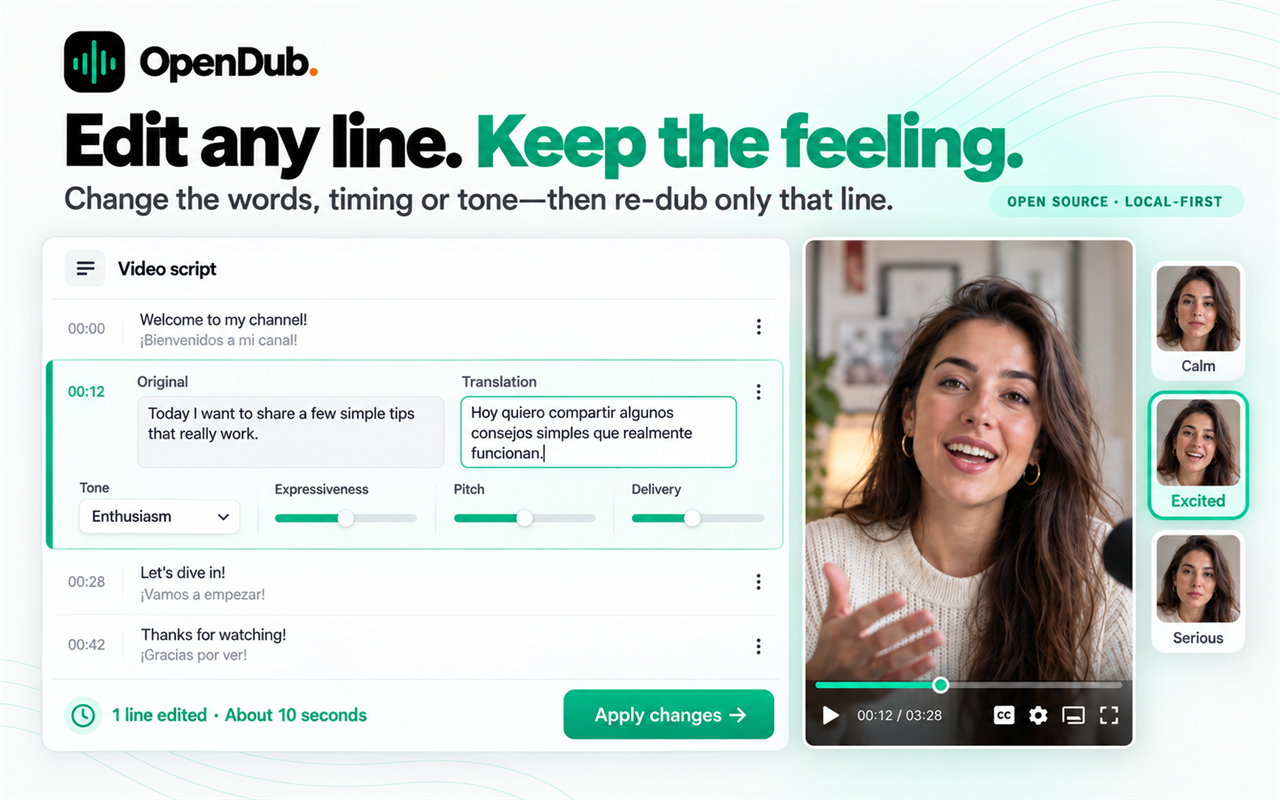
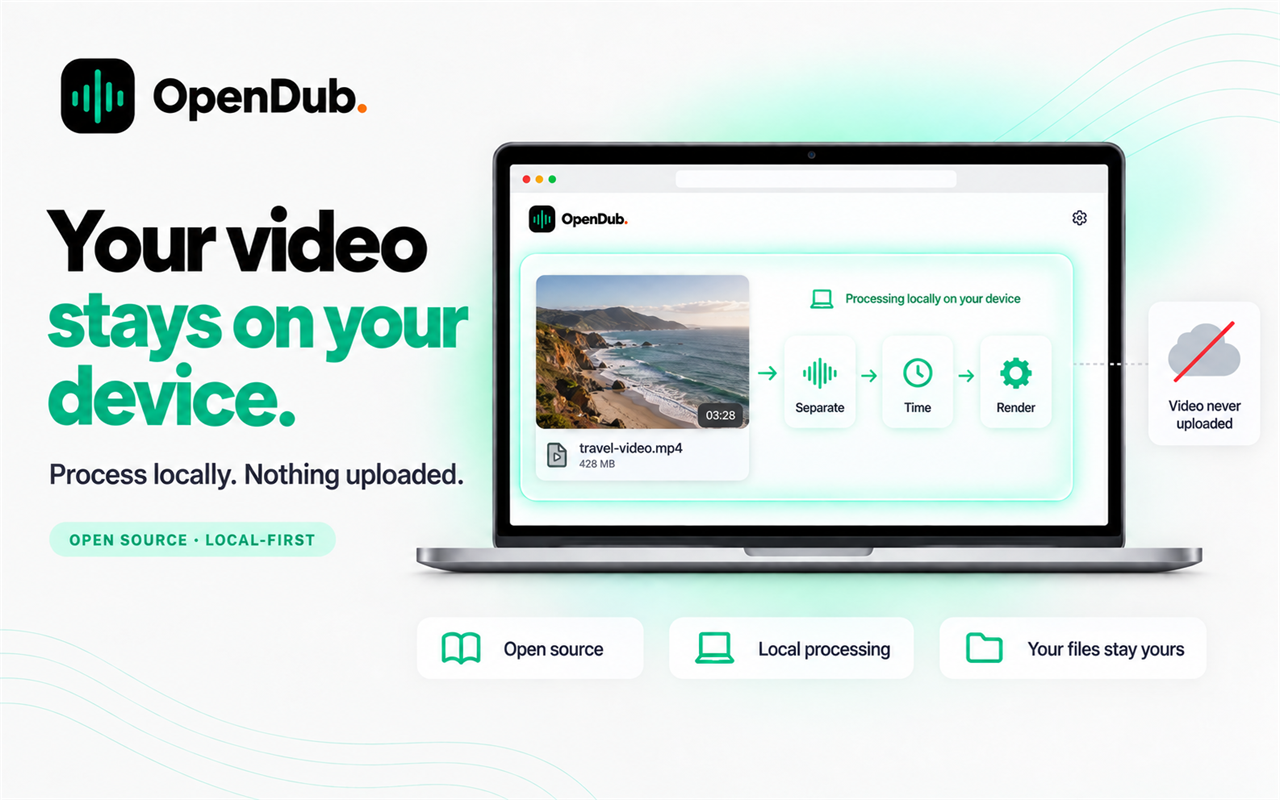
OpenDub dubs a video into another language while keeping the speaker's own voice. Upload a video, choose the language it is spoken in and the one you want, and OpenDub does the rest in your browser tab. It separates the speech from the music and effects, so the soundtrack survives the dub. It transcribes the speech, translates each sentence so that it fits the time the speaker took to say it, and speaks it back in a clone of the original voice, in the tone each line was said in. Subtitles in the new language can be burned in. You can replace the voice or keep the original faintly underneath as a voice-over. Afterwards you can change any translation, tone or timing and re-dub only those lines. Voices are available in 17 languages. OpenDub is local-first: separation, speech detection, timing, mixing and rendering run on your device, and the video file is never uploaded. Only speech clips and text go to the voice model you choose, using your own API key. The browser version handles videos up to five minutes, and the desktop app for Mac and Windows has no length limit. OpenDub is open source under AGPL-3.0.
- Category
- Design & Creative, Voice AI Tools
- Available on
- web
- Launched
- October 30, 2026
Reviews
No reviews yet. Be the first to share a useful, honest impression.
Sign in to review this app.
Opt in to release updates in your Rocket inbox. Unfollow here or in Notifications to stop future updates.