

PNG to SVG Tracer
Trace PNG, JPG and WebP images to clean SVG vectors in your browser
About
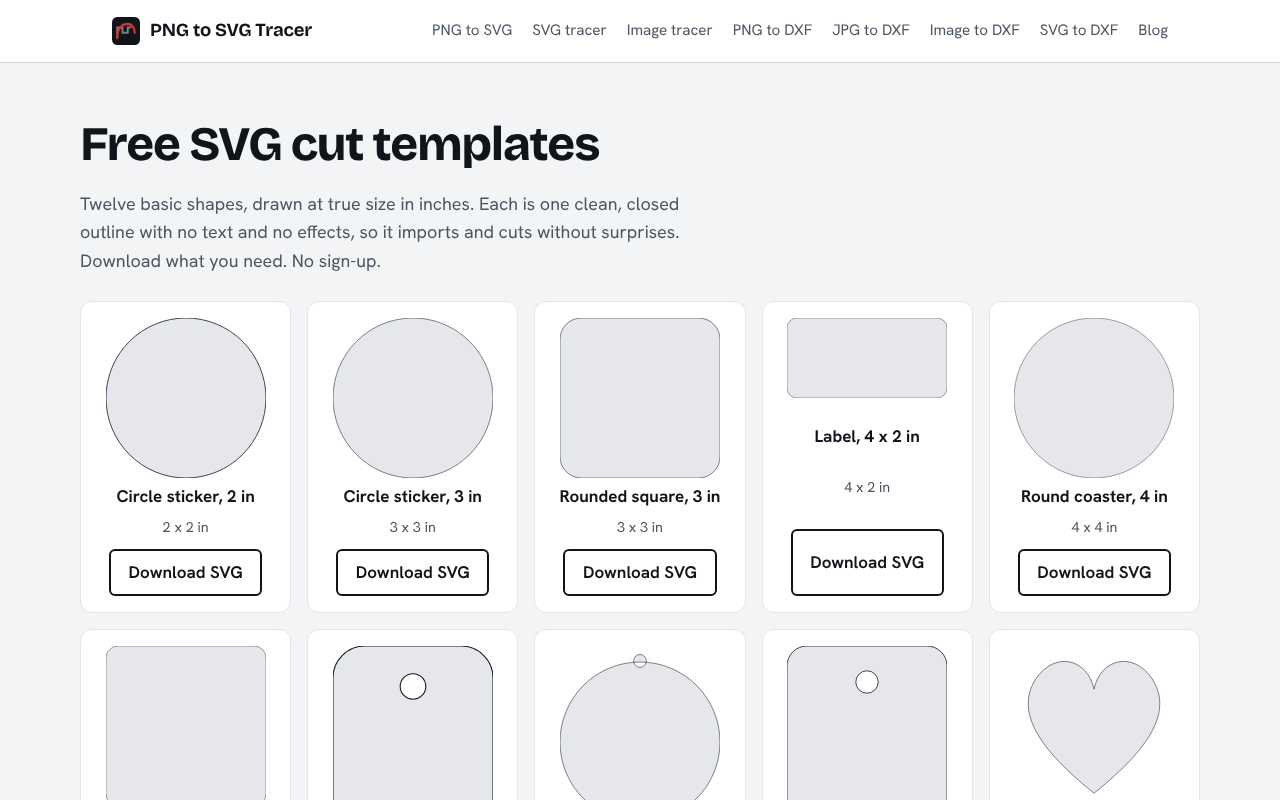
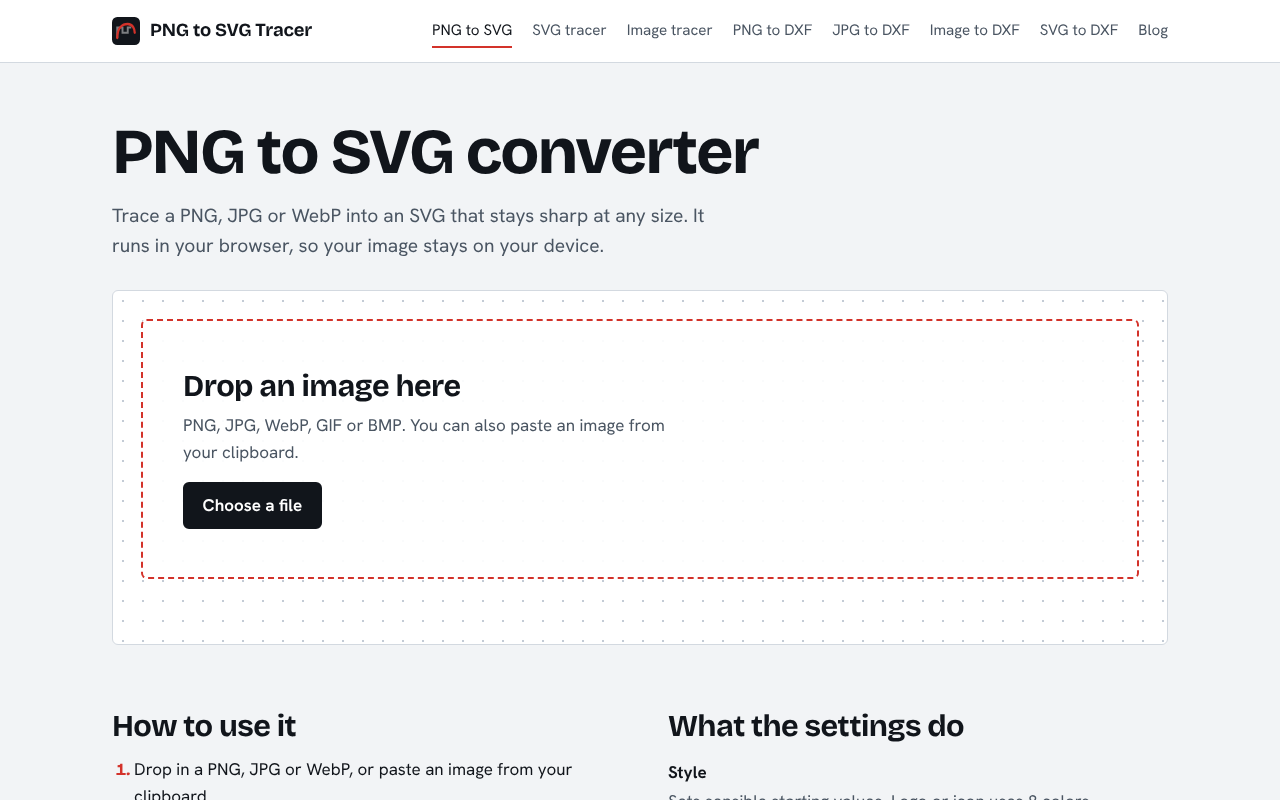
"PNG to SVG Tracer is a free online tool that turns PNG, JPG, WebP, GIF and BMP images into clean SVG vector files that stay sharp at any size. Everything runs in your browser, so your images are never uploaded to a server. Choose the style closest to your image (black and white, logo or icon, illustration, or photo), then adjust the number of colors,…
Read full description
"PNG to SVG Tracer is a free online tool that turns PNG, JPG, WebP, GIF and BMP images into clean SVG vector files that stay sharp at any size. Everything runs in your browser, so your images are never uploaded to a server. Choose the style closest to your image (black and white, logo or icon, illustration, or photo), then adjust the number of colors, smoothing, speck removal and softening. A side-by-side slider lets you compare the trace with your original before you download. You can also make a white background transparent and paste images straight from your clipboard. Beyond PNG to SVG, the site includes tools for makers and designers: PNG, JPG and image to DXF outlines sized in millimeters for laser cutting, CNC and CAD; SVG to DXF; SVG to PNG, JPG and WebP; PDF to SVG; an SVG editor and optimizer; a halftone generator; a favicon generator; and SVG and DXF cut checkers. Step-by-step guides cover Canva, Adobe Express, Illustrator and Figma workflows, and comparison pages show how the tracer stacks up against Vectorizer.ai, VectoSolve and Vector Magic. Typical uses include logos for print, signs and merchandise, icons and illustrations for websites and apps, signatures and handwriting, artwork for vinyl cutters and Cricut machines, and cleaning up low-resolution graphics before editing them in a vector editor. No account, no watermark and no file uploads."
- Category
- Design & Creative, Productivity
- Available on
- web
- Launched
- November 3, 2026
Reviews
No reviews yet. Be the first to share a useful, honest impression.
Sign in to review this app.
Opt in to release updates in your Rocket inbox. Unfollow here or in Notifications to stop future updates.