

ReplyChamp
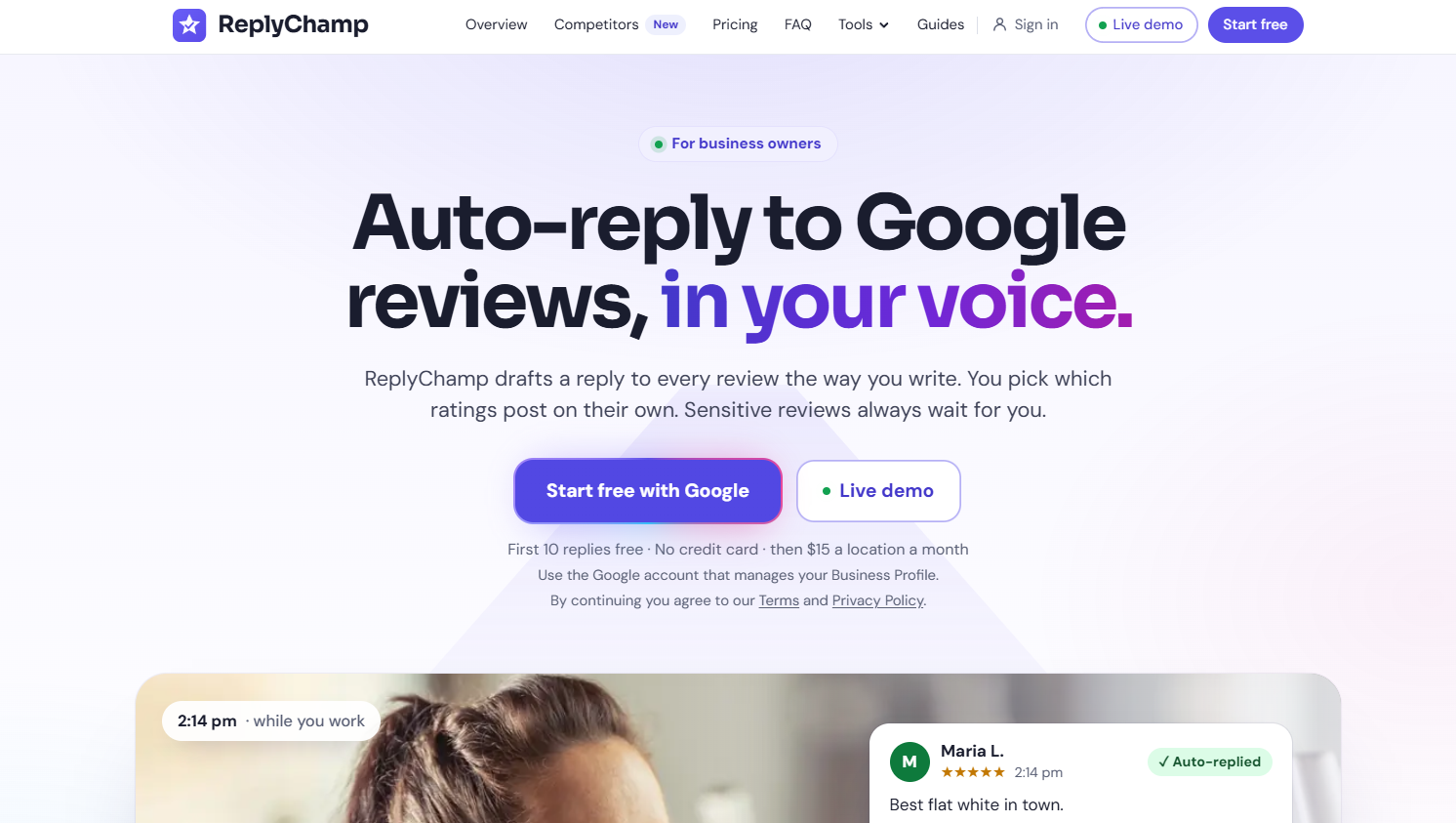
AI replies to your Google reviews, in your voice. Sensitive reviews always wait for you. Built for owners, not agencies.
See ReplyChamp in action
About
ReplyChamp answers your Google reviews for you, in your own voice, and shows you how your profile stacks up against the competition.
Read full description
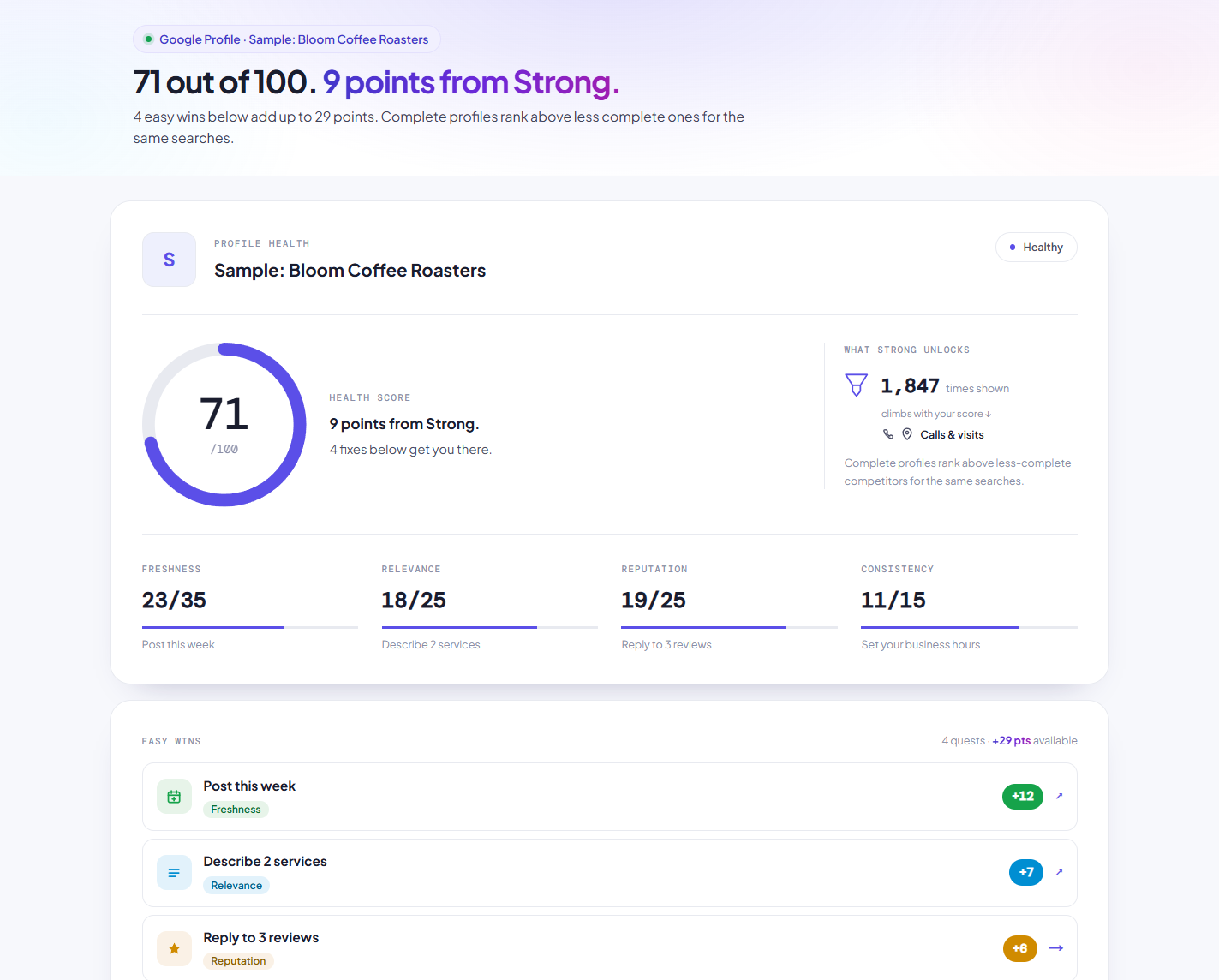
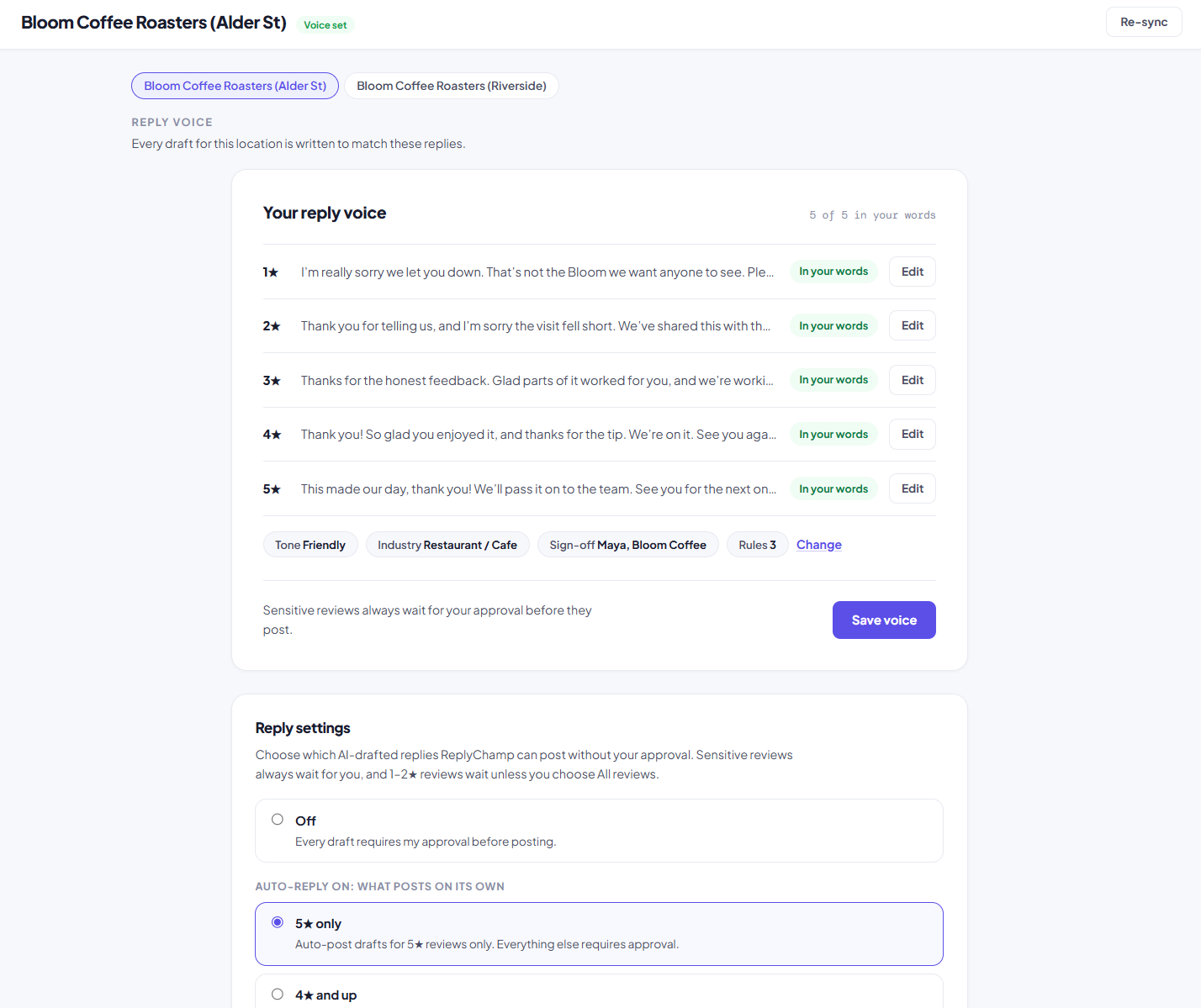
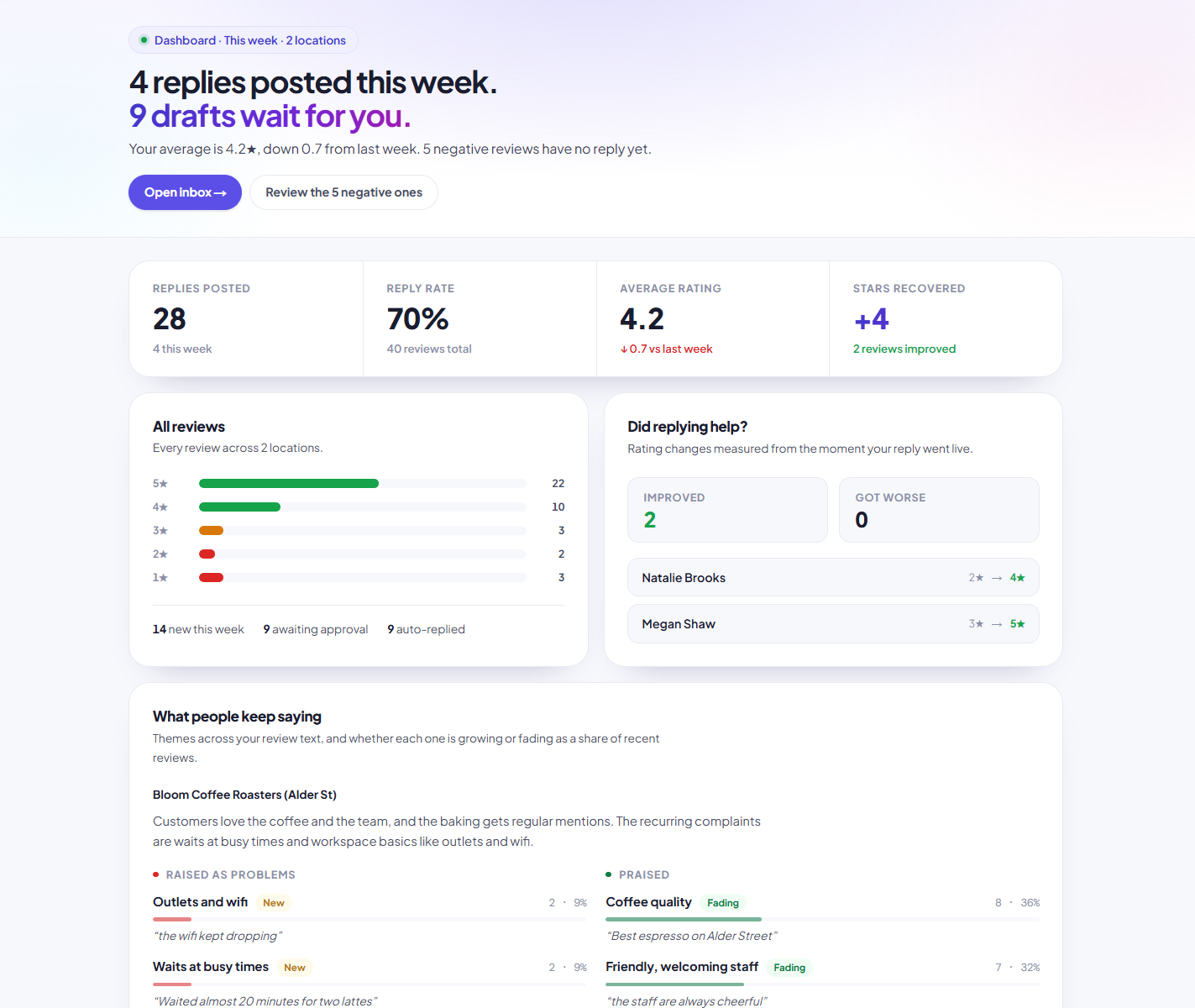
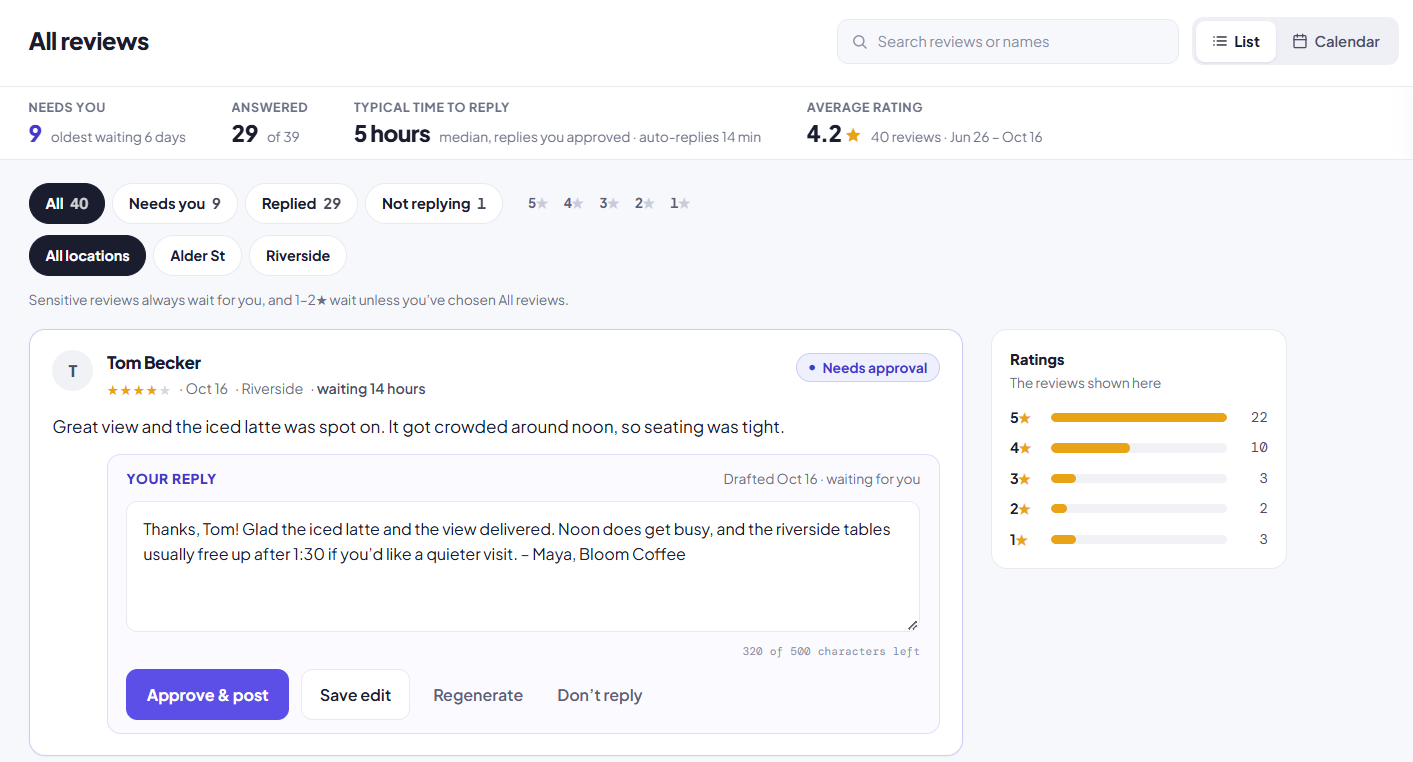
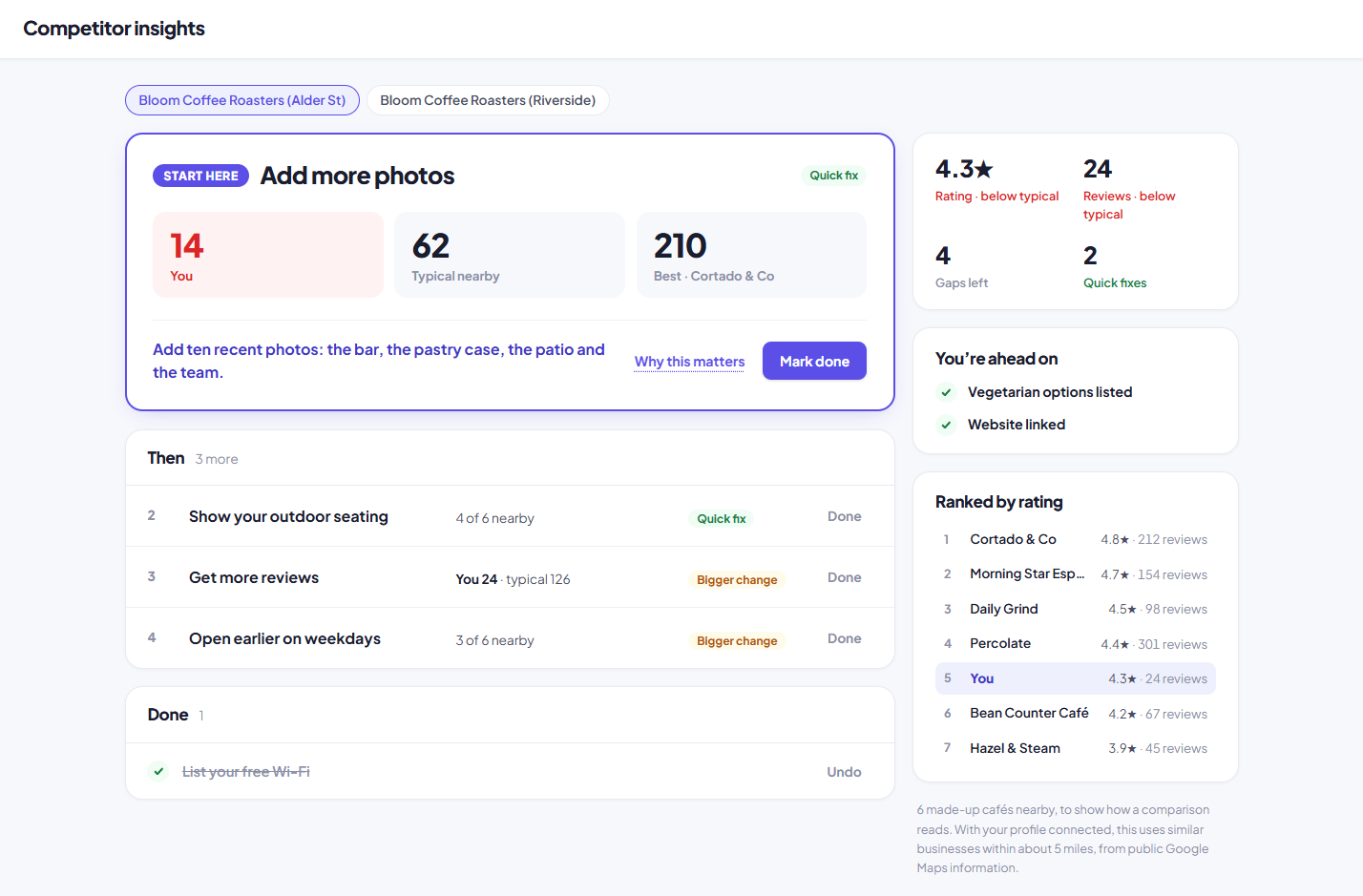
ReplyChamp answers your Google reviews for you, in your own voice, and shows you how your profile stacks up against the competition. Automatic replies. Connect your Google Business Profile and it checks for new reviews about every 30 minutes and drafts a reply to each one. You choose what posts by itself: 5★ only, 4★ and up, 3★ and up, or all reviews. Everything else waits for your approval, and you get an email. Sensitive reviews, such as refund disputes or legal and safety threats, always wait for you, whatever the stars. Approve, edit or skip any draft from your phone in one tap. Replies post in your name through Google’s official Business Profile API. Profile analysis. ReplyChamp scores your Google Business Profile and flags what’s costing you customers: missing hours or categories, too few photos, unanswered reviews, slow response times, a slipping rating. You get a short fix list, ranked by impact. Competitor insights. Add the nearby businesses you compete with and see how you compare on rating, review count, new reviews per month and response rate. ReplyChamp also pulls the themes customers praise and complain about in their reviews, so you can see where you’re winning and what to fix. Built for small business owners managing their own Google profile: cafés, salons, clinics, trades. First 10 replies free, no credit card. Then $15 per location per month, with profile analysis and competitor insights included. There’s also a free reply generator: paste any review and see the reply it would write.
- Category
- Data analysis tools, Productivity, Social & Community
- Available on
- android, ios, web
- Launched
- October 17, 2026
Reviews
No reviews yet. Be the first to share a useful, honest impression.
Sign in to review this app.
Opt in to release updates in your Rocket inbox. Unfollow here or in Notifications to stop future updates.