

SketchVideo AI
Bring Your Drawings to Life with AI
See SketchVideo AI in action
Opt in to release updates in your Rocket inbox. Unfollow here or in Notifications to stop future updates.
Reviews
No reviews yet. Be the first to share a useful, honest impression.
Sign in to review this app.
About
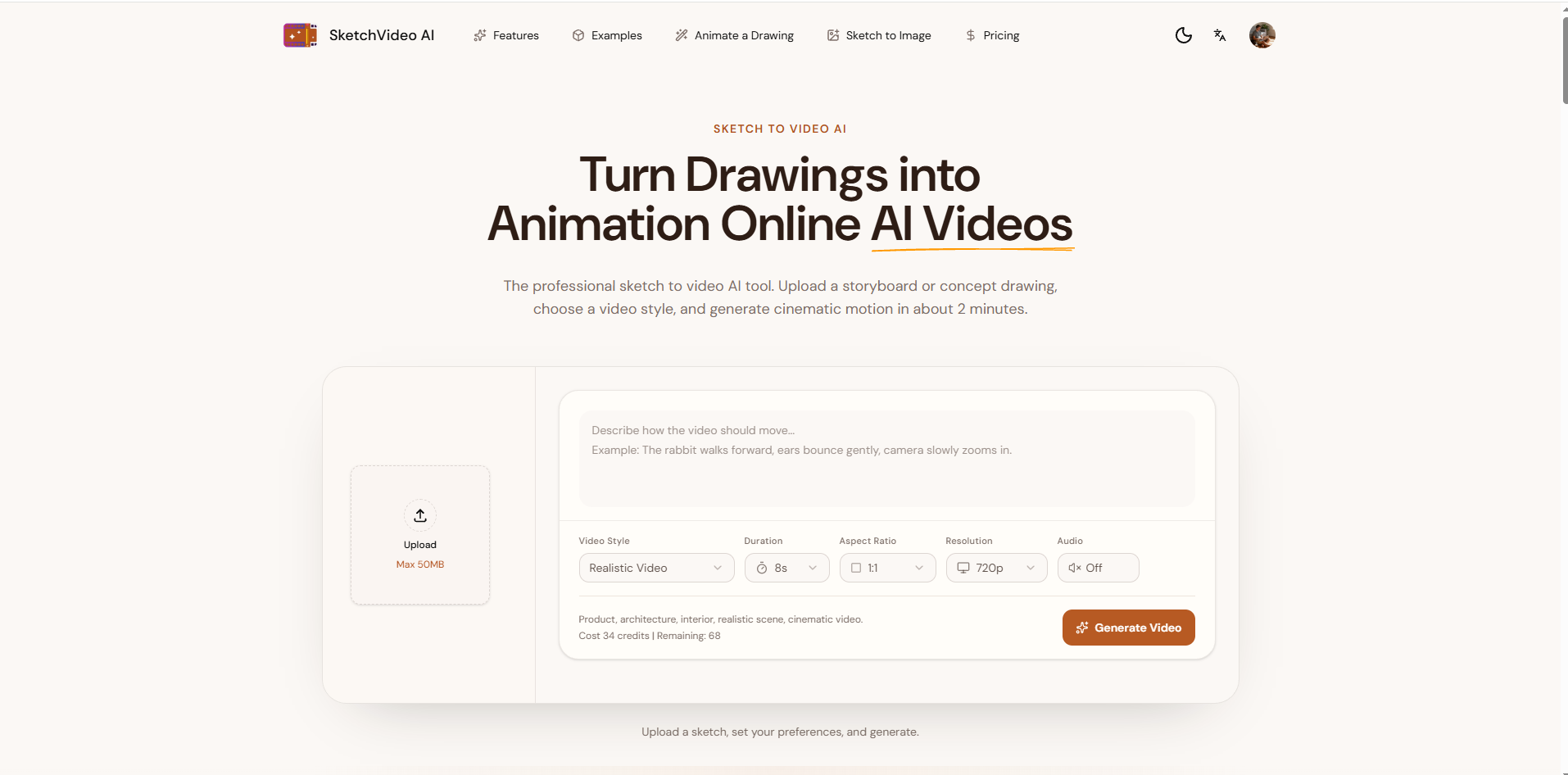
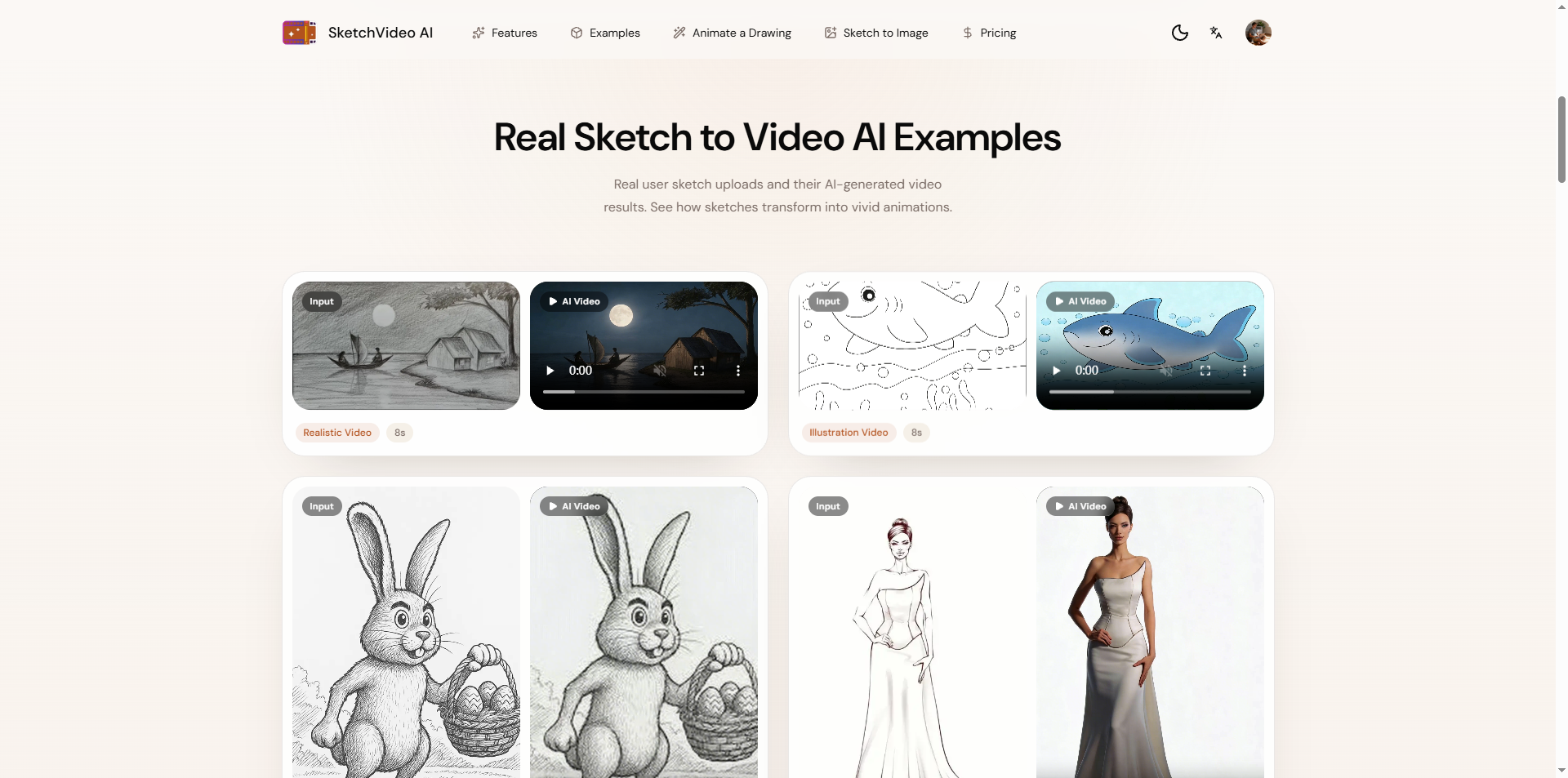
Animate a Drawing AI is a browser-based drawing animation tool from SketchVideo AI that helps creators bring existing artwork to life. Instead of creating a new scene from a text prompt, users begin with their own sketch, doodle, pencil drawing, digital illustration, cartoon character, or child's artwork.
Read full description
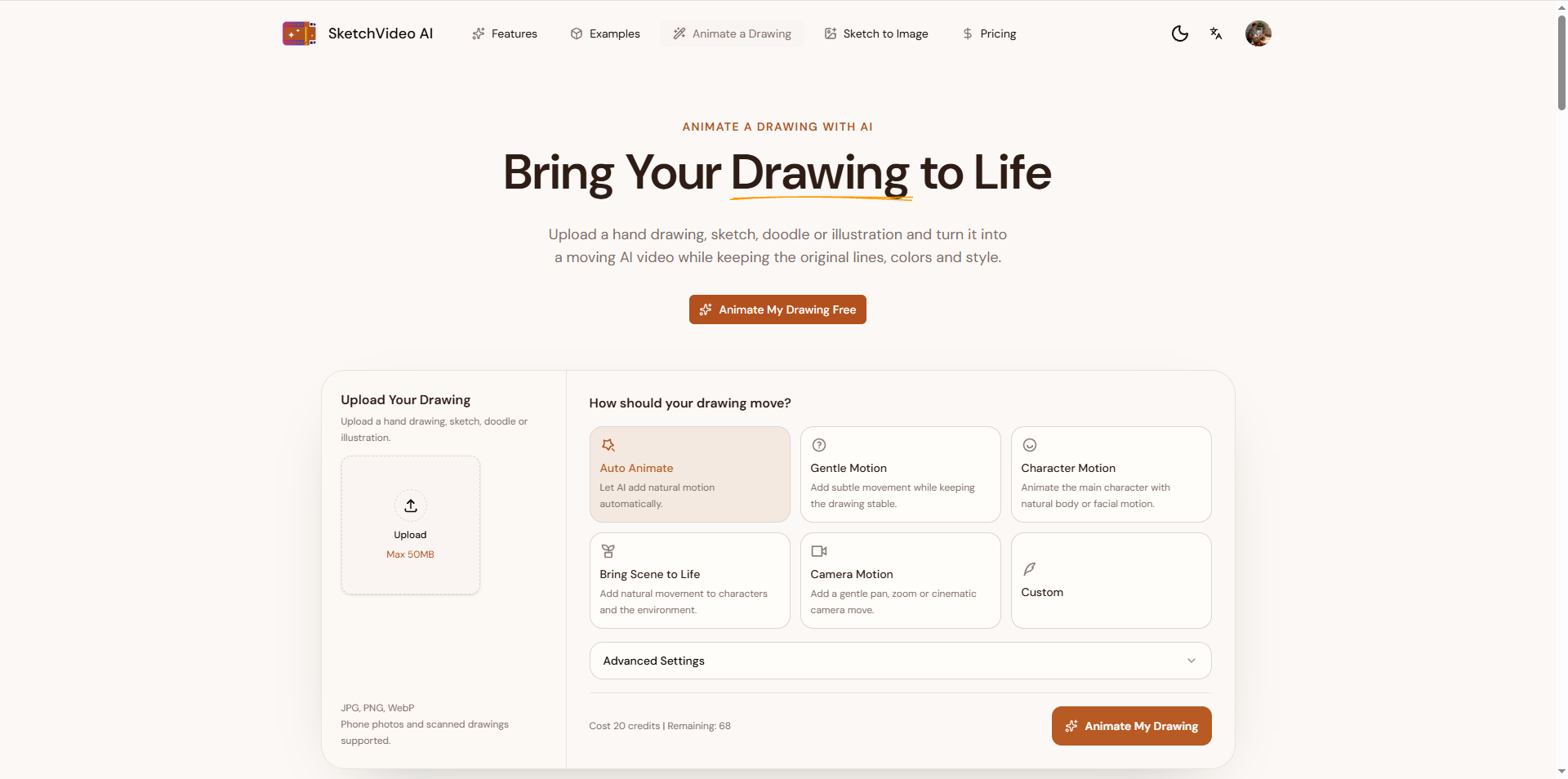
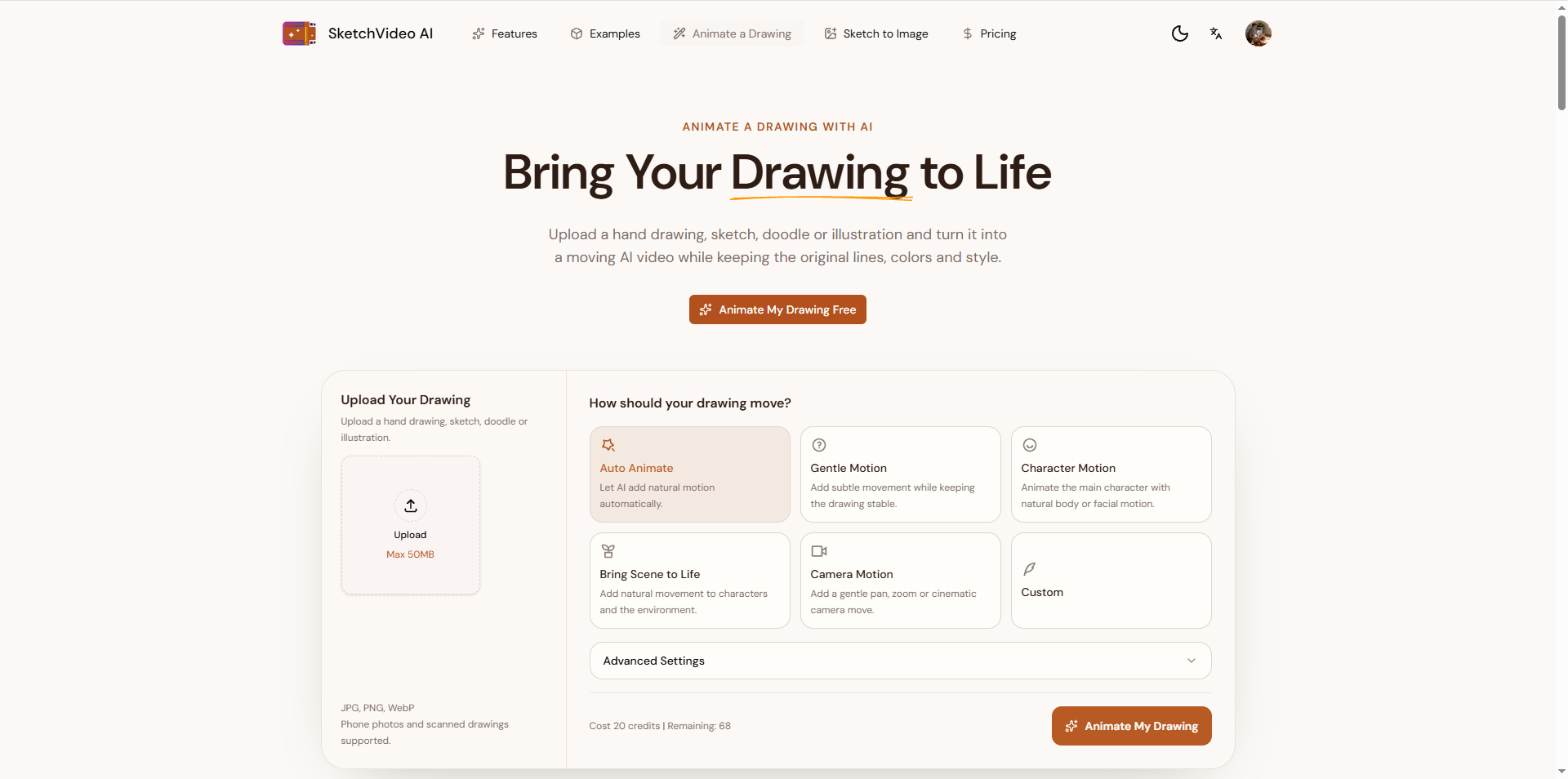
Animate a Drawing AI is a browser-based drawing animation tool from SketchVideo AI that helps creators bring existing artwork to life. Instead of creating a new scene from a text prompt, users begin with their own sketch, doodle, pencil drawing, digital illustration, cartoon character, or child's artwork. After uploading a JPG, PNG, or WebP image, users can select Auto Animate for AI-generated motion or choose a more specific movement option, including Gentle Motion, Character Motion, Bring Scene to Life, Camera Motion, or Custom. A short written instruction can guide movements such as waving, blinking, or gentle environmental animation. The tool is designed to retain the recognizable appearance of the source drawing, including linework, colors, proportions, and visual style. It reduces the need for traditional animation workflows such as rigging, keyframe editing, and specialized animation software. Typical uses include animating children's drawings, bringing illustrated characters to life, creating social-media clips, testing storyboard ideas, and adding subtle movement to digital artwork. Users can create and download short animated videos directly in their browsers. Try Animate a Drawing AI: https://www.sketchtovideoai.com/animate-a-drawing Key Features - **Image-to-animation:** Turn a static hand drawing or illustration into a moving AI video. - **Style preservation:** Aim to maintain original lines, colors, proportions, and character design. - **Auto Animate:** Generate natural motion without writing a prompt. - **Motion presets:** Choose Gentle Motion, Character Motion, Bring Scene to Life, or Camera Motion. - **Custom motion instructions:** Describe how a subject should move in everyday language. - **Wide range of artwork:** Supports doodles, pencil sketches, children's art, cartoons, anime-style art, and full scenes. - **Simple browser workflow:** No manual rigging, keyframes, or specialized animation software. - **Flexible uploads:** Accepts JPG, PNG, and WebP images, including phone photos and scans (up to 50 MB as currently shown on the tool page). - **Video download:** Generate and download the resulting animated clip. How It Works 1. Upload a drawing, doodle, sketch, or illustration. 2. Select Auto Animate or choose a motion preset; optionally describe the desired action. 3. Generate the animation and download the video. Main Use Cases - **Children's artwork:** Animate a child's drawings of animals, monsters, houses, and imaginary characters. - **Character animation:** Make hand-drawn or cartoon characters wave, blink, or react. - **Illustration portfolios:** Add subtle motion to existing digital or traditional artwork. - **Education:** Bring classroom artwork and visual stories to life. - **Social content:** Turn illustrations into short clips for Reels, TikTok, and Shorts. - **Storyboards:** Explore motion and scene ideas from rough hand-drawn frames. - **Creative hobbies:** Make sketches and doodles more engaging to share. Target Audience Artists, illustrators, cartoonists, parents, teachers, students, educators, digital creators, content marketers, and hobbyists who want to animate drawings without traditional animation software.
- Category
- AI Agents, Design & Creative
- Available on
- web
- Launched
- October 15, 2026