

Productivity
Strata Mac Cleaner
See every gigabyte on your Mac. Pay once, no scare tactics.
See Strata Mac Cleaner in action
Opt in to release updates in your Rocket inbox. Unfollow here or in Notifications to stop future updates.
Reviews
No reviews yet. Be the first to share a useful, honest impression.
Sign in to review this app.
About
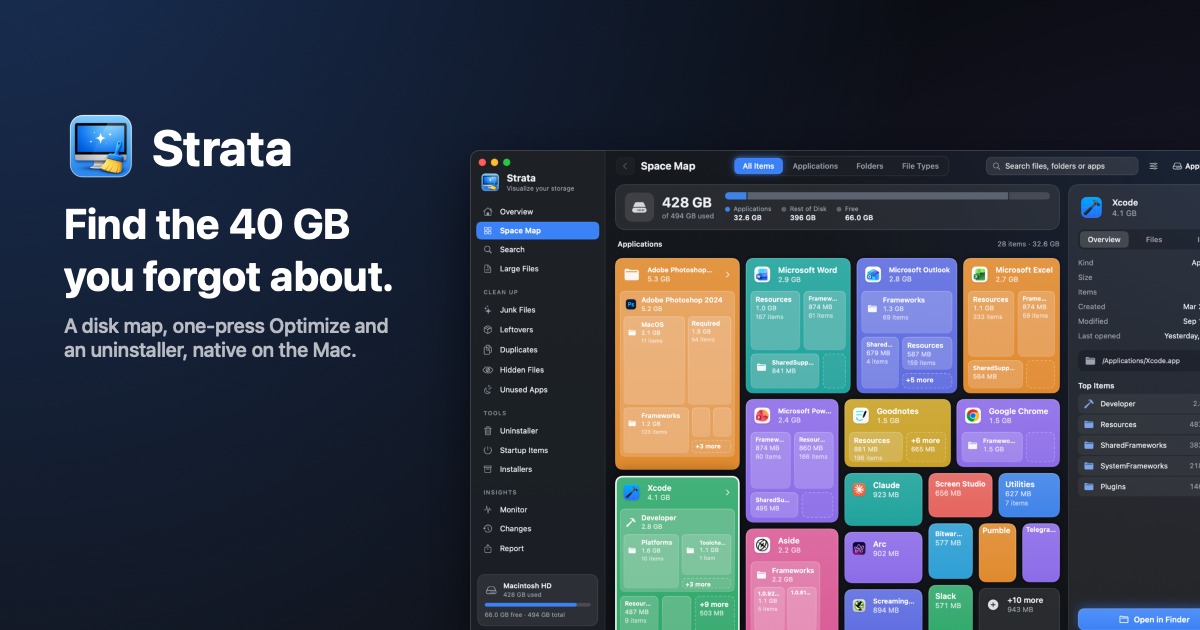
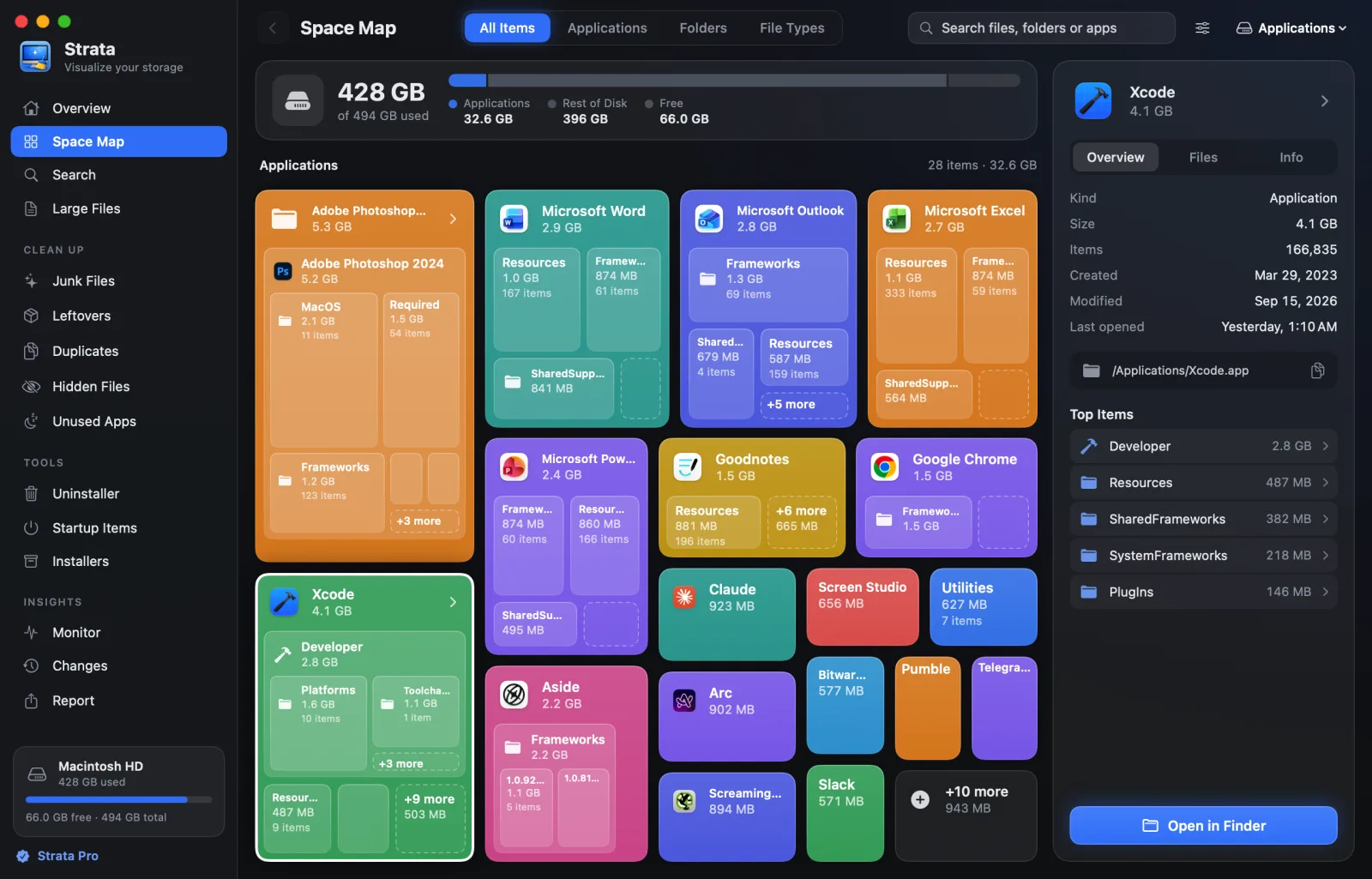
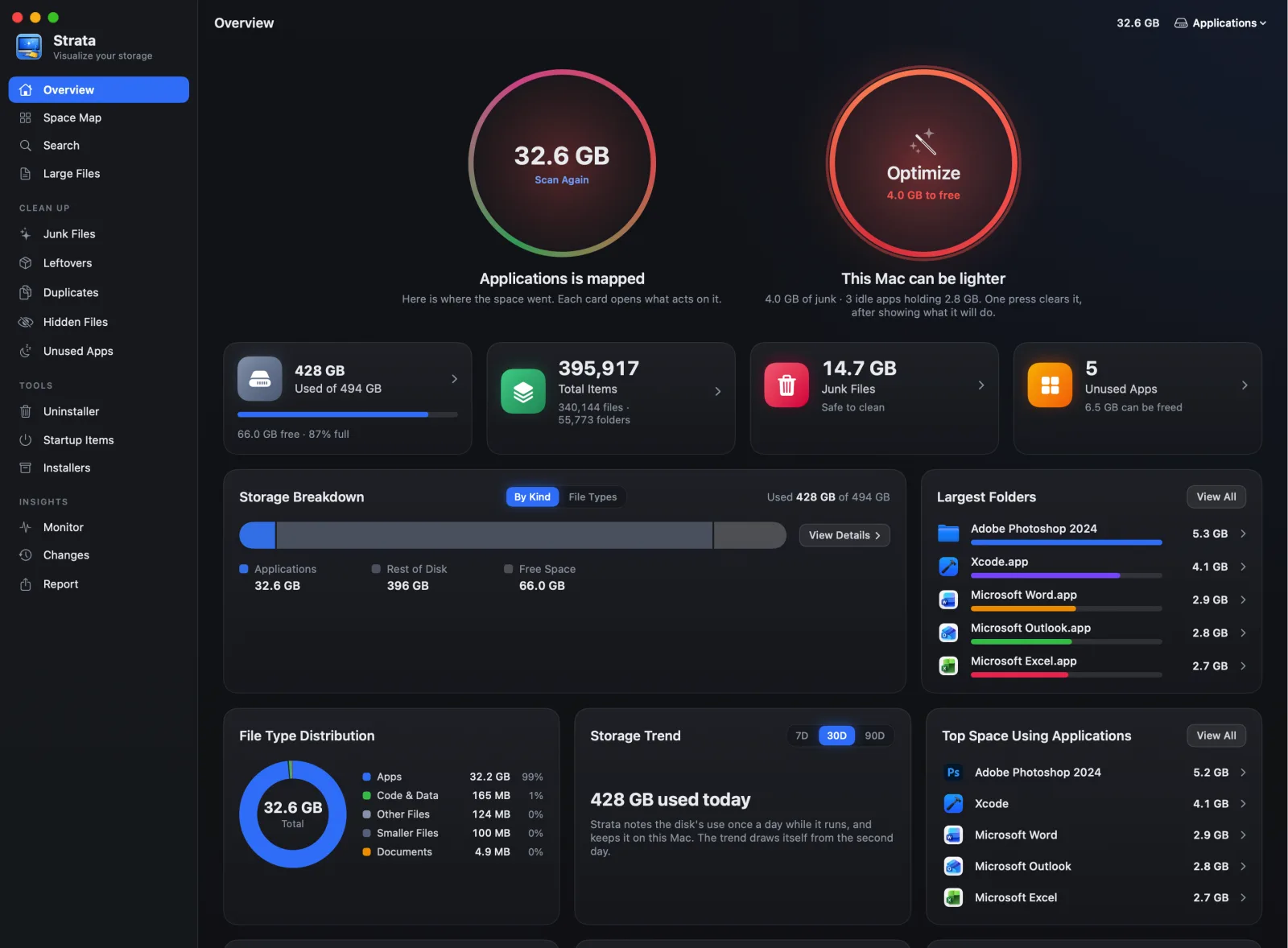
Strata is a Mac cleaner for people who want to see what is using their disk before they delete anything. It maps your storage, finds junk files and large leftovers, and moves what you choose to the Trash, so nothing disappears for good by accident.
Read full description
Strata is a Mac cleaner for people who want to see what is using their disk before they delete anything. It maps your storage, finds junk files and large leftovers, and moves what you choose to the Trash, so nothing disappears for good by accident. Strata 1.0.19 adds a System Data room. The grey System Data bar in System Settings is not one folder; it's a label covering many kinds of files. Strata now splits out the parts you can act on: iPhone and iPad backups listed by device and age, copies of Mail attachments, Messages data, Time Machine local snapshots and the Trash. You can see how big each one is and decide what to keep. After every removal, Strata shows a message reminding you that the files wait in the Trash until it's emptied, so you know when the space actually comes back. Optional notices can tell you when your disk is almost full or when junk starts building up again. This release also fixes wording in the AI Data Sweeper. Strata needs macOS 13 or later and runs natively on Apple silicon and Intel Macs. It's an 11 MB download and takes 43 MB once installed. Download the DMG from https://stratamaccleaner.com/downloads/Strata-1.0.19.dmg or install with Homebrew: brew install --cask pankaj-kholiya/strata/strata Try every feature free for 14 days and remove up to 40 GB, with no account and no card. Strata Pro is a one-time purchase: $5 launch price for the first 200 buyers, then $9.99, with a 14-day refund. What's new in 1.0.19 (7 Oct 2026): - New: System Data room showing iPhone/iPad backups by device and age, Mail attachment copies, Messages, Time Machine local snapshots and the Trash. - New: after every removal, a message explains that files wait in the Trash until it's emptied. - New: optional notices when the disk is almost full or junk builds up again. - Fixed: wording in AI Data Sweeper.
- Category
- Productivity
- Available on
- web
- Launched
- October 8, 2026