

Design & Creative
Wisp Gallery
Lightweight filterable gallery block for WordPress
See Wisp Gallery in action


Opt in to release updates in your Rocket inbox. Unfollow here or in Notifications to stop future updates.
Reviews
No reviews yet. Be the first to share a useful, honest impression.
Sign in to review this app.
About
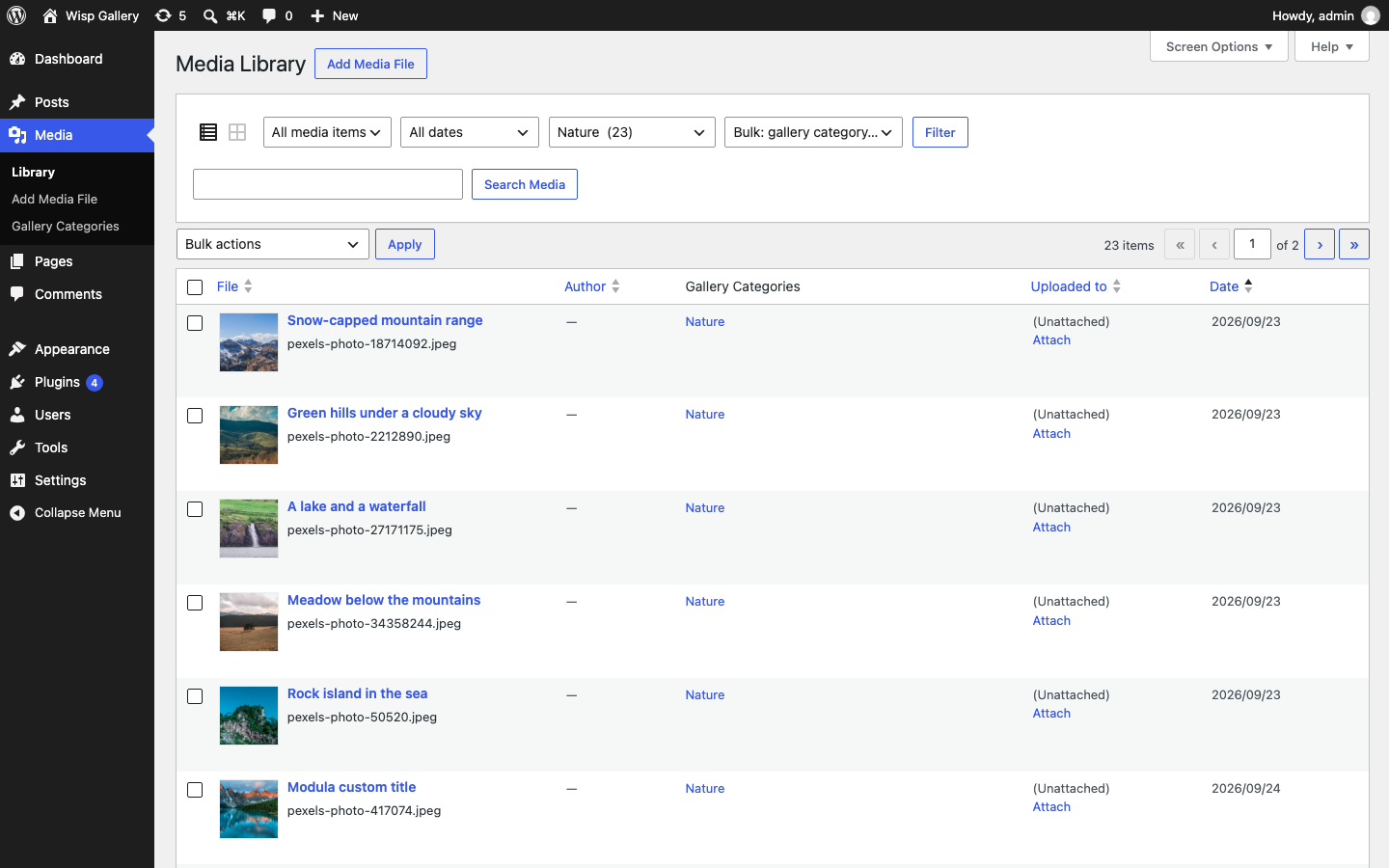
Wisp Gallery adds a Filterable Gallery block to the WordPress block editor. Pick one of five layouts (masonry, justified rows, grid, carousel or accordion), set columns, row height and aspect ratio per device, and add a Gallery Filter block with buttons or a dropdown. Images, posts and pages share Gallery Categories, so one gallery can mix media and post…
Read full description
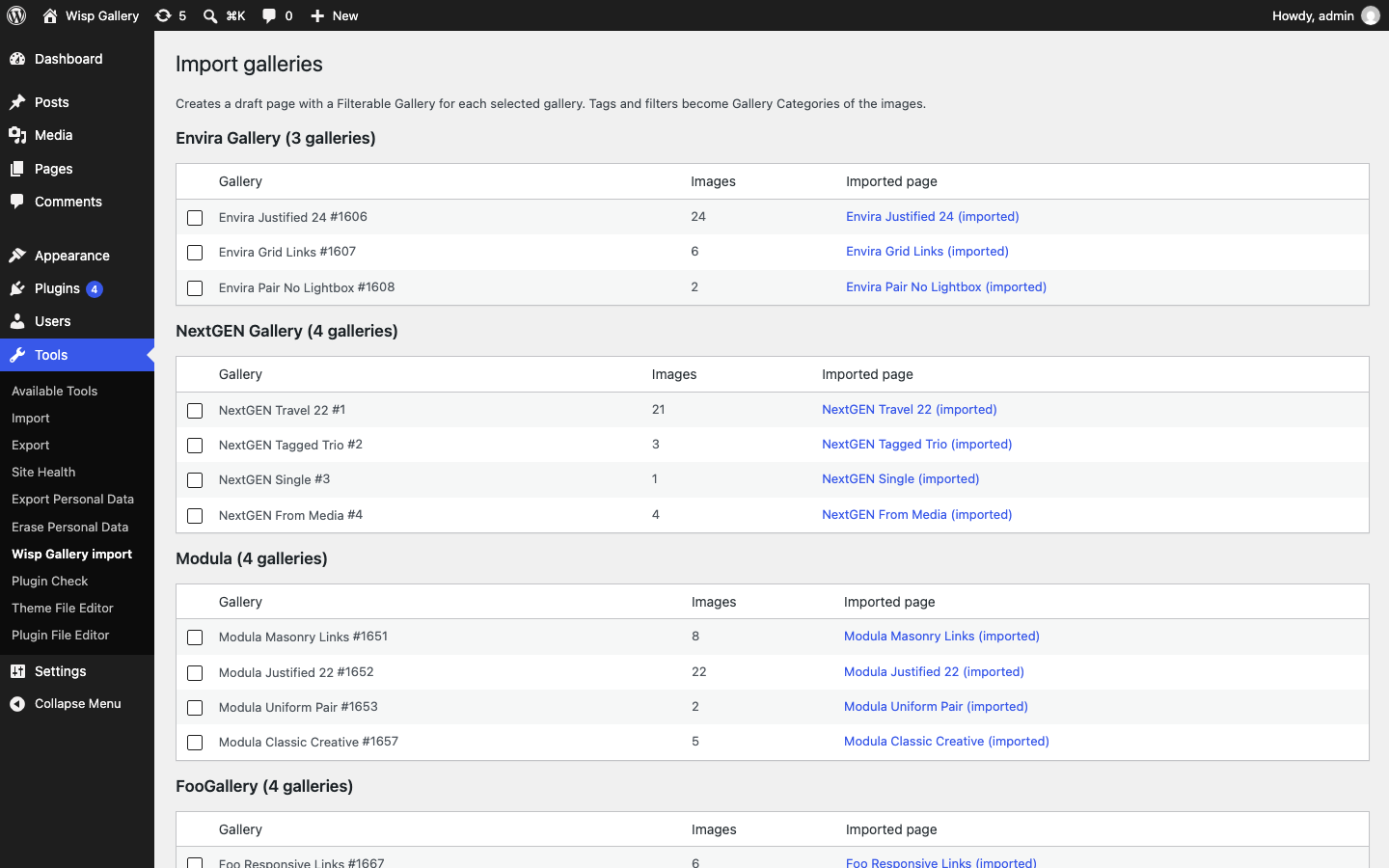
Wisp Gallery adds a Filterable Gallery block to the WordPress block editor. Pick one of five layouts (masonry, justified rows, grid, carousel or accordion), set columns, row height and aspect ratio per device, and add a Gallery Filter block with buttons or a dropdown. Images, posts and pages share Gallery Categories, so one gallery can mix media and post queries. It is built on core blocks and the Interactivity API: about 3 KB of JavaScript to start, no jQuery, a native <dialog> lightbox and reveal-on-scroll effects without JavaScript. Free importers bring galleries over from Envira Gallery, NextGEN Gallery, Modula and FooGallery, with replacement shortcodes. The complete plugin is free forever on wordpress.org, with no ads. Wisp Gallery Pro (from $2.99/month) adds videos (Media Library, YouTube, Vimeo, TikTok, Instagram), load more, albums and WooCommerce products in the lightbox. Galleries keep working if a Pro license lapses.
- Category
- Design & Creative, Product add-ons
- Available on
- web
- Launched
- October 8, 2026