

All Cloud Hub Android Application
All Cloud Hub: Multi Cloud Storage Manager Android App
About
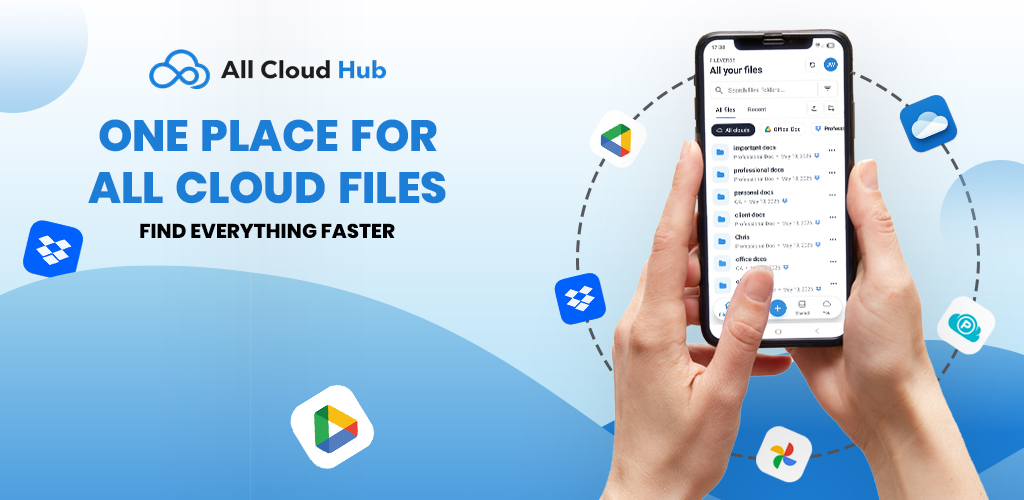
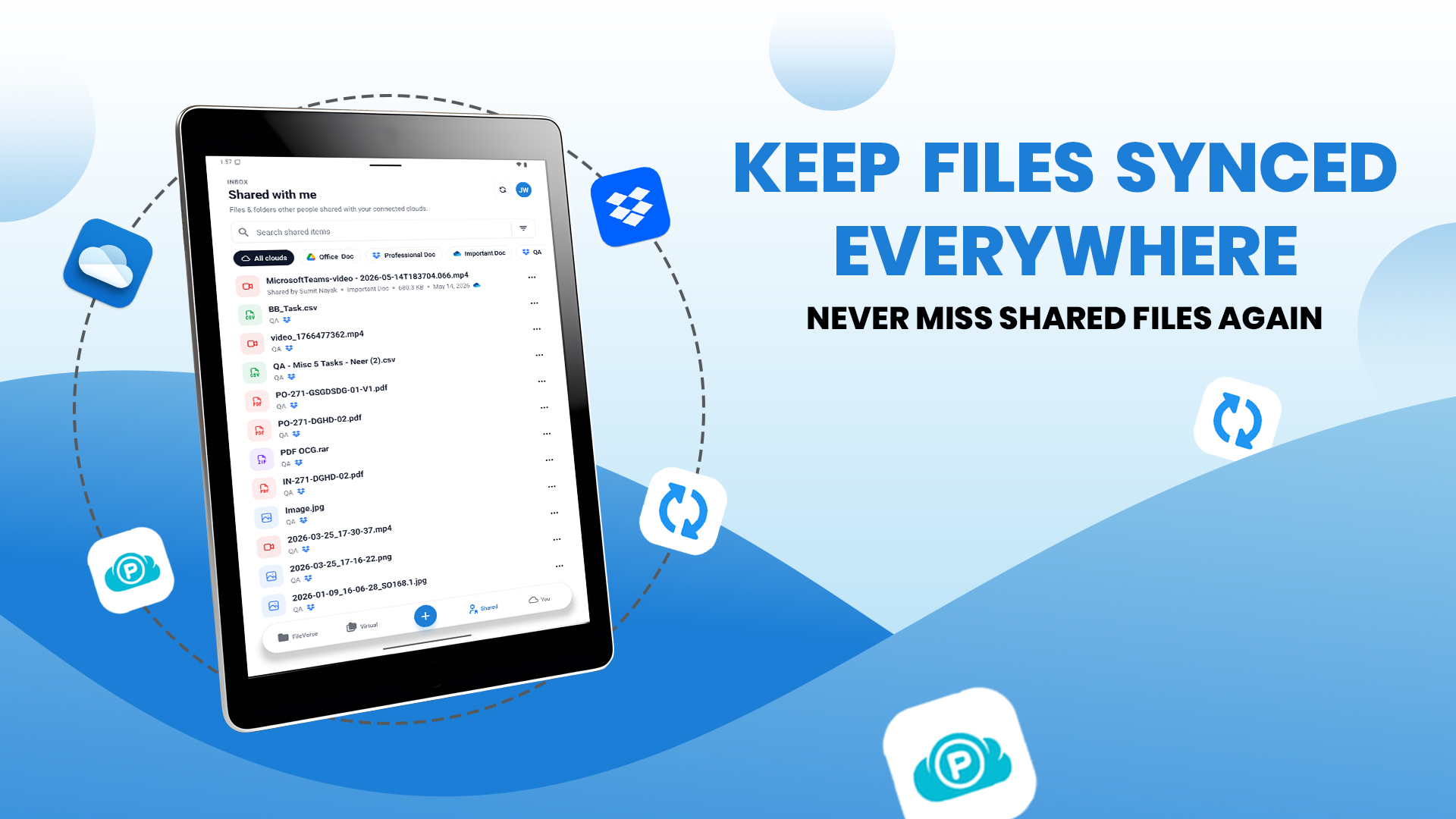
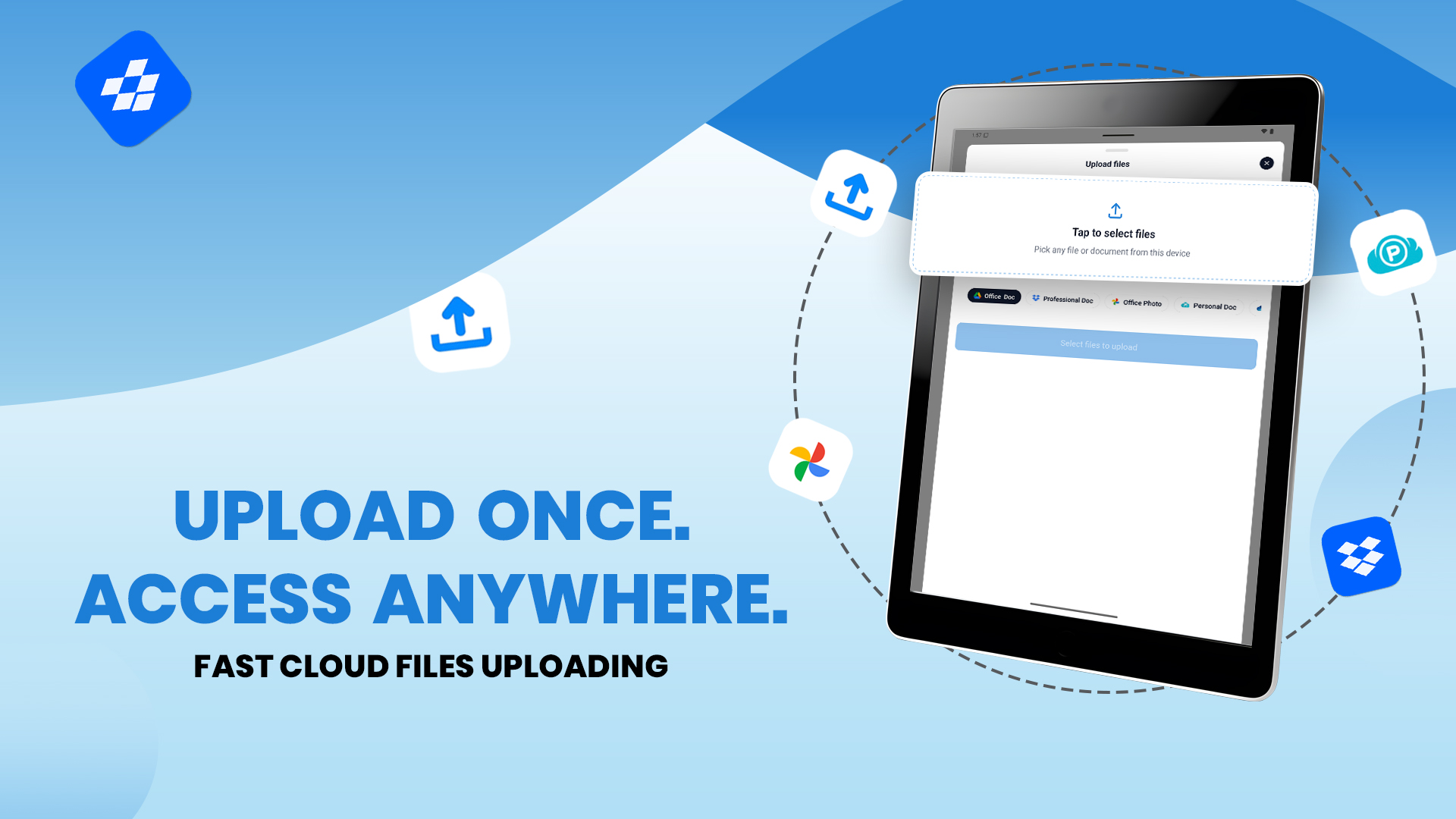
All Cloud Hub is a multi cloud storage app that connects Google Drive, OneDrive, Dropbox, Google Photos, and pCloud into a single unified dashboard. View, search, manage, and transfer files across all your cloud accounts.
Read full description
All Cloud Hub is a multi cloud storage app that connects Google Drive, OneDrive, Dropbox, Google Photos, and pCloud into a single unified dashboard. View, search, manage, and transfer files across all your cloud accounts. No more switching between drives, downloading from one service, and re-uploading to another just to complete a simple transfer. One Dashboard for All Your Cloud Storage Browse folders, view files, and perform actions across Google Drive, OneDrive, Dropbox, Google Photos, and pCloud, including multiple accounts from the same service, without logging in and out of different apps. Transfer Files Between Clouds Without Downloading Move or copy files between any two services without saving them to your device. Dropbox to Google Drive. OneDrive to pCloud. Google Photos to Dropbox. Any combination in a few taps. No local storage used. No extra steps. Search Every Cloud at Once A single search scans all connected accounts at the same time. No need to open multiple apps to find one file. Organize and Back Up Across Clouds Copy, move, rename, and restructure folders across any connected account from one place. Use it to back up important files across multiple services or clean up clutter without switching apps. Secure by Design Accounts are connected via OAuth through each service’s official login system. Your passwords are never stored by All Cloud Hub. Setup takes less than two minutes. Supported Services Google Drive · Microsoft OneDrive · Dropbox · Google Photos · pCloud All Cloud Hub is not affiliated with, endorsed by, or officially connected to Google, Microsoft, Dropbox, or pCloud. All product names are trademarks of their respective owners.
- Category
- Productivity
- Available on
- android
- Launched
- June 4, 2026
Reviews
No reviews yet. Be the first to share a useful, honest impression.
Sign in to review this app.
Opt in to release updates in your Rocket inbox. Unfollow here or in Notifications to stop future updates.