

CleanVideoText
Remove text from video with AI that rebuilds the background instead of blurring it
About
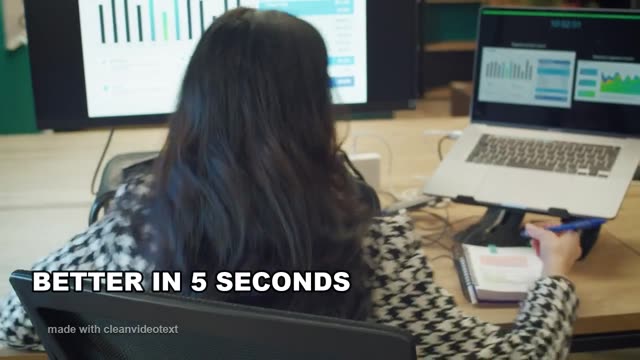
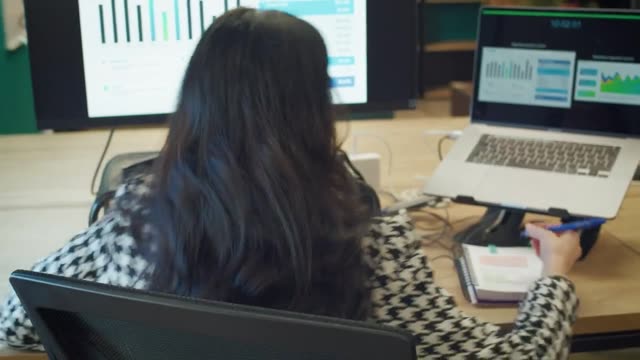
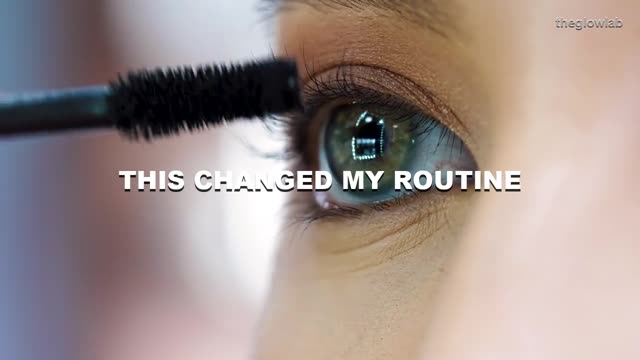
CleanVideoText removes text that is already baked into a video: burned-in subtitles, open captions, TikTok captions and @handles, lower thirds, brand marks and watermarks. Instead of cropping the frame or drawing a blur box over the words, it rebuilds the background underneath, so the shot keeps its original framing, resolution and motion.
Read full description
CleanVideoText removes text that is already baked into a video: burned-in subtitles, open captions, TikTok captions and @handles, lower thirds, brand marks and watermarks. Instead of cropping the frame or drawing a blur box over the words, it rebuilds the background underneath, so the shot keeps its original framing, resolution and motion. It is built for footage you cannot re-export: saved TikTok clips, client cuts, screen recordings and downloaded course videos. Upload an MP4 or MOV, mark the text you want gone, and export a clip with the audio of the selected part preserved. New accounts get free credits, and extra credits come in one-off packs rather than a subscription.
- Category
- Video, Photo & Video, AI Agents
- Available on
- web
Reviews
No reviews yet. Be the first to share a useful, honest impression.
Sign in to review this app.
Opt in to release updates in your Rocket inbox. Unfollow here or in Notifications to stop future updates.