

Clipbeam
A Private AI Super-Memory for your Mac. One central place for all your notes, links, docs, and more. Powered by a private offline agent that runs on your device.
About
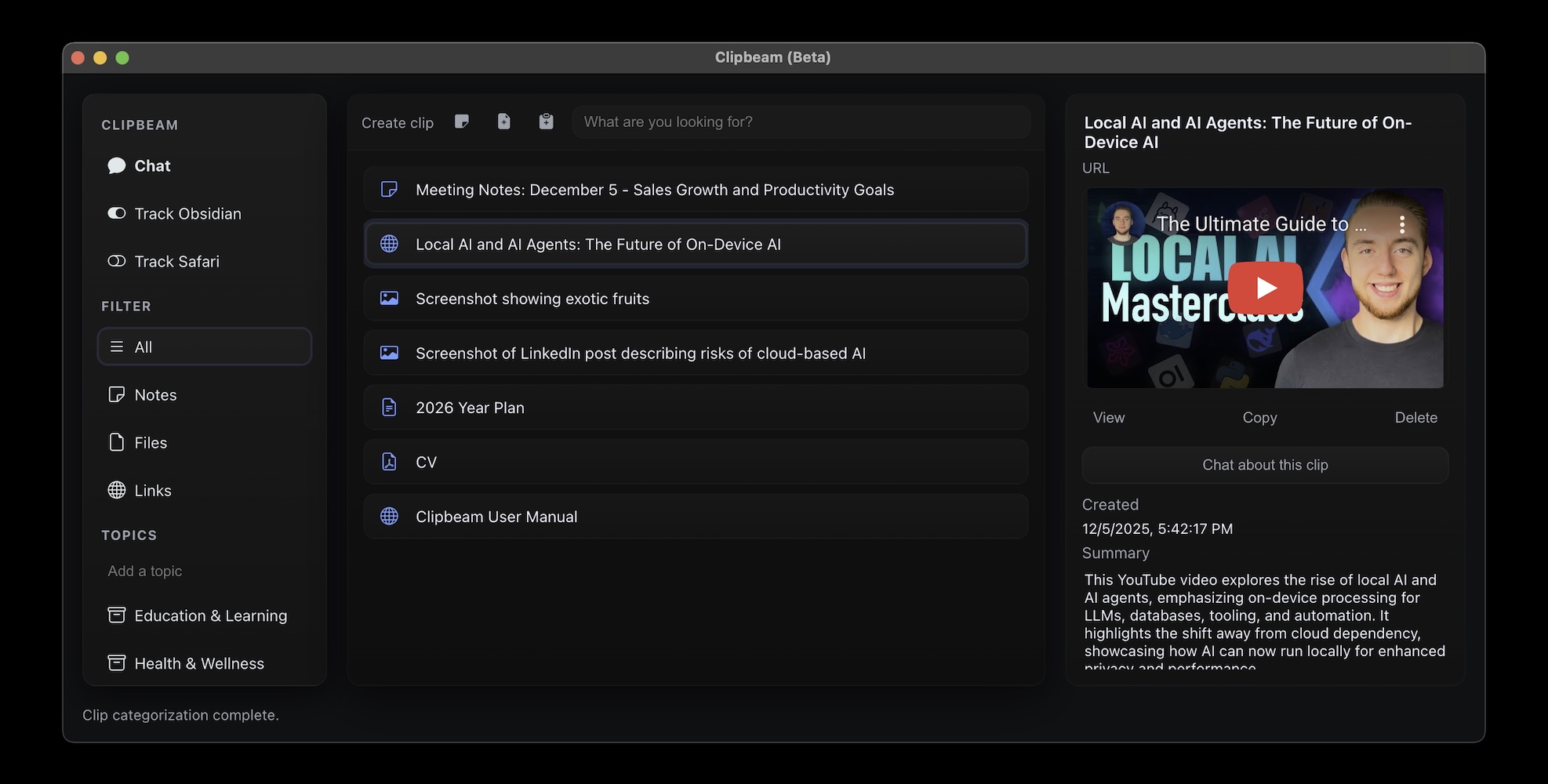
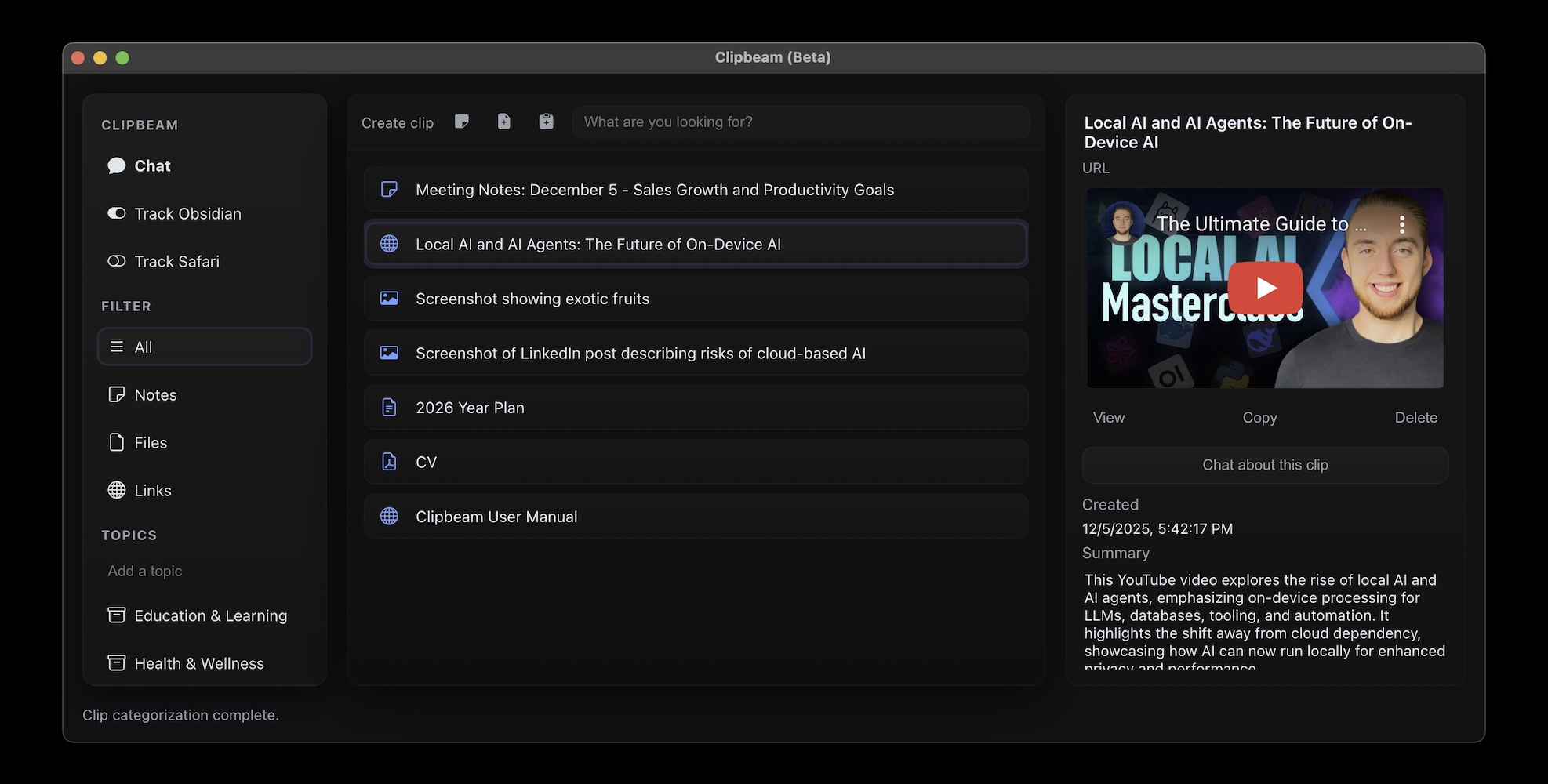
Capture, organize, and retrieve everything you work with: links, screenshots, code snippets, PDFs, voice memos, and more—in an instant.
Read full description
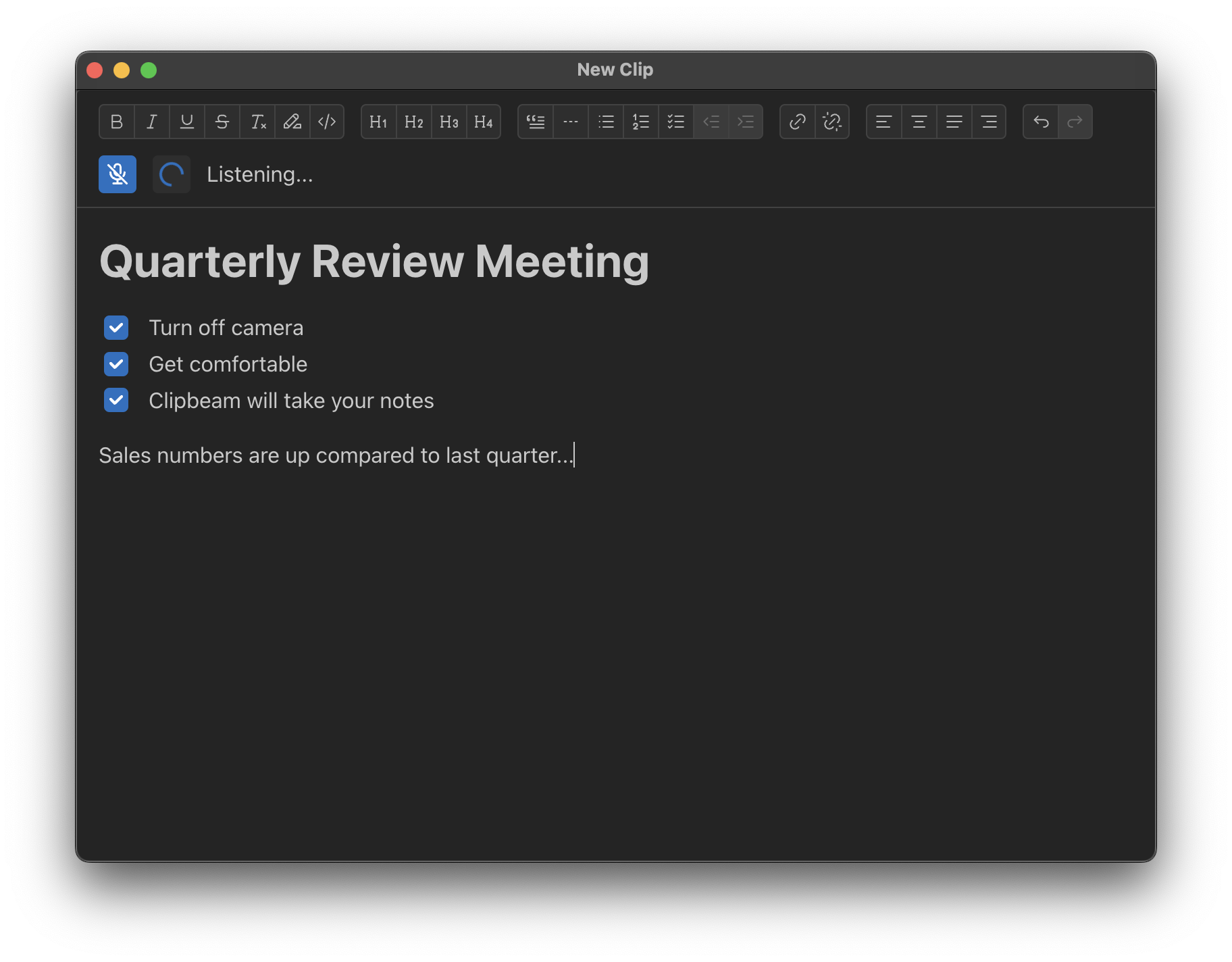
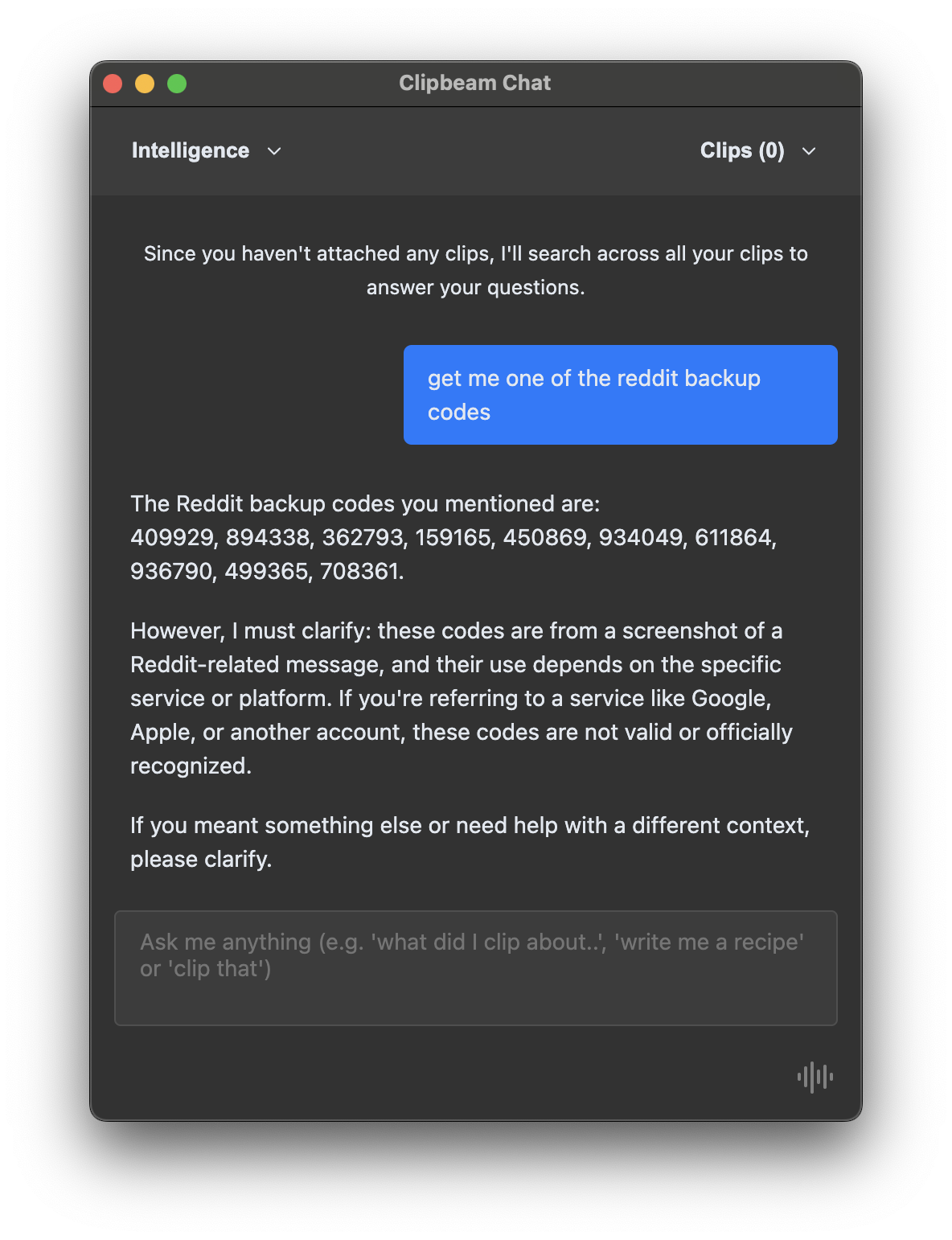
Capture, organize, and retrieve everything you work with: links, screenshots, code snippets, PDFs, voice memos, and more—in an instant. With a single universal hotkey (⌘ + C + B) Clipbeam captures content from any app, runs AI‑powered categorization entirely on your Mac, and stores it in a searchable vault that never leaves the device. Main features: 1. Universal Capture: Grab anything on screen or in the clipboard without switching apps. 2. Instant, Automatic Organization – Built‑in AI understands context (text, image, code, audio) and files it into smart collections for you. 3. Semantic Search & Chat: Ask “What were the ingredients of that Indian recipe?” or “Show me all travel docs for my upcoming trip” and get precise results in seconds; follow up with a conversational chat to dive deeper. 4. Voice‑First Workflow: Dictate notes, record meetings, or capture ideas hands‑free; Clipbeam transcribes on the fly and makes every word searchable. 5. Smart Notepad: A distraction‑free canvas that live‑transcribes spoken thoughts while automatically adding them to your knowledge base. 6. 100 % Offline & Private: All processing runs locally, there are no servers, no accounts, and no data ever leaves your Mac. Your secrets stay on your machine. Perfect for: - Developers who need to keep code snippets, docs, and terminal output at their fingertips. - Creatives juggling research links, screenshots, and audio notes. - Knowledge workers who want a searchable “second brain” without sacrificing privacy. - Anyone who spends more time hunting for information than creating it.
- Category
- LLMs, Productivity, Voice AI Tools
- Available on
- Not specified
- Launched
- January 7, 2026
Reviews
No reviews yet. Be the first to share a useful, honest impression.
Sign in to review this app.
Opt in to release updates in your Rocket inbox. Unfollow here or in Notifications to stop future updates.