

Clonlee
Sync clipboard across devices: Android, Windows, macOS, Linux — fast & private
About
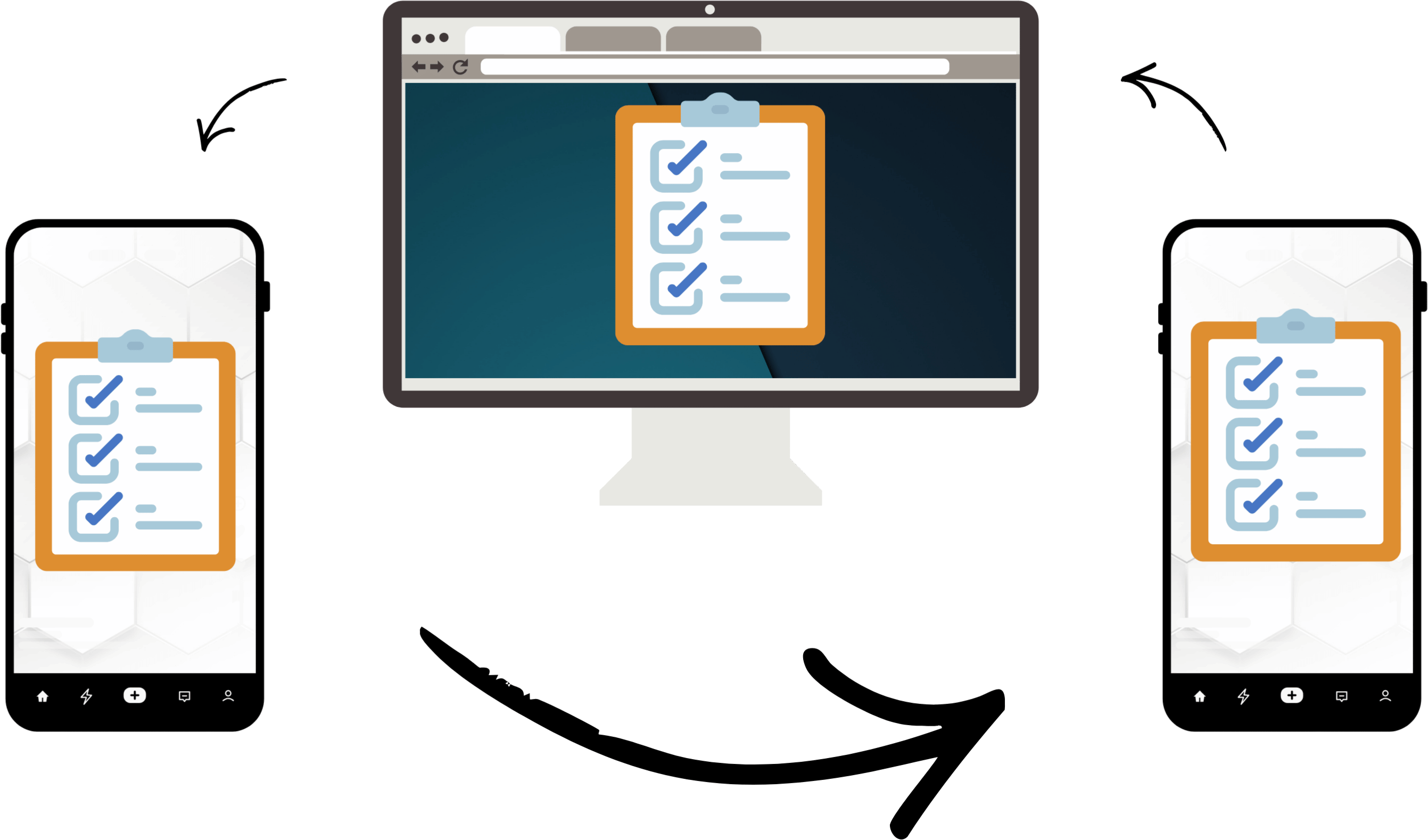
Clonlee lets you copy and paste text between your Android phone and your computer in a fast, simple, and private way. No cloud storage. No email. No confusing setup. Just copy on one device and paste on another.
Read full description
Clonlee lets you copy and paste text between your Android phone and your computer in a fast, simple, and private way. No cloud storage. No email. No confusing setup. Just copy on one device and paste on another. Whether you're writing, coding, data-entering, or switching between devices all day, Clonlee makes clipboard sync easy and predictable. **************** What Clonlee Does? Clonlee enables cross-device clipboard sync so you can: - Copy text on Android → paste on Windows, macOS, or Linux - Copy text on PC → paste on Android - Use your familiar copy/paste workflow across devices - Simple Ctrl + C and Ctrl + V This is a clipboard tool made for real workflows — not file sharing services or cloud storage platforms. **************** Key Features 📋 Clipboard Sync Across Devices Keep your clipboard in sync between Android and your computer in near-real-time. ⚡ Instant Copy & Paste Copy on one device, paste on another — no workarounds or extra steps. 🖥️ Desktop Support Available for Windows, macOS, and Linux with companion desktop apps. 🌐 Chrome Extension Use the Chrome extension on locked-down work machines where native apps may be restricted. 🔒 No Cloud Storage Your clipboard data stays between your devices. We don’t upload any clipboard text to remote servers for storage.
- Category
- Platforms, Productivity
- Available on
- Not specified
- Launched
- December 30, 2025
Reviews
No reviews yet. Be the first to share a useful, honest impression.
Sign in to review this app.
Opt in to release updates in your Rocket inbox. Unfollow here or in Notifications to stop future updates.