

Connect Google Drive to All Cloud Hub
Bring All Your Google Drives Into One Unified Dashboard with All Cloud Hub Chrome Extension
About
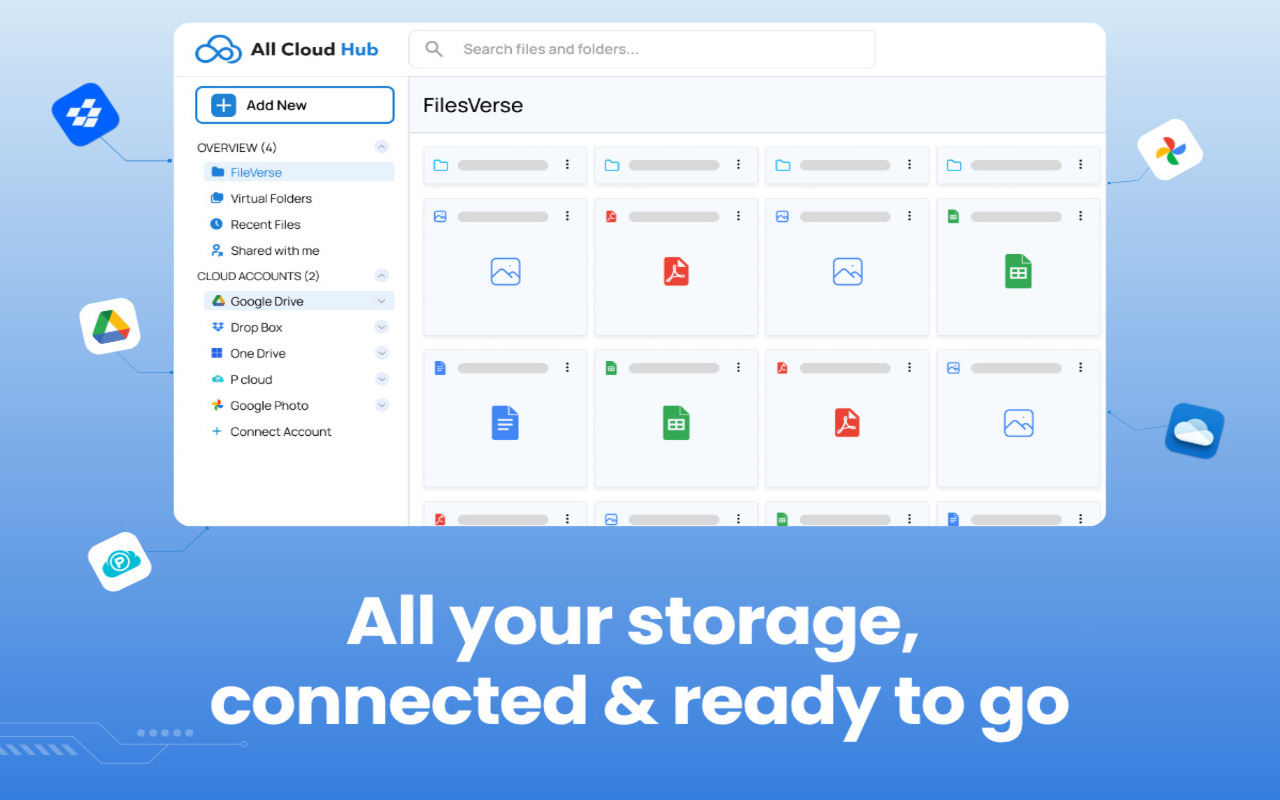
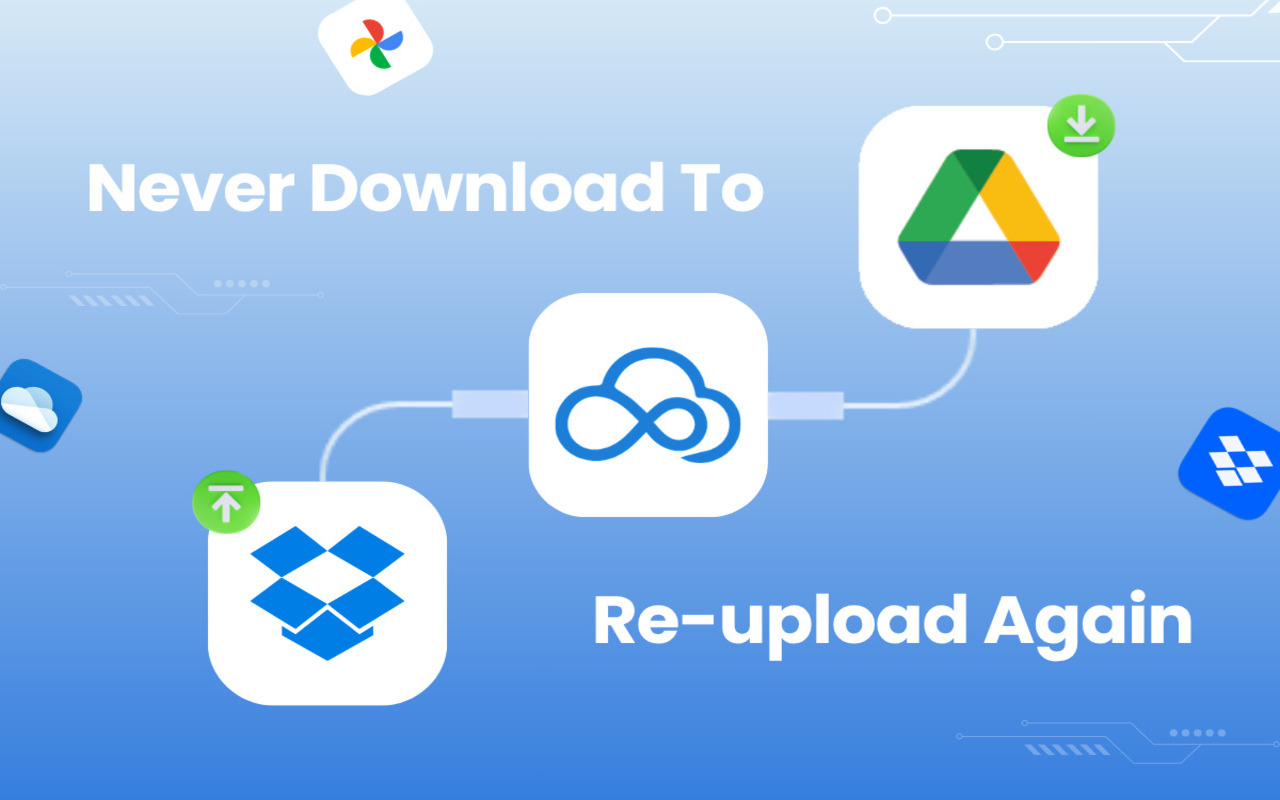
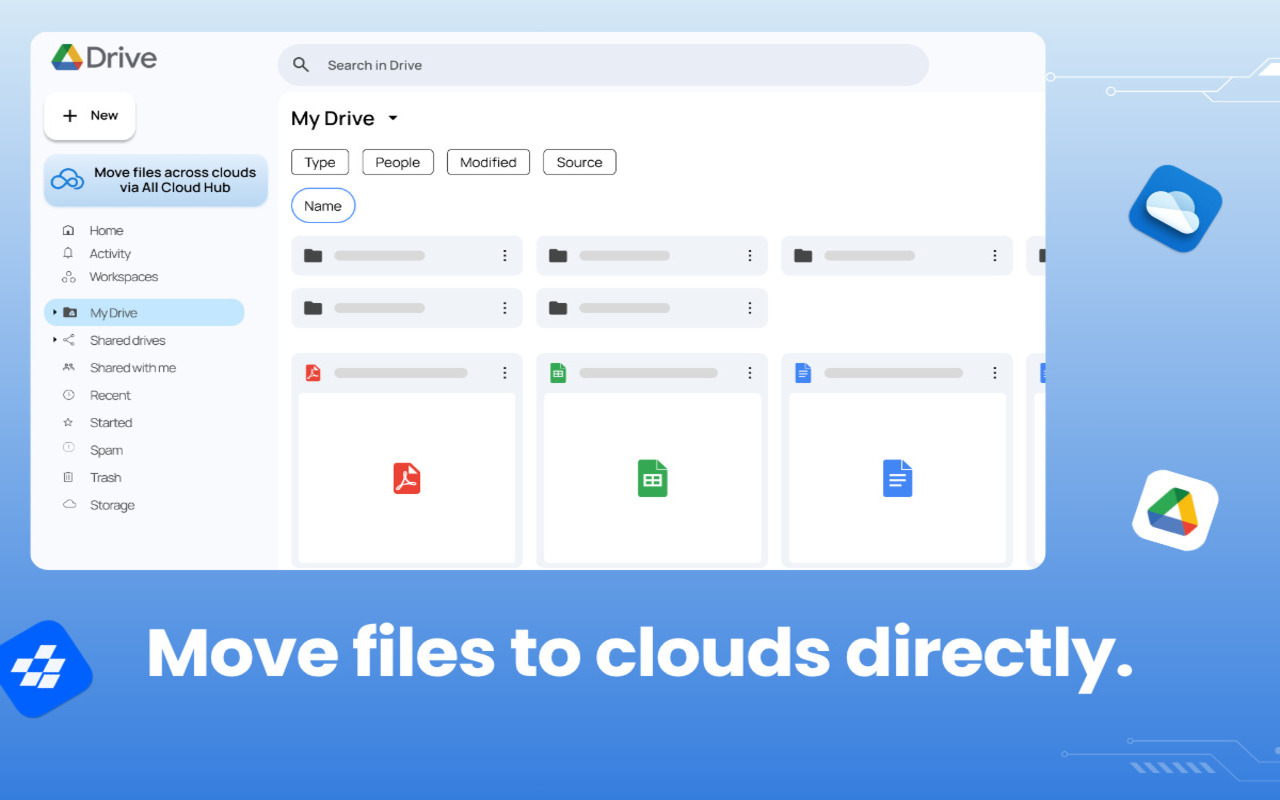
Connect Google Drive to All Cloud Hub and transfer files across clouds without downloads or switching between accounts.
Read full description
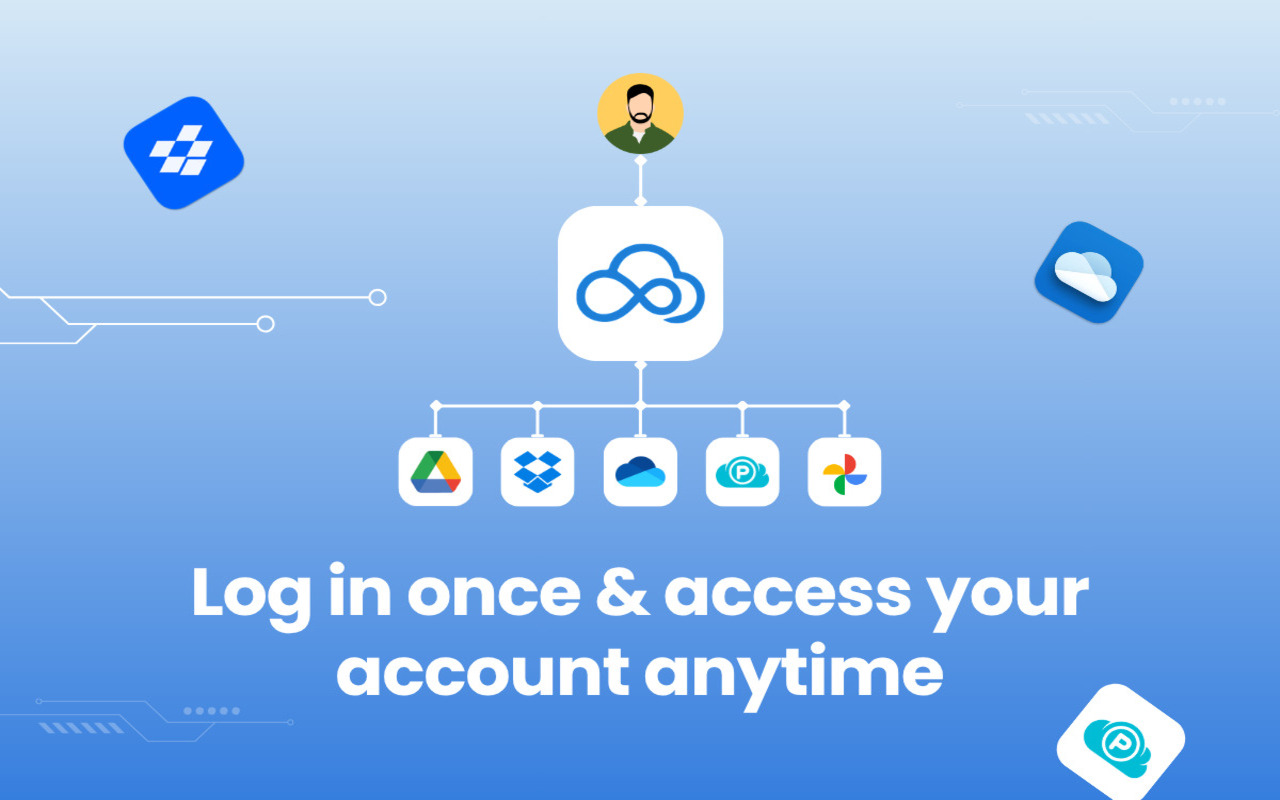
Connect Google Drive to All Cloud Hub and transfer files across clouds without downloads or switching between accounts. Bring your Google Drive into All Cloud Hub’s unified dashboard and manage files across different cloud services like OneDrive, pCloud, Google Photos and Dropbox more easily. This extension lets you quickly link your Google Drive to All Cloud Hub so your files become accessible inside a unified dashboard. Once connected, you can move files between cloud services without downloading them or switching between different apps. All Cloud Hub works as a control layer for your cloud storage. Your files always stay in your original cloud accounts, while you get a simpler way to view, search, and transfer them. What You Can Do ● Connect your Google Drive to All Cloud Hub in seconds ● Move files between multiple cloud storage accounts ● Access your files from a unified dashboard ● Avoid downloading and re-uploading files manually Key Benefits ● Quick and secure Google Drive connection ● Direct cloud-to-cloud file transfer ● No downloads or local storage required ● Files stay in your own cloud accounts ● Simple way to manage multiple cloud drives
- Category
- Productivity
- Available on
- web
- Launched
- May 27, 2026
Reviews
No reviews yet. Be the first to share a useful, honest impression.
Sign in to review this app.
Opt in to release updates in your Rocket inbox. Unfollow here or in Notifications to stop future updates.