

Decant
Stop rewriting ChatGPT and Claude parsers every product cycle.

About
Decant 🍷 — Web to Markdown Clipper
Read full description
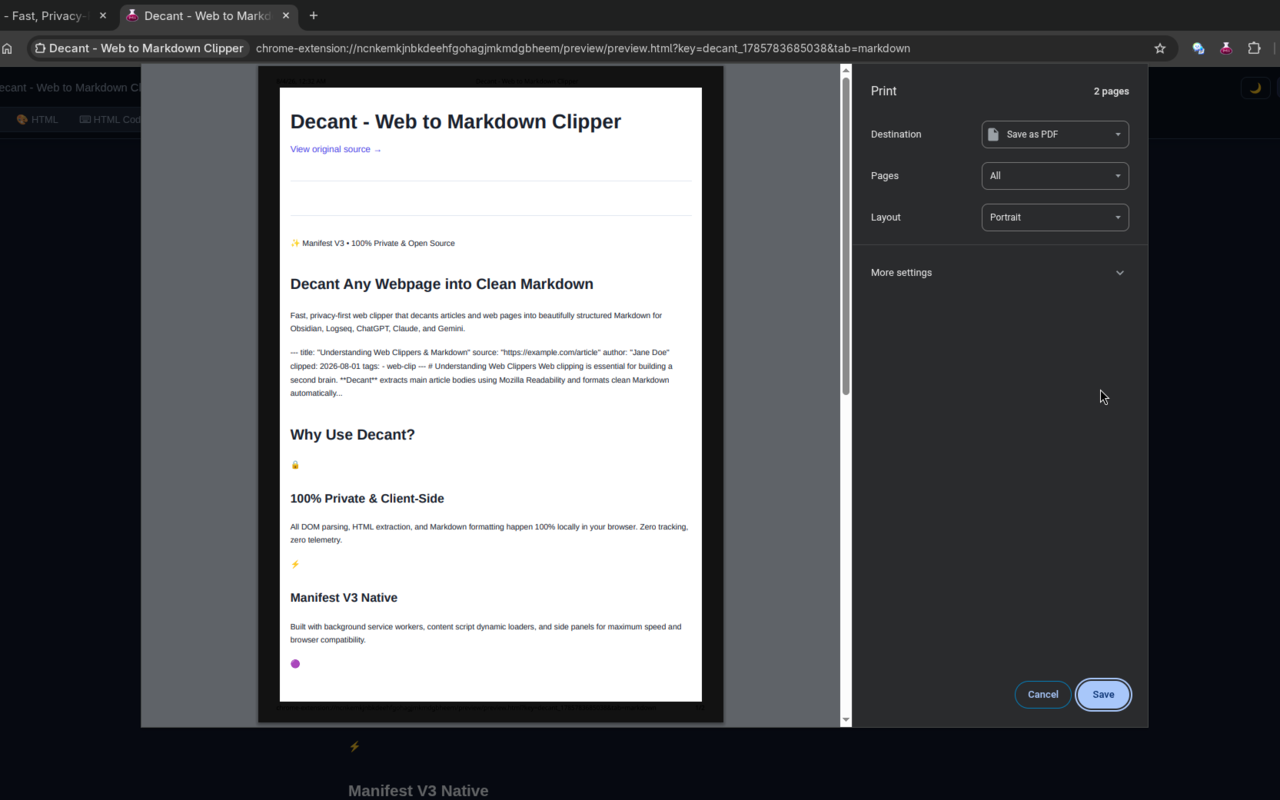
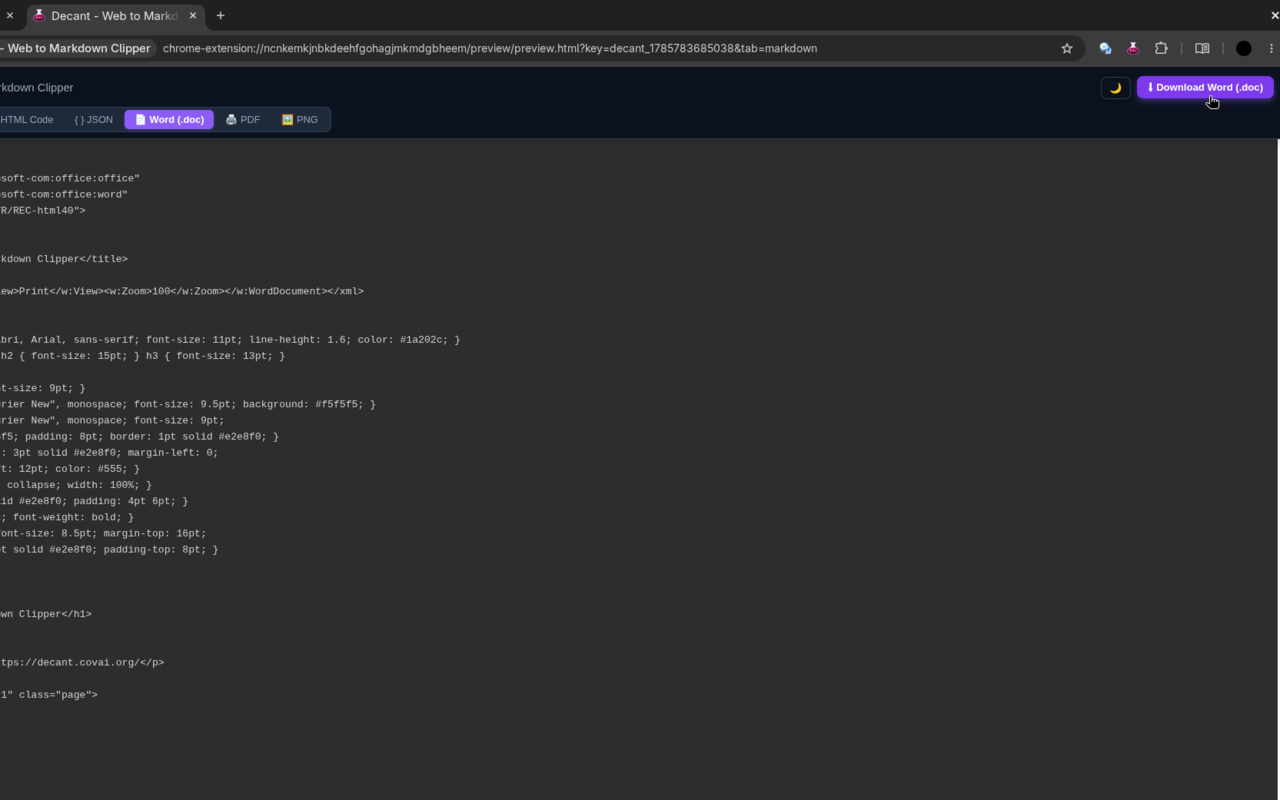
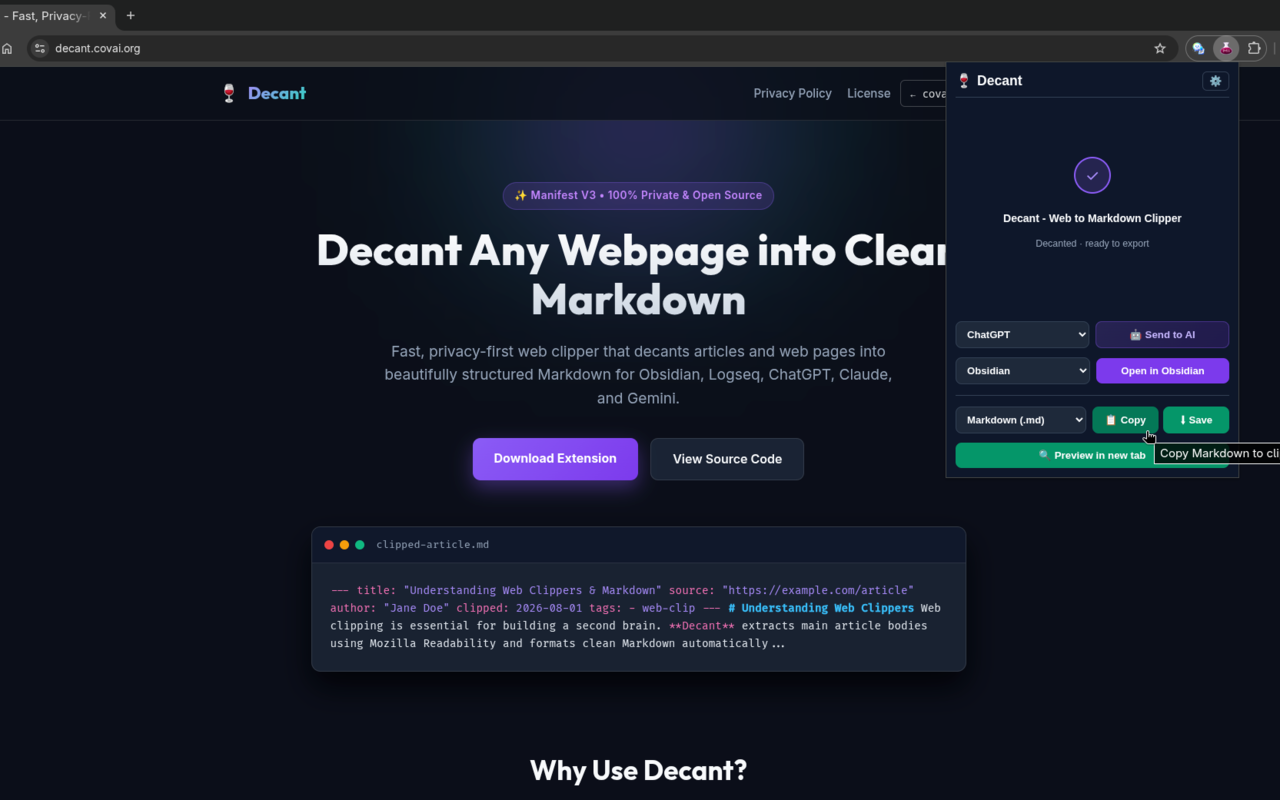
Decant 🍷 — Web to Markdown Clipper Decant is a fast, privacy-first, open-source browser extension that turns any webpage or article into clean, structured Markdown — right in your browser. Clip once. Paste anywhere: Obsidian, Logseq, Bear, Notion, ChatGPT, Claude, or anywhere else you write. WHAT IT DOES Click the Decant icon on any article, blog post, documentation page, or news story. Decant instantly extracts the main content — stripping ads, sidebars, and navigation — and converts it into clean Markdown. From the popup you can: Copy the Markdown to your clipboard Download it as a .md file Open it directly in Obsidian, Logseq, Bear, NotePlan, or Drafts Send it to ChatGPT, Claude, Gemini, DeepSeek, or Perplexity for AI analysis FEATURES 📄 Clean Markdown Extraction Powered by Mozilla's Readability — the same engine that powers Firefox Reader View. Extracts article body, headings, lists, code blocks, and links. Cuts everything else. 🔒 100% Local & Private All processing happens in your browser. No servers, no accounts, no tracking, no telemetry. Your reading habits are entirely your own. 📋 YAML Frontmatter Optionally prepend structured YAML metadata to every clip — title, source URL, author, publish date, clip date, and tags. Fully customizable template. 📝 PKM & Note-Taking App Integration One-click open in your preferred app via URI scheme: Obsidian (obsidian://) with optional vault selection Logseq (logseq://) Bear (bear://) NotePlan (noteplan://) Drafts (drafts://) 🤖 AI Chat Handoff Copies a formatted prompt to your clipboard and opens your preferred AI platform in a new tab — ready to paste and analyze the article. Supported: ChatGPT, Claude, Gemini, DeepSeek, Perplexity. Customize the prompt template with {{title}}, {{url}}, and {{content}} variables. ⚙️ Markdown Formatting Control Heading style: ATX (#) or Setext (===) Bullet list marker: dash (-), asterisk (*), or plus (+) Code block style: fenced (```) or indented KEYBOARD SHORTCUTS Alt+Shift+M — Open Decant popup Alt+Shift+D — Clip current tab as Markdown Alt+Shift+C — Copy current tab Markdown to clipboard (Shortcuts can be customized in your browser's extension shortcut settings.) PERMISSIONS & WHY WE NEED THEM Access to all websites — required to extract content from whatever page you're on. Decant only runs when you click the extension icon or use a keyboard shortcut. Clipboard write — to copy Markdown to your clipboard. Storage — to save your settings (formatting preferences, AI target, vault name) locally in your browser. Context menus — to add a right-click "Clip as Markdown" option. Active tab — to read the current page content. No data is ever sent anywhere. Everything stays in your browser. OPEN SOURCE Decant is free and open source under the AGPL-3.0 license. Homepage & docs: https://decant.covai.org/ NOTES FOR FIREFOX STORE REVIEWERS host_permissions (<all_urls>) is required because the extension must inject a content script to extract article content from any user-initiated page. It does not make any network requests of its own. innerHTML usage in content/content.js is from the bundled @mozilla/readability library (mozilla/readability on GitHub), which uses DOM manipulation internally for article parsing. Source code is available in the submitted source zip and at https://decant.covai.org/
- Category
- Engineering & Development, Product add-ons, Productivity
- Available on
- web
- Launched
- September 30, 2026
Reviews
No reviews yet. Be the first to share a useful, honest impression.
Sign in to review this app.
Opt in to release updates in your Rocket inbox. Unfollow here or in Notifications to stop future updates.