

About
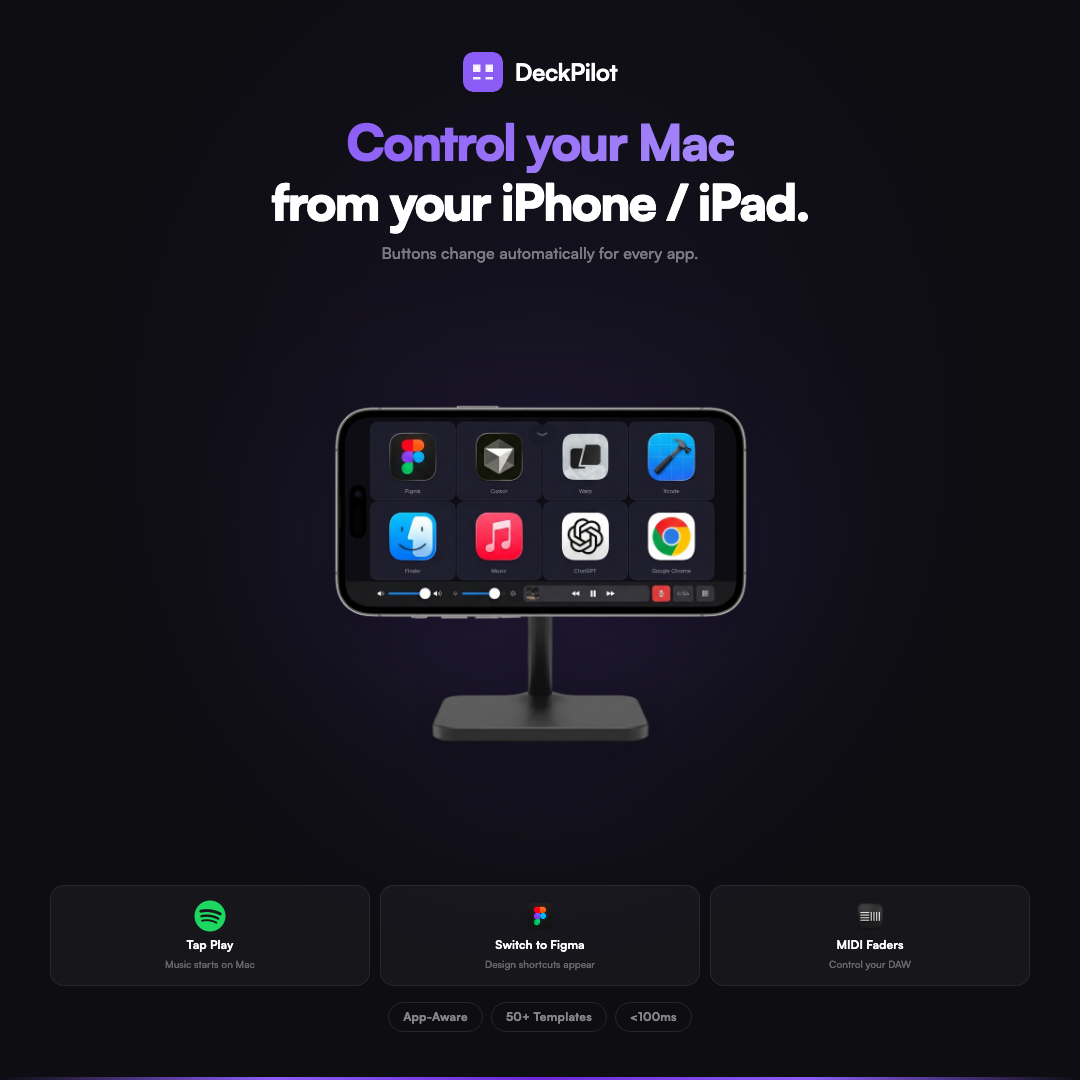
Your iPhone becomes a live control surface for your Mac. Connect over Wi-Fi, set up custom buttons for anything, and control your entire workflow from your phone.
Read full description
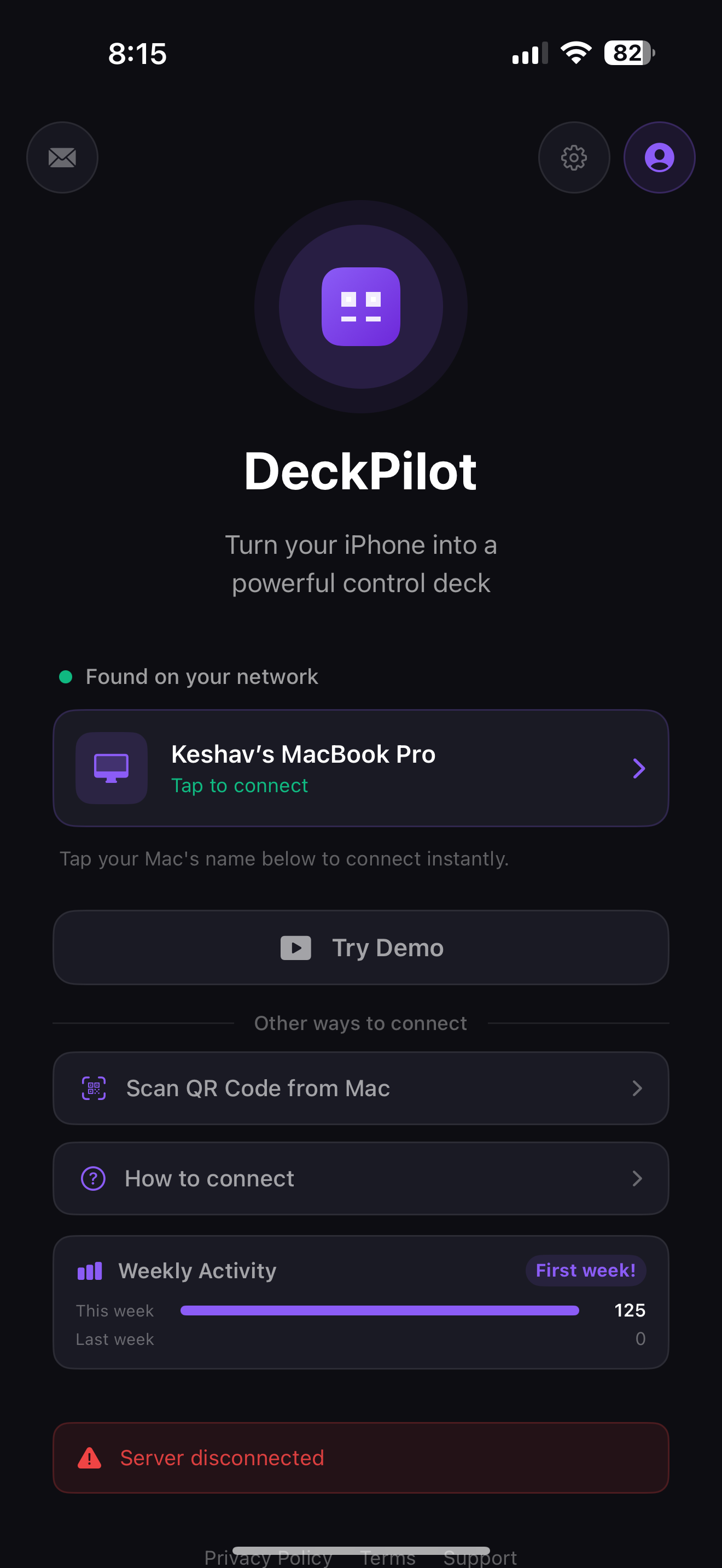
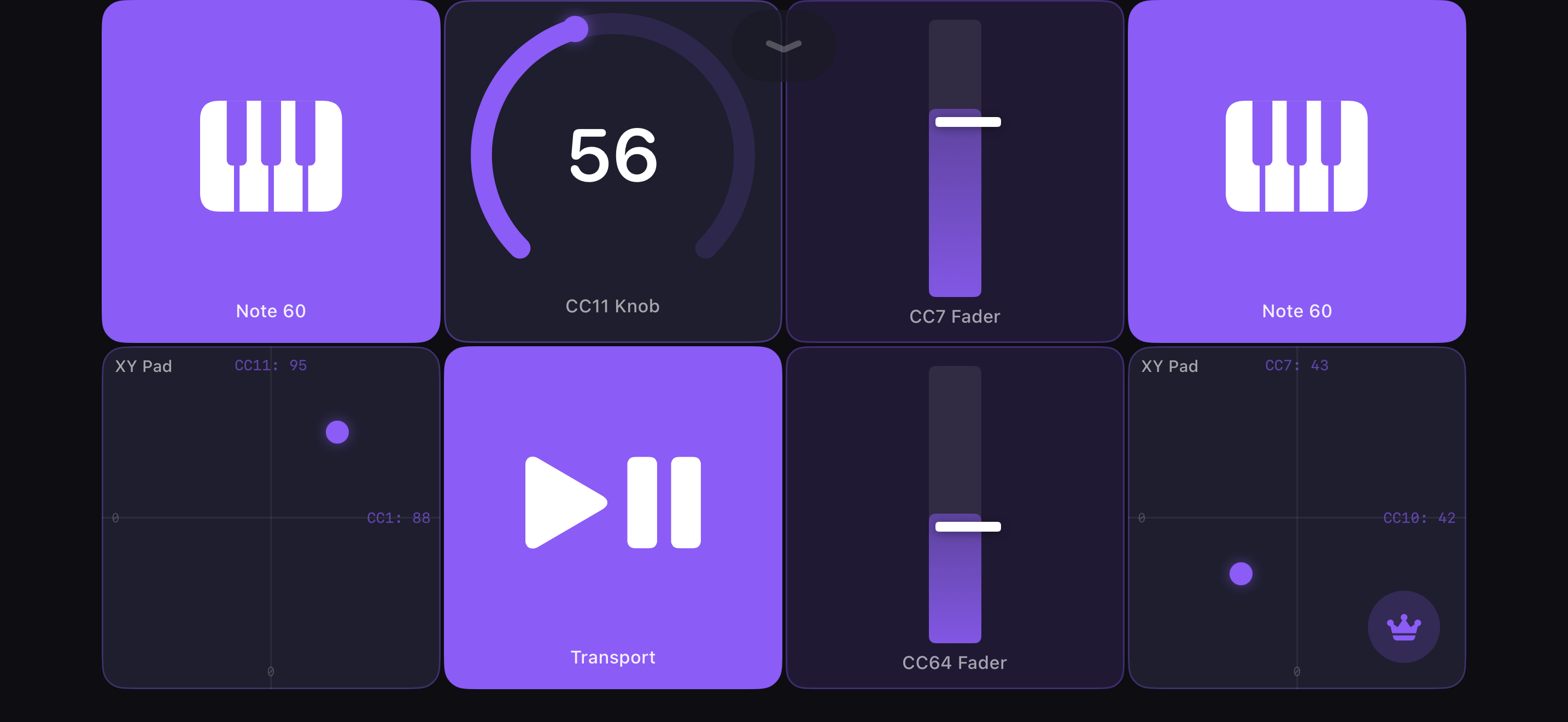
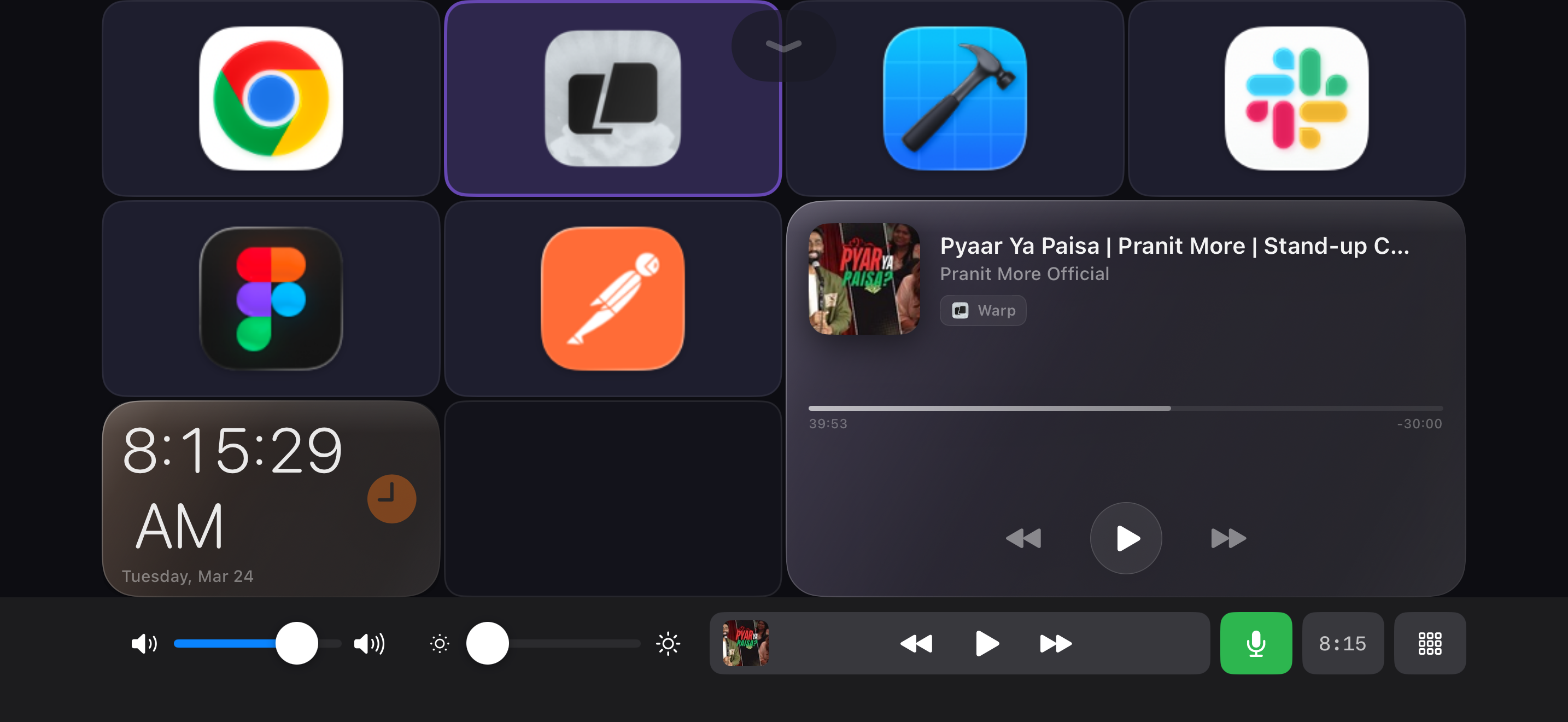
Your iPhone becomes a live control surface for your Mac. Connect over Wi-Fi, set up custom buttons for anything, and control your entire workflow from your phone. DeckPilot automatically detects which app is in front and switches to the right buttons. Launch apps, trigger keyboard shortcuts, run macros, play MIDI instruments, and execute AppleScript — all with one tap. KEY FEATURES - Custom Button Grids — Design decks with icons, colors, background images, and labels - MIDI Instruments — Faders, knobs, XY pads, velocity pads, and transport controls for any DAW - Visual Macro Builder — Chain shortcuts, app launches, AppleScript, and delays into one button - App-Aware Decks — Buttons change automatically when you switch apps on your Mac - 300K+ Icons — SF Symbols, emoji, Iconify search, text labels, and custom image upload - Touch Bar — Volume, brightness, media, mic mute, and clock at your fingertips - Code Editor — Write and test AppleScript with syntax highlighting and 10 dark themes - Instant Pairing — Connect via Wi-Fi or USB. Auto-reconnects silently. - Import & Share — Export and import .deckpack files, browse community templates - Demo Mode — Try the full experience before connecting your Mac - Home Screen Widget — Quick access to your buttons and connection status HOW IT WORKS 1. Download DeckPilot on your Mac (free at deckpilot.co) 2. Open DeckPilot on your iPhone — your Mac appears automatically 3. Tap to connect. Start controlling your Mac instantly. BUILT FOR - Musicians — MIDI faders, knobs, and pads for Ableton, Logic, FL Studio, and any DAW - Developers — Switch between IDE, terminal, and browser with one tap - Designers — Toggle tools in Figma, Photoshop, or Sketch - Streamers — Manage scenes, audio, overlays, and macros - Anyone who wants a faster, more personal way to control their Mac FREE TO START Unlimited decks and devices on the free tier. Pro unlocks multi-page decks, larger grids, MIDI controls, macros, AppleScript, app-aware switching, and Shortcuts integration. Privacy first: commands travel over your local network. We use privacy-focused analytics with no personal data tracking.
- Category
- Productivity
- Available on
- ios
- Launched
- March 29, 2026
Reviews
No reviews yet. Be the first to share a useful, honest impression.
Sign in to review this app.
Opt in to release updates in your Rocket inbox. Unfollow here or in Notifications to stop future updates.