

downvideo Online Video Downloader
Download public videos, audio and existing captions from 46 platforms
About
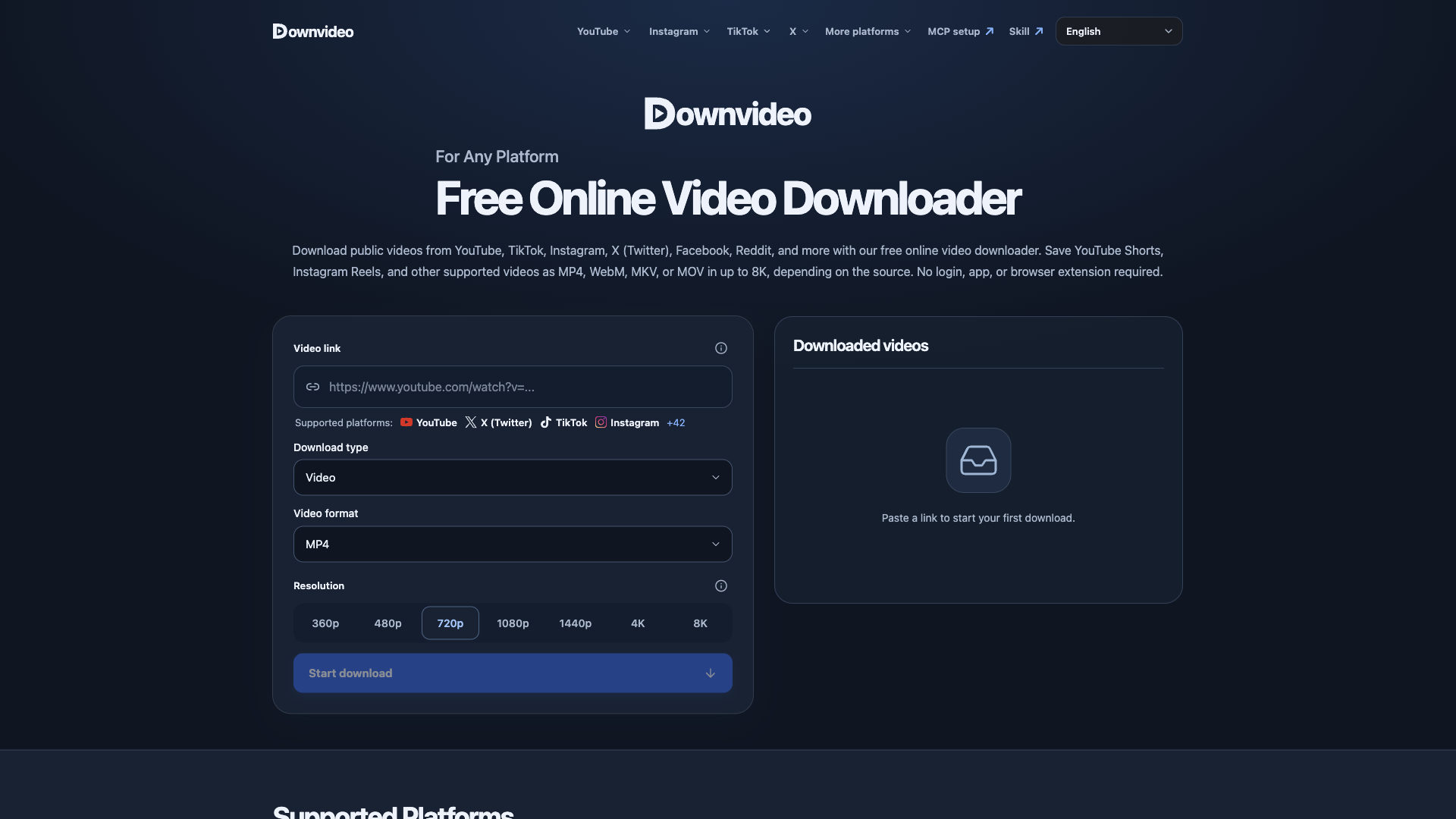
downvideo Online Video Downloader is a free browser-based tool for saving publicly available videos, audio and existing captions from supported platforms. It is designed for people who want to download content they own or have permission to save, without installing a desktop application, browser extension or mobile app. No account is required.
Read full description
downvideo Online Video Downloader is a free browser-based tool for saving publicly available videos, audio and existing captions from supported platforms. It is designed for people who want to download content they own or have permission to save, without installing a desktop application, browser extension or mobile app. No account is required. The service supports 46 platforms, including YouTube, TikTok, Instagram, X, Facebook, Reddit, Pinterest, Twitch, Vimeo, Dailymotion and Bilibili. Availability depends on the platform and the source link. Users paste a supported video URL, choose an available download type and format, and follow the task status in the browser. Video downloads are available up to 8K when that resolution is supplied by the source. downvideo does not upscale a lower-resolution video to create a higher-quality label. Available video formats include MP4, WebM, MKV and MOV, depending on the source and selected option. Audio downloads are supported in formats including MP3, M4A, AAC, Opus, WAV, FLAC and ALAC. The available choices can vary between source videos. This gives users a way to save an audio version when they do not need the full video file. For YouTube videos with existing captions, downvideo can download the available caption tracks and languages. Caption format options include SRT, VTT, ASS, LRC and TXT. This feature retrieves existing captions; it does not generate a new transcript or translate the video. The standard service limits are one hour of source video and one gigabyte of output. Completed files remain available for 24 hours in the same anonymous browser session. Users should keep that session available while downloading their files. The main workflow is straightforward: paste a link, review the available options, start the download task and save the resulting file. The interface keeps the focus on video, audio and captions rather than requiring users to configure a separate local downloader.
- Category
- Productivity
- Available on
- web
- Launched
- November 27, 2026
Reviews
No reviews yet. Be the first to share a useful, honest impression.
Sign in to review this app.
Opt in to release updates in your Rocket inbox. Unfollow here or in Notifications to stop future updates.
Similar apps
Related by category, tags and platform—not a paid placement.


