

Fantasy Studio
Type a sentence. Get a playable 3D game or a cinematic video — no code, running entirely on your own machine. Then reshape it in real time by pointing at the world.
About
Fantasy Studio is a local-first desktop app that turns a plain-language sentence into two things: a playable 3D game, or a directed cinematic video — with no coding, no cloud, and no per-render fee. Everything runs on your own hardware.
Read full description
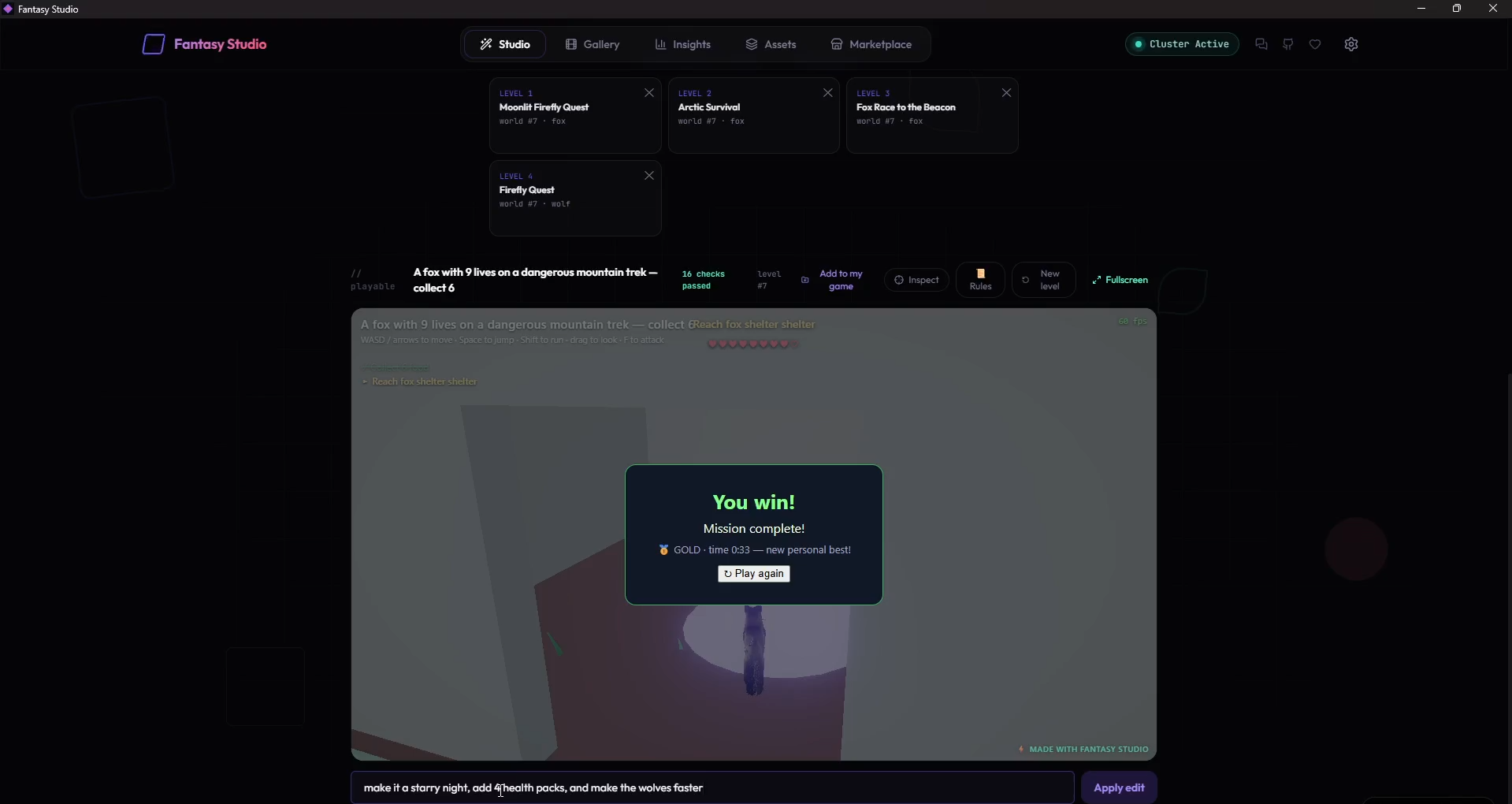
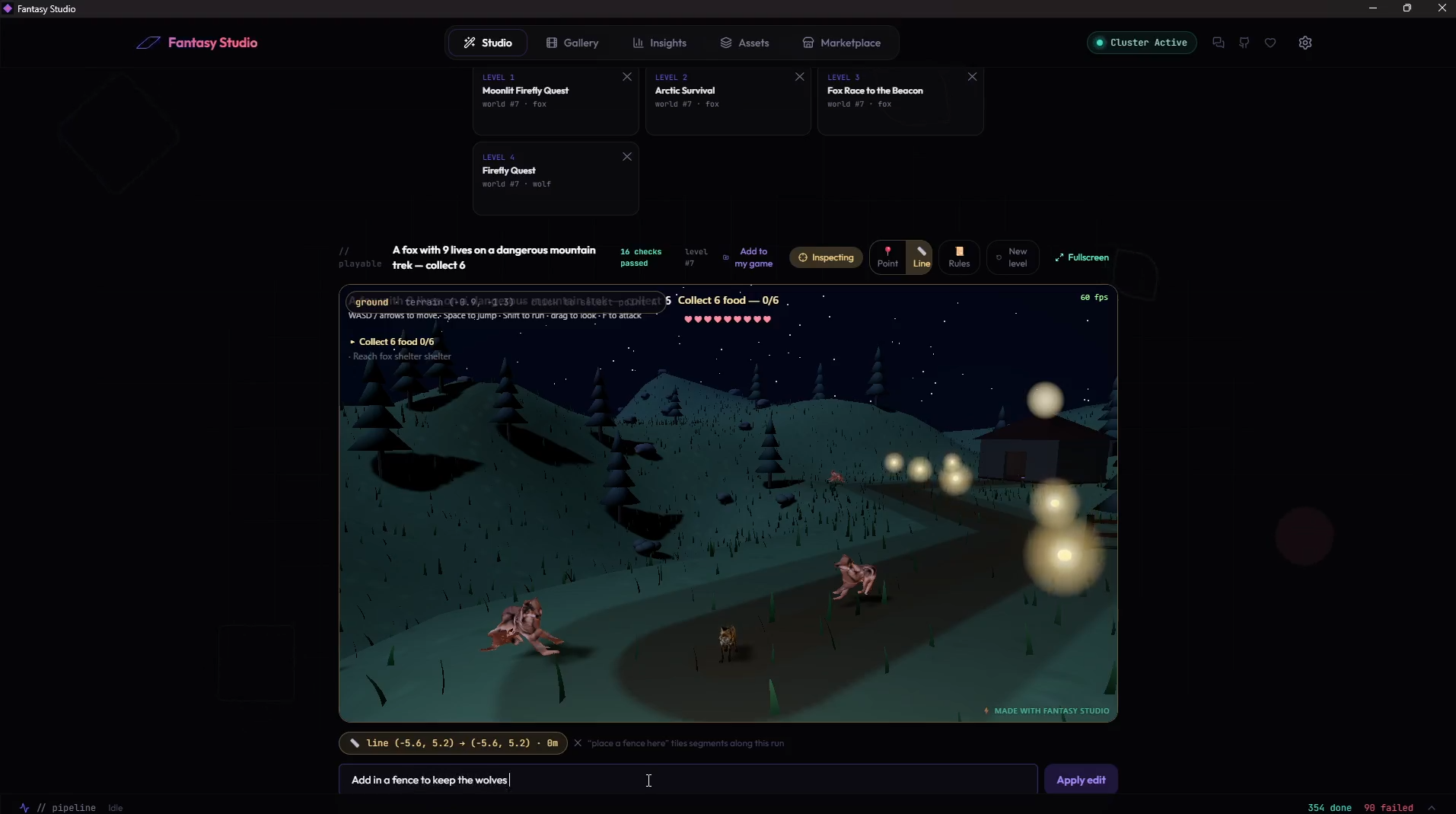
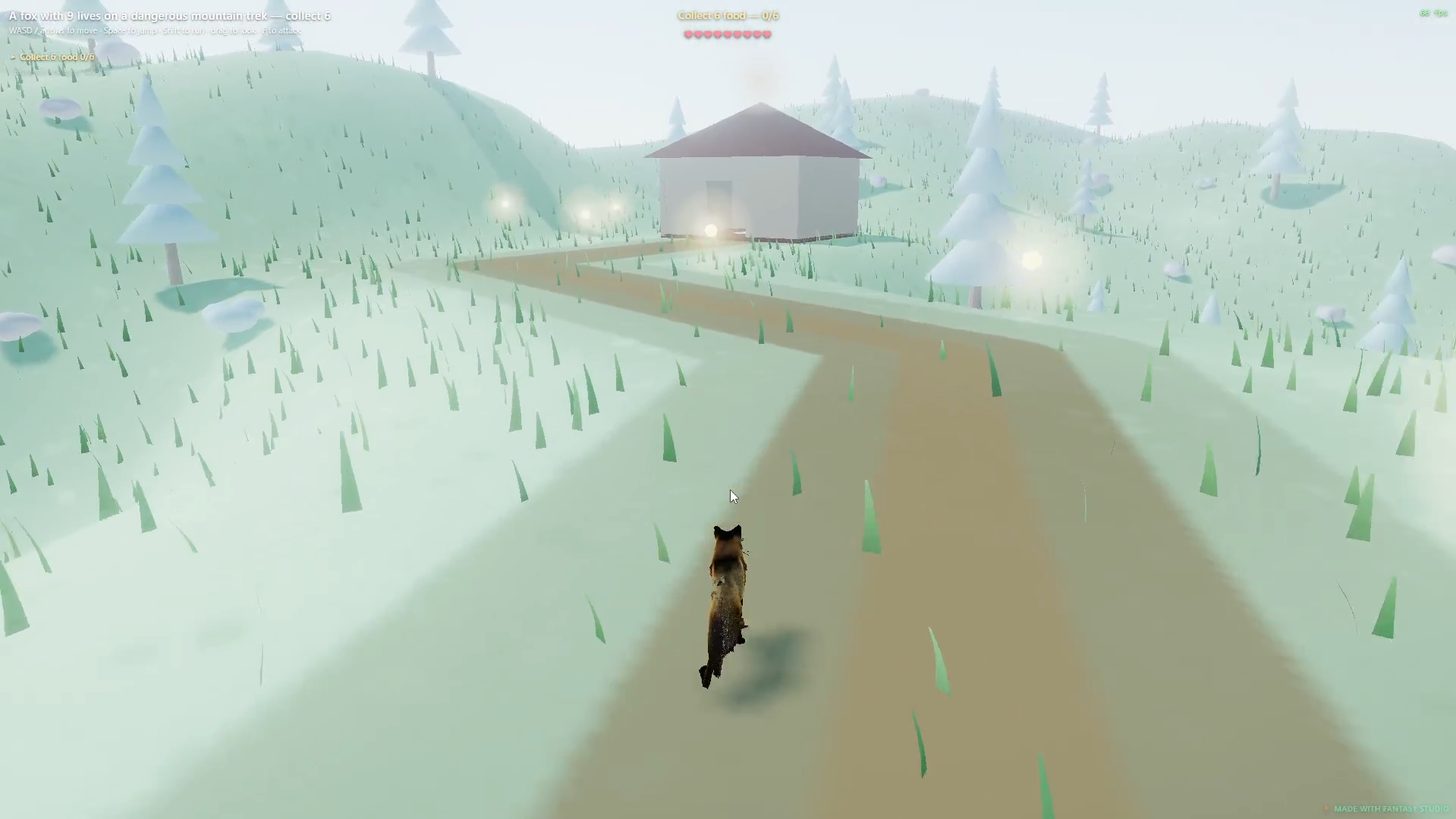
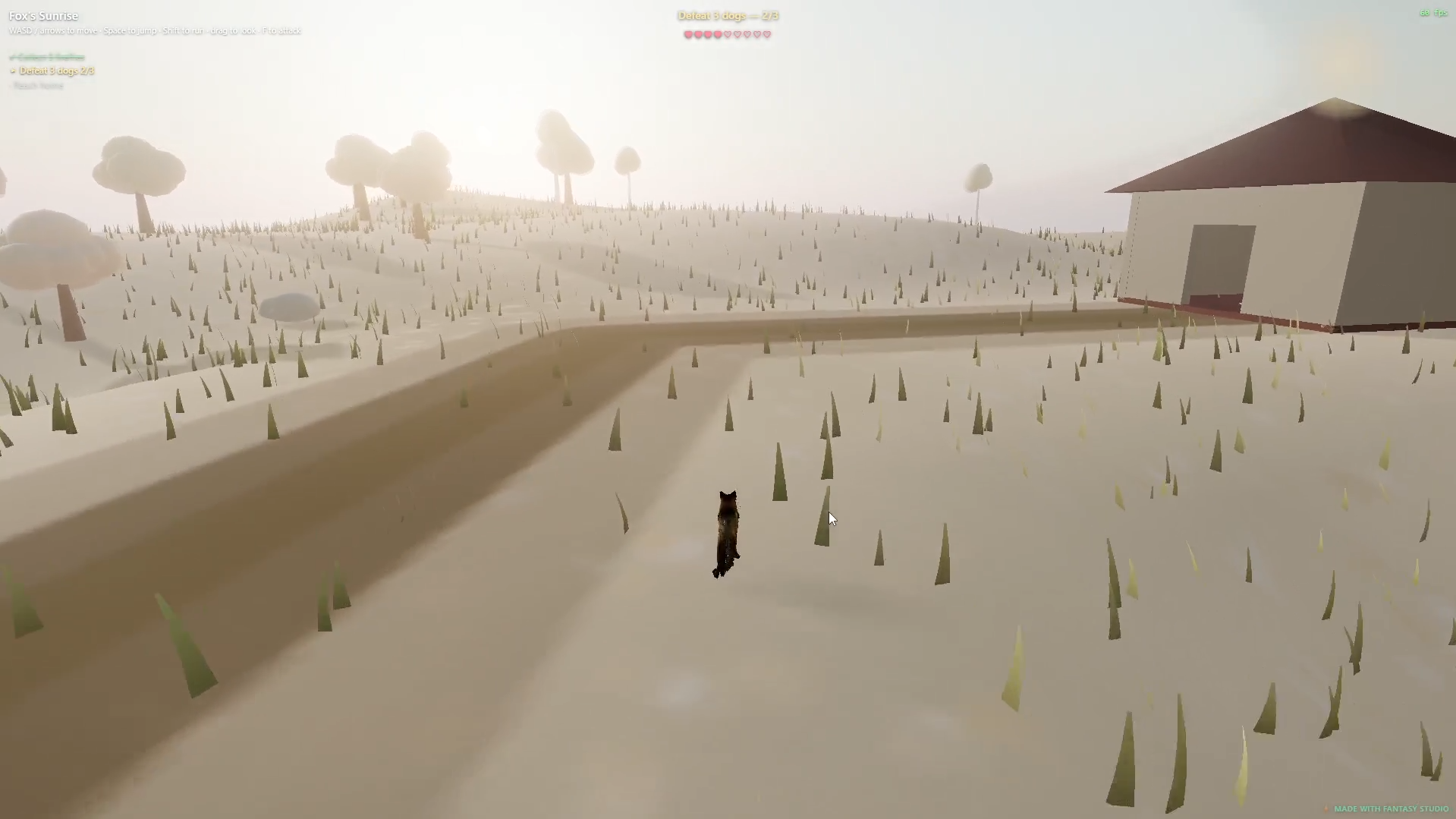
Fantasy Studio is a local-first desktop app that turns a plain-language sentence into two things: a playable 3D game, or a directed cinematic video — with no coding, no cloud, and no per-render fee. Everything runs on your own hardware. 🕹️ Game mode — "a fox with 9 lives on a dangerous mountain trek: collect 6 food, avoid the hostile wolves, then reach the shelter" → a playable third-person game in about a minute, with no GPU. Then Inspect the running game: hover to identify anything, click a spot, and type — "place a campfire here," "place a sign that says stay near the fire," "fence off this pass." It generates and drops it in seconds, and the rules are real (a sign that says the wolves fear the light means they actually won't enter the glow). 🎬 Video mode — "a polar bear walking through the arctic at sunset" → a cinematic MP4 in ~90 seconds, plus the underlying .blend file you can re-light and re-render in Blender forever. Every frame is rendered, not hallucinated — no video diffusion anywhere in the pipeline. Both modes share the same brain: a local LLM (Gemma 3 via Ollama) reads your prompt and directs the scene, and local image-AI (SDXL → Microsoft TRELLIS.2, MIT) builds the cast — an identity-faithful 3D character generated once and cached in your library forever. No API keys. No accounts. No telemetry. Nothing you make leaves your machine unless you choose to publish it. The bet: AI directs real tools instead of replacing them. Where diffusion tools generate pixels and ask you to accept whatever comes out, Fantasy Studio generates a game you can edit and a Blender scene you can re-render — deterministic, editable, and yours to own. 🕹️ The game engine — build a game by describing it, then edit it live This is what makes Fantasy Studio different from every other "AI game" tool: you don't just generate a game, you keep shaping it — visually, in real time, with no code. One sentence → a playable game. Third-person controls (WASD / gamepad / touch), real motion-capture walk/run, physics, an objective grammar you can freely combine: collect · defeat · reach · survive · race, health & lives, win/lose, and a narrative intro. Inspect mode — point at the world and change it. Hover any object and a live chip identifies it (wolf · hostile · speed 3). Click a spot to select it, then type a plain-language edit. Two placement tools: 📍 Point (one spot) and 📏 Line (drag a run — a fence tiles between two clicks). Placed items include instant procedural props (book, sign, chest, building, rock, beacon, campfire, fence) or any noun from your library. Rules that are actually honored. Toggle rule chips on any placed object — 🔥 safe zone (hostiles fear it), 🚧 blocks enemies, ⚡ hurts on touch — and the runtime enforces them. Books and signs are readable (walk up, press E). A campfire is a real safe zone, not decoration. 📜 The Truth Table. One panel lists every rule your game actually enforces — hero stats, mission steps, enemy behavior, placed-item rules, rewards — derived from the live spec. Your game's contract, on screen. Style presets you pick, never guessed. 🎬 Photoreal · 🖍️ Cartoon (cel + ink outlines) · 🌸 Anime · 🕯️ Horror · 👾 Pixel · 📐 Low-poly. One global look applied coherently to the whole world. View presets. 🧊 3D third-person · 🗺️ Top-down 2D (Zelda-style) · 🎞️ Side-scroller. Same world, a different genre from one chip. Walk-in destinations. "Reach the shelter / cabin / lighthouse / castle" builds a real structure — open door, warm windows, a lit hearth — that you win by stepping inside. Levels & projects. Stack levels into one game via clickable level tiles (click to play, inspect, and edit any level, then save it back), and export the whole thing as a hub-menu game.
- Category
- Design & Creative, Engineering & Development, No-code Platforms
- Available on
- hardware, web
- Launched
- July 9, 2026
Reviews
No reviews yet. Be the first to share a useful, honest impression.
Sign in to review this app.
Opt in to release updates in your Rocket inbox. Unfollow here or in Notifications to stop future updates.