

Gemini Omni Video - AI Video Generator
Gemini Omni Video — the AI video generator that works like a creative conversation.
About
## What is Gemini Omni Video?
Read full description
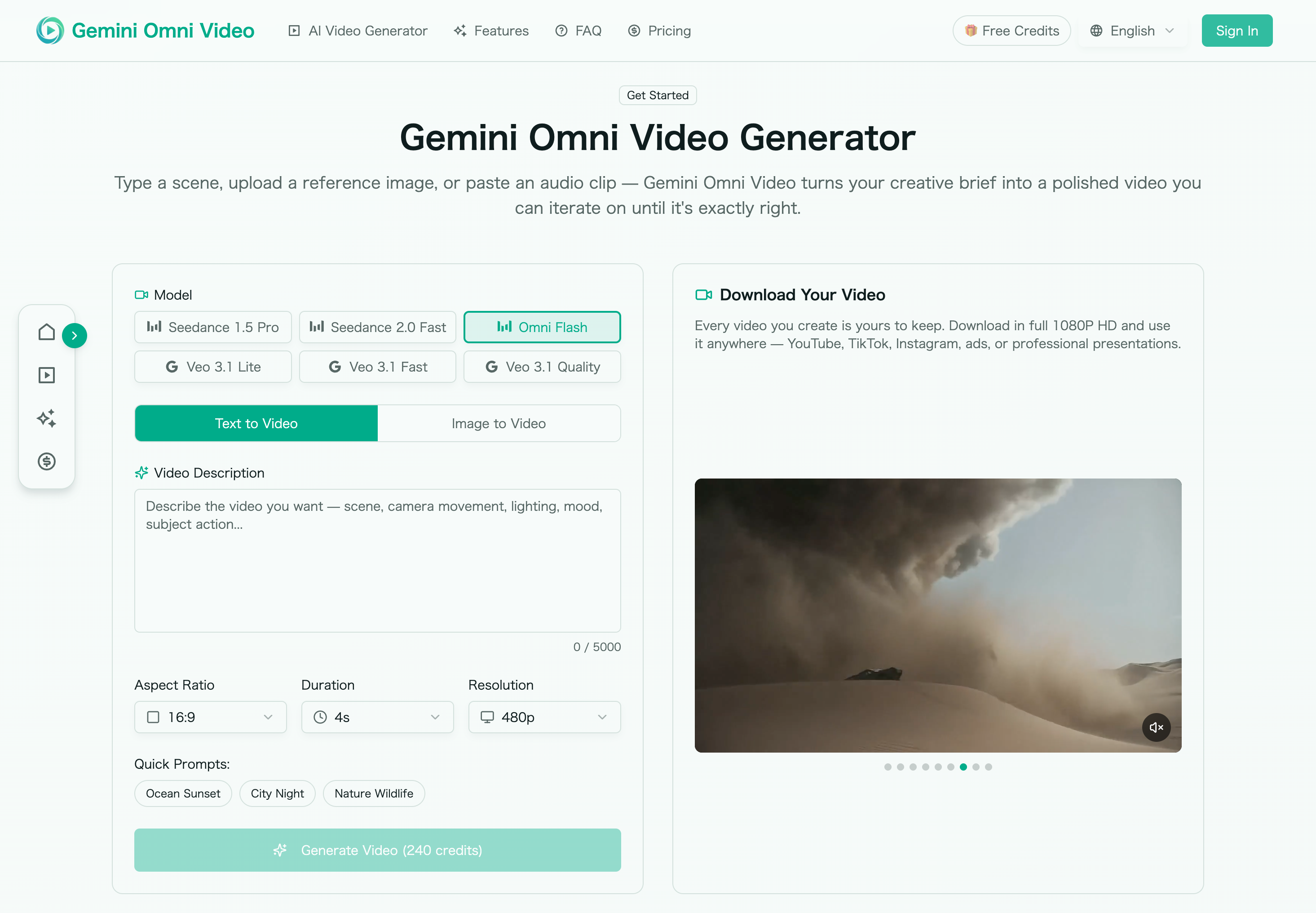
## What is Gemini Omni Video? Gemini Omni Video is a conversational AI video generator designed to turn ideas into publish-ready 4K videos through natural dialogue. Instead of building scenes manually on a timeline, you describe what you want, upload optional reference materials, and refine the result step by step as if you were directing a human editor. Built on Google’s Gemini Omni model, Gemini Omni Video supports text prompts, images, audio, and video clips, combining them into one coherent creative workflow. Whether you need a product promo, social media clip, cinematic concept, animated photo, or short branded video, Gemini Omni Video helps you move from rough idea to finished output in minutes. ## How to use Gemini Omni Video? To get started, open the official Gemini Omni Video website and begin a new video project. You can type a scene description, paste a script, upload a product image, add a voice memo, or combine multiple inputs. Gemini Omni Video analyzes your materials and generates an initial video draft. After previewing the result, continue the conversation to refine it. You can ask for changes such as “make the lighting warmer,” “zoom in on the product,” “slow the camera movement,” “add rain,” or “make the intro shorter.” Once the video matches your vision, export it in the format you need, including landscape, portrait, or square up to 4K resolution. ## Gemini Omni Video's Core Features - **Conversational video generation:** Create and edit videos using plain-language instructions instead of complex editing tools. - **Multi-input workflow:** Use text, images, audio, and video clips together in one project. - **Iterative editing:** Refine details across multiple turns without starting over from scratch. - **Script-to-screen creation:** Paste a script or outline and generate a complete video with visuals, pacing, transitions, and audio. - **Photo-to-motion animation:** Turn still images, sketches, product photos, or landscapes into dynamic moving scenes. - **Auto-matched audio:** Generate synchronized ambient sound, effects, and dialogue aligned with the visuals. - **Consistent characters:** Maintain character appearance, clothing, and visual style across multiple clips. - **Multi-format export:** Produce 16:9, 9:16, and 1:1 versions for YouTube, TikTok, Instagram, LinkedIn, and more. - **4K output:** Export high-resolution videos suitable for ads, product pages, social campaigns, and client work. ## Gemini Omni Video's Use Cases - **Social media creators:** Quickly generate short-form videos for TikTok, Reels, Shorts, and feeds. - **Marketers and advertisers:** Create product demos, promotional clips, launch videos, and ad creatives without a production crew. - **E-commerce teams:** Animate product images and create polished product videos for landing pages and marketplaces. - **Content teams:** Turn scripts, blog ideas, or campaign briefs into engaging visual content. - **Agencies and freelancers:** Deliver client-ready video concepts faster, with easy iteration and multi-format exports. - **Educators and storytellers:** Transform lessons, narratives, and explanations into visual video scenes. ## FAQ **What makes Gemini Omni Video different from other AI video tools?** Gemini Omni Video focuses on conversation-based iteration. Instead of generating a single clip and forcing you to restart if it is wrong, it keeps project context so you can adjust lighting, framing, timing, style, characters, and audio through follow-up instructions. **What inputs does Gemini Omni Video support?** It supports text prompts, scripts, reference images, audio files, and video clips. You can use one input type or combine several to create a richer creative brief. **Can Gemini Omni Video generate videos for different platforms?** Yes. Gemini Omni Video can export videos in landscape, portrait, and square formats, making it suitable for YouTube, TikTok, Instagram, LinkedIn, and other platforms. **Does Gemini Omni Video require editing experience?** No. The product is designed for users who want to direct videos with words rather than operate professional editing software. **Can Gemini Omni Video outputs be used commercially?** Yes. Videos generated with Gemini Omni Video include commercial usage rights, making them suitable for ads, social posts, client projects, and business content.
- Category
- AI Agents
- Available on
- web
- Launched
- June 16, 2026
Reviews
No reviews yet. Be the first to share a useful, honest impression.
Sign in to review this app.
Opt in to release updates in your Rocket inbox. Unfollow here or in Notifications to stop future updates.