

Image to Image AI
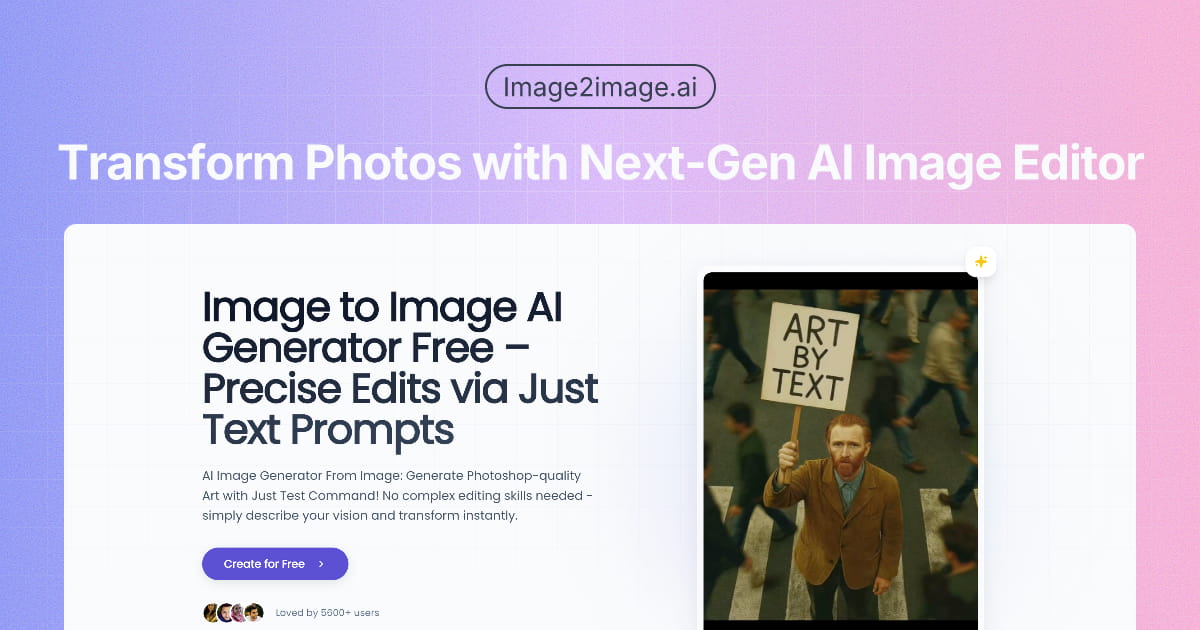
Seamless image-to-image generation powered by AI.
About
Image2Image.ai: Turning Complex Photo Editing into a Simple Conversation We’ve all been there: you capture the perfect product shot, but then spend hours wrestling with clipping paths and background replacements in clunky software. Or you sketch a brilliant concept, but the thought of rendering it into different styles makes you want to pull an all-nighter.
Read full description
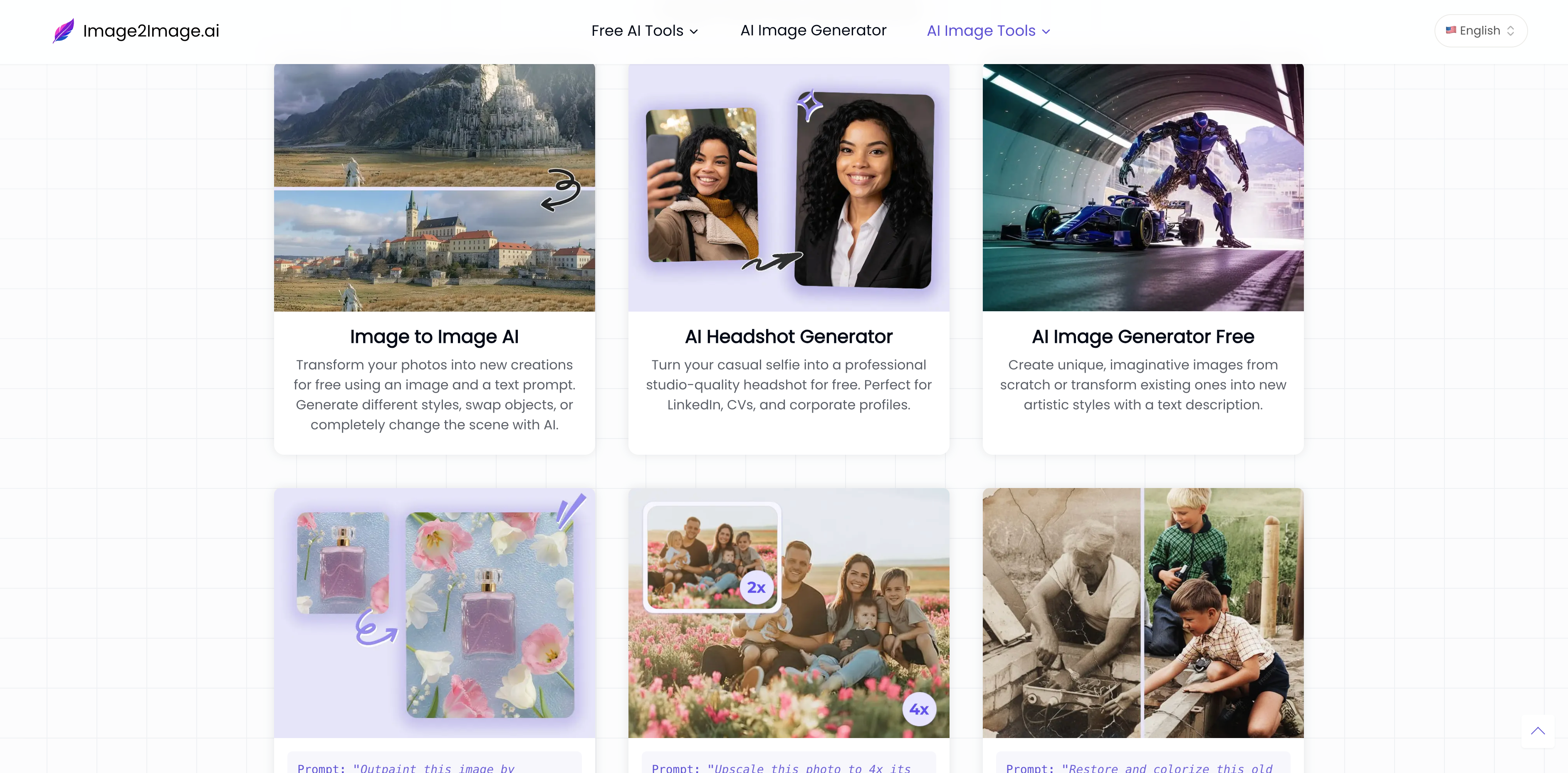
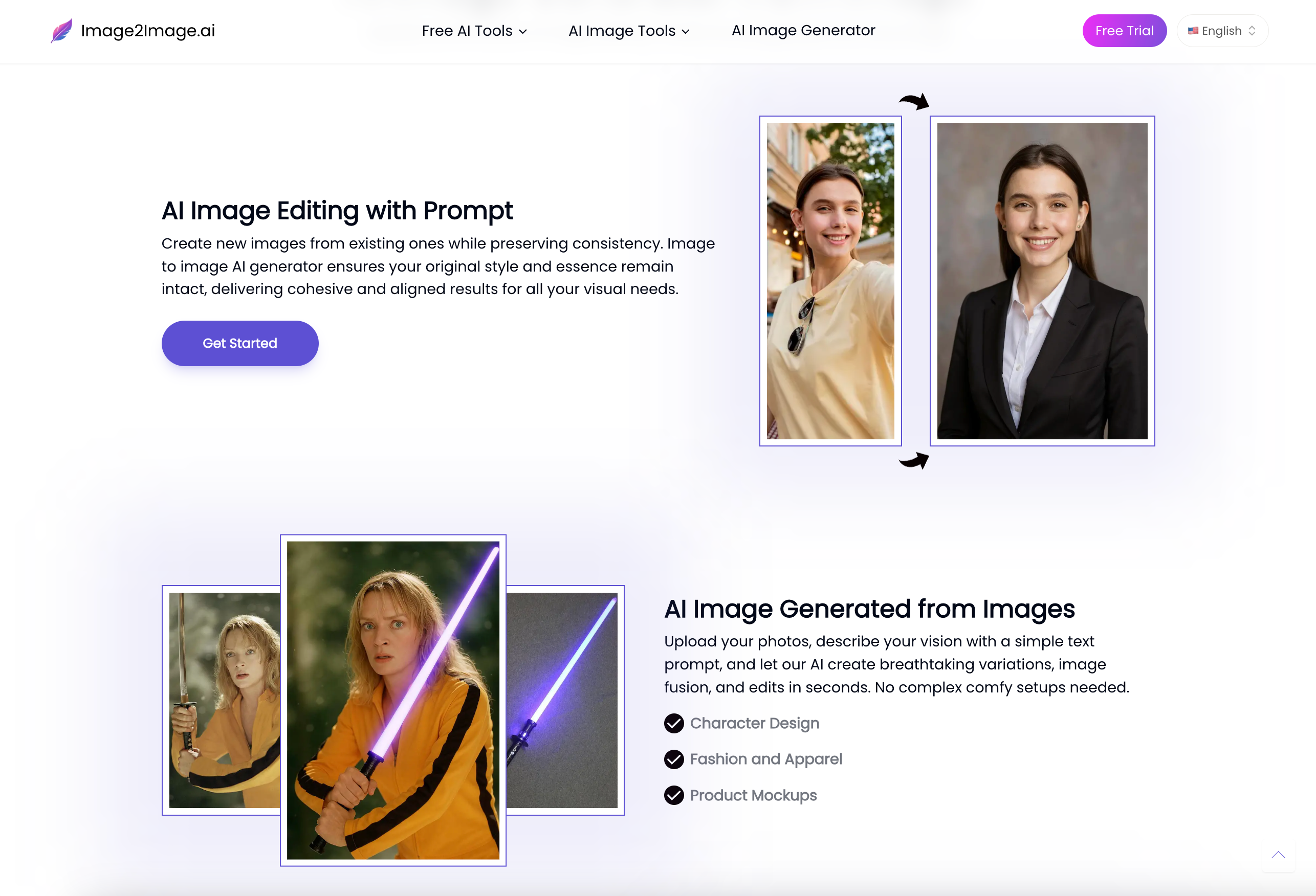
Image2Image.ai: Turning Complex Photo Editing into a Simple Conversation We’ve all been there: you capture the perfect product shot, but then spend hours wrestling with clipping paths and background replacements in clunky software. Or you sketch a brilliant concept, but the thought of rendering it into different styles makes you want to pull an all-nighter. Image to Image AI was built to eliminate this tedious heavy lifting. Put simply, it’s a visual creation and editing workspace that actually understands you. You don't need a degree in graphic design or to memorize complex masking techniques. Just upload a base image, describe the changes you want in plain English, and watch it transform while perfectly preserving your original composition. Whether you're turning a gloomy house exterior into a sun-drenched summer scene, or giving a basic outline a photorealistic texture, it all happens with a single, simple instruction. The Core Features 1. Pixel-Perfect Restyling, Zero Guesswork A common frustration with standard generators is their randomness—you never quite know what you'll get. Our core advantage is consistency. The system strictly uses your uploaded image as a structural blueprint. This means you can radically alter the artistic style, season, materials, or clothing, while the core composition, lighting logic, and original intent remain rock solid. You maintain absolute control over the final look. 2. The Complete Visual Toolkit in One Place Beyond core image-to-image transformations, we’ve built out a complete arsenal for daily editing. Erase photobombers or distracting objects like wiping a chalkboard. Seamlessly remove watermarks or breathe life into scratched vintage photos. If your canvas feels too tight, intelligently expand the background (Outpainting) while maintaining natural perspective. Pair that with our picture upscaler, and your final visuals are instantly ready for high-res commercial deployment. 3. Minimalist, Zero-Friction Workflow We purposely stripped away the overwhelming panels and toolbars found in legacy design software. Our clean, industrial UI is designed purely for efficiency. No confusing parameter sliders to intimidate you—just a streamlined, intuitive environment that lets you focus entirely on creation. Who is it for? This isn't just a toy for tech enthusiasts; it's a production multiplier for anyone who needs to ship high-quality visual content: E-commerce & Studios: Stop paying for expensive location reshoots. Take a basic studio product shot and seamlessly drop it into a sunlit beach or a cozy living room, slashing your visual production costs. Concept Artists & Indie Devs: Feed your initial line art or basic 3D assets into the platform, type "cyberpunk style" or "watercolor aesthetic," and instantly generate dozens of high-fidelity variations. It drastically cuts down your project development cycle. Real Estate & Interior Designers: Clients struggling to visualize an empty room? Snap a photo, prompt "modern minimalist" or "warm bohemian," and show them their future home in seconds. It bridges the imagination gap and closes deals faster. Marketers & Content Creators: Easily spin a single hero image into twenty cohesive stylistic variations for different social platforms. You maintain brand consistency while completely solving content fatigue. How to use it? We’ve lowered the barrier to entry so much that it feels like chatting with an experienced retouching assistant: Step 1: Upload your base. Drag and drop your photo, sketch, or screenshot into the workspace. Step 2: Describe your vision. Use everyday language. No need to memorize complex prompt formulas. Just tell the system what you want: "remove the people in the background," "change her jacket to blue denim," or "make this look like a vintage film photo." Step 3: Generate and download. Hit generate, and in about the time it takes to take a sip of coffee (20 to 90 seconds), your new image is ready. Pick your favorite and save it. The Bottom Line Technology shouldn't be a barrier to creativity; it should be the catalyst. Our AI image generator from image gives you back control—you handle the big ideas, and we’ll handle the tedious pixel-pushing.
- Category
- AI Agents
- Available on
- web
- Launched
- April 15, 2026
Reviews
No reviews yet. Be the first to share a useful, honest impression.
Sign in to review this app.
Opt in to release updates in your Rocket inbox. Unfollow here or in Notifications to stop future updates.