

Miraga AI
The Most Realistic Image to Video AI Generator
About
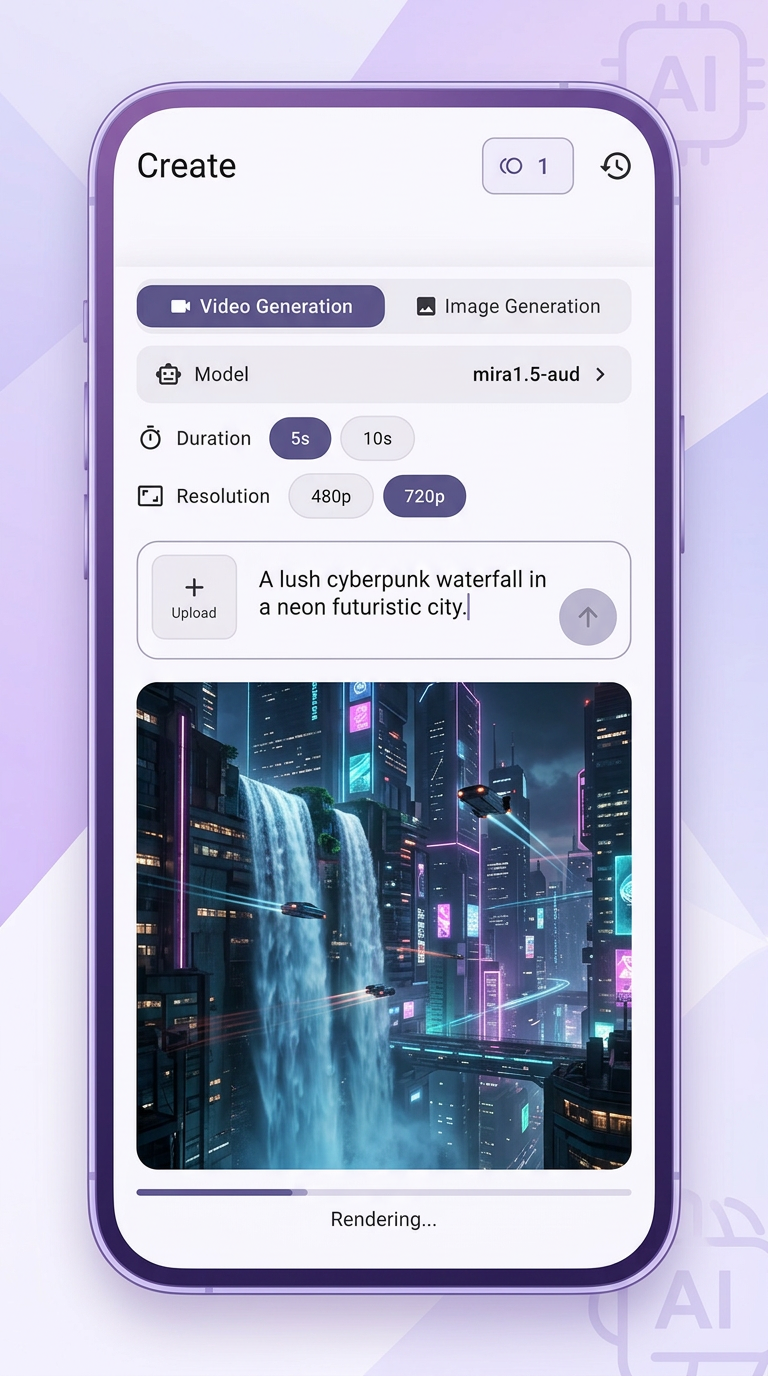
Turn your photos and text into cinematic AI videos in seconds with Miraga AI. Create short dramas, storyboards, and long-form videos using Seedance 3.0—no editing skills needed.
Read full description
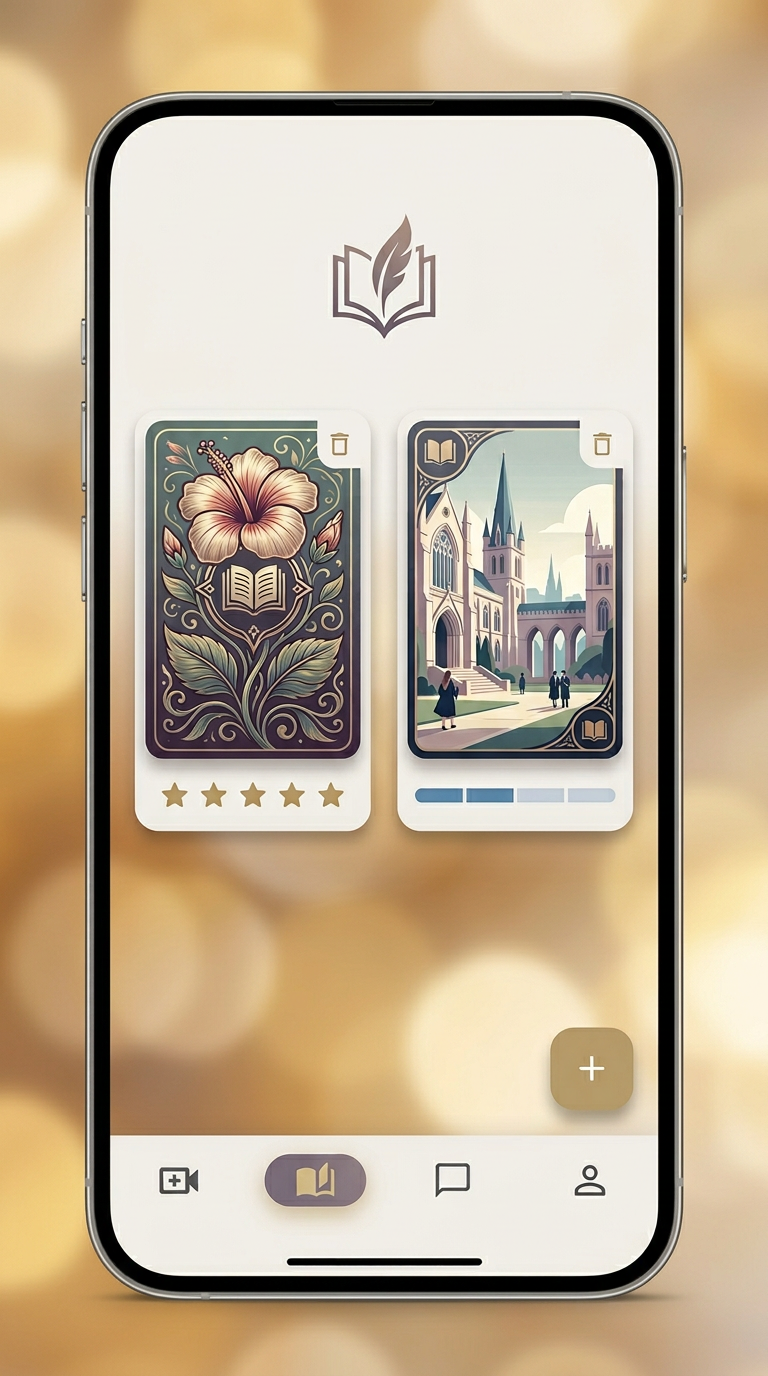
Turn your photos and text into cinematic AI videos in seconds with Miraga AI. Create short dramas, storyboards, and long-form videos using Seedance 3.0—no editing skills needed. AI video creation tools are evolving quickly, but most focus on generating short standalone clips. Miraga AI takes a broader approach by combining video generation, storytelling, and AI character interaction into a single ecosystem available on Web, Android, and iOS. The platform allows users to generate videos from text prompts or images, create storyboards, and produce cinematic content without traditional video editing skills. One feature that stands out is "Chain Clips," which enables creators to connect multiple AI-generated scenes into longer narratives rather than being limited to a few seconds of footage. Key Features: ✅ Text-to-video and image-to-video generation ✅ Create longer videos by chaining multiple clips together ✅ AI-powered story and novel writing with chapter memory ✅ Interactive AI characters (chat, image, and video modes) ✅ Build and share your own AI characters ✅ Supports English, Chinese, Japanese, and Korean The Miraga AI is currently available on: 🌐 Web - https://www.vmiraga.com 📱 Android - https://play.google.com/store/apps/details?id=com.aigc.dreame.miraga.creator.ai 🍎 iOS - https://apps.apple.com/us/app/miraga/id6760555375 As AI-generated content continues moving beyond short clips toward full storytelling experiences, platforms like Miraga are exploring what an end-to-end AI creative studio could look like. Website: https://www.vmiraga.com
- Category
- AI Agents, Design & Creative, Productivity
- Available on
- android, ios, web
- Launched
- June 20, 2026
Reviews
No reviews yet. Be the first to share a useful, honest impression.
Sign in to review this app.
Opt in to release updates in your Rocket inbox. Unfollow here or in Notifications to stop future updates.