

MP3ToText
Online MP3 to text—upload audio and export in multiple formats.
About
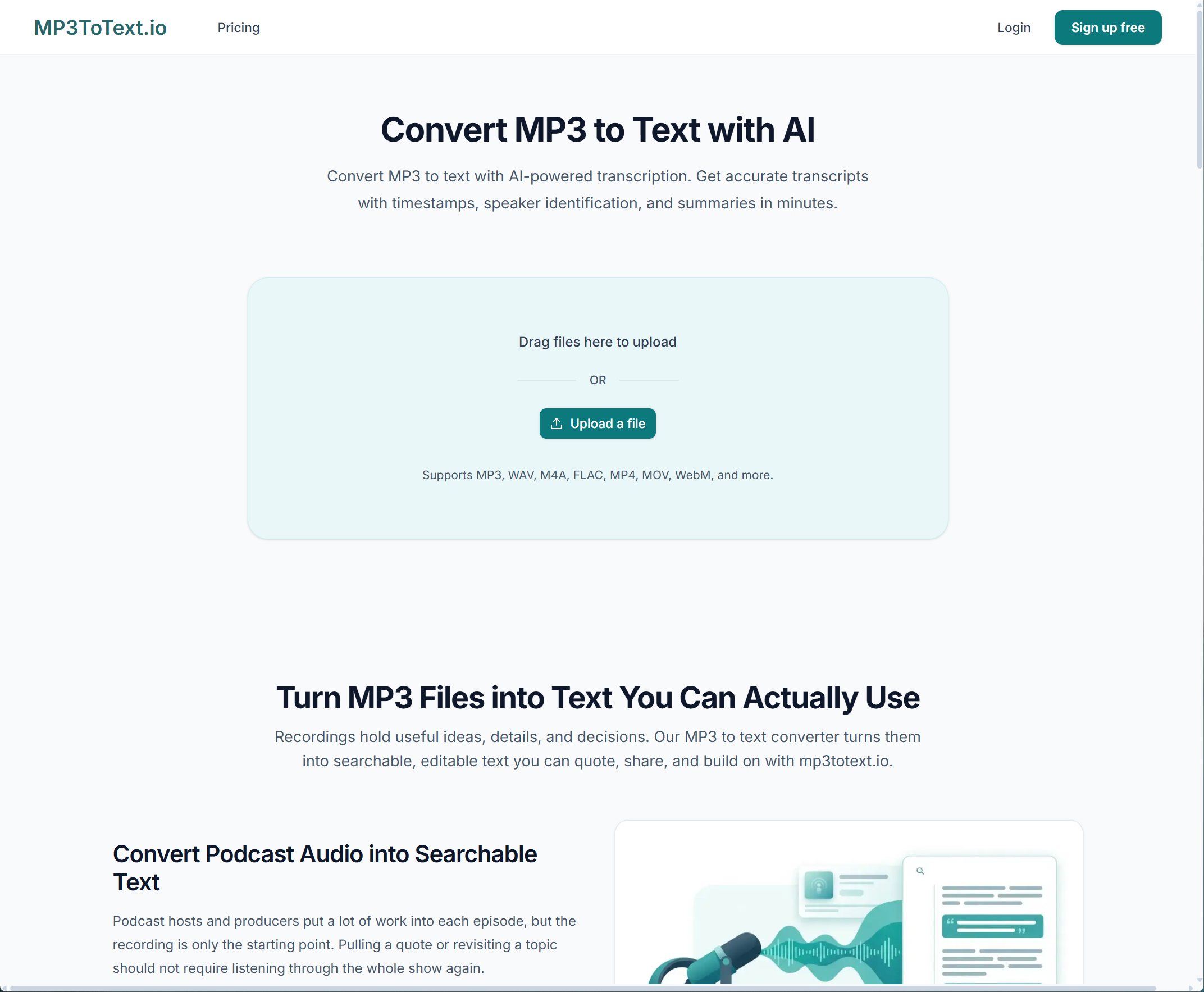
【Overview】 MP3 to Text (mp3totext.io) is an online AI speech-to-text tool that helps users convert MP3, WAV, M4A, MP4, and other audio/video files into editable, searchable text. No software installation is required—everything runs in the browser.
Read full description
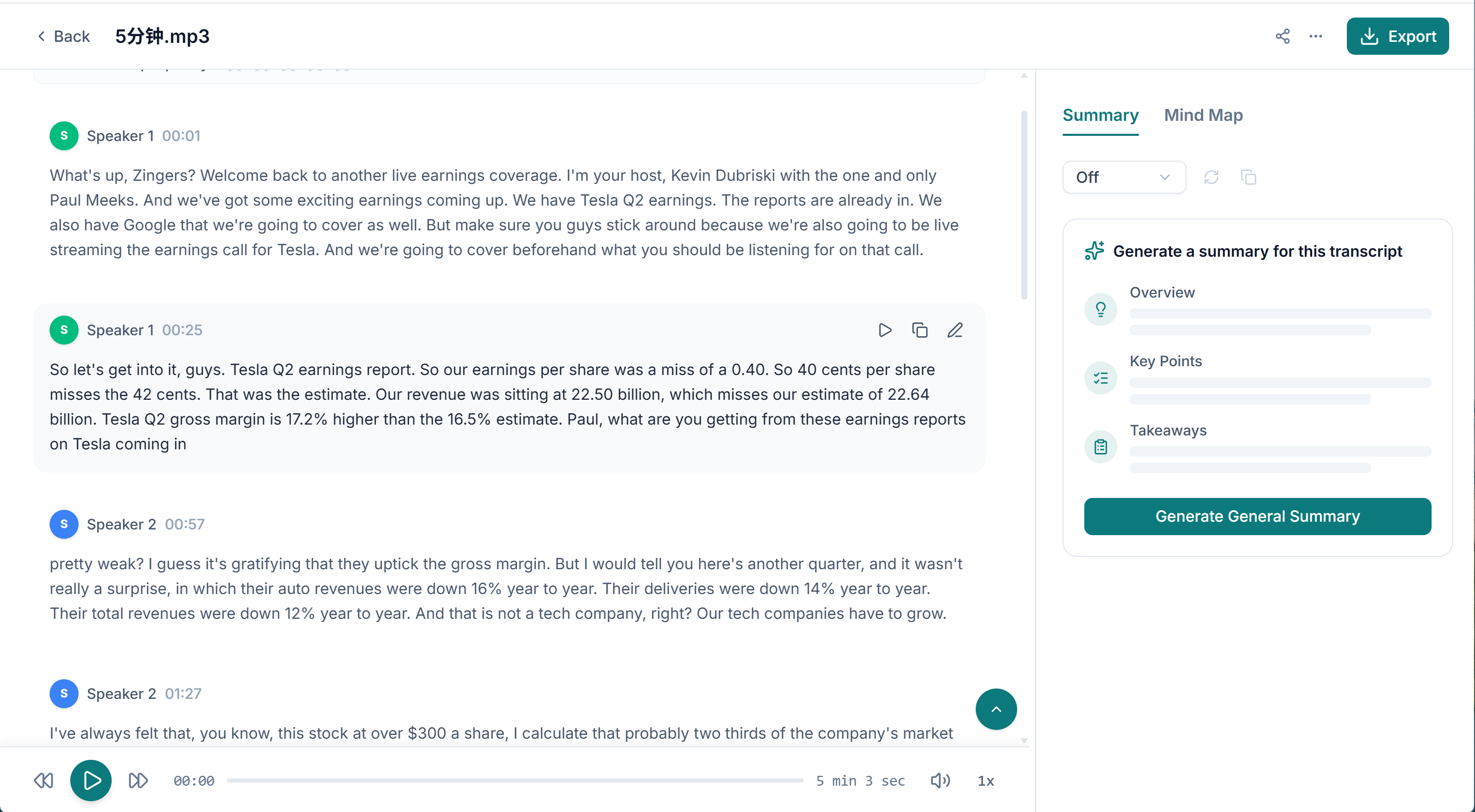
【Overview】 MP3 to Text (mp3totext.io) is an online AI speech-to-text tool that helps users convert MP3, WAV, M4A, MP4, and other audio/video files into editable, searchable text. No software installation is required—everything runs in the browser. 【Core Features】 · Free online transcription: Try instantly as a guest; create a free account to save history and unlock a higher daily allowance · File upload: Upload local MP3, WAV, M4A, MP4, and other audio or video files to start transcribing · Broad format support: Works with common formats including MP3, WAV, M4A, FLAC, MP4, MOV, and WebM · 150+ languages: Auto-detect or manually select the spoken language · Timestamps and speaker labels: Produce structured transcripts that are easy to search, quote, and review · AI enhancements: Generate summaries and mind maps to understand long recordings faster · In-browser editing: Edit segments and use search-and-replace across the full transcript · Flexible export: Export to TXT, PDF, DOCX, CSV, SRT, VTT, and more for subtitles, documents, and research notes · Subtitle generation: Create SRT/VTT subtitle files for video production workflows 【Who It Is For】 · Podcasters, video creators, and social media teams · Journalists, editors, and media production teams · Students, teachers, and researchers · Professionals who need meeting notes, interview transcripts, and business documentation 【Use Cases】 · Turn podcasts, interviews, and lecture recordings into written transcripts · Generate subtitles and content assets for video production · Organize meetings, talks, and interviews more efficiently · Extract key points from long audio with summaries and mind maps · Repurpose audio into articles, reports, newsletters, and research notes 【Free and Paid Plans】 · Guest users: Up to 2 transcriptions per day, up to 30 minutes per file · Free accounts: Up to 3 transcriptions per day, up to 50 minutes per file—no credit card required · Paid plans: Billed by transcription minutes with Monthly / Yearly subscriptions and one-time minute packs (800 / 2000 minutes); paid users can process files up to 10 hours / 5 GB each 【Why MP3 to Text】 Everything runs in your browser—no download required. Upload audio, get a transcript with timestamps and speaker labels, edit online, and export to TXT, SRT, PDF, and more. Free to try as a guest; on clear recordings, accuracy can reach up to 98%.
- Category
- Productivity
- Available on
- web
- Launched
- November 19, 2026
Reviews
No reviews yet. Be the first to share a useful, honest impression.
Sign in to review this app.
Opt in to release updates in your Rocket inbox. Unfollow here or in Notifications to stop future updates.
Similar apps
Related by category, tags and platform—not a paid placement.


