
About
Online Ruler provides a calibrated ruler and screen measuring guides for real objects and uploaded images. Start by calibrating the display with a known reference so that the on-screen units match your physical screen. Then read measurements in centimeters, millimeters or inches.
Read full description
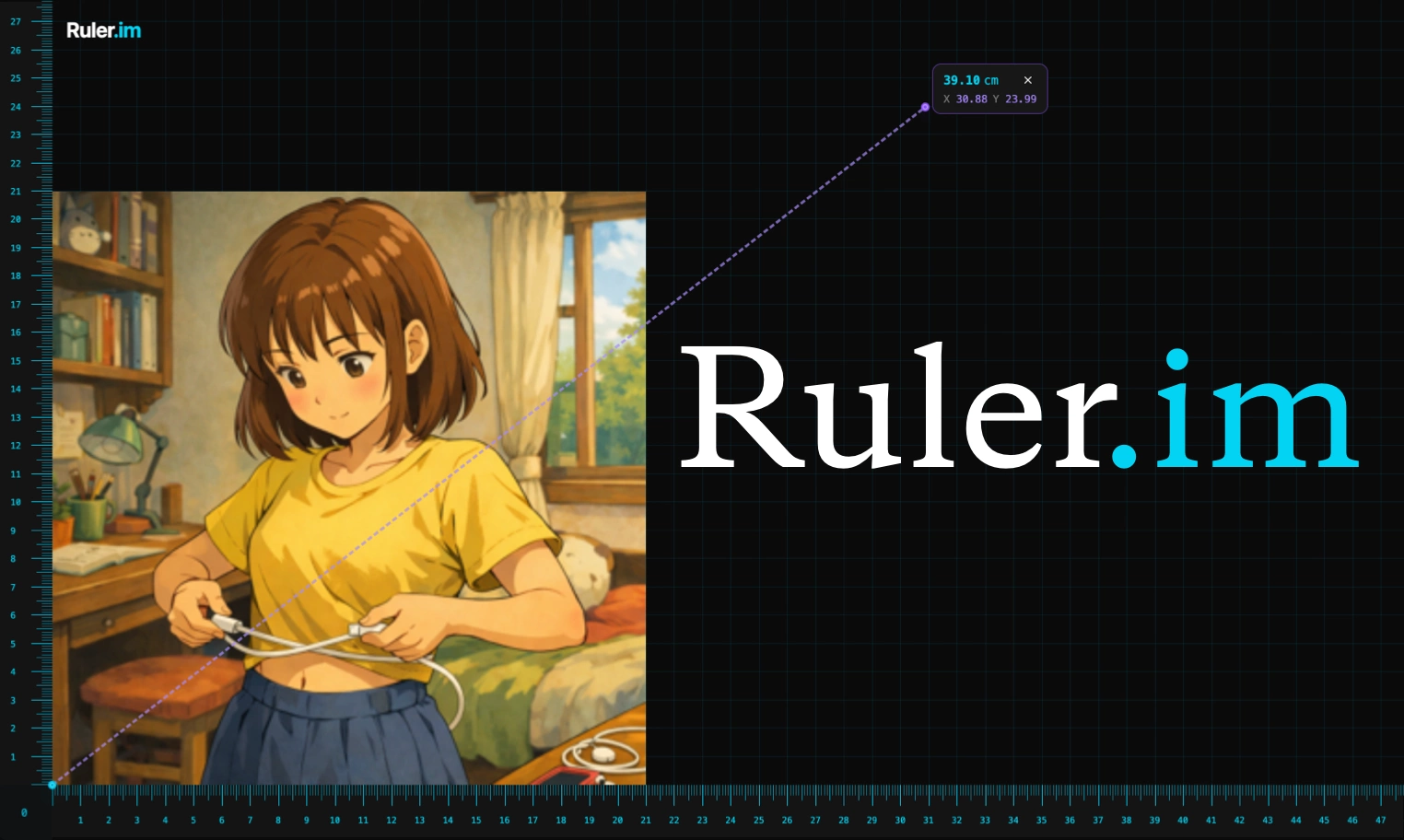
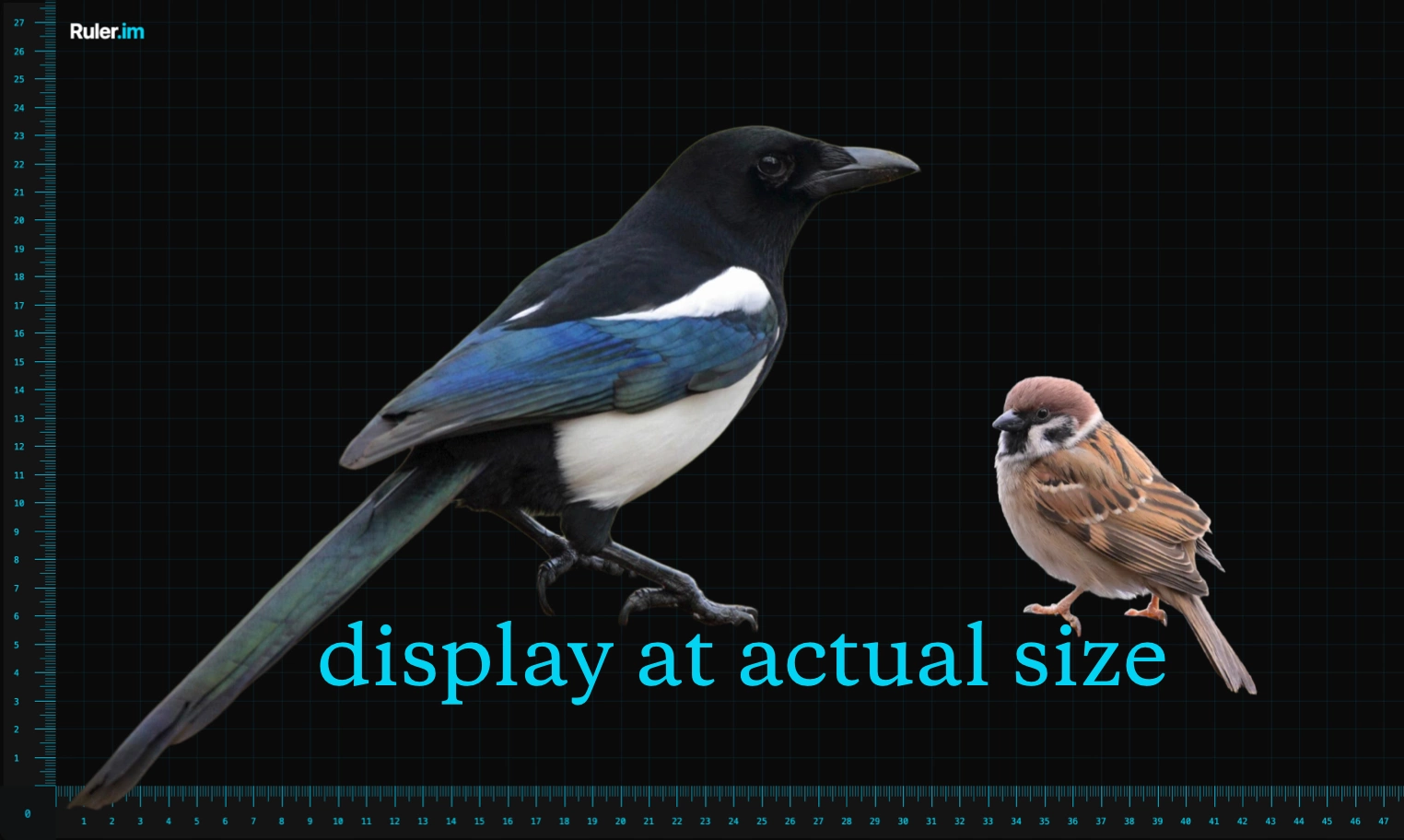
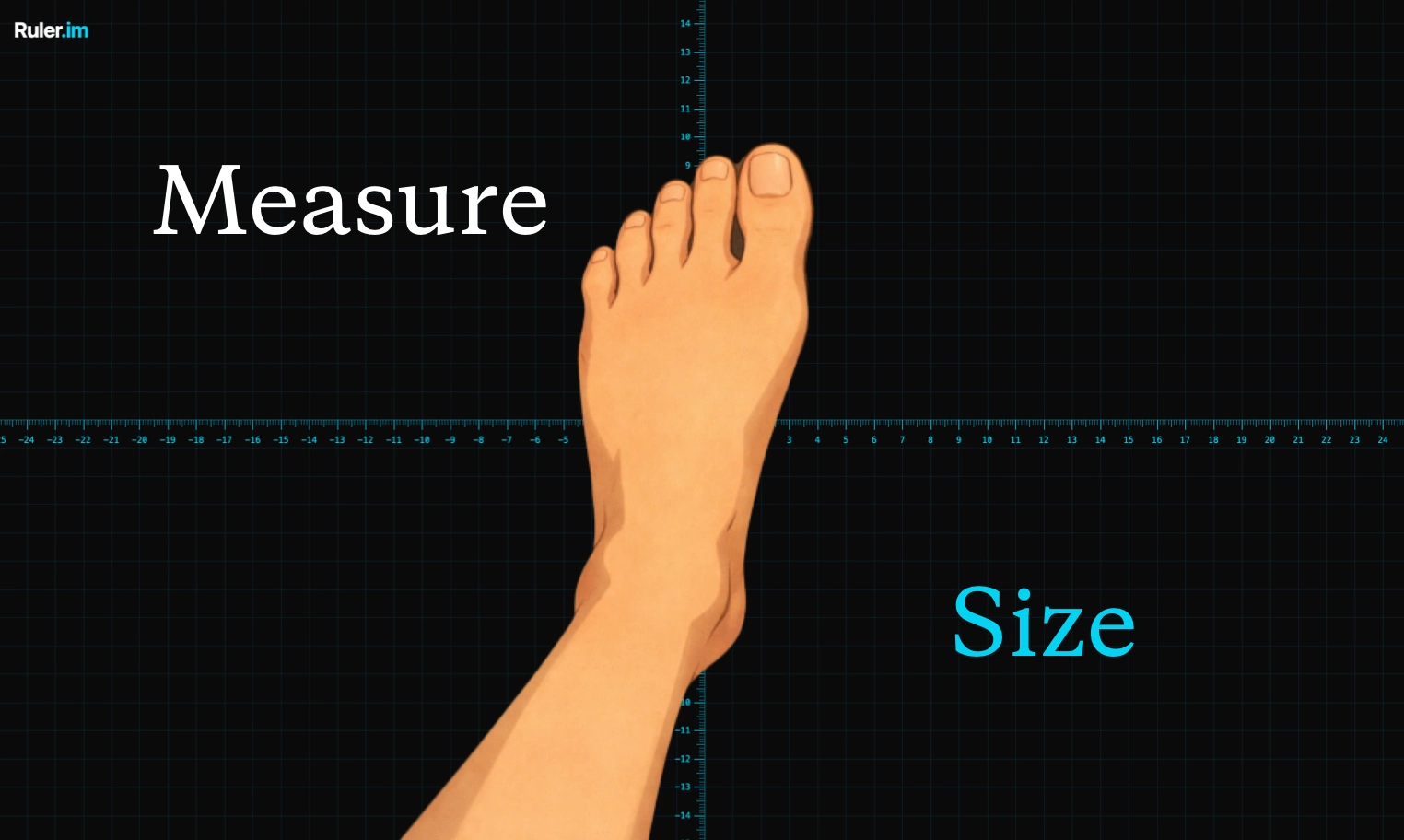
Online Ruler provides a calibrated ruler and screen measuring guides for real objects and uploaded images. Start by calibrating the display with a known reference so that the on-screen units match your physical screen. Then read measurements in centimeters, millimeters or inches. Use the Screen Ruler's X/Y guides to check width, height and alignment, or open a larger fullscreen measuring area. You can place a small object against the screen or upload an image to measure and mark dimensions. Keep the display calibration appropriate to the screen you are using. The product also includes a quadrant layout, concentric circles, a tape-measure workflow and a protractor. These views support different tasks, such as locating a center, comparing radii and diameters, or exploring an angle. Online Ruler is useful for quick size references, drawings, product photos and teaching measurement concepts. Pricing: free to use. Registration: no account or sign-in required to use the public ruler workspace. Platform: web app for desktop and mobile browsers; no installation needed. Try online: https://ruler.im/ Usage conditions: calibrate the display against a known physical reference, such as a standard credit card, before measuring real objects. Recalibrate after changing browser zoom, monitors, device or screen orientation. Physical measurement accuracy depends on this calibration; the browser cannot reliably infer the exact physical display size on its own. Units: centimeters, millimeters and inches. Uploaded-image measurement is also available.
- Category
- Design & Creative, Utilities
- Available on
- web
Reviews
No reviews yet. Be the first to share a useful, honest impression.
Sign in to review this app.
Opt in to release updates in your Rocket inbox. Unfollow here or in Notifications to stop future updates.