

OpenPixels
Upscale and restore photos in your browser, nothing uploaded
About
Most online upscalers send your photo to a server and charge for the GPU that processes it. OpenPixels runs the AI models inside your own browser tab instead, so the photo never leaves your device and there is nothing to pay for.
Read full description
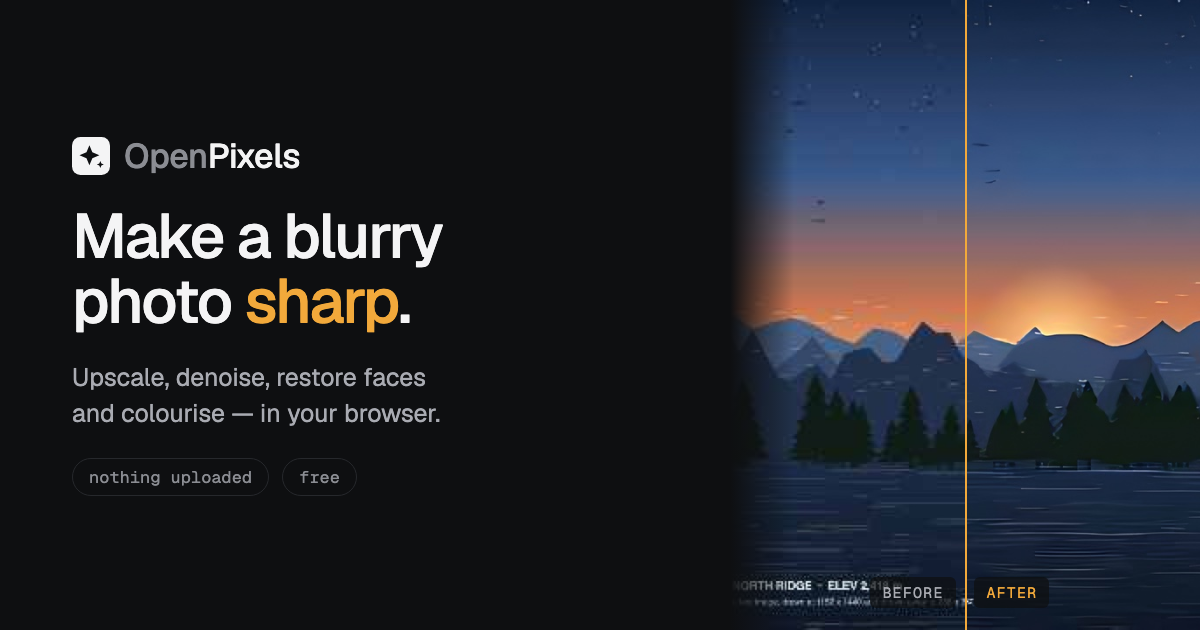
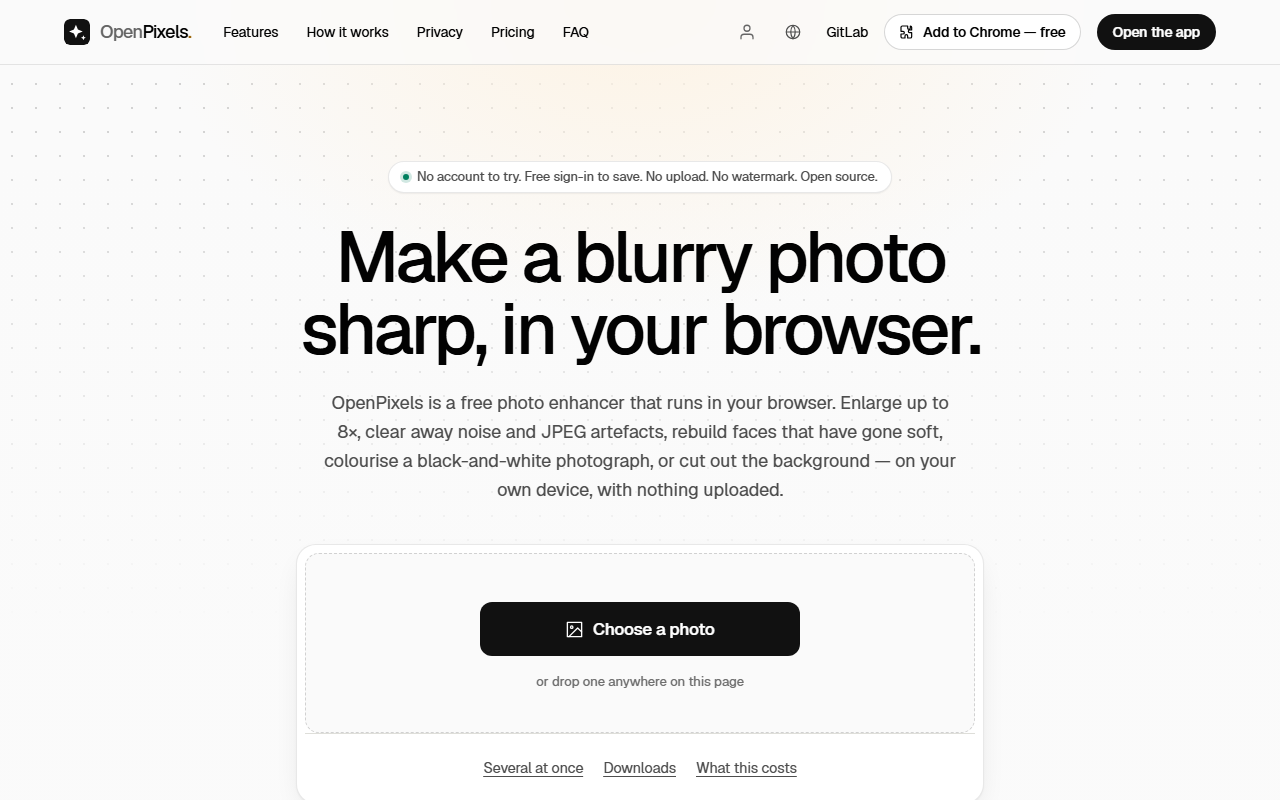
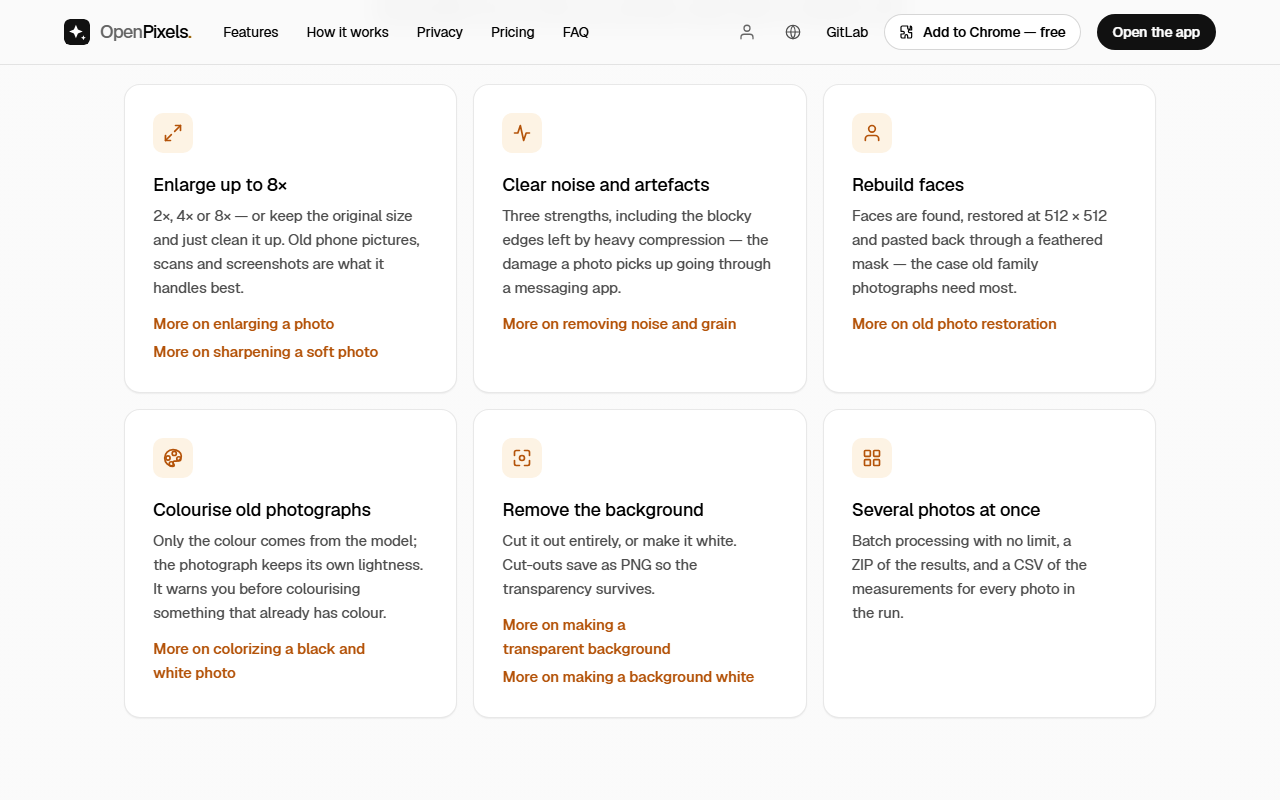
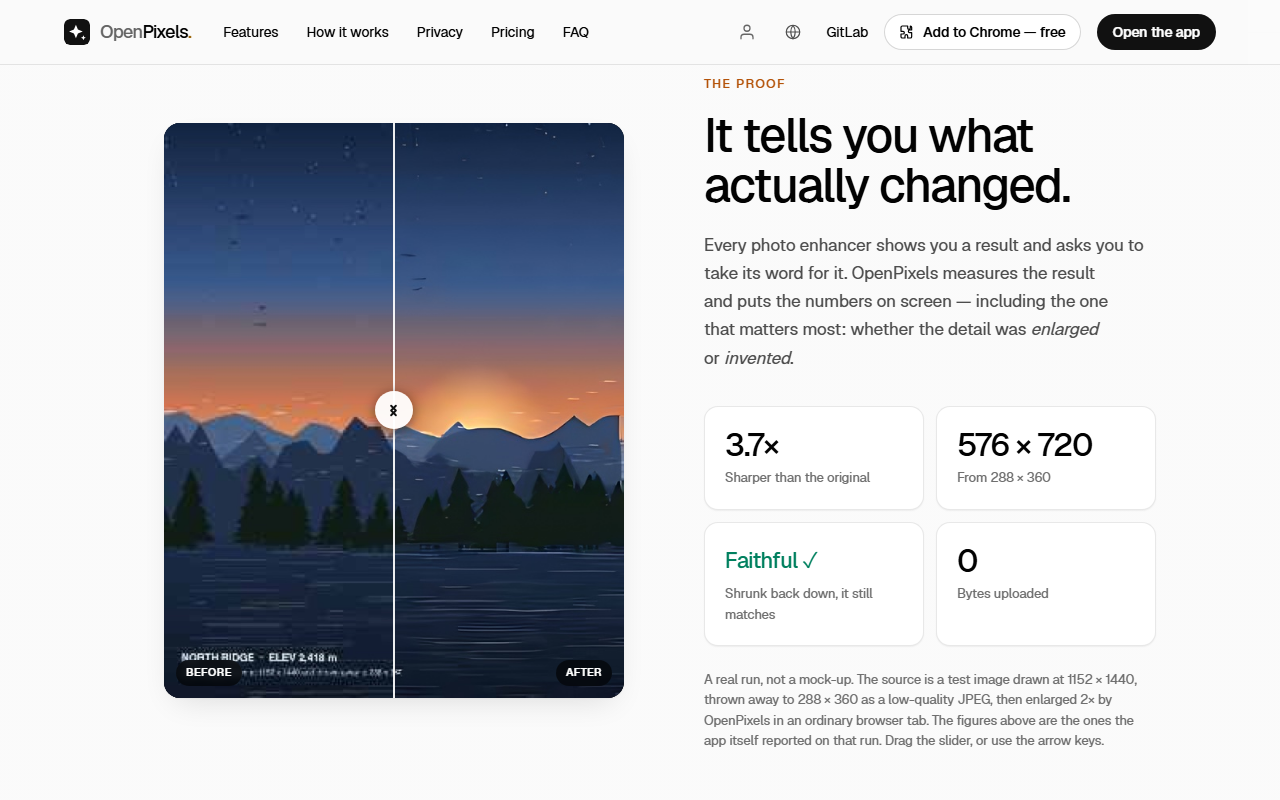
Most online upscalers send your photo to a server and charge for the GPU that processes it. OpenPixels runs the AI models inside your own browser tab instead, so the photo never leaves your device and there is nothing to pay for. Pick a photo and choose what to do with it: enlarge it 2×, 4× or 8×, clear away noise and JPEG artefacts, rebuild faces that have gone soft, colourise a black-and-white photograph, or cut out the background and save a transparent PNG. Several photos can be processed at once and downloaded as a ZIP. After each run OpenPixels shows what actually changed: how much sharper the result is, how much noise was removed, and whether the result, shrunk back to the original size, still matches the photo you started with. There is also an app for Mac, Windows and Android that enlarges photos and clears noise and compression artefacts on your own device, and a browser extension for Chrome, Edge and Firefox. The web app is a progressive web app. Each model is downloaded once, on first use, and after that it works offline. There is no paid tier, no watermark and no limit. Every tool in the web app works without an account; saving a result there takes a free sign-in, and the account never sees your photo. The apps and the extension need no account. OpenPixels is open source under MIT or Apache-2.0.
- Category
- Design & Creative
- Available on
- web
- Launched
- November 11, 2026
Reviews
No reviews yet. Be the first to share a useful, honest impression.
Sign in to review this app.
Opt in to release updates in your Rocket inbox. Unfollow here or in Notifications to stop future updates.