

Printery - Print for Figma
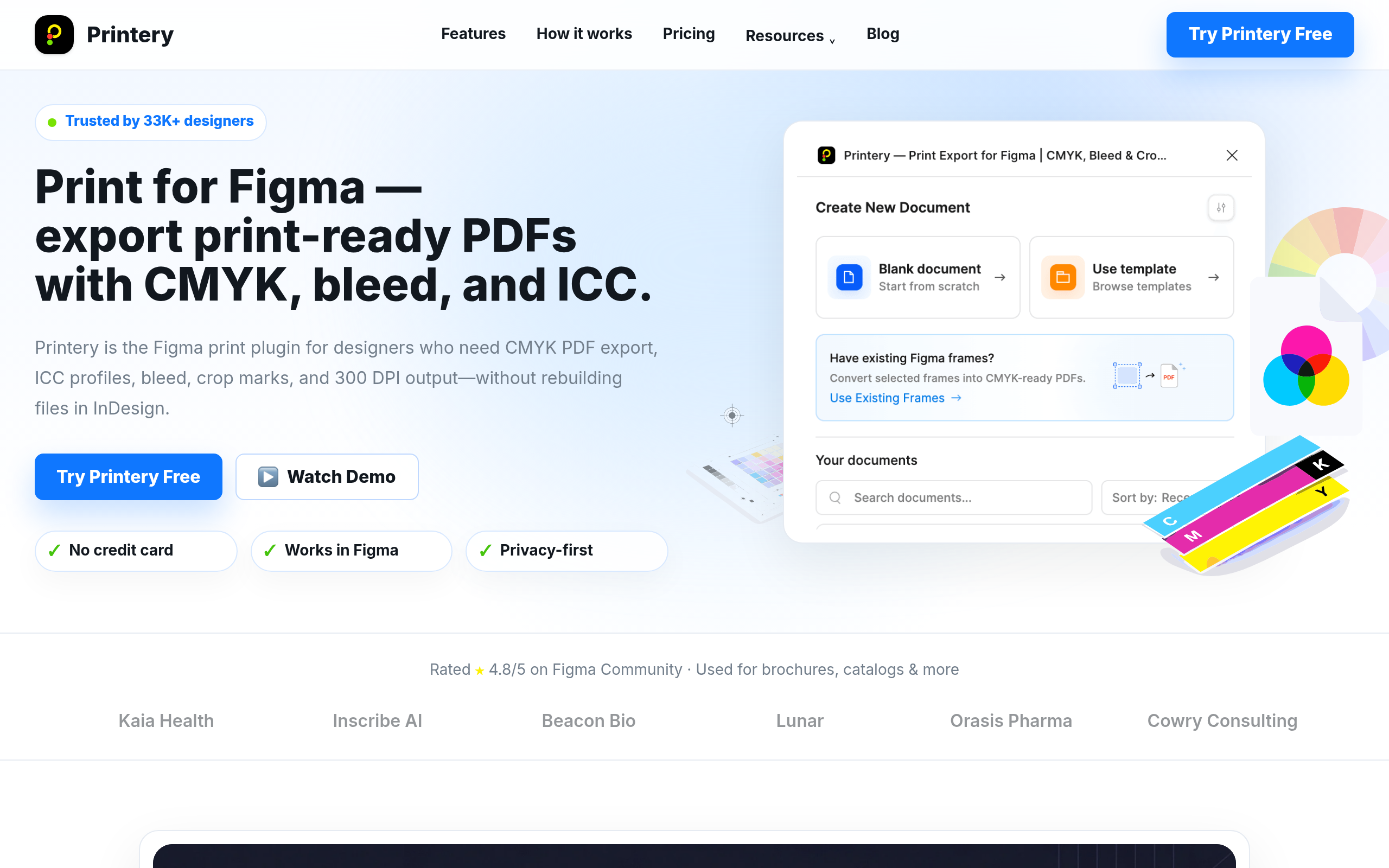
Printery is a Figma print plugin that exports print-ready PDFs with CMYK conversion, ICC profiles, bleed, crop marks, DPI control, and multi-page output.
About
Printery - Print for Figma Plugin
Read full description
Printery - Print for Figma Plugin Printery helps designers turn Figma files into print-ready PDFs without rebuilding artwork in InDesign or another prepress tool. It adds the print production controls Figma teams often need before sending files to a printer: CMYK conversion, ICC profiles, bleed, crop marks, DPI settings, and multi-page PDF export. Key Features CMYK PDF export - Export print-ready PDFs from Figma with CMYK color conversion. ICC profile support - Embed profiles such as ISO Coated v2, FOGRA39, SWOP, and printer-required profiles. Bleed and crop marks - Add standard or custom bleed with crop marks for commercial print handoff. DPI control - Export artwork at 72, 150, 300 DPI, or higher depending on production needs. Multi-page export - Export brochures, catalogs, documents, frames, and spreads in one workflow. Who Uses Printery Printery is built for designers, agencies, marketing teams, freelancers, and print shops that need cleaner print handoff from Figma. It works well for brochures, posters, business cards, packaging, catalogs, flyers, and other commercial print materials. Why It Matters Figma is excellent for design and collaboration, but print production usually needs extra export controls. Printery brings those controls into the Figma workflow, so teams can move from design to press-ready PDF faster. Use Printery when you need to print from Figma, export a CMYK PDF, add bleed and crop marks, or prepare a multi-page PDF for commercial printing.
- Category
- Productivity
- Available on
- web
- Launched
- May 29, 2026
Reviews
No reviews yet. Be the first to share a useful, honest impression.
Sign in to review this app.
Opt in to release updates in your Rocket inbox. Unfollow here or in Notifications to stop future updates.