

QuipShot
Native Windows screenshot tool. Capture, mark up in place, drag anywhere.
About
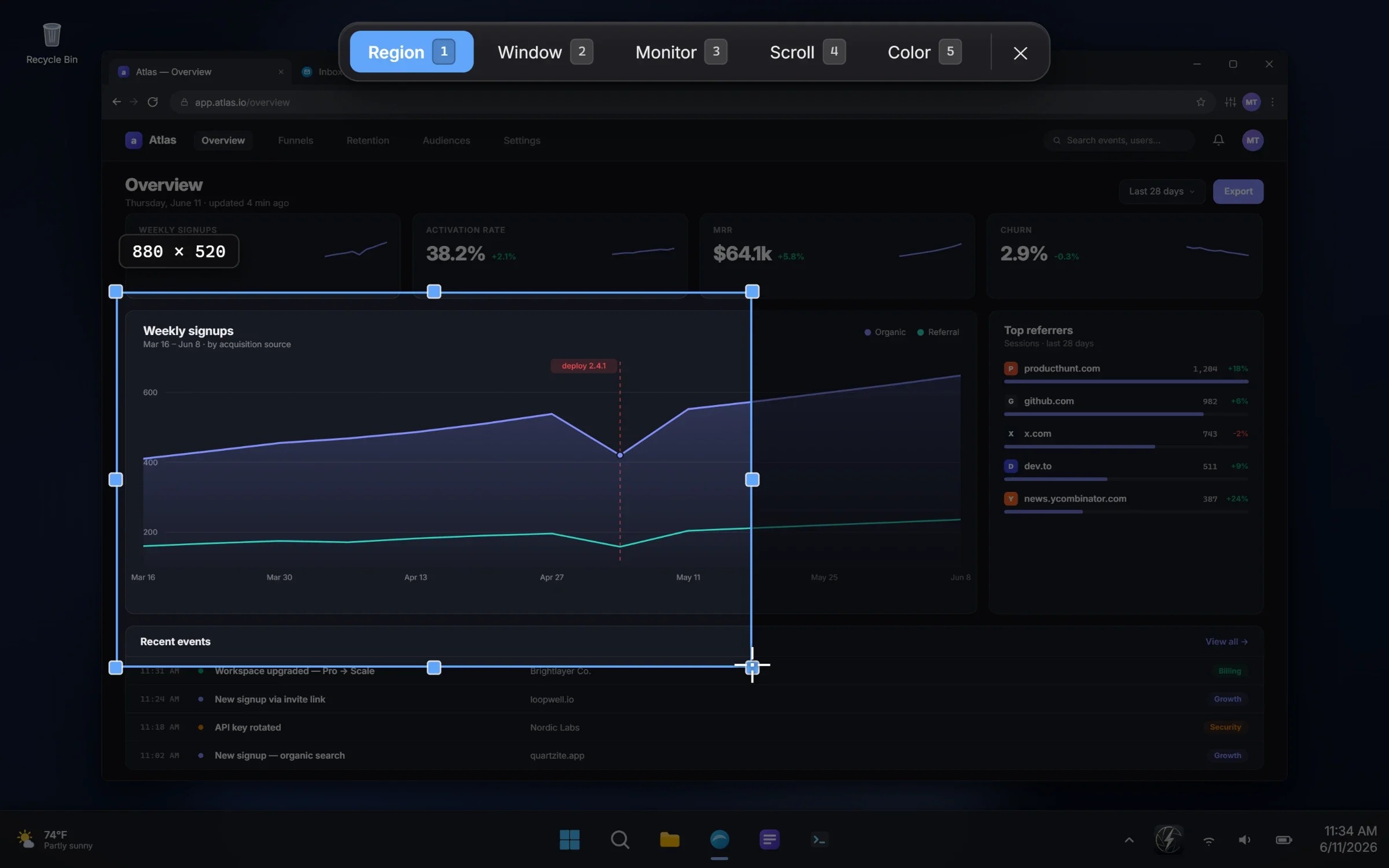
QuipShot is a native screenshot app for Windows 10 and 11. Capture a region, a window, a full monitor or a scrolling page, or grab text straight off the screen.
Read full description
QuipShot is a native screenshot app for Windows 10 and 11. Capture a region, a window, a full monitor or a scrolling page, or grab text straight off the screen. The difference is where you annotate. Fourteen tools live right inside the capture overlay: arrows, boxes, text, numbered steps, highlighter, emoji, spotlight and live blur for hiding sensitive details. You mark up before you let go, and a full layered editor is one click away when a shot needs more. Every capture lands on your clipboard, saves to disk and appears as a floating thumbnail you can drag straight into Slack, Figma, an email or a doc. Past captures are a click away in the history. It is a real Windows application, not a web page in a wrapper. It installs under 25 MB with no bundled browser and launches instantly. It captures true colour from HDR, high-DPI and GPU-drawn displays, including games and video, and handles multi-monitor and mixed-scaling setups. Private by design: no cloud uploads, no telemetry, no analytics. Grab-text reads 100+ languages entirely on your device. Built for people who screenshot all day: developers, designers, technical writers, QA and support teams. $20/month, one plan, every feature, up to 3 of your Windows PCs. Not for you? Ask within 7 days for a full refund.
- Category
- Productivity
- Available on
- web
- Launched
- November 8, 2026
Reviews
No reviews yet. Be the first to share a useful, honest impression.
Sign in to review this app.
Opt in to release updates in your Rocket inbox. Unfollow here or in Notifications to stop future updates.