

Screenify Studio
Turn rough recordings into polished product demos
About
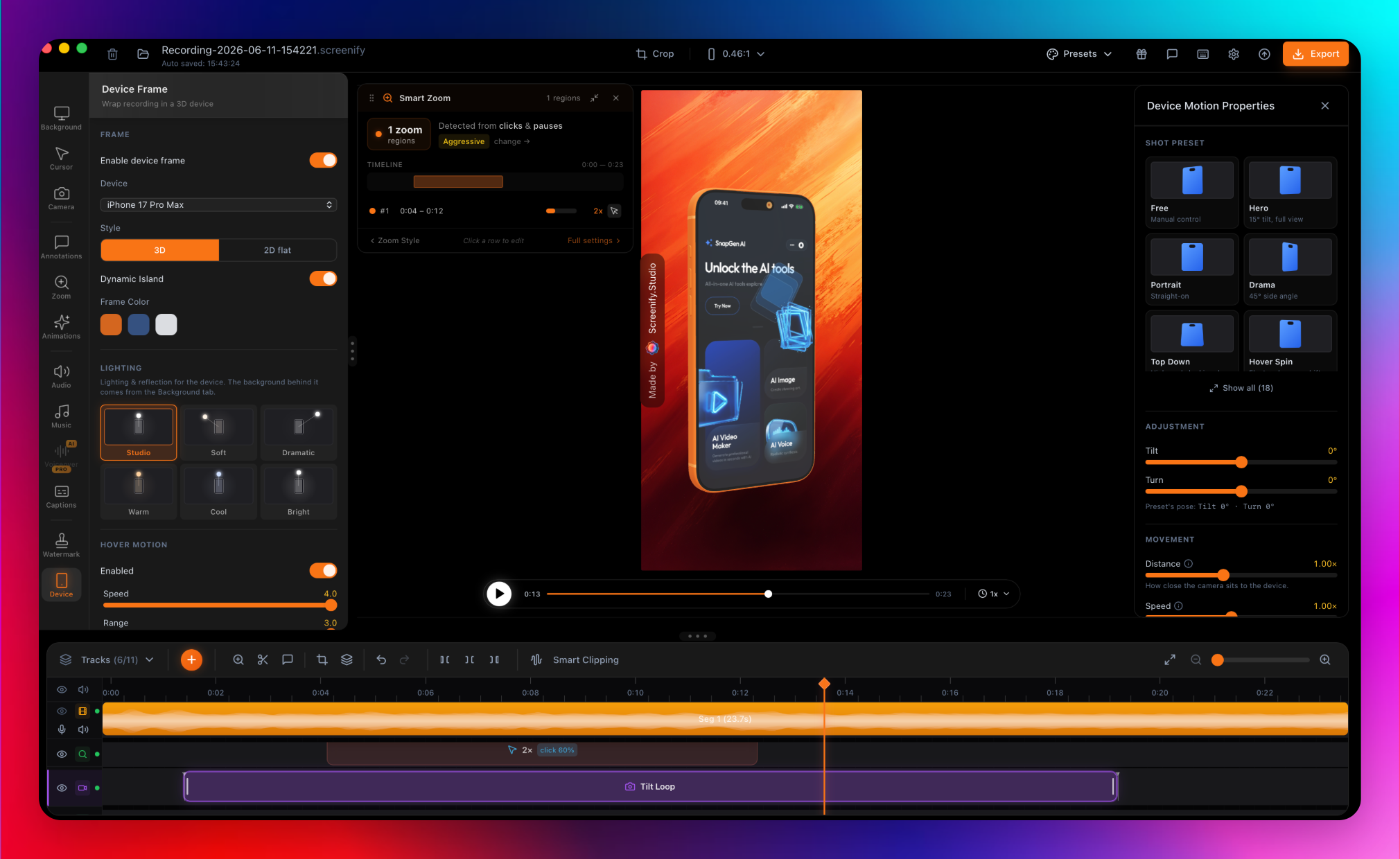
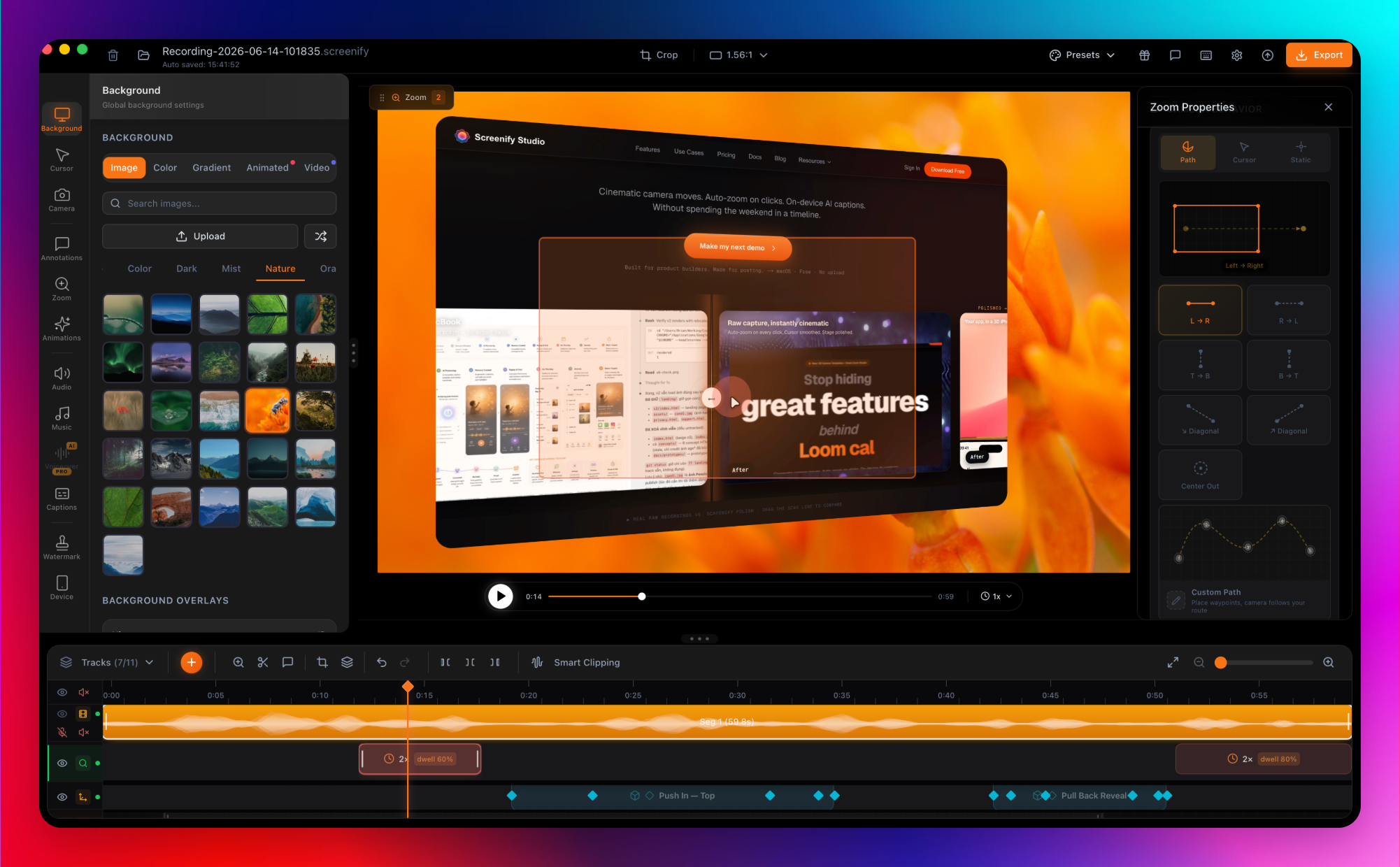
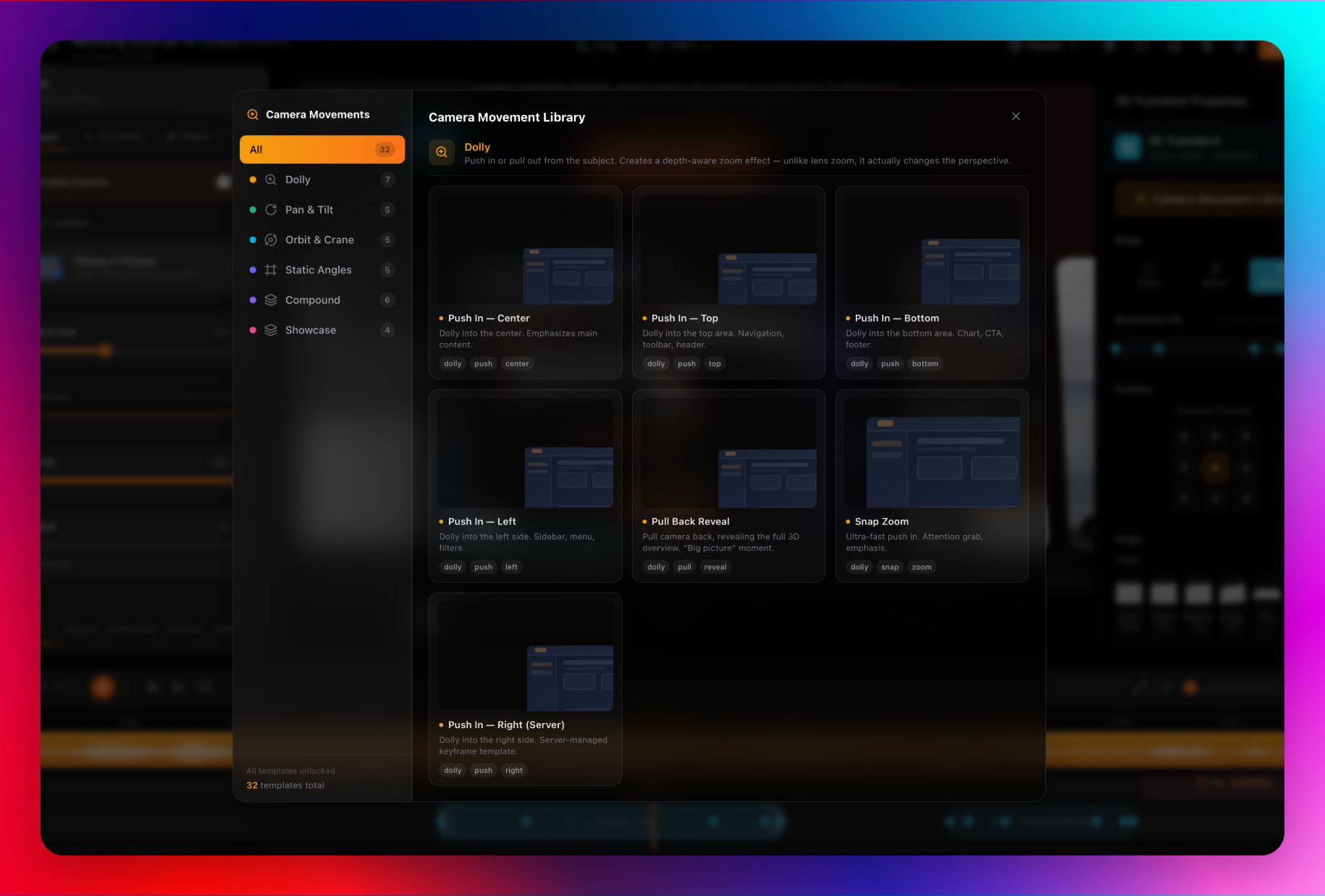
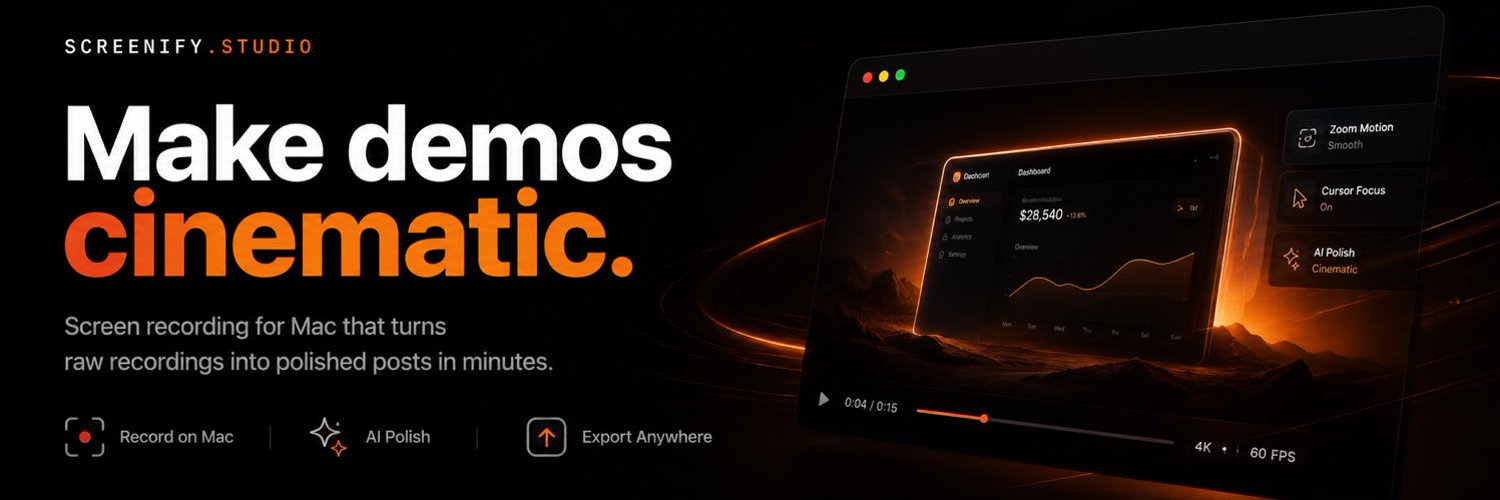
Screenify Studio turns rough screen recordings into polished product demos on Mac — without the editing tax. Recording takes five minutes; making it look good usually takes forty-five. Screenify closes that gap. Point it at any URL, describe the demo in plain English, and an AI drives a real browser to record it, then adds cinematic 3D camera moves,…
Read full description
Screenify Studio turns rough screen recordings into polished product demos on Mac — without the editing tax. Recording takes five minutes; making it look good usually takes forty-five. Screenify closes that gap. Point it at any URL, describe the demo in plain English, and an AI drives a real browser to record it, then adds cinematic 3D camera moves, spotlights, and callouts. Prefer control? A deep multi-track editor with manual zoom keyframes. Stage any recording in a photoreal 3D MacBook, iPhone, or iPad, add on-device AI captions (Whisper) and background removal — nothing uploaded — and export up to 4K, or drive it all from a JSON-speaking CLI an agent like Claude Code can run. Built for indie hackers and technical founders who want their demos to look as good as the product. Free to start; Pro from $19/mo or $149 lifetime.
- Category
- Design & Creative, Productivity, Voice AI Tools
- Available on
- ios, web
- Launched
- September 26, 2026
Reviews
No reviews yet. Be the first to share a useful, honest impression.
Sign in to review this app.
Opt in to release updates in your Rocket inbox. Unfollow here or in Notifications to stop future updates.