

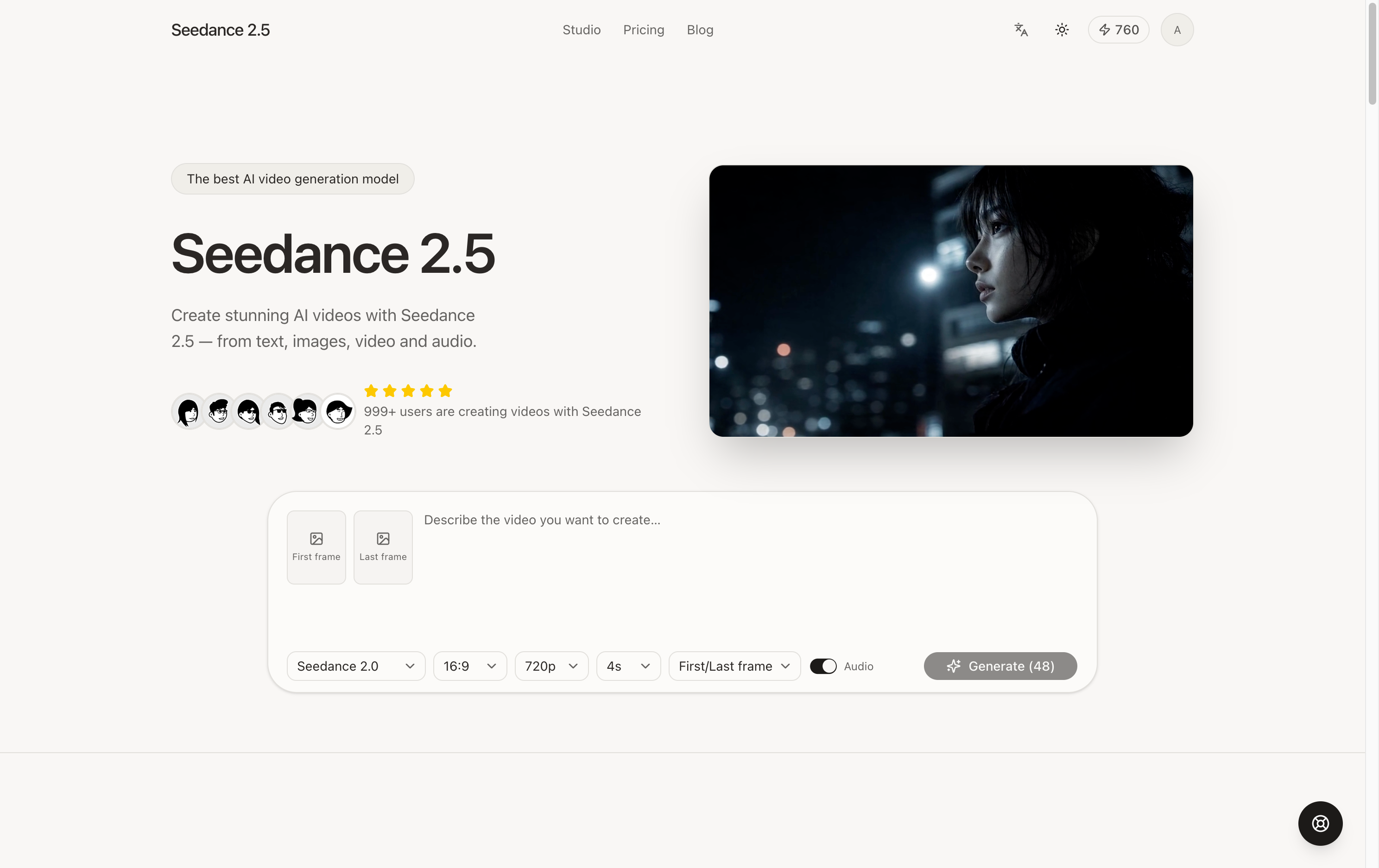
Seedance 2.5
Generate up to 30 seconds of coherent AI video — in a single take.
About
---
Read full description
--- ## What it is Seedance 2.5 is an AI video generator built for creators. Unlike tools where you write a prompt and hope for the best, Seedance 2.5 lets you **create with your own material**. Upload reference images to lock a character, a reference video to lock the camera move, audio to lock the rhythm — the model follows what you give it instead of improvising. Output runs up to **30 seconds in a single coherent take**, with no watermark and a commercial-use license on every paid plan. --- ## Core features ### 🎬 Text-to-video and image-to-video Describe what you want and generate. Or supply a **first frame** and a **last frame** and let the shot travel from A to B. Prompts work in English and Chinese. ### 🧩 Omni-reference — where it really pulls ahead Feed in all three kinds of material at once: | Reference type | Seedance 2.5 | Seedance 2.0 | |---|---|---| | Images | up to **30** | up to 9 | | Videos | up to **10** | up to 3 | | Audio | up to **10** | up to 3 | Reference a **character's look, visual style, scene composition, camera movement, or transition timing**. Seen a camera move you love? Drop the clip in and have it recreated with your own content. Seedance 2.5 can even generate from **audio alone** — beat-matched music videos in one shot. ### 🔊 Built-in sound and score Flip the audio switch and the model generates matching voice, sound effects and background music from your prompt and the visuals — **at no extra cost**. Sound costs the same as silence. ### 🎛 Controls that stay out of the way - **Aspect ratio** — 21:9, 16:9, 4:3, 1:1, 3:4, 9:16; landscape and vertical both covered - **Resolution** — 480p, 720p, 1080p, plus **4K** on Seedance 2.0 - **Duration** — up to **30 seconds** on Seedance 2.5, 4–15s on the 2.0 series - With first/last frames or a reference video, Seedance 2.5 **matches the source aspect ratio automatically** — no manual alignment ### 📚 Your library Every generation lands in your library: live progress, inline playback, one-click download. Don't like a take? **Regenerate it.** Want a tweak? **Adjust the settings and run it again** — your prompt and reference material carry over, so nothing gets retyped. ### 🚫 No watermark · Commercial use · Private Finished videos carry no watermark. Every paid plan includes a commercial-use license. Your content is stored encrypted and is never made public or used for unrelated purposes. ### 🌍 Four languages English, 中文, 한국어, and Русский across the entire interface. --- ## Models | Model | Duration | Resolution | References (img / video / audio) | Best for | |---|---|---|---|---| | **Seedance 2.5** (default) | 4–30s | 480p / 720p / 1080p | 30 / 10 / 10 | Best quality and the longest single take | | **Seedance 2.0** | 4–15s | 480p / 720p / 1080p / **4K** | 9 / 3 / 3 | When you need 4K | | **Seedance 2.0 Fast** | 4–15s | 480p / 720p | 9 / 3 / 3 | Fast iteration on a budget | --- ## Pricing Usage is metered in **credits**, billed by the second of video. **Credits per second** | Model | 480p | 720p | 1080p | 4K | |---|---|---|---|---| | Seedance 2.5 | 12 | 24 | 36 | — | | Seedance 2.0 | 6 | 12 | 30 | 60 | | Seedance 2.0 Fast | 5 | 10 | — | — | - **Without a reference video** — `rate × output seconds`. A 5s clip on 2.5 at 720p costs **120 credits**. - **With a reference video** — billed on the **combined** input + output duration, at a lower rate (16/s for 2.5 at 720p). A 5s output with a 3s reference costs 16 × 8 = **128 credits**. - **Audio is free** — the toggle never changes the price. - **Failed generations are refunded automatically.** **Getting credits** - **Subscriptions** — from Basic at $29.90 for 800 credits/month up to Max at $199.90 for 10,000 credits/month. **Annual billing saves about 50%.** - **Credit packs** — from $39.90 for 1,000 credits up to $3,599.90 for 200,000 credits. **They never expire.** Full tiers on the [pricing page](https://seedance25.site/pricing). --- ## How it works 1. **Describe the shot** — or just upload your reference images, video and audio 2. **Pick a model and settings** — aspect ratio, resolution, duration, sound on or off 3. **Generate** — usually done inside a minute 4. **Download and use it** — no watermark, commercial license included You can write your prompt and upload material before signing in. You'll only need an account when you hit Generate, and nothing you entered is lost. ---
- Category
- Productivity
- Available on
- Not specified
- Launched
- September 16, 2026
Reviews
No reviews yet. Be the first to share a useful, honest impression.
Sign in to review this app.
Opt in to release updates in your Rocket inbox. Unfollow here or in Notifications to stop future updates.