

Signature Maker
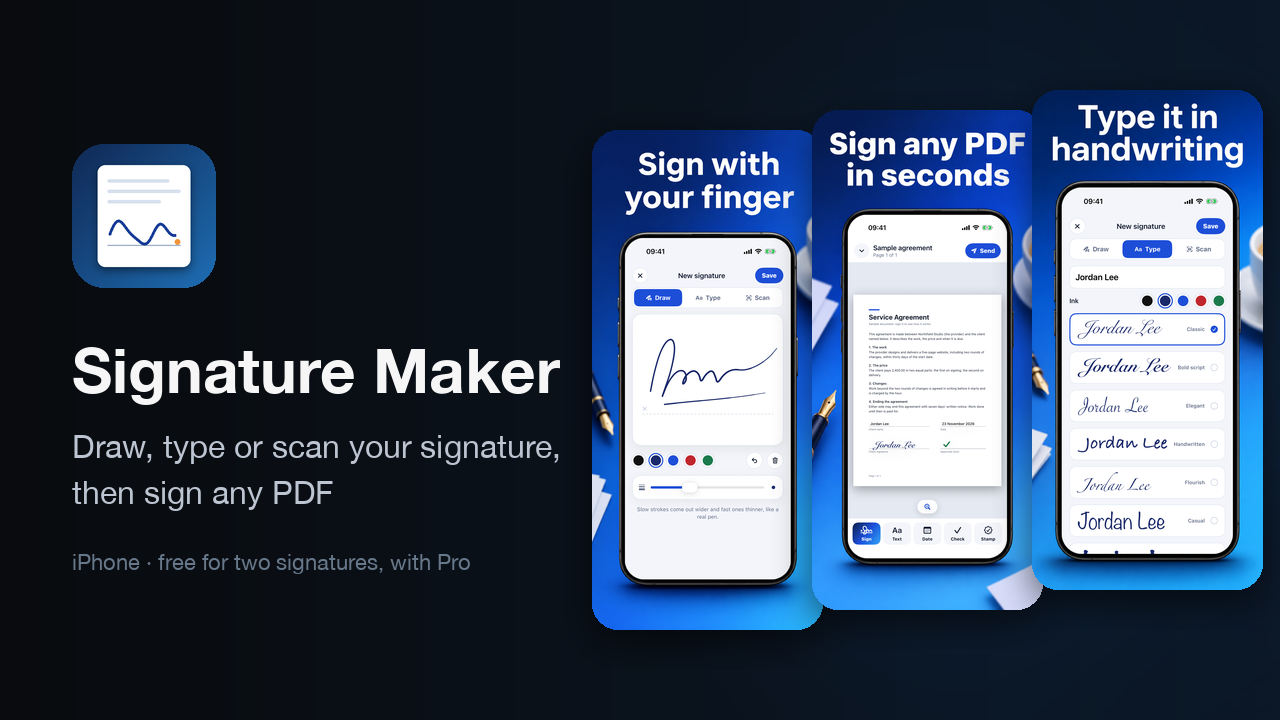
Draw, type or scan your signature, then sign any PDF
About
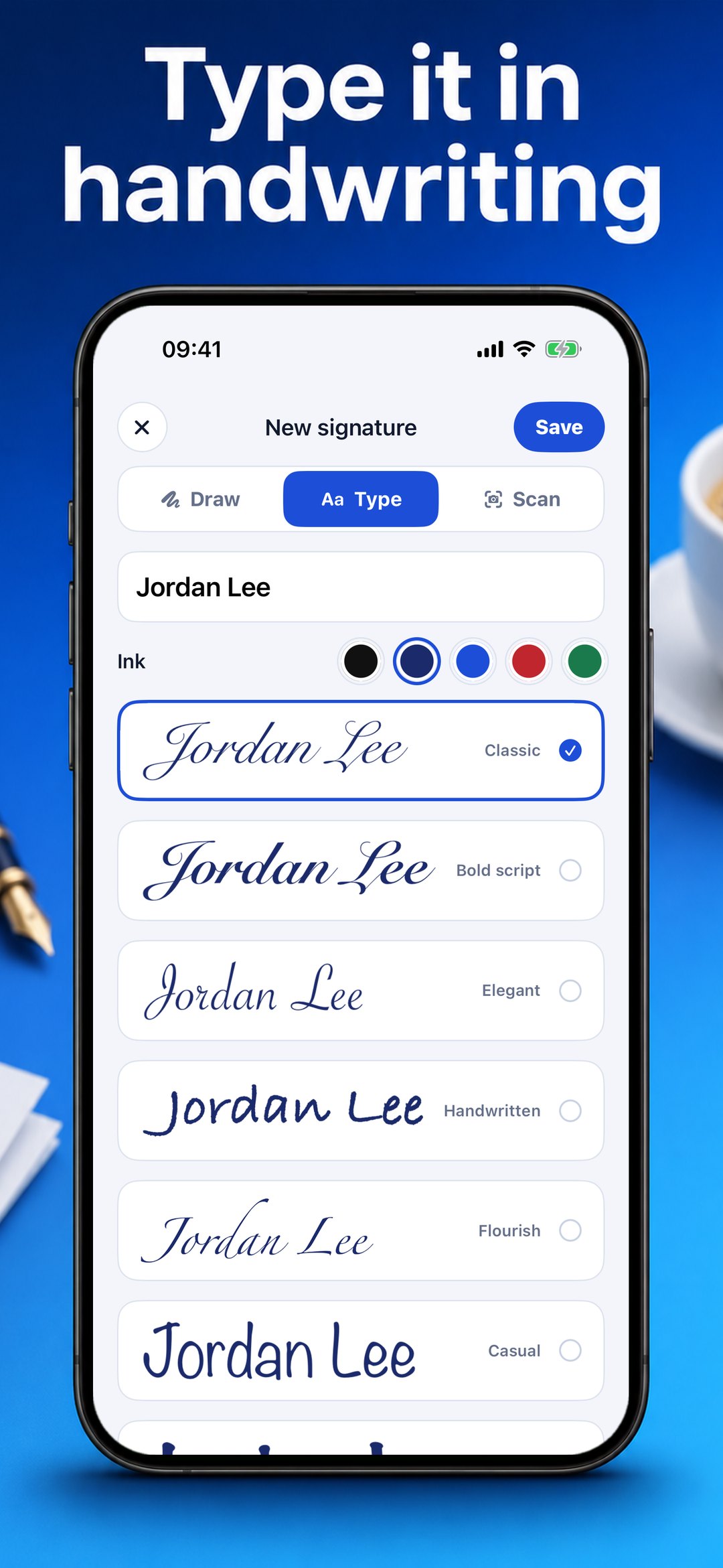
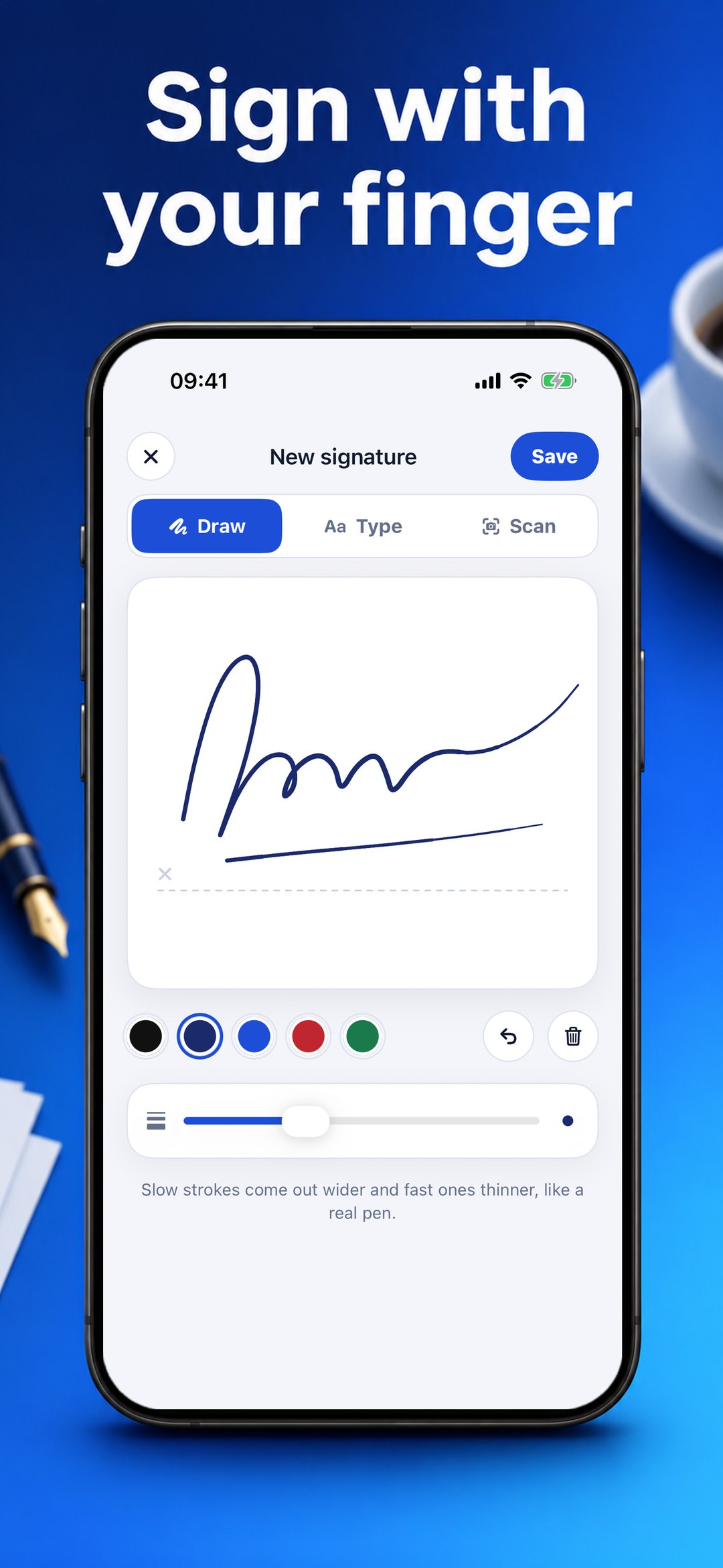
Signature Maker makes a signature once and keeps it ready. Draw it with a finger, with a pen that is wider where the hand is slow and finer where it is fast; type your name in one of eight handwriting styles; or, with Pro, photograph the signature you wrote on paper and keep only the ink.
Read full description
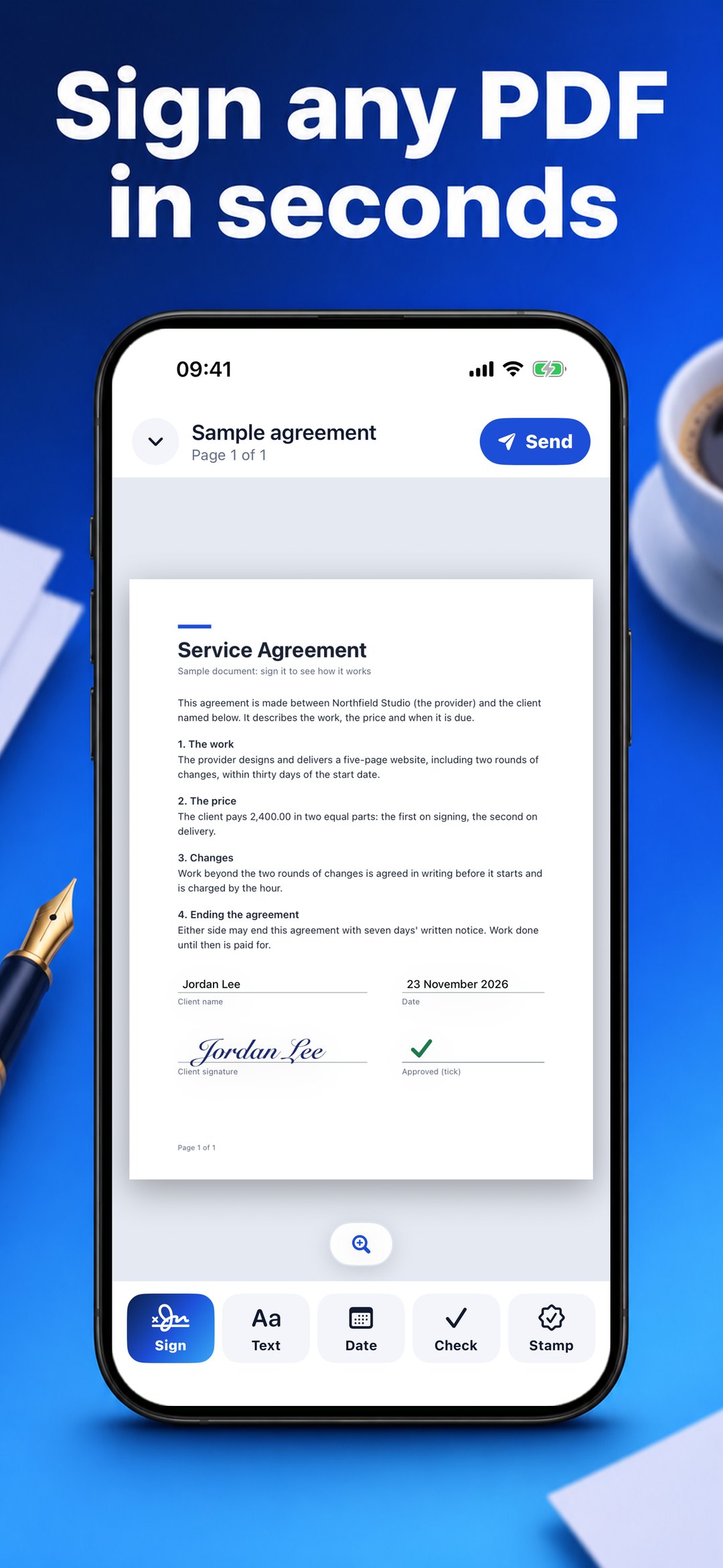
Signature Maker makes a signature once and keeps it ready. Draw it with a finger, with a pen that is wider where the hand is slow and finer where it is fast; type your name in one of eight handwriting styles; or, with Pro, photograph the signature you wrote on paper and keep only the ink. A saved signature can be shared as a picture, see-through or on white, in black, navy, blue, red or green ink. Documents come from Files, from a photo, or from pages scanned with the camera. In a document you place the signature, drag it to its line and size it, and add text, today's date, check marks and stamps such as Approved, Paid or Received. Signature Maker Pro sends the finished PDF: the original text of the page stays text, and the page is sent as it looked on screen. Pro also keeps as many signatures as you like. Free for two signatures shared as pictures. Signature Maker Pro is $19.99 a month or $49.99 once.
- Category
- Productivity
- Available on
- ios
- Launched
- November 28, 2026
Reviews
No reviews yet. Be the first to share a useful, honest impression.
Sign in to review this app.
Opt in to release updates in your Rocket inbox. Unfollow here or in Notifications to stop future updates.
Similar apps
Related by category, tags and platform—not a paid placement.


