

About
SignQuick is the simplest way to scan, sign, and track documents from your iPhone. Whether you are a freelancer sending service agreements, a real estate agent closing a deal on the spot, or a small business managing contracts, SignQuick gets it done in seconds.
Read full description
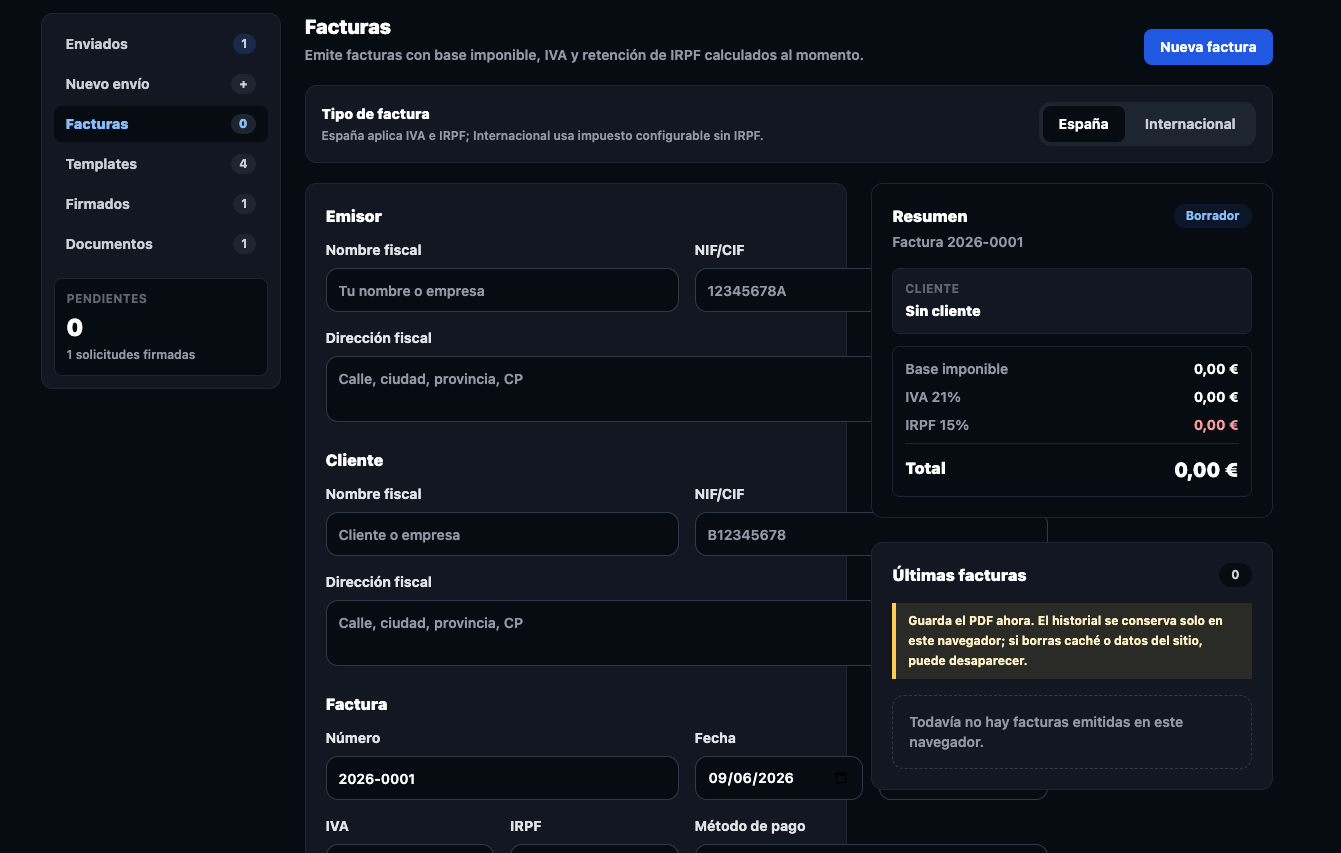
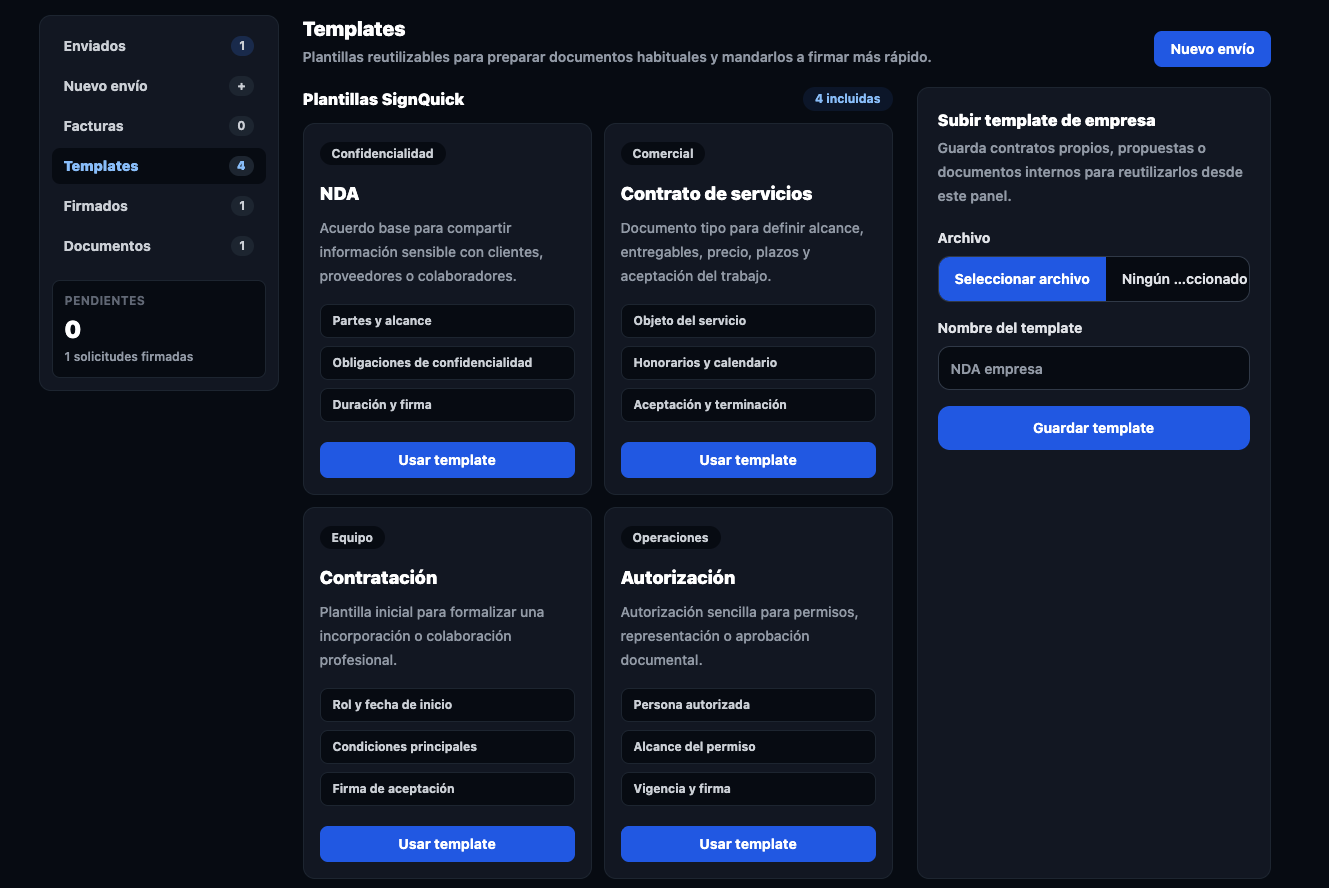
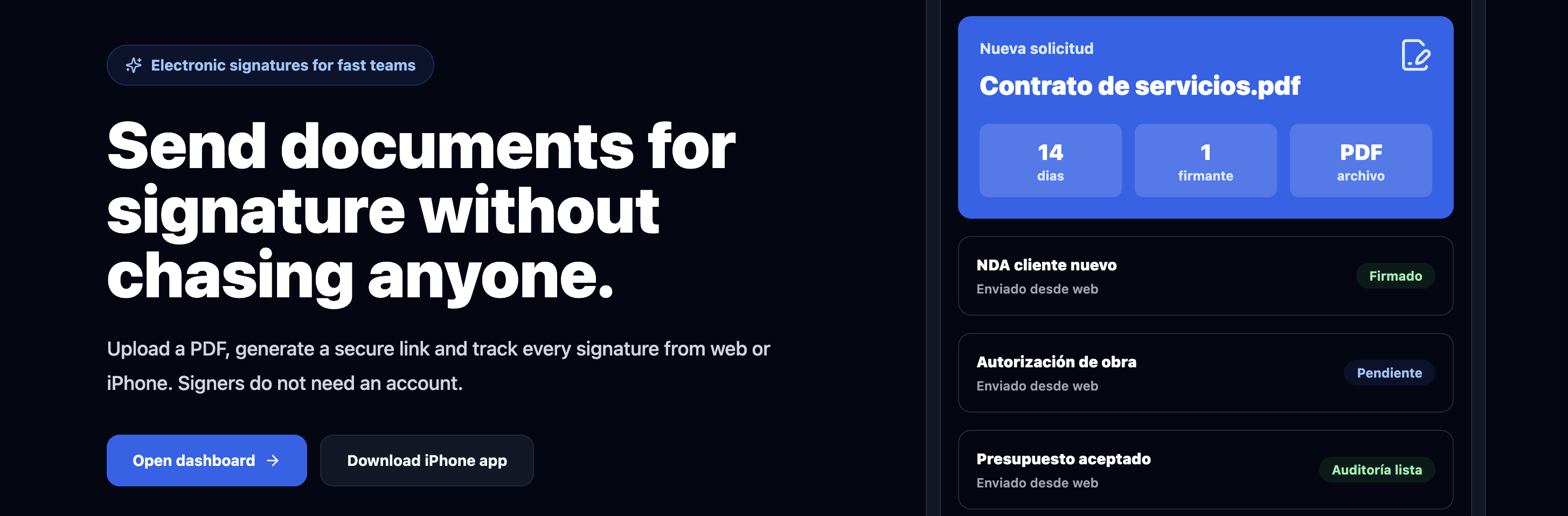
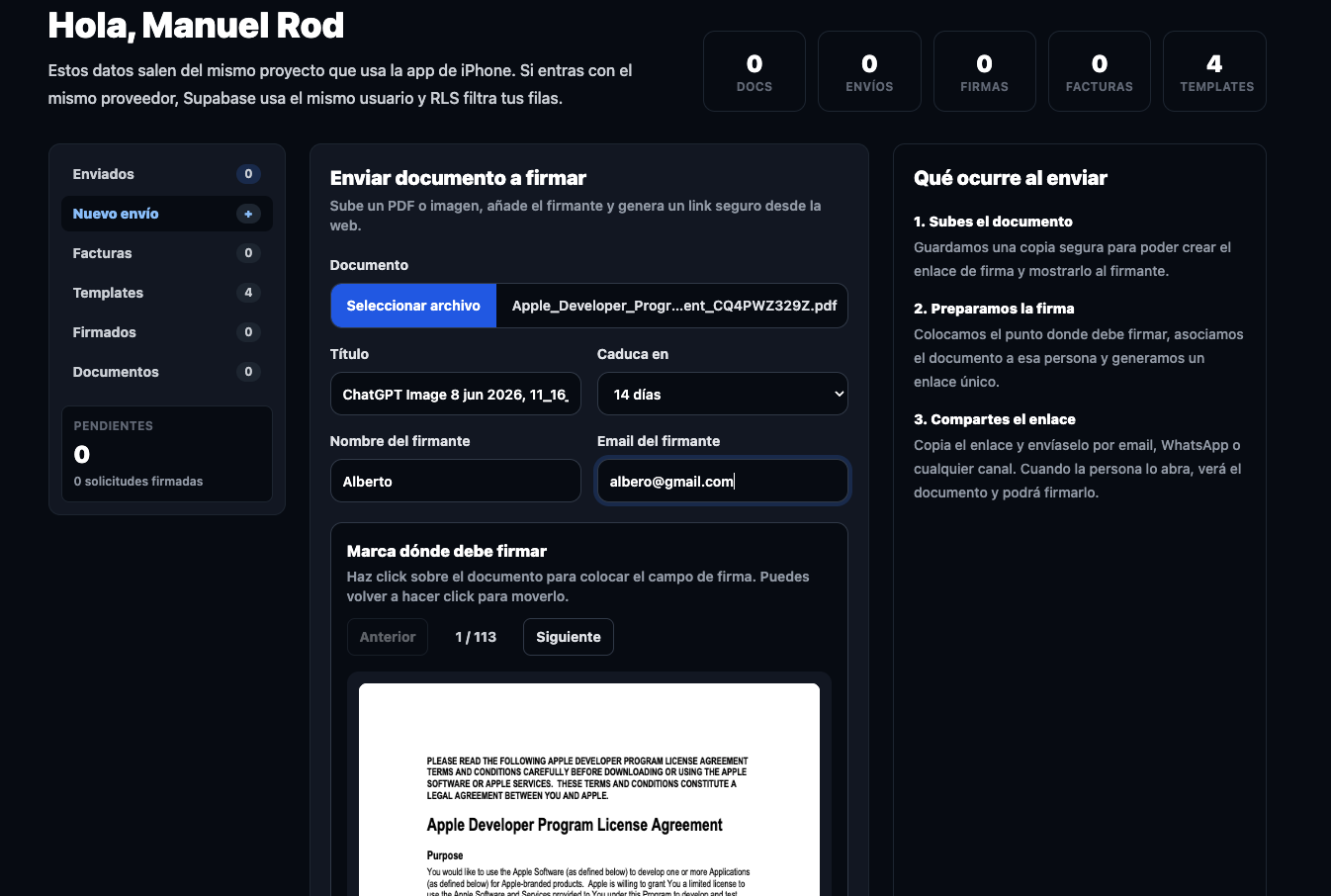
SignQuick is the simplest way to scan, sign, and track documents from your iPhone. Whether you are a freelancer sending service agreements, a real estate agent closing a deal on the spot, or a small business managing contracts, SignQuick gets it done in seconds. The feature that sets SignQuick apart: your clients sign via a secure link in their browser. No app download. No account creation. No friction. They just sign. KEY FEATURES: • Scan any document instantly using your iPhone camera • Sign PDFs with a legally binding electronic signature • Send documents to clients via a secure link — no account needed for signers • Track document status in real time: sent, viewed, signed, or pending • Get notified the moment your document is signed • Download the signed PDF with a full audit trail (timestamp, IP, device) • eIDAS compliant for Europe · ESIGN compliant for the United States • Web dashboard available for managing documents from desktop WHY FREELANCERS AND SMALL BUSINESSES CHOOSE SIGNQUICK: Most signature apps create friction for the person signing. They receive an email, click a link, and are immediately asked to create a free account — before they can even see the document. Half of them give up. SignQuick removes that barrier entirely. Your client receives a link, opens it in any browser, signs with their finger, and is done. PERFECT FOR: Freelancers and agencies, real estate agents, HR teams, consultants, and anyone who sends contracts to clients who don't want to install anything or create accounts. Available on iPhone and iPad. Free to download.
- Category
- Productivity
- Available on
- ios, web
- Launched
- June 9, 2026
Reviews
No reviews yet. Be the first to share a useful, honest impression.
Sign in to review this app.
Opt in to release updates in your Rocket inbox. Unfollow here or in Notifications to stop future updates.