

SYNCDATE
Two-way live Google Calendar sync across multiple accounts. Privacy by default, sync health monitoring, clean rollback. Free forever tier included.
About
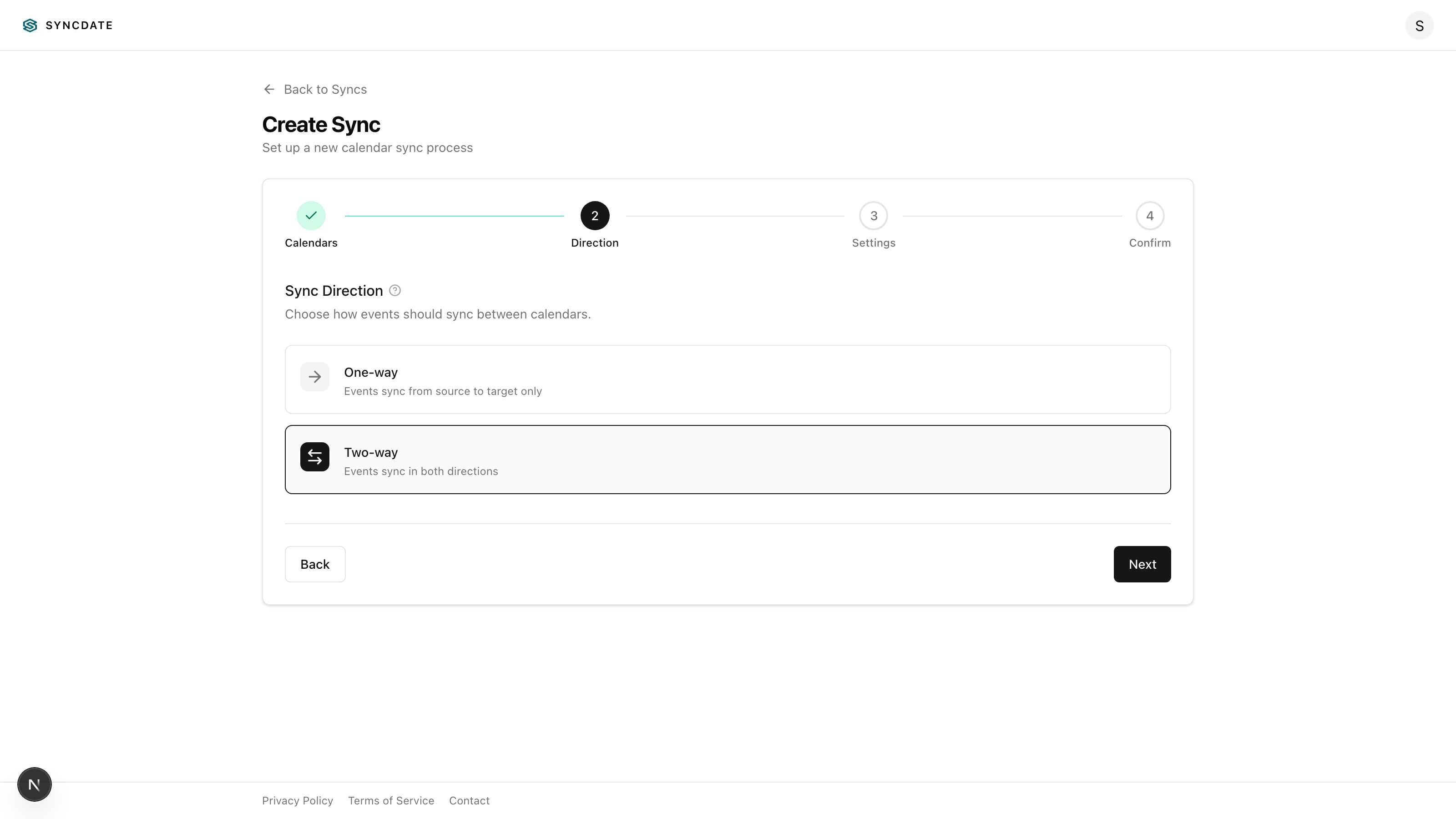
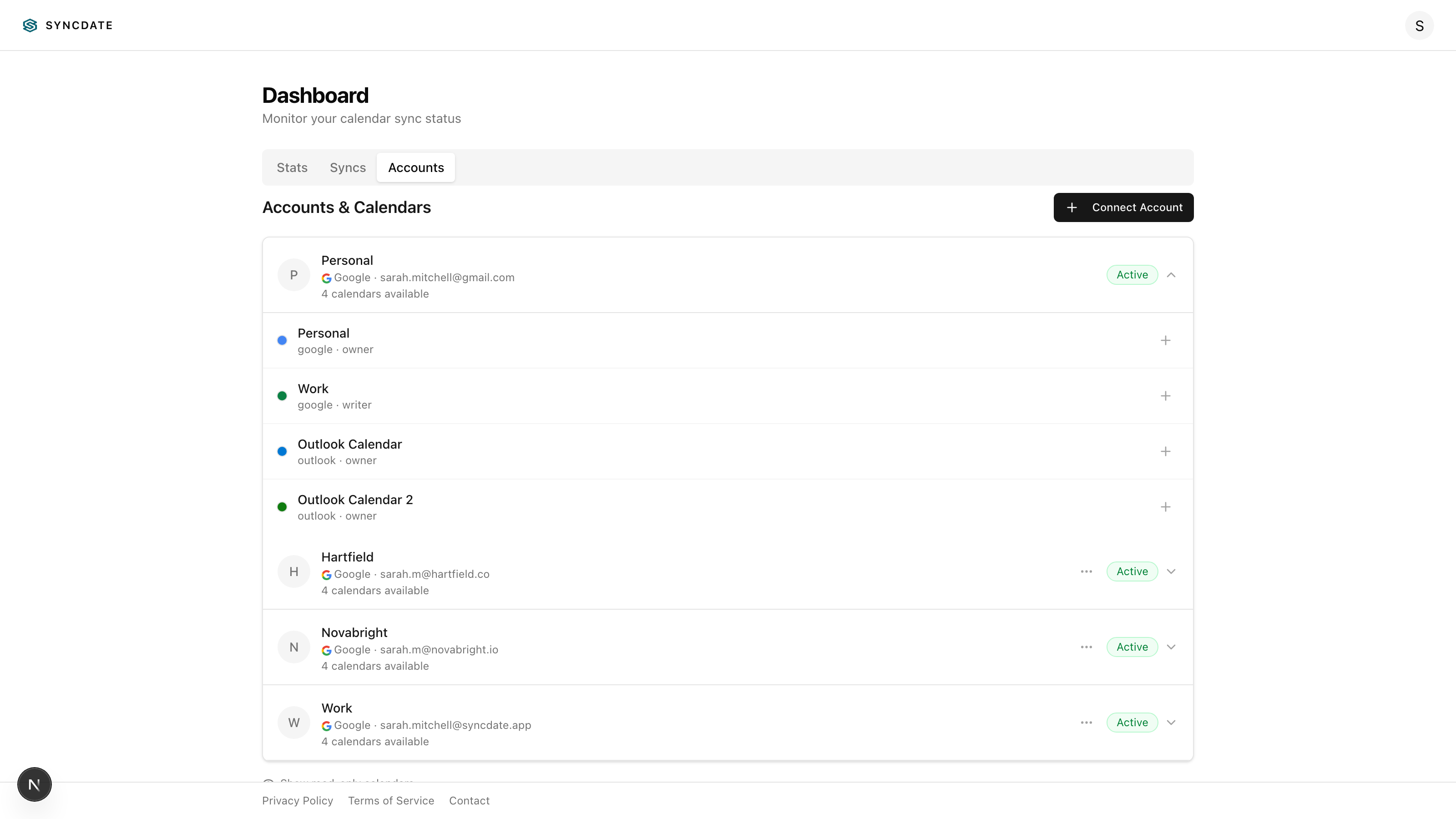
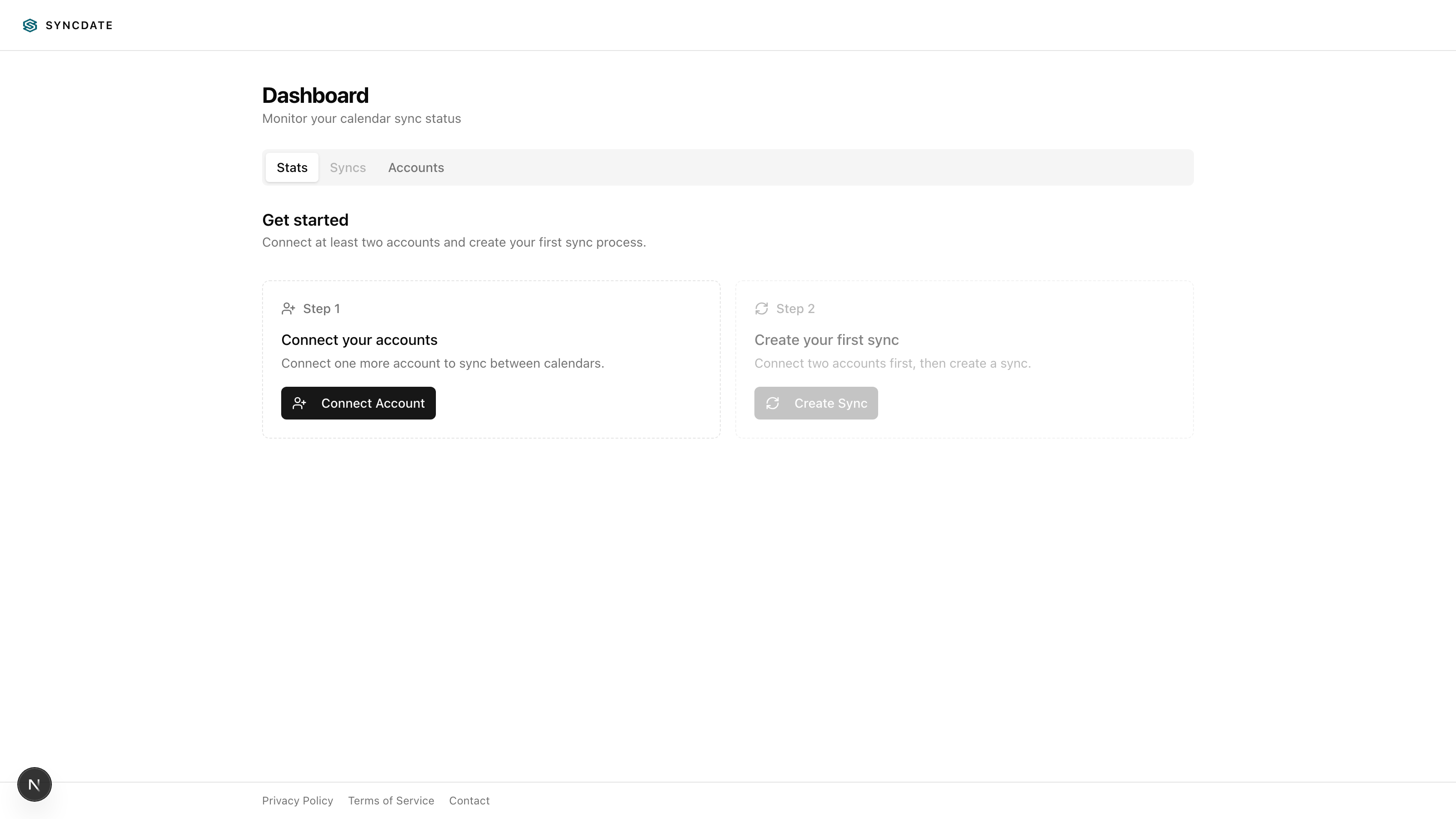
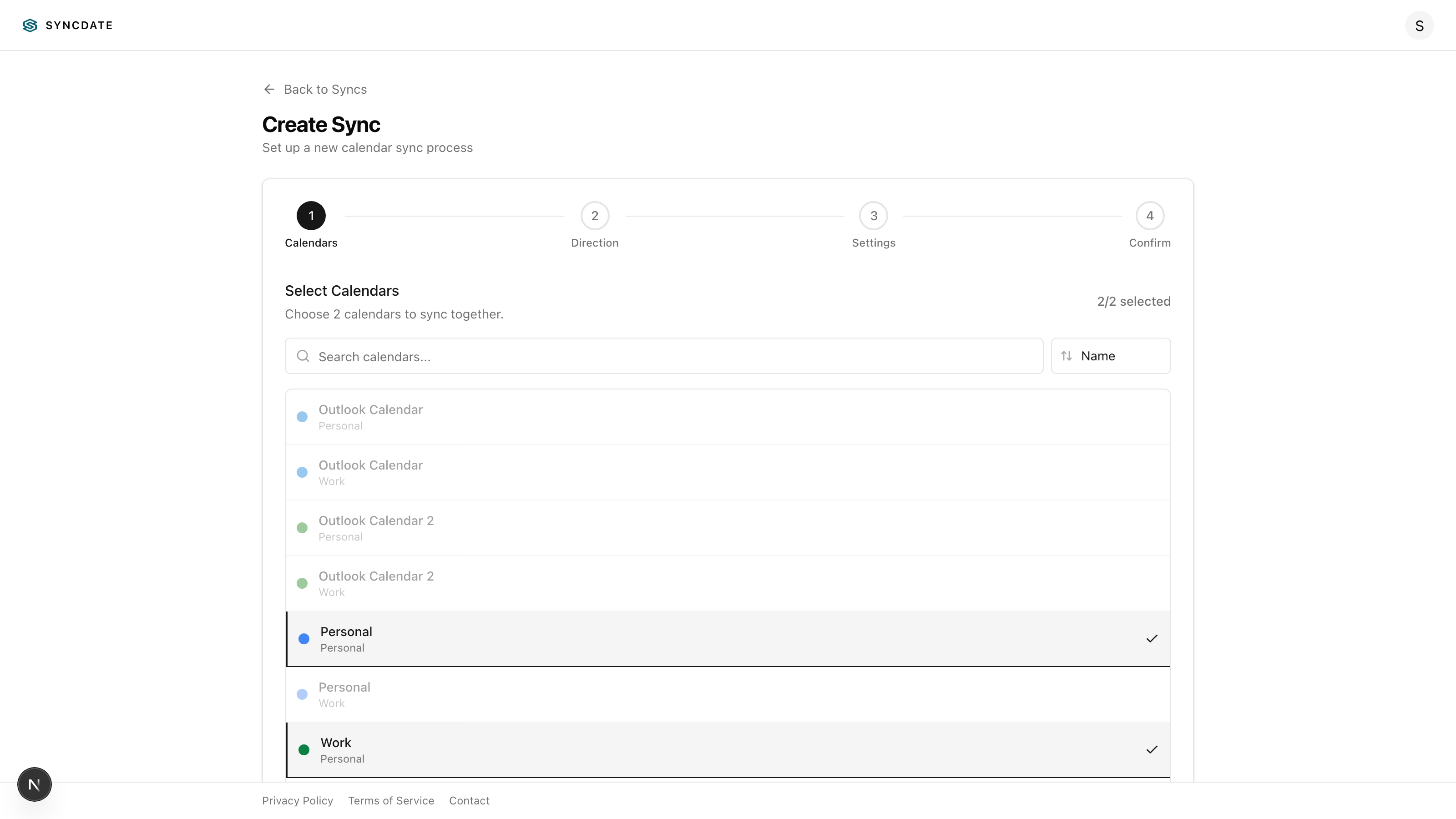
SYNCDATE is a web application for two-way Google Calendar synchronization. Connect multiple Google accounts, select which calendars to sync, choose direction (one-way or two-way), and SYNCDATE keeps events aligned automatically in the background.
Read full description
SYNCDATE is a web application for two-way Google Calendar synchronization. Connect multiple Google accounts, select which calendars to sync, choose direction (one-way or two-way), and SYNCDATE keeps events aligned automatically in the background. Key features: * Multi-account sync — Connect multiple Google accounts and sync events between any of their calendars. * Flexible sync rules — Choose one-way or two-way sync, configure title modes, privacy settings, description copying, and reminder handling per sync process. * Privacy by default — Synced events default to "busy" visibility. Detailed copying is opt-in. * Sync health monitoring — See sync status, freshness, latency, error summaries, and deterministic fix steps from the dashboard. Know in seconds if syncs are healthy. * Clean exit — Delete a sync process and optionally remove all events it created. Reversible and traceable. * Webhook-driven with polling fallback — Events sync within seconds via push notifications, with 15-minute polling as a safety net. * Free forever tier — Sync 2 calendars across 2 accounts at no cost. Paid plans (from $1.99/mo) expand capacity, not safety features. * Recurring event support — Master events with recurrence rules sync correctly across calendars. * Run history and diagnostics — View per-run stats (created/updated/deleted/skipped/errors), and get actionable error context.
- Category
- Productivity
- Available on
- web
- Launched
- February 17, 2026
Reviews
No reviews yet. Be the first to share a useful, honest impression.
Sign in to review this app.
Opt in to release updates in your Rocket inbox. Unfollow here or in Notifications to stop future updates.