

About
VaultSync is a cross-platform backup and snapshot manager built for people who actually care about their data.
Read full description
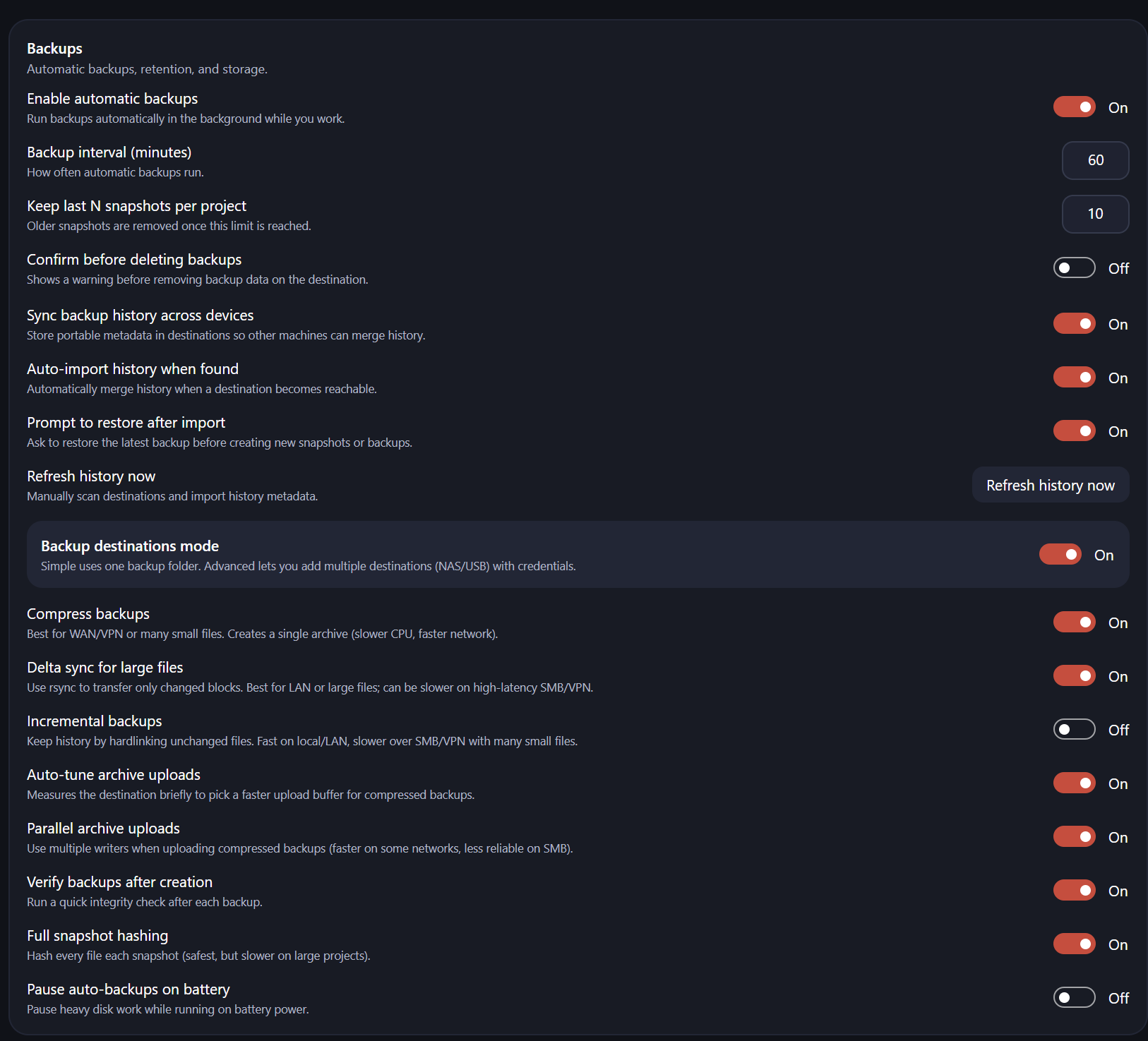
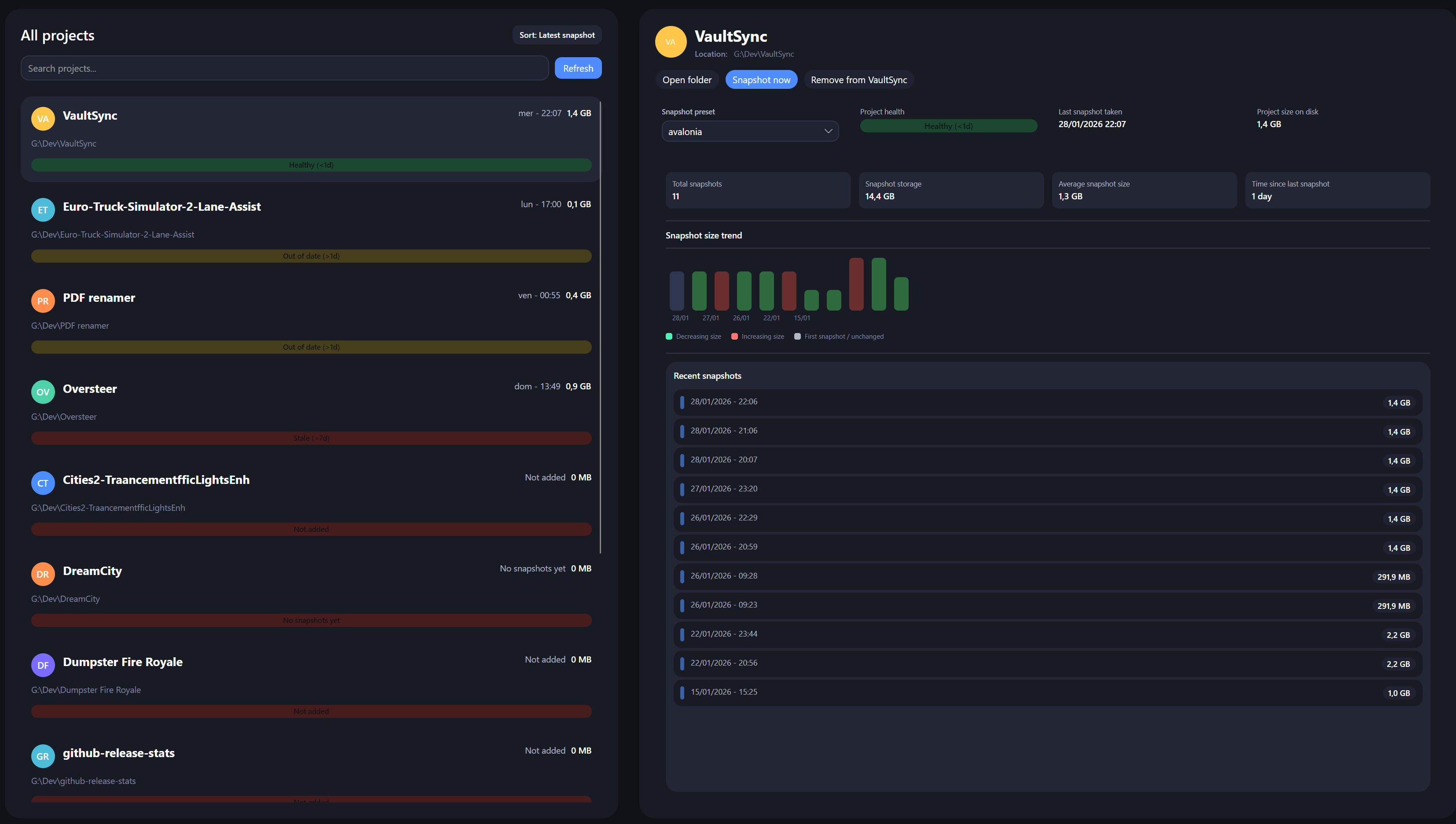
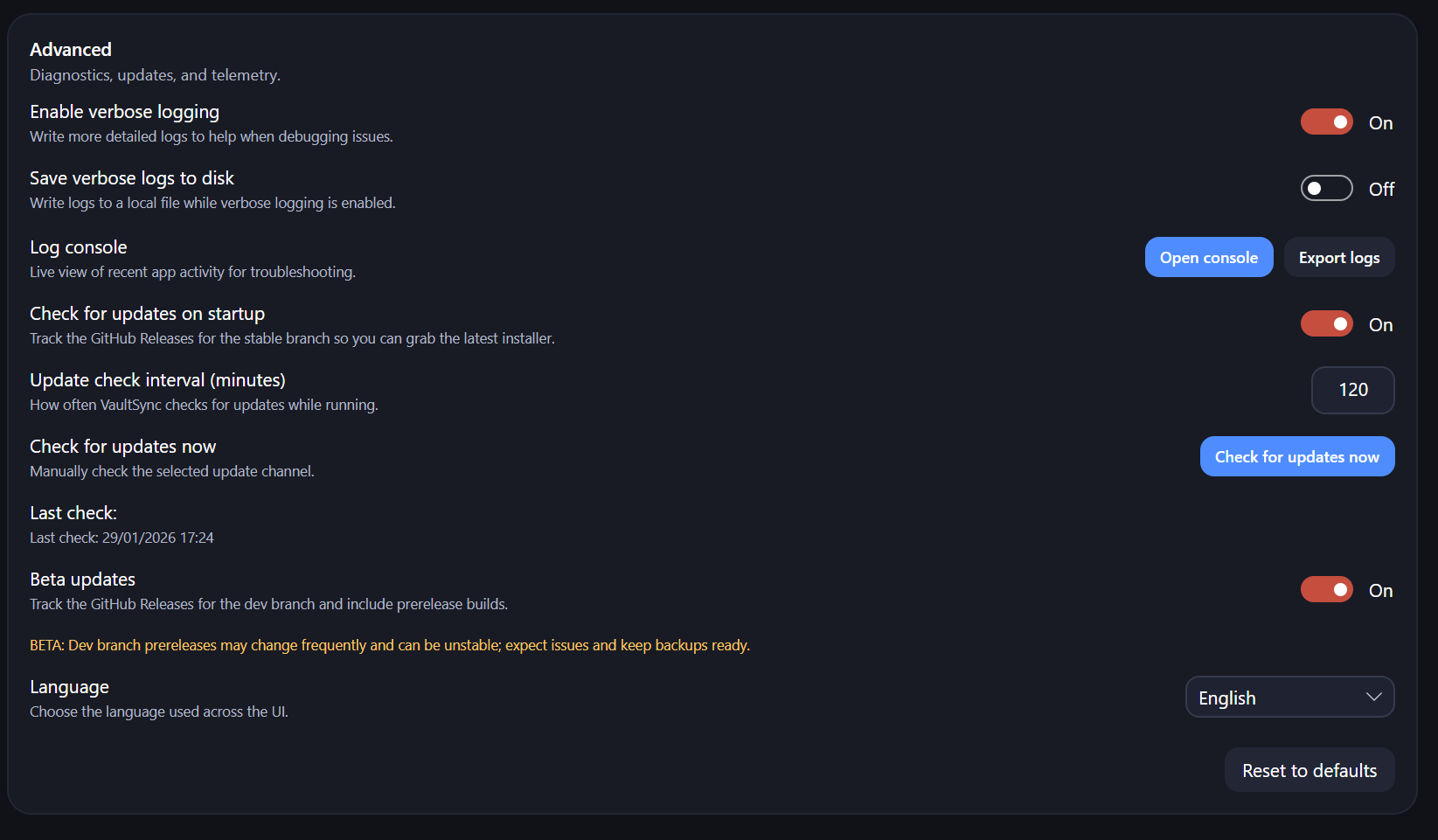
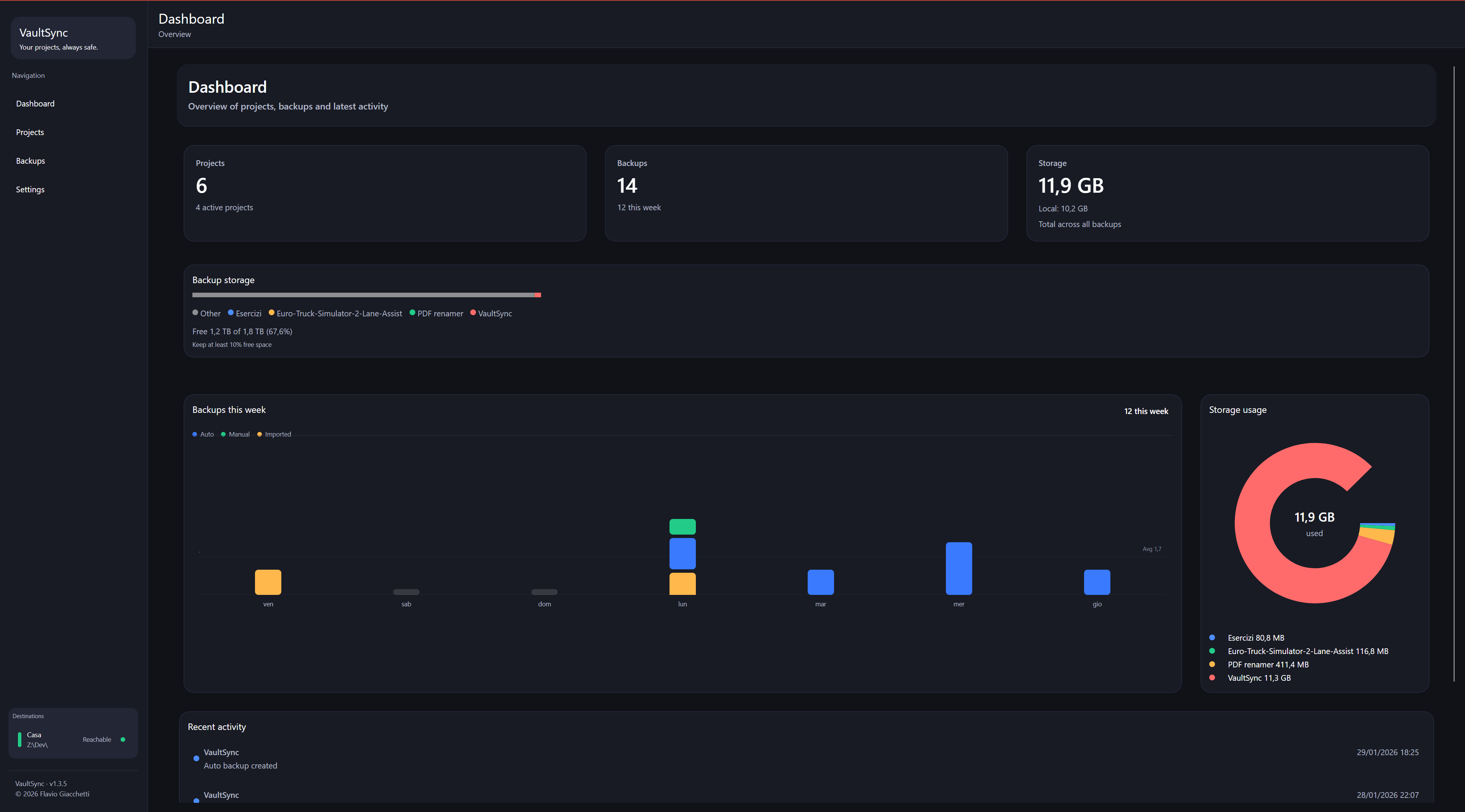
VaultSync is a cross-platform backup and snapshot manager built for people who actually care about their data. It continuously tracks your projects and folders, creating reliable snapshots with full history, integrity checks, and clear visibility into what’s happening — without getting in your way. Whether you’re working locally, across multiple machines, or backing up to a NAS or external drive, VaultSync keeps everything in sync and predictable. Backups can run automatically in the background or on demand, with configurable intervals, retention rules, compression, delta syncing, and verification after creation. VaultSync is network-aware and optimized for real-world setups: local disks, USB drives, NAS, SMB shares, VPNs, and mixed environments all work seamlessly. A built-in metadata system allows backup history to be shared across machines, so you can move between devices without losing context. When a destination becomes available, VaultSync can automatically import existing history and merge it safely — no guessing, no duplicate chaos. The interface focuses on clarity and control. You get a clean dashboard with recent activity, storage usage, health indicators, per-project status, and snapshot trends. Advanced users can fine-tune behavior, monitor logs in real time, manage credentials securely via the system keychain, and switch between stable and beta update channels. VaultSync doesn’t try to be invisible. It tries to be honest — showing you exactly what’s backed up, where it lives, and how healthy it is. Backups you can actually trust.
- Category
- Productivity
- Available on
- Not specified
- Launched
- January 29, 2026
Reviews
No reviews yet. Be the first to share a useful, honest impression.
Sign in to review this app.
Opt in to release updates in your Rocket inbox. Unfollow here or in Notifications to stop future updates.