

About
You open a chat with an AI, stare at the blank box, and realize you have only a vague idea about what to type to get the result you actually want. You guess at details, leave out half the context, and end up editing a response that’s half-right at best. It’s frustrating.
Read full description
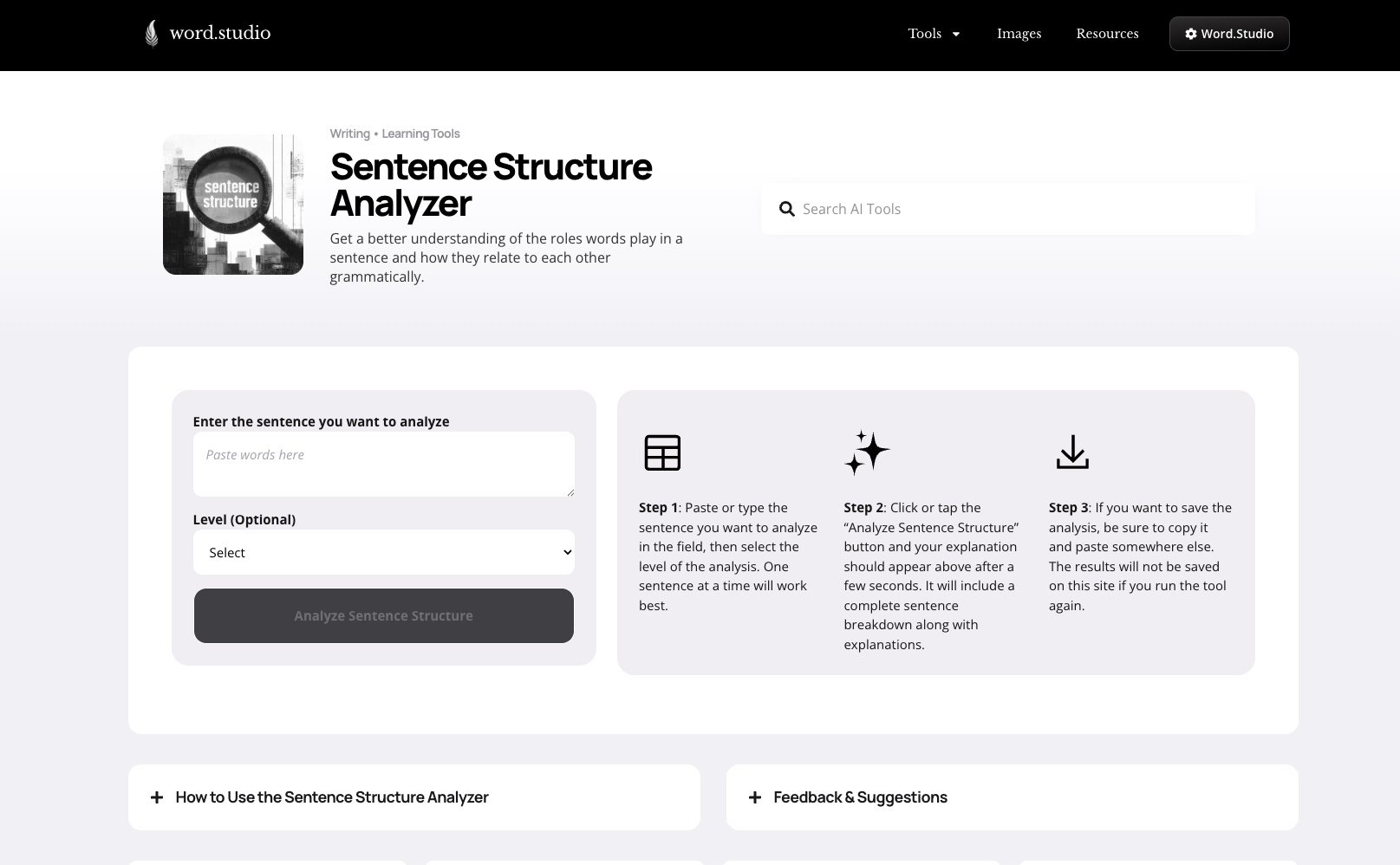
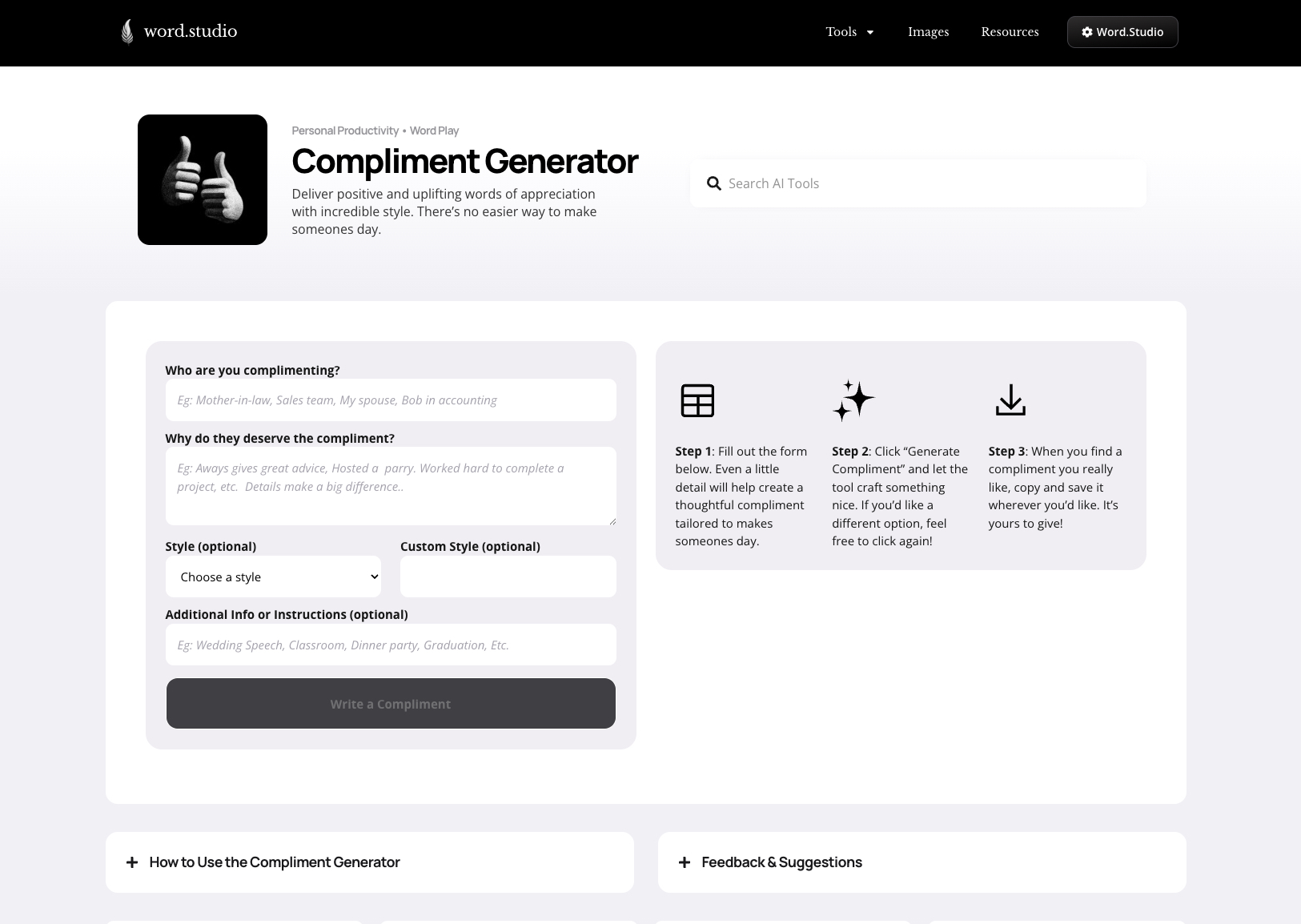
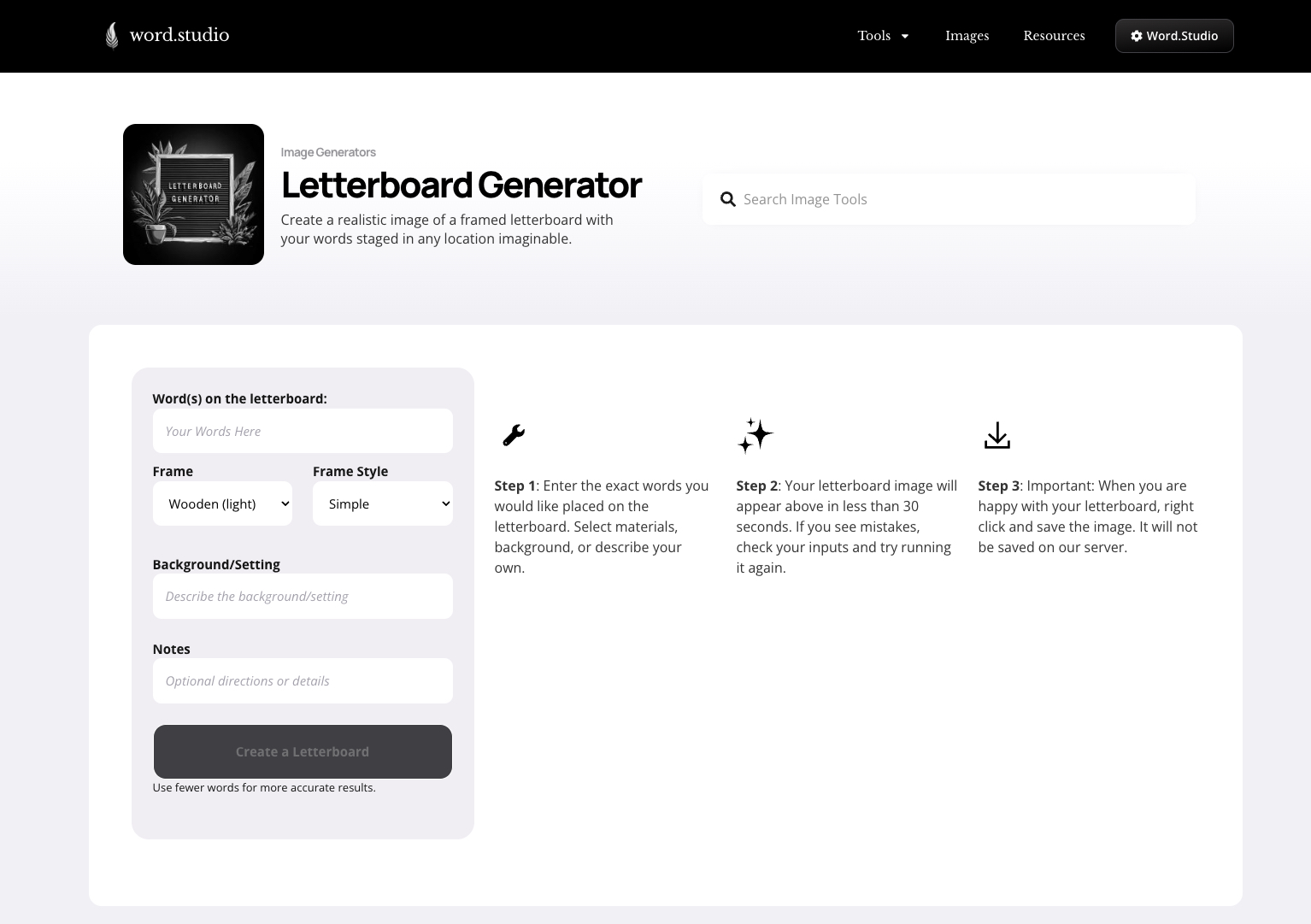
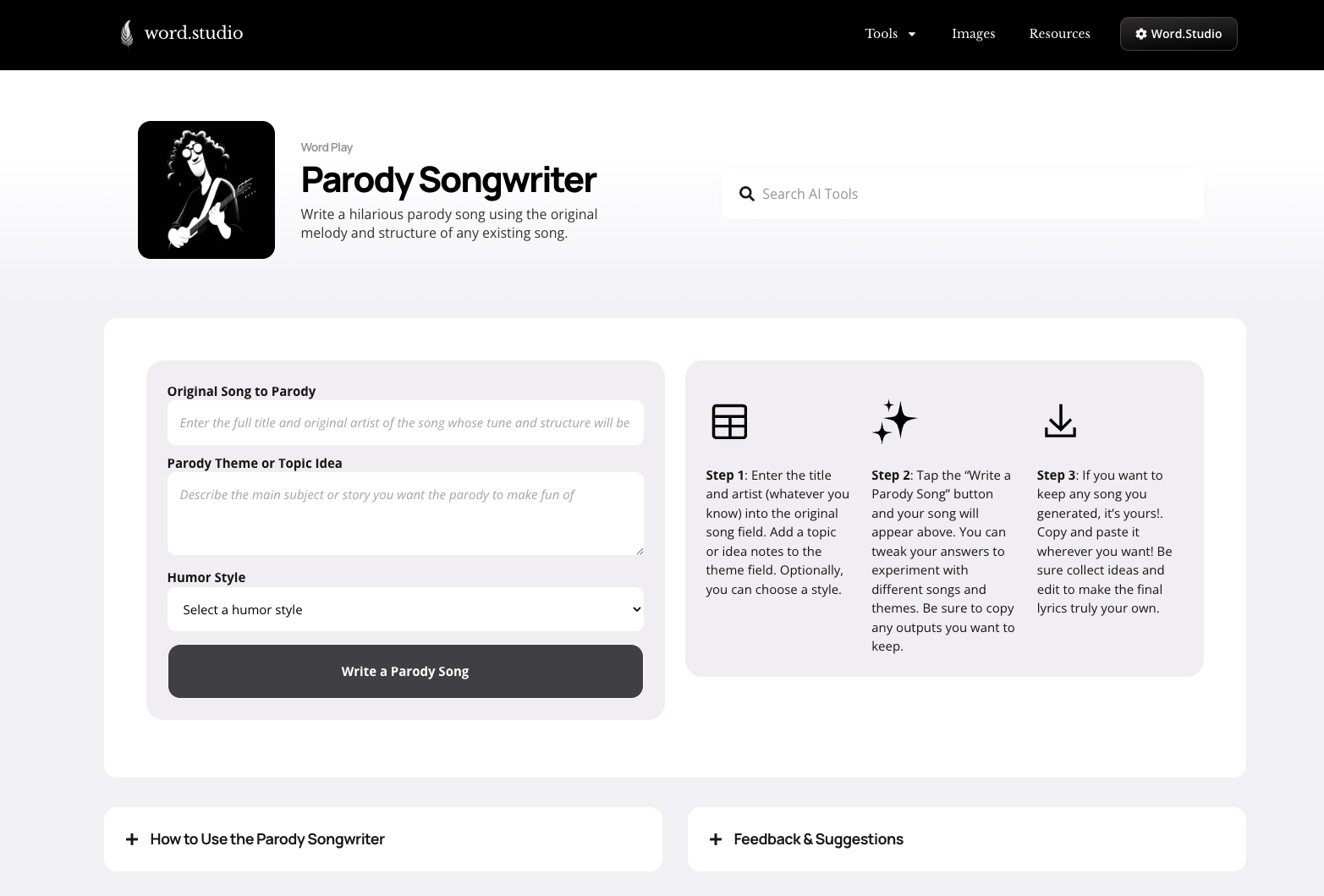
You open a chat with an AI, stare at the blank box, and realize you have only a vague idea about what to type to get the result you actually want. You guess at details, leave out half the context, and end up editing a response that’s half-right at best. It’s frustrating. Word.Studio fixes that. We’ve built more than 150 guided AI tools and templates, organized into about a dozen categories, covering common (and uncommon) things people need: creative brainstorming, writing first drafts, rephrasing text, playing with words, generating images, and more. Instead of an empty chat, each tool gives you a simple form with the exact fields the AI needs, like topic, audience, tone, key points, length, style notes, any restrictions or things to leave out. You fill in what matters, choose from ready-made style presets if you want, and get a strong, tailored first draft right away. No guesswork about how to prompt the AI.
- Category
- Design & Creative, Productivity
- Available on
- web
- Launched
- May 18, 2026
Reviews
No reviews yet. Be the first to share a useful, honest impression.
Sign in to review this app.
Opt in to release updates in your Rocket inbox. Unfollow here or in Notifications to stop future updates.